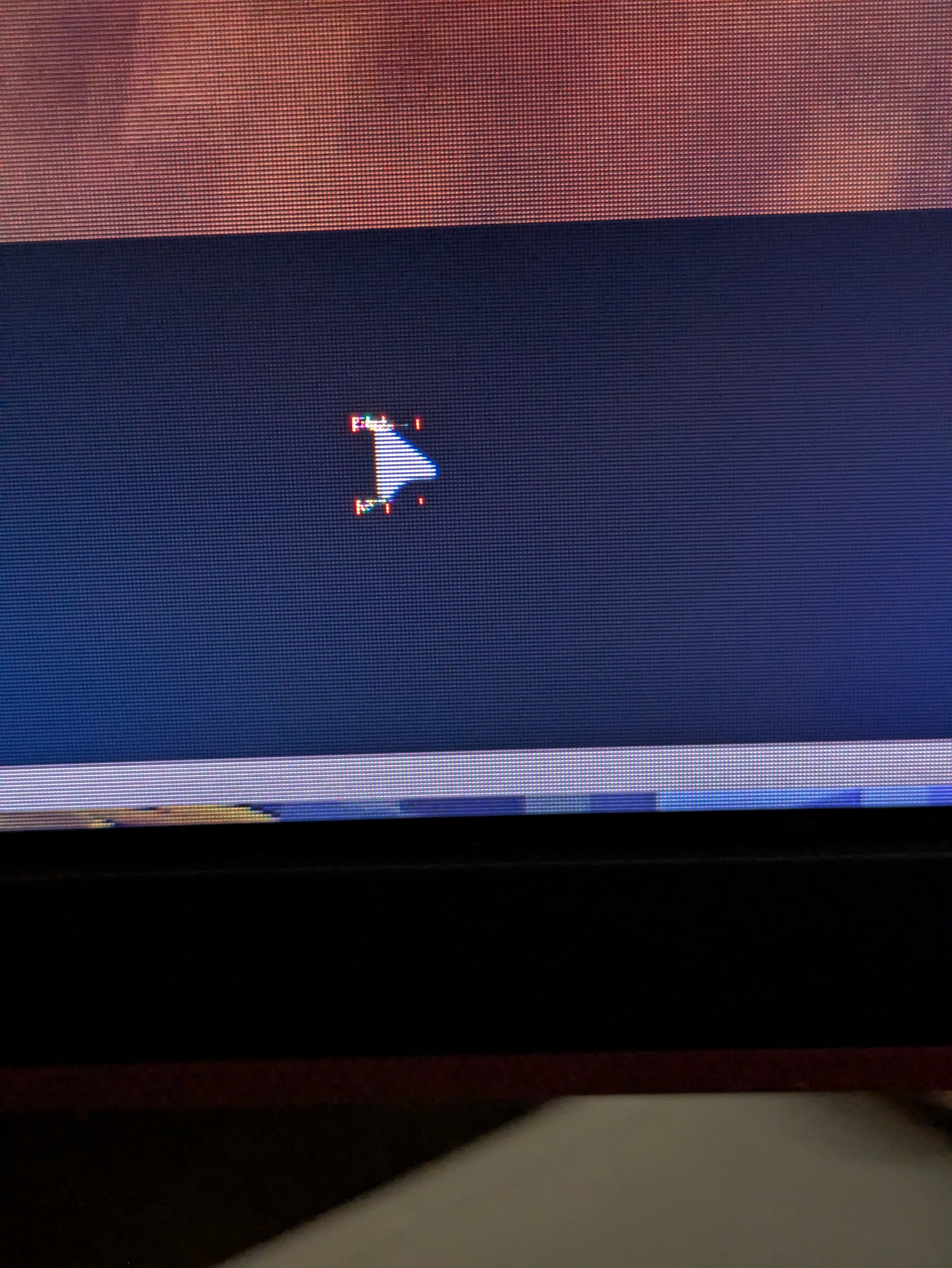
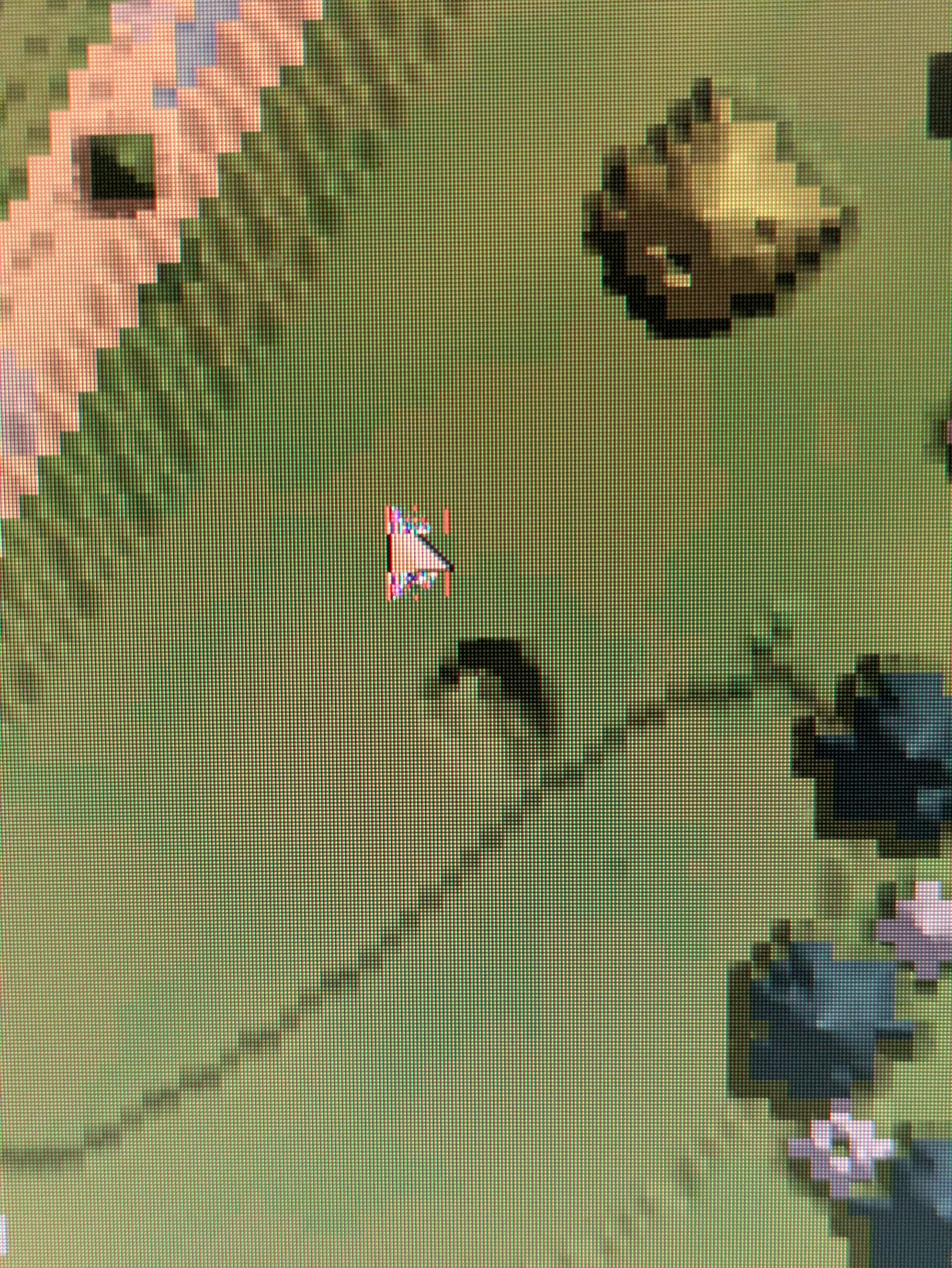
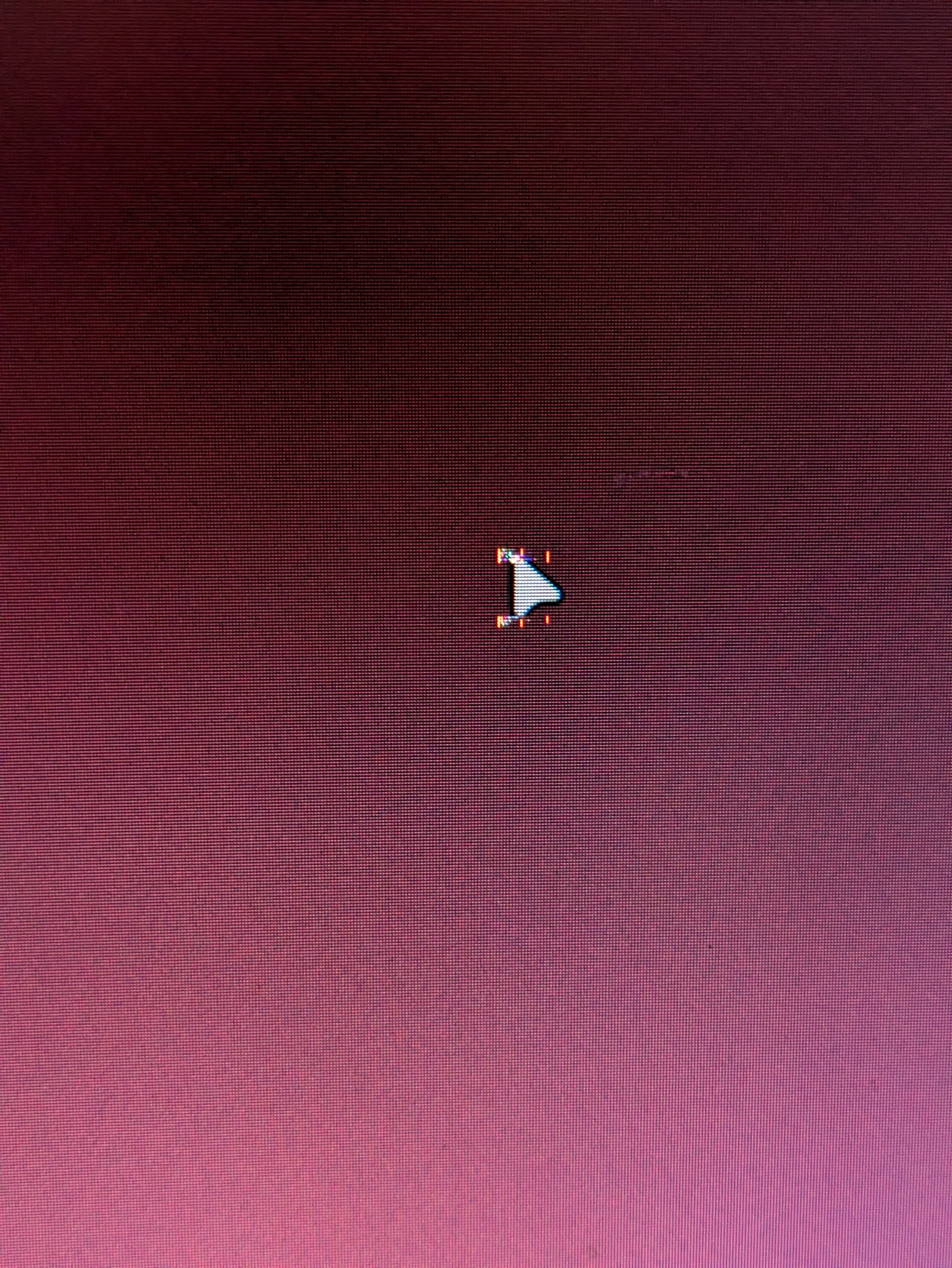
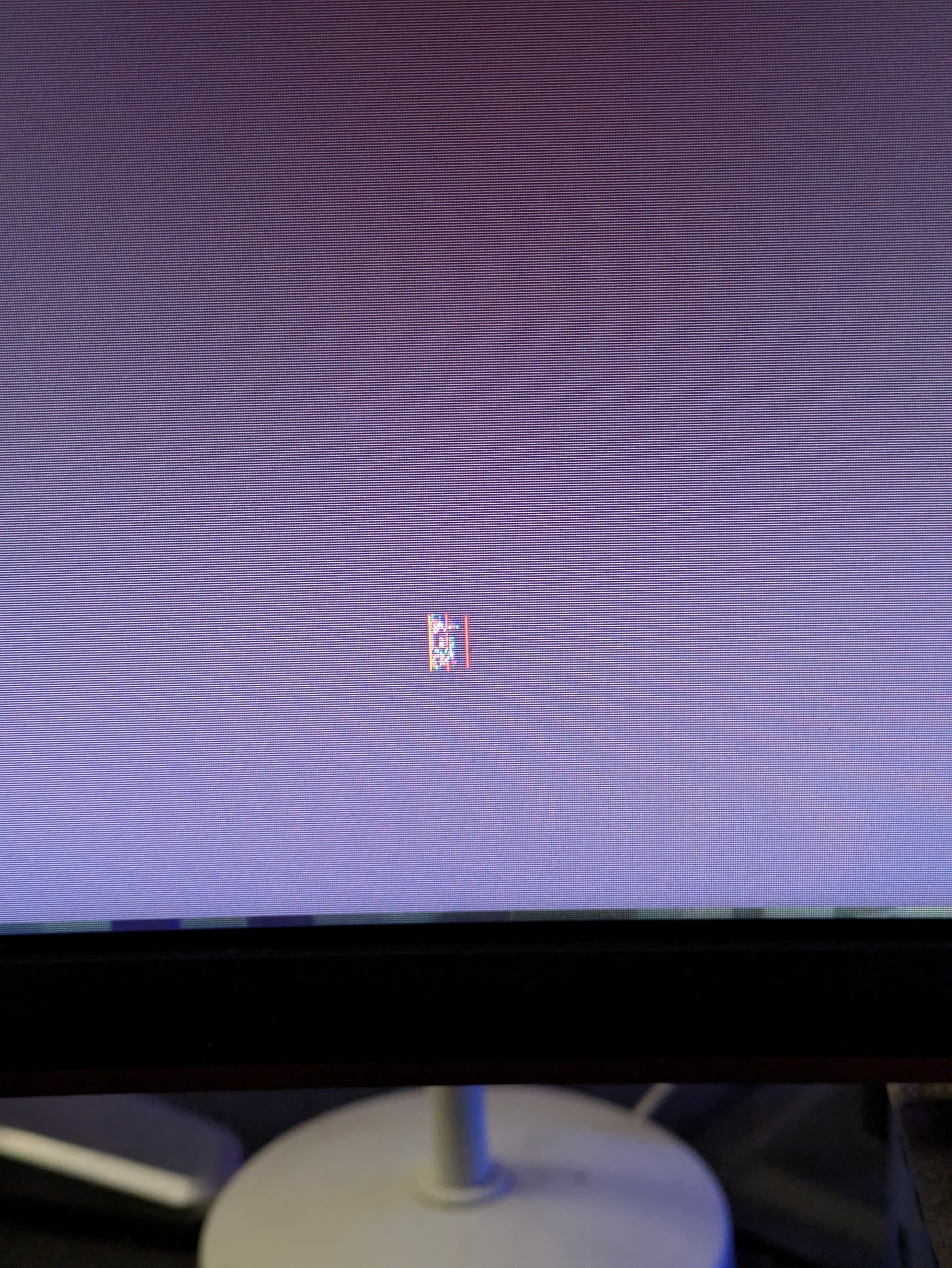
So i’m not sure what I did or when exactly it started, but for a few weeks now my mouse cursor has displayed with some weird artifacting. It happens regardless of what cursor I’m using, but I’m not seeing the same on other Arch KDE systems so I don’t believe it’s a bug, I also couldn’t find anyone with the same issue.
I’ve attached photos and screenshots. The artifacting doesn’t actually show in screenshots, it’s only visible on my monitor with the live cursor. Using spectcle to screenshot, when the screen freezes for region select, the cursor thats frozen is rendered correctly (as it shows in the attached screenshot)
Anyone got any clue why this specifically isn’t rendering properly? I’ve not had any performance nor rendering issues in games.
I’ve included a few different examples with varying backgrounds to better demonstrate the issue
There’s a basic piece of blitter acceleration from time so long ago it’s out of mind called the ‘hardware cursor’ that may not be available or active if you’re on Wayland and not x.org. What hardware are you using and what’s the hardware cursor state for your video card and desktop stack?
This isn’t a concrete answer, I’m sorry it’s not a fix. I don’t honestly know the full detail of the Wayland stack and the list of things that worked in X11 that have yet to be replicated in Wayland. (I hoped to give you a hint to search for yourself, to be honest.)
I think, though, with KDE Plasma and an AMD 9070, it’s not likely to be ‘this feature is not in use yet’ – but the test would be to run X11 instead to test if you see the same issue.
If this were my problem, I’d also want to know which kernel version you’re running, how recent the AMD GPU firmware is and whether you’re running the AMD installer GPU drivers or the in-kernel amdgpu drivers. The test for diagnosing ‘for a few weeks now’ comes back to asking ‘what changed?’
okay so I solved it.
the issue was caused while I was trying to fix another issue
still not sure what fixed that, but one of the steps I tried while troubleshooting was setting export LIBVA_DRIVER_NAME=radeonsi export VDPAU_DRIVER=va_gl
in my shell, but that was in turn causing the cursor issue and weird black flickering on the screen.