I’ve been PC gaming and building my own computers for 13 years, had an entry level IT job where I got to work on an on prem DC and active directory for a couple years. I was never able to run linux as a daily driver though.
This summer I started tinkering with LLMs and found they make Linux easily usable even for me!
I got excited enough about using Linux and learning about it with the LLM that I decided to just enroll in school. I went from “I’ll never be able to do that” to “Damn… maybe I CAN do that!” in 3 weeks of fumbling about with an LLM.
I say all of that to give you a better idea as to why I chose my first distro: POP!_OS. (braces for thrown fruit)
I chose it because my daily driver laptop has a 3060 in it, and I heard that other distros can struggle with NVIDIA or just not work. Then I heard through the grapevine that POP! has somewhat of a negative reputation in the linux community? In the LTT Linux Challenge videos a few months ago, I learned that my desktop environment (COSMIC) is still technically in Beta?
**********
My inquiry:
So I’m looking for some honest human feedback on what I should consider using instead of POP as a security student. My classes are through my local institution but they use Red Hat Enterprise Linux’s online classes. I have an instance of Alma running on my Proxmox server so that I can practice in an environment that is basically the same as what the instructor uses, but I it does seem a little clunkier than POP. (Proxmox is something else I never would’ve figured out without an LLM tbh but it is AMAZING!)
If security is your jam, consider OpenBSD. It’s not Linux, it’s a more pure Unix variant with highly regarded security features.
Should you want to learn Linux inside-out, build it from scratch (Linux from scratch is an actual distro), source-based distro’s like Slackware are around for decades. Also, Debian. Package based but their stable branch is just that: very stable. And starting point for many other distro’s like Ubuntu.
Look around, the best thing of open source software is that it’s free, and you are free to choose and switch if something doesn’t meet your expectations
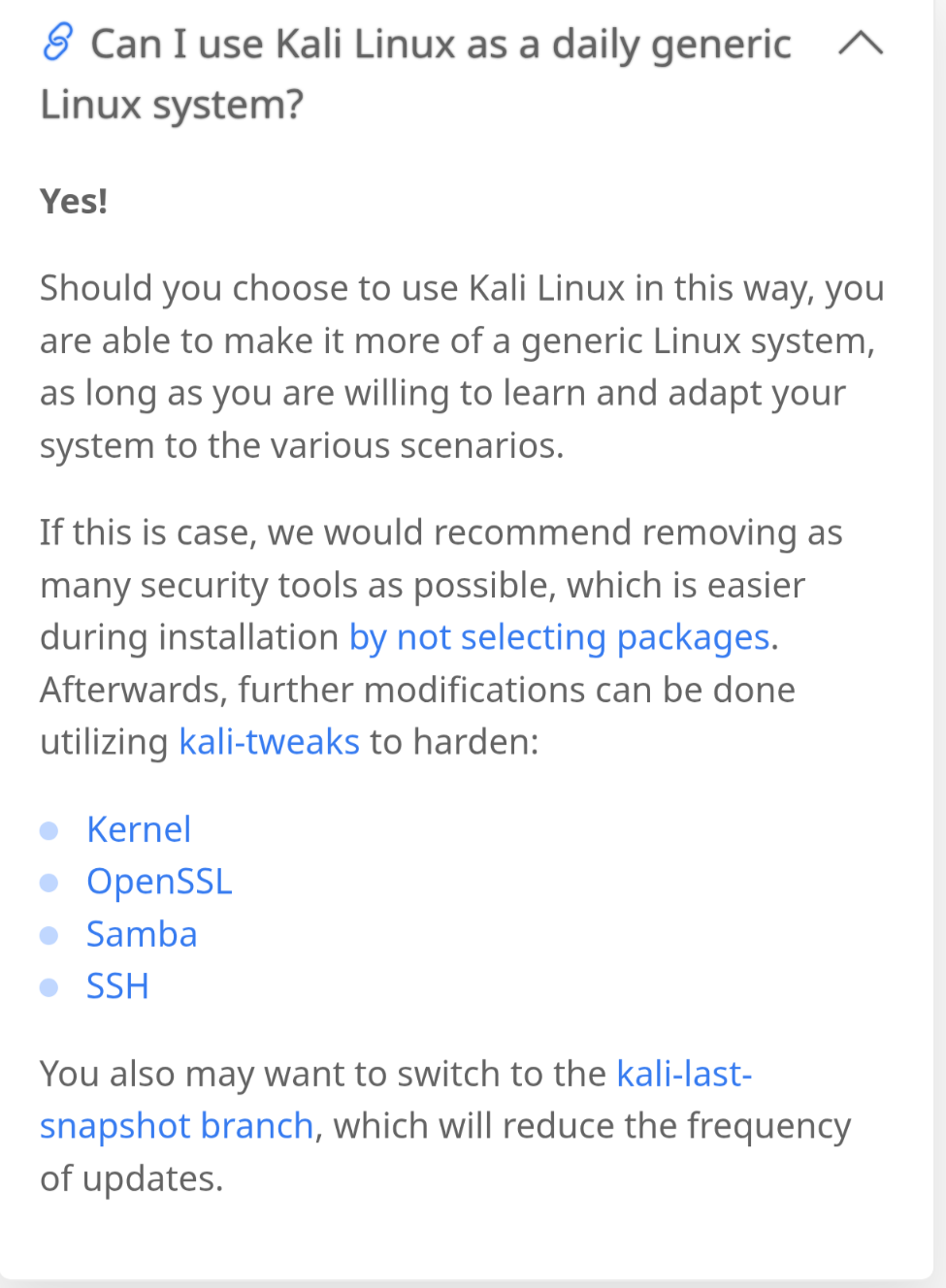
Are you planning to use the PC also for regular use? Kali is based on Debian UNSTABLE. Kali website makes it very clear, that it is not suitable for normal use outside the security testing. I realize, some people may use it regardless. But that is what Kali maintainers recommend…..
Pop is based on Ubuntu 24.04 with a buggy DE. I bet any modern distro that is based on Fedora (much newer!) or newer that comes with Nvidia drivers will be much better. On Fedora itself, you have to add Nvidia yourself. But I don’t see why PopOS should work better.
Arch-based can be more troublesome, but if you are technically inclined, also is modern enough.
I’ll throw the Gentoo hat in the ring here too. Its package manager, portage, automates building from source (you can use binary package hosts if you don’t have the hardware to compile though). Like Debian, its stable branch is extremely slow (in terms of updates) and stable.
Since I use mine for gaming, I roll with the kernel (using linux-tkg scripting) on the very latest, and stuff like mesa and steam on the rolling-release branches, and I have a bunch of 32-bit libraries installed so Steam will work. Gentoo also offers hardened profiles and no-multilib ones, meaning it uses 64-bit only (less library repeats less potential attack surface) if you wanted to get paranoid about security.
I’ve learned a lot more about how Linux actually works and what makes it tick since moving to Gentoo, without having to be quite as insane as using Linux from Scratch or similar.
Isn’t Kali focused on pentesting, not being an actual daily OS? I frankly haven’t touched it much because I don’t do pentesting and I’ve heard it’s meh for that anyways.
CachyOS is very nice and handles nvidia drivers perfectly (I ran it for a bit on a 7950X/dual 5060 Ti machine at work). It just runs into issues with some local LLM bits as it’s a rolling-release distro and vLLM and some other softwares pin maximum versions of dependencies, not just minimums.
If you want an OS that “just works” but isn’t rolling-release like arch, then I’d say to look at MX Linux. It’s what I put on computers for family/coworkers who just need a machine that works and don’t know what the command line is (it’s there and I use it to set the machines up, but MX Linux offers nice simple GUI apps for stuff like installing applications and running updates, so it’s great for newbies). It’s based on Debian, so you get a slow-and-safe release cycle without the tomfoolery of Ubuntu versions.
If you want to simply install apps (barring flatpaks and appimages that are “universal”), then the most common packages I see are .deb (debian and derivatives) and .rpm (fedora and derivatives), so pick something based off those.
I do love the terminal in Kali. I love how it uses color coding to indicate arguments that are incomplete or whatever. But for my daily driver, I do need to be able to play games (ideally without going back to windows at all. I have a Kali VM on Proxmox though for testing.
AFAIK you can install almost any terminal in any distro, or multiple at once.
Debian UNSTABLE isn’t curated to guarantee some sort of perfection. Unless Kali maintainers add such curation, it can be a buggy experience. And since the Kali website says to not use it for general use, I doubt you get curation like in Suse Tumbleweed.
You probably want to state how deep you want to do dive into Linux . Distros reach from “a granny can use it”, to Gentoo or Arch. People may assume you are the latter due to wanting security testing. But this may be the wrong assumption.
Don’t make kali your daily os , it isn’t meant for that, and it will cause you more issues than you can imagine if you wanna practice with all the tools in it make it a VM and make a bunch grab some vulnerable CTF boxes from like vulnhub or something.
Since you’re taking the redhead enterprise stuff, in your studies I would say use Fedora with whatever desk environment you want cause for the most part it has good security defaults and any tool you would want to use in terms of security or general IT stuff will work on it and installing a Nvidia drivers on that is fairly simple. if you wanna separate and try something that isn’t redhat based I’d say cachyos or arch cause one way or another you’re gonna have to learn how to maintain your system with those two, cachy makes it easier but they still expect you to know what you’re doing.
For home lab stuff use rocky or Ubuntu to practice what you learn.
I learned in this thread that Kali is technically “Unstable”, wild. I would not have thought that.
I don’t consider myself a expert on anything really and certainly not Linux, but what about Fedora or a Fedora based distro? I don’t think I’ve seen one suggested yet here. Legit question from the “cyber security ops” standpoint - seems to me that getting closer to “The RHEL” might be a decent bet?
I’ll throw my hat in the ring for Debian on most all ‘labby stuff’ this being larger industry as well as home stuff. For the desktop, I can’t get even myself away from Arch based stuff as I just find it spunky, nimble and configurable for the whackadoodle things I like to use my desktop / laptops for. Endeavour OS being my preferred “vanillia arch” distro and Cachy being my everyday runner on my laptops and workstations.
Unstable (Sid) Debian is changing. Unlike “stable” Debian, that is static (not changing). This naming isn’t related to crashing or not crashing. And Kali is based on SID. I suspect the reason is they want the newest packages for pentesting tools. Unstable, Testing, and Stable are the terms Debian uses. Stable being the only actual release.
They redid their website and I can’t find it on my phone, but they literally recommend to NOT use Kali for normal use. Can you use it? Sure, but they warned you.
Edit: it seems Kali now recommend use as regulator PC IF you undo what makes Kali Kali:
Honestly I know just about nothing about Kali tbh - other than it’s based on Debian.
Now if you’re talkin’ about dev branch vs. stable, I know / get that - But I don’t consider dev ‘Unstable’ per se. I do know guys in the field that drive Kali daily however, I guess because they’re just on it most of the time for their job / work.
My vote goes towards something with good docs and that isn’t afraid of the command line. Community counts for a lot too, if you’re the least experienced in the room that means everyone can help you. Some communities skew much more experienced than others.
Arch and Gentoo come to mind as having notably good docs.
Debian I think is the right answer for most prod deploys and can be made into the right answer for most other uses, but I wish our wiki was as good as Arch’s. I find gaming on Debian straight forward as steam is in the repos.
This is probably a less popular opinion, but use whatever distro (or OS) that gets out of the way so you can focus on your studies, even if that’s windows or macOS. I know the question was what linux distro, but consider not narrowing your options.
If it’s time for a test or project deadline the last thing you need is a 2 hour detour to get something working.
I run POP on my desktop but have run into some weirdness, such as changing the input on a disabled but connected monitor causing my entire session to reboot…
which would suck in the middle of a school lab should a cable have an issue.
If pop works for you, why not? For what your doing, your going to run a bunch of VMs so its really only a host and gaming os. You have proxmox. And any linux can have virt-manager for local kvm instances. Gui performance will be better than proxmox, but you’ll still want to game on host. So don’t worry about it. If your doing this right, you’ll probably spend most of that time in VMs anyway.
If you want a host distro focused on the users security, theres Secureblue and Qubes-OS.
Qubes is arguably the most secure end user os. Everything is run in virtual machines and nothing crosses that boundry unless you allow it. But you won’t be able to play games directly on it. Or have any 3d acceleration out of the box. There are workarounds, but they’re clunky. And you’d be relying on your proxmox server for other virtualization tasks. 3d acceleration isn’t supported because they audit the trusted parts and don’t have the bandwidth to audit 3d drivers. So its probably not for you, but worth being aware of. On the plus side, if your a fan of tor and whonix, this is the best platform to run that from.
Secureblue is an immutable distro thats made to be a secure single image. Updates replace that image. Theres a writable part for flatpaks, which is how your supposed to install apps. But its restrictive about running VMs, which is kinda ironic. Directly installing software on it is a pain, but you can use flatpaks. So no clean way to run whonix on this security focused distro. Don’t know how good it is for gaming. Bazzite is the immutable distro for that.
If your using promox, and haven’t tried ansible yet, you really need to! With most distros you can use cloud images, add your ssh key to the cloud template, and then automate setup with ansible.