This is a short writeup about Ursa minor mini-itx NAS case I’ve recently purchased.
I wanted to replace one of my nodes in my distributed garage s3 cluster with something that has more capacity and remote access for troubleshooting.
I’ve picked this case because it has 4 3.5 HDD slots, decent fan slot to cool them and low profile PCIe slot for Sipeed NanoKVM-PCIe.
This case is very simlar to another chinese nas case sagittarius but for this project I had to use something smaller. I may regret this compromise in the future because with just one low profile PCIe slot, I cannot mount any u.2 optane NVMe in this node. Garage database can be horribly write intensive and I expect it to kill single 512GB samsung ssd in about a year.
Overall feel and quality of the case.
This case is example typical chinese product.
- Photos on the listing don’t match exactly what you get
- Material quality is poor
- Design is pretty decent but not thought through 100%
- Some parts don’t fit together
You get exactly what you expect from aliexpress product.
My build:
- Ursa Minor NAS case (from ali)
- Asrock A520M-ITX/ac
- Ryzen 4350G (used, from ali)
- low profile stock am4 cooler
- Silverstone SFX 300W SST-ST30SF V2.0
- 2x 8GB DDR4 2666MTs (used)
- Used Samsung SSD with dram 512GB
- 1 4x sata cable bundle 50cm (from ali)
- Arctic P12 PRO PWM PST CO (I couldn’t find non pro variant for sale, 3000RPM is overkill)
Building tips and pain points.
I’ve chosen to HDD fan as exhaust fan.
Fresh air for PSU comes from the HDD compartment. If you HDD fan is much stronger than your PSU fan airflow may get reversed and cause both fans to fight one another. It’s probably not good for your PSU. You can the only PSU fan intake it in top of this picture.
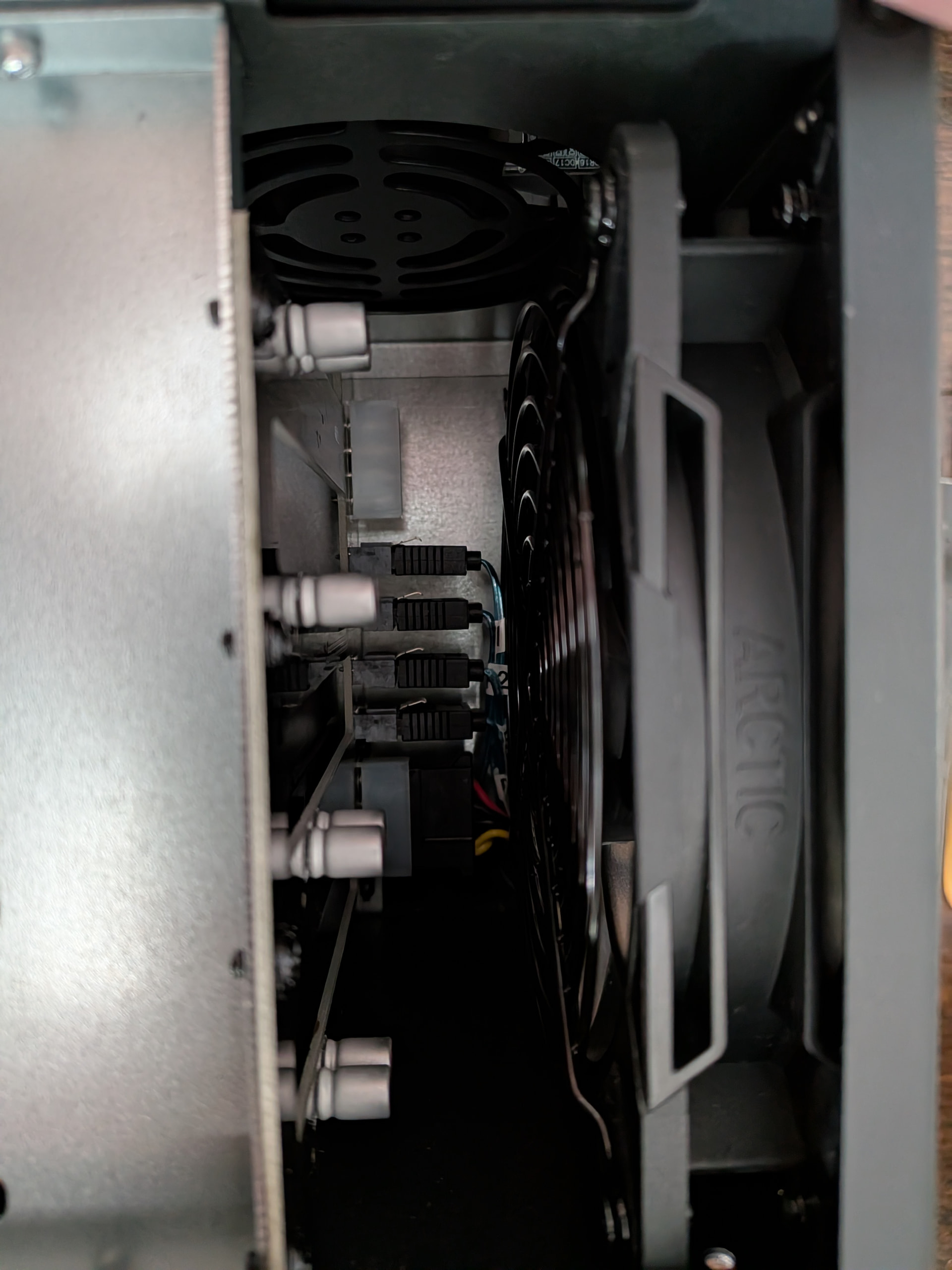
Back of the HDD compartment has very little space for main fan and power/sata plugs on the backplane. I’ve barely fit mine. I had to use dull kitchen knife to hold them sata cables while I was pushing the fan into place. If you are fancy, you could consider angled sata cables or slimmer fan.

You need to use the included fan protector inside of you case when using normal straight sata cables. Without them cables would get caught in the fan.
I would recommend buying second fan protector to mount outside of the case. Just in case.
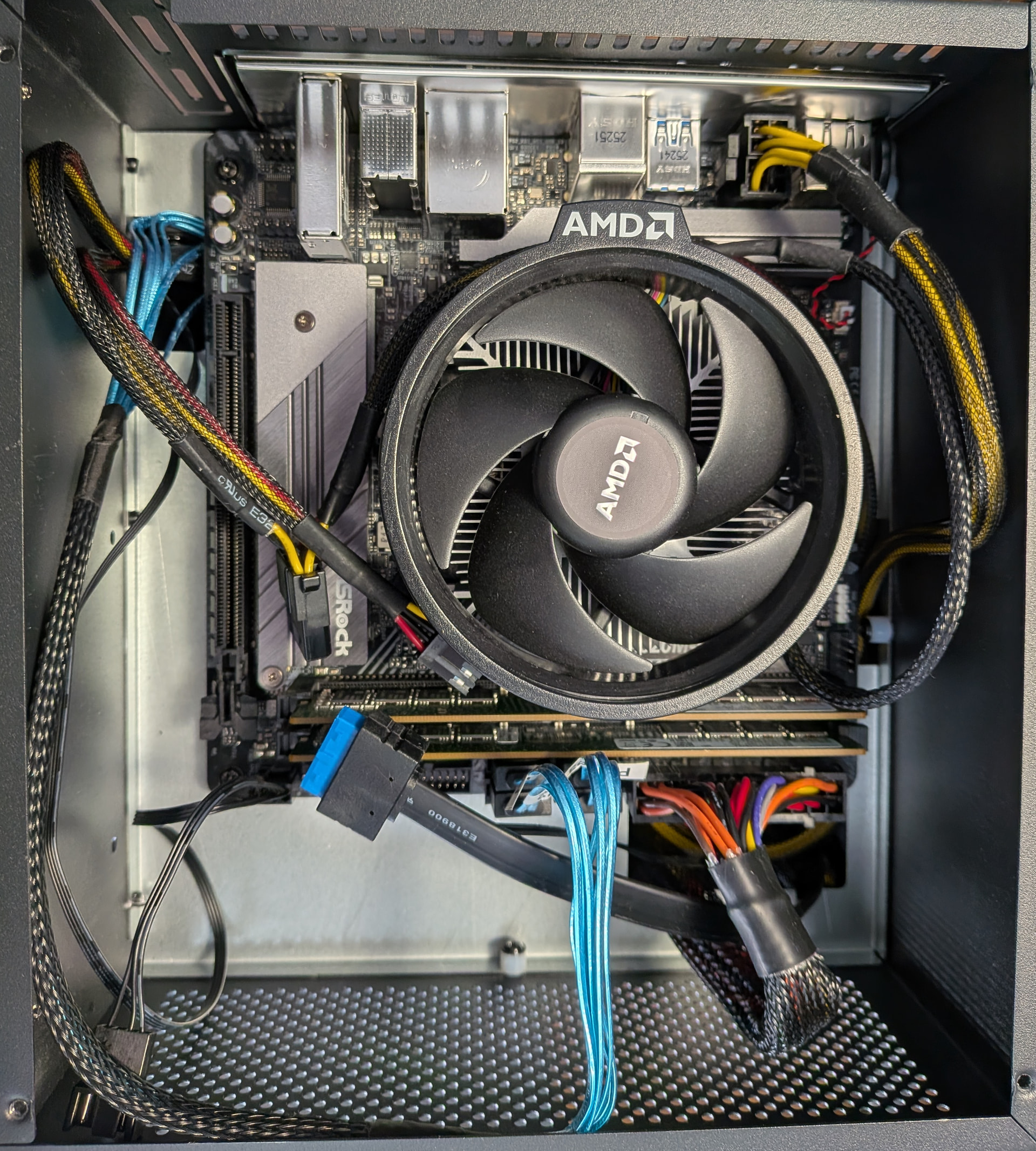
Motherboard compartment is ok. Not much to complain about. There is not fan ingesting or exhausting air from this compartment. Not enough space.
Only weird thing is that to power HDD backplane you have to route the “molex connector” through the motherboard compartment. There is no direct way to get cable from PSU compartment to HDD backplane.

Bottom of the motherboard compartment has 2.5 drive mounting holes in case you have more than 4 sata slots.
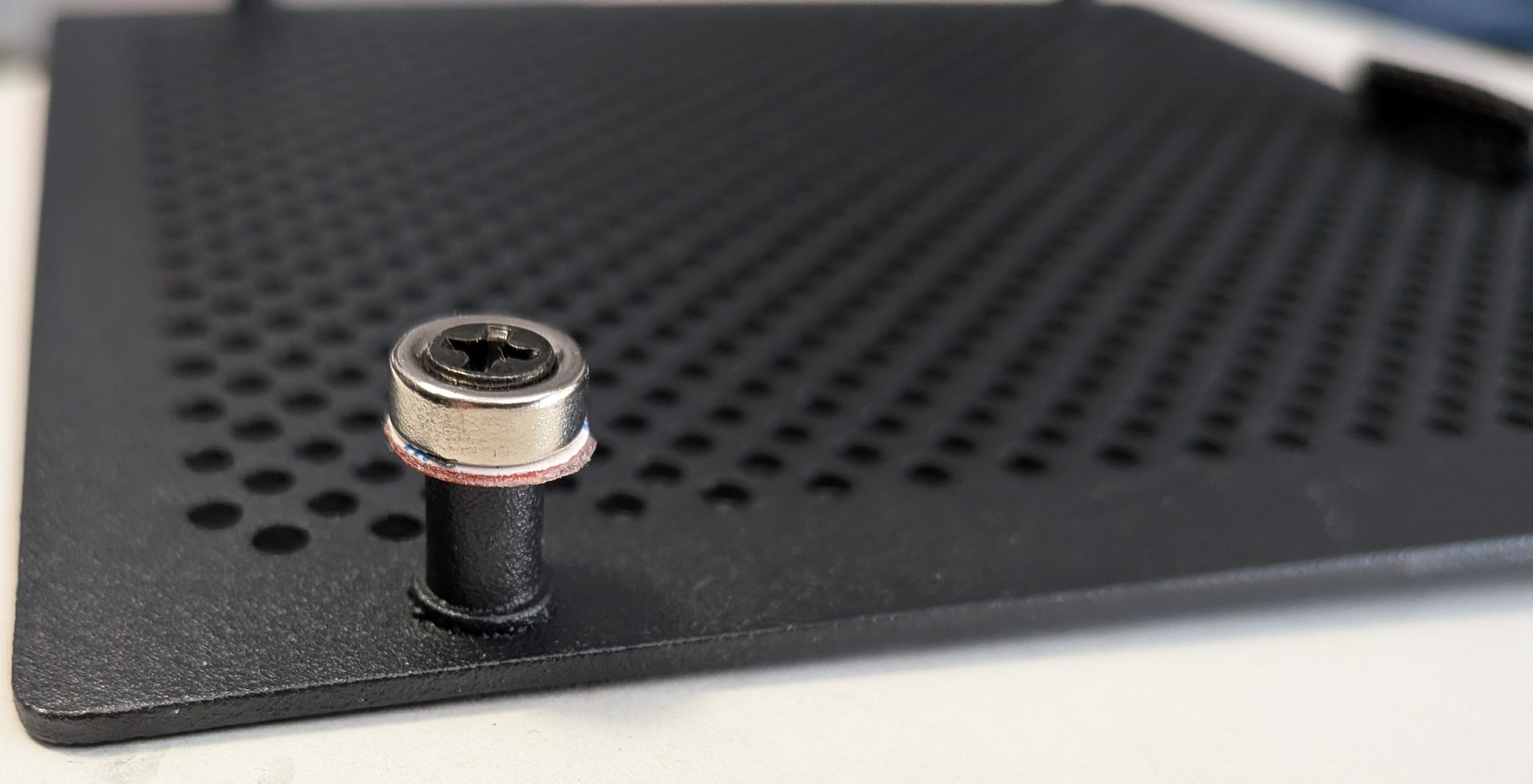
Main HDD compartment cover is held in place with 4 magnets which are quite weak and will fall off in transport if not held in place.
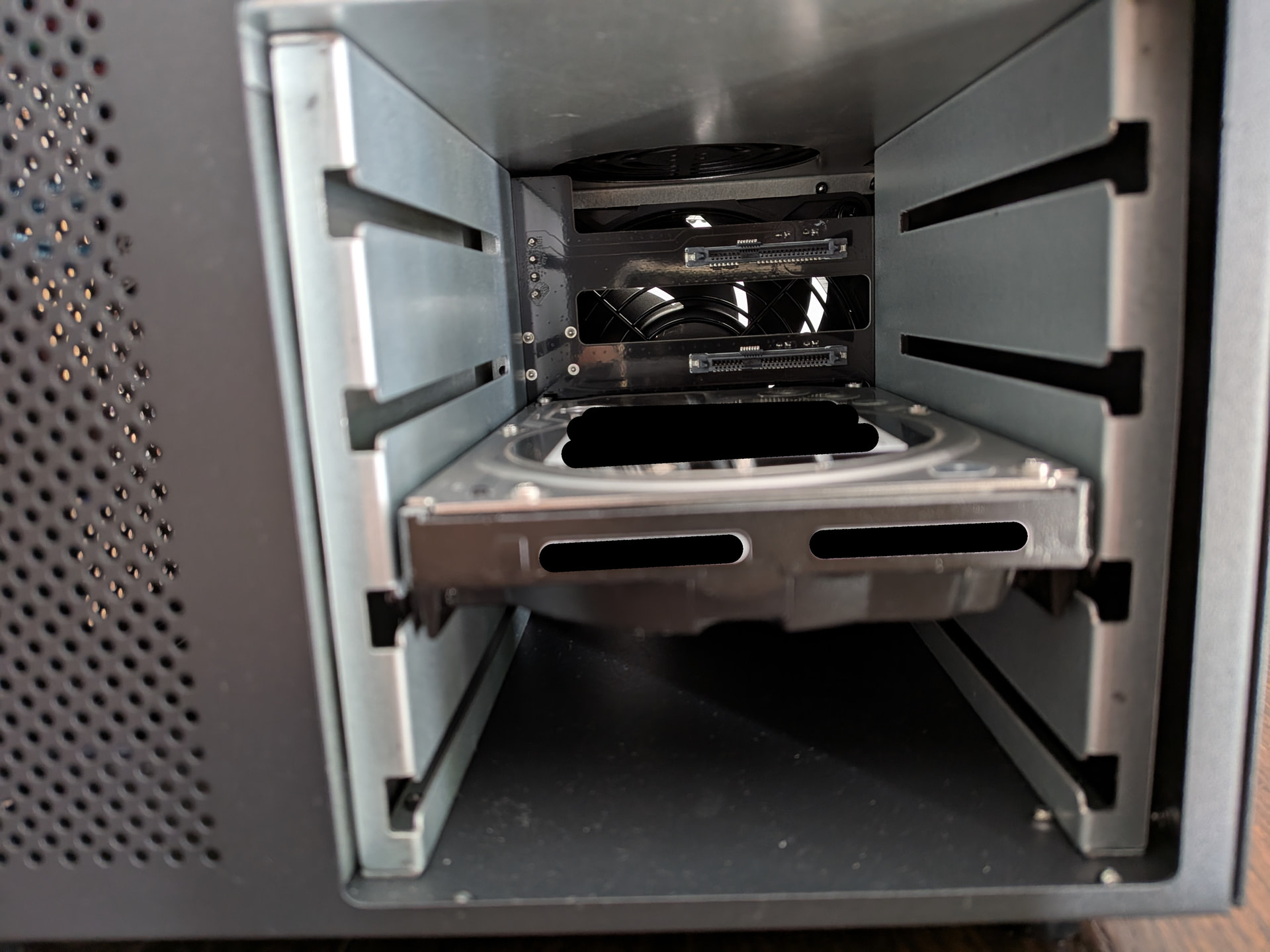
Main HDD compartment is very boring. It’s recycled from series of similar cases (like Sagittarius NAS case)
 IT HAS ONE HUGE ISSUE
Screws used to mount the HDDs are slightly too wide to actually mount the HDDs.
They really outdid themselves. NAS case which cannot fit standard HDDs.
I had to use quite a bit of force to stretch this hdd cage sideways to actually mount something inside.
(Using just one “molex connector” on the backplane powers all 4 HDDs)
Overall building this NAS was quite easy. I had enough PSU and SATA cable length to reach HDD backplane.
NanoKVM PCIe is missing from the pictures because it’s package got delayed.
Overall case quality: 3/5
General layout of this case is pretty decent and compact. HDD cooling is very good.
You just need to take into account that it’s made out of cardboard and some parts may not exactly fit.
Price of 115 EUR with shipping for it is probably acceptable for what it is.