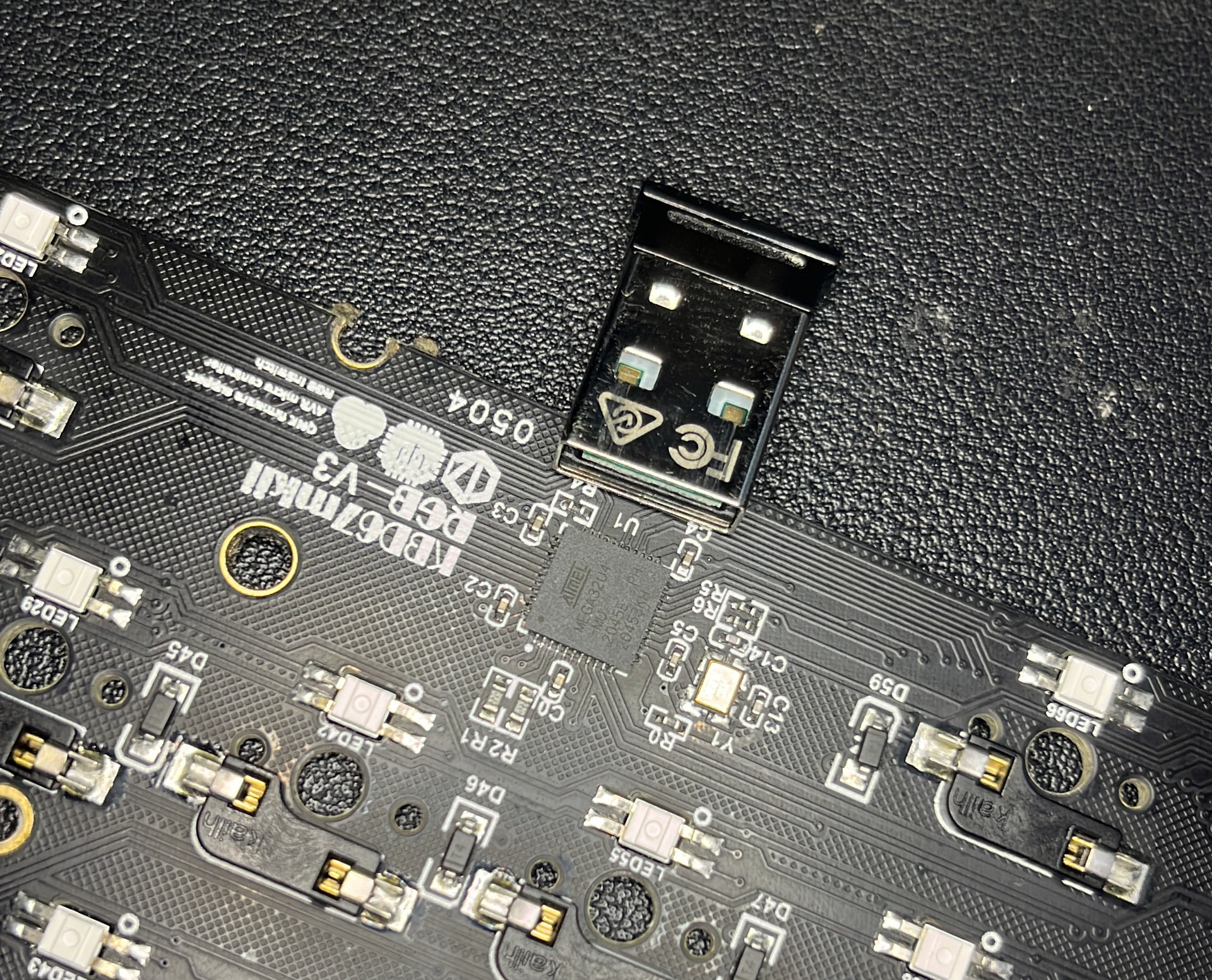
TLDR: I flashed my keyboard with the wrong file, now it doesnt work. Main suspicion is that I crapped the bootloader, now I’m wondering if I can change the controller on it. Can I just ATmega 32u4 and solder it? or Is it more complex than that.
Warning: Lots of yapping
Hello its my first post, I been waching level1 for like 2 years, but I just decided to come here with a problem hehe. I have this custom keyboard that I bought in 2021 and worked and sounded very good. But it started giving me problems last month. Some keys when pressed would not do anything, but if I kept pressing, it would start working. I tried cleaning it and switching switches from places but the keys still were weird, as the faulty ones changed over time(not with the movement of the switches).
So a few days ago I said “damn it” and I tried to flash it again, as I tought it was maybe a buggy firmware, so I went to the folder where I had saved the file .bin, but I made a mistake and chose a .json file with same name (used for a program called via). I only realized what happened because my keyboard was dead.
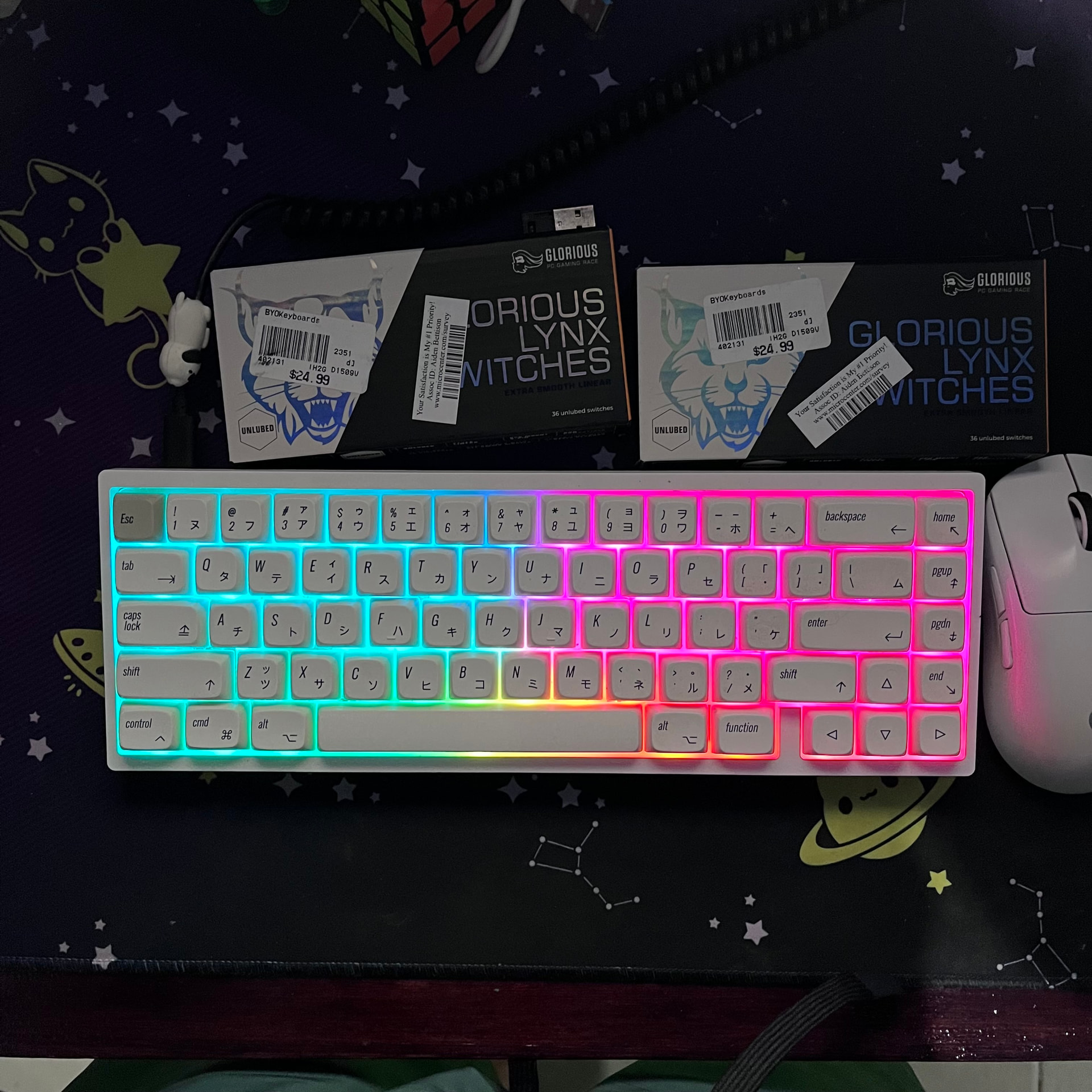
All the troubleshooting was worthless, and Kimi arrived at the conclusion that it was the bootloader and said that the default one if prone to failing. I went to the discord of the company that made it and they said the pcb was dead. But I wanted to repair it so I tried to reflash the bootloader with the help of AI.
I tried doing this with some chinese little clips for ics, but my ic was too small and I had to find where the pins requiered for ISP. I didnt solder a wire to the keyboard because I don’t have my soldering iron at my dorm. The process failed, but it may be due to bad conection with the little clips.
dead
avrdude -c arduino -P /dev/ttyUSB0 -p atmega32u4 -b 19200
Device signature = FF FF FF (retrying)
Device signature = FF FF FF (retrying)
Device signature = FF FF FF
Error: invalid device signature
Error: expected signature for ATmega32U4 is 1E 95 87

double check connections and try again, or use -F to carry on regardless

I have to be honest and say that I’m out ot my level here, the problem right now is the bootloader. But in my investigation I discovered that the original problem may be broken copper traces as is one of those keyboard that have some flex. I have spent around 25usd in this, I know it isnt much, but is half the price of a new pcb and half the price of a decent keyboard. I decided to try to fix it only because a local shop had the clips in stock and I tought that this would be fixed in max two hours.
So the conclusion: Should I try to solder the cables to try to flash it? Can I buy a new ATmega32u4 and replace the original? ( I have friends with the ability to solder it). If anyone has a recommendation of what can I try, it would be so helpfull.