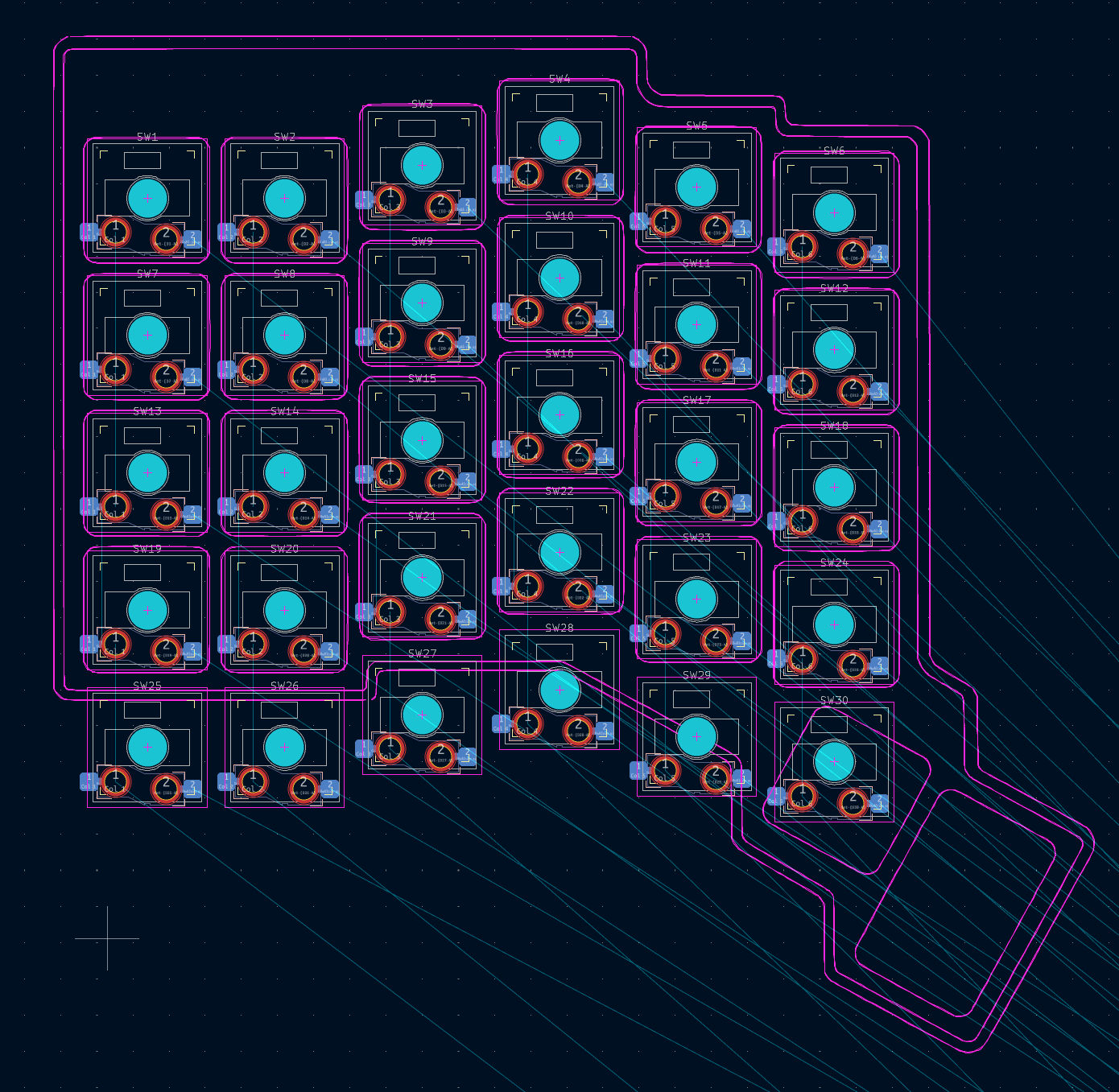
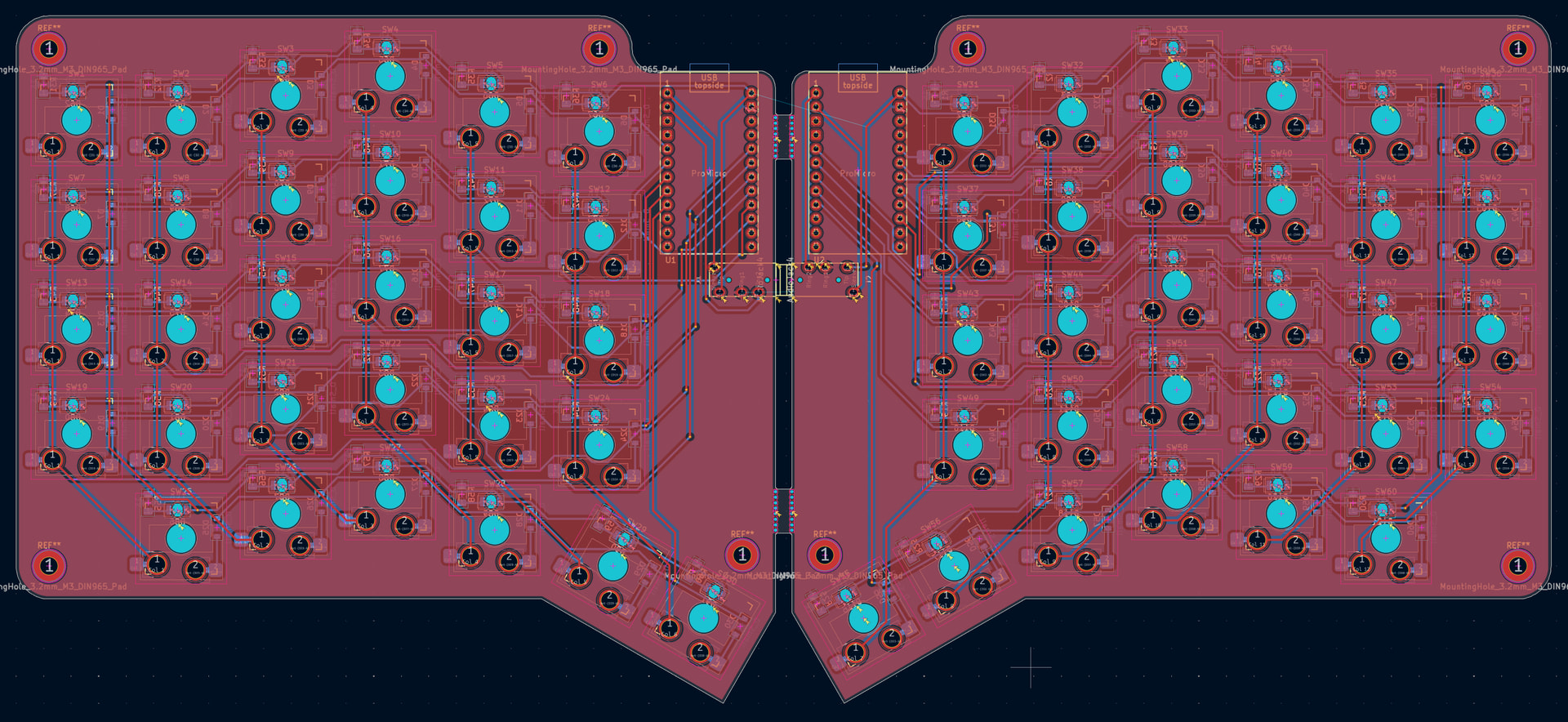
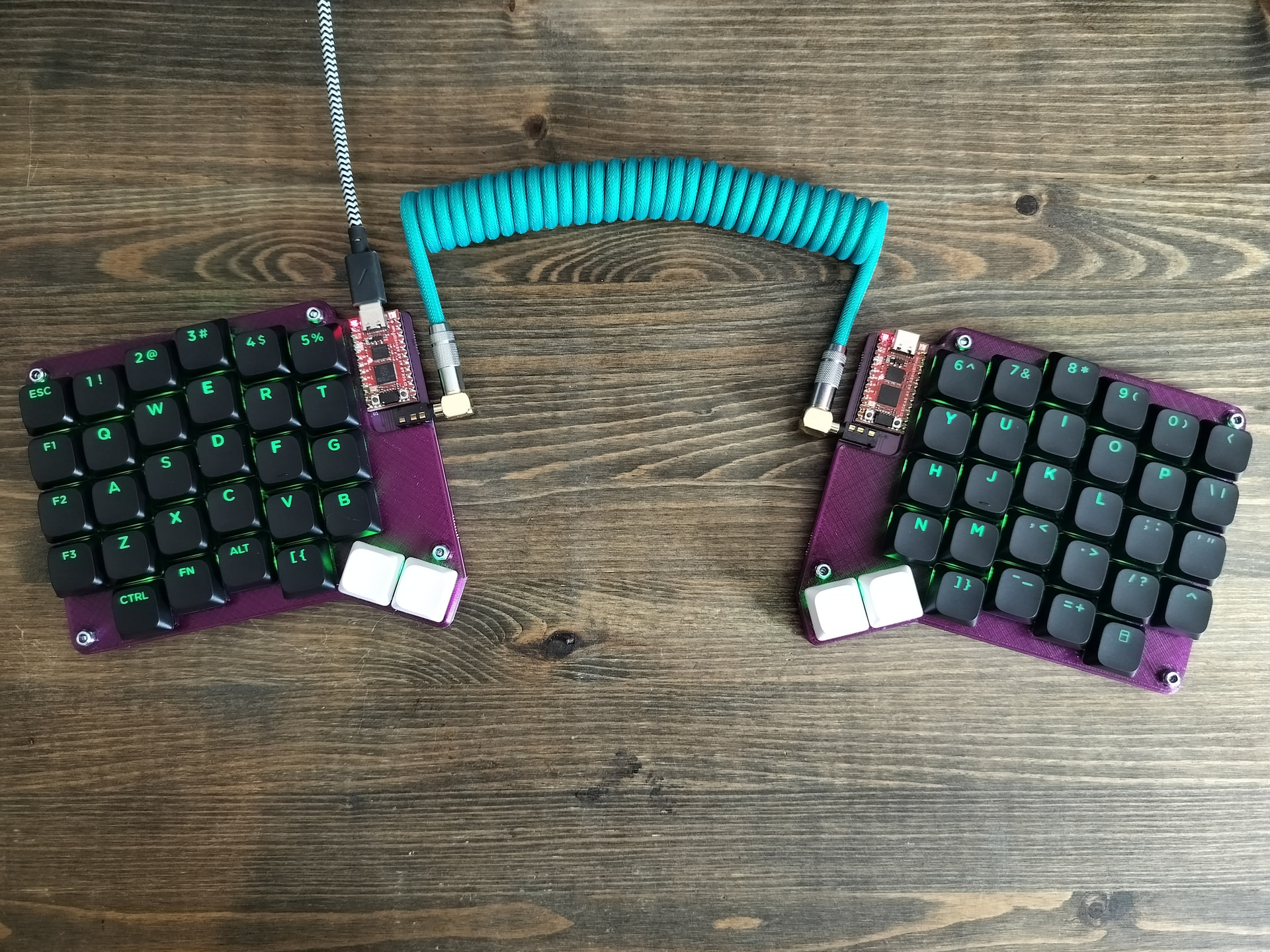
Hi. I’ve built a few keyboards in the past. Always wanted to try a split ergonomic keyboard so I’ll be doing a split 60 key build. Will be using low profile Gateron switches, my own PCB design, and some printed parts. I plan to have it back lite but non RGB. Also want it to work with either half stand alone, or both together from either side plugged in. 2 Pro Micros will be powering this keyboard and I’ll have them communicate over serial instead of I2C.
Taking some inspiration from the ZSA Voyager to get the columnar layout.
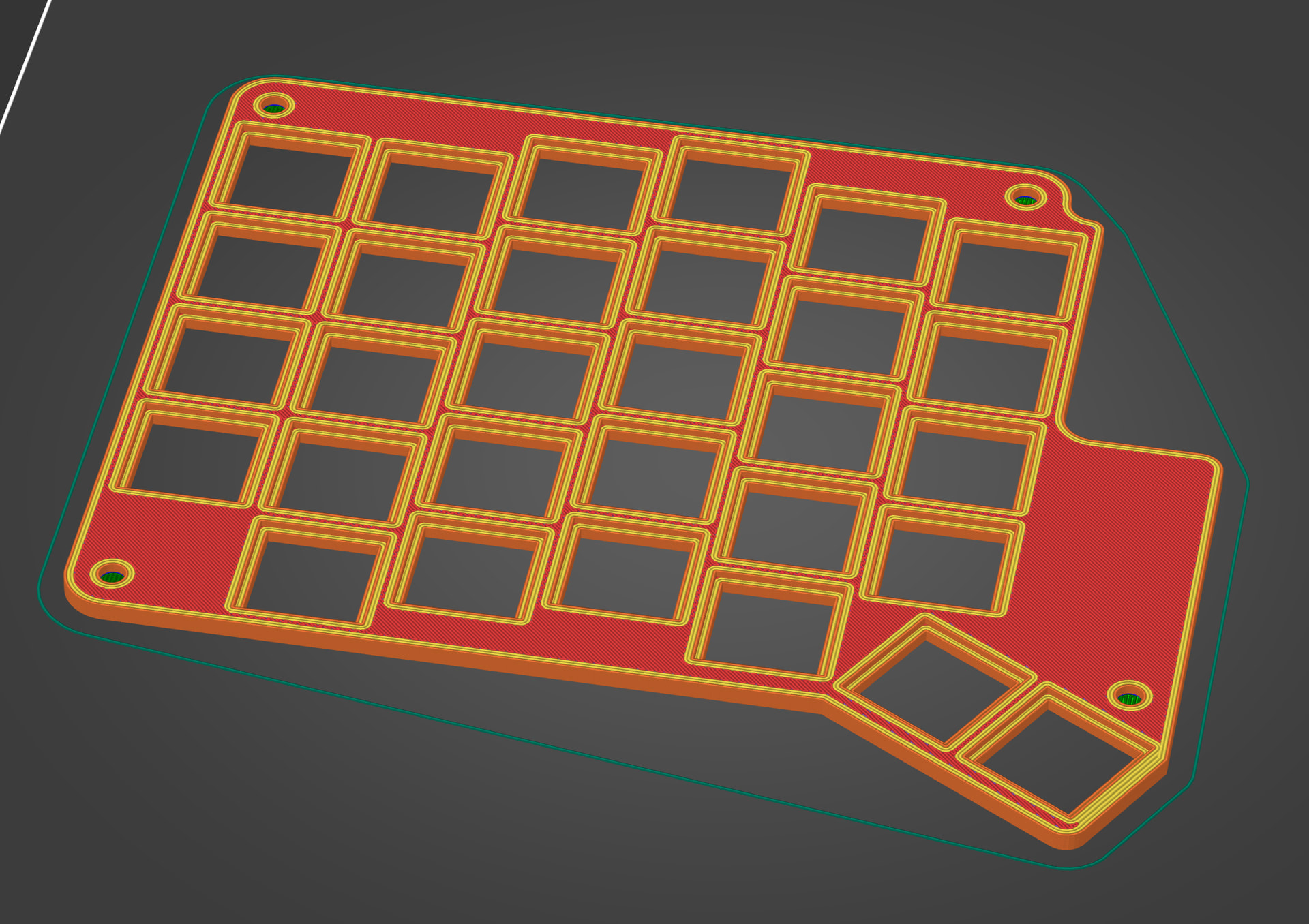
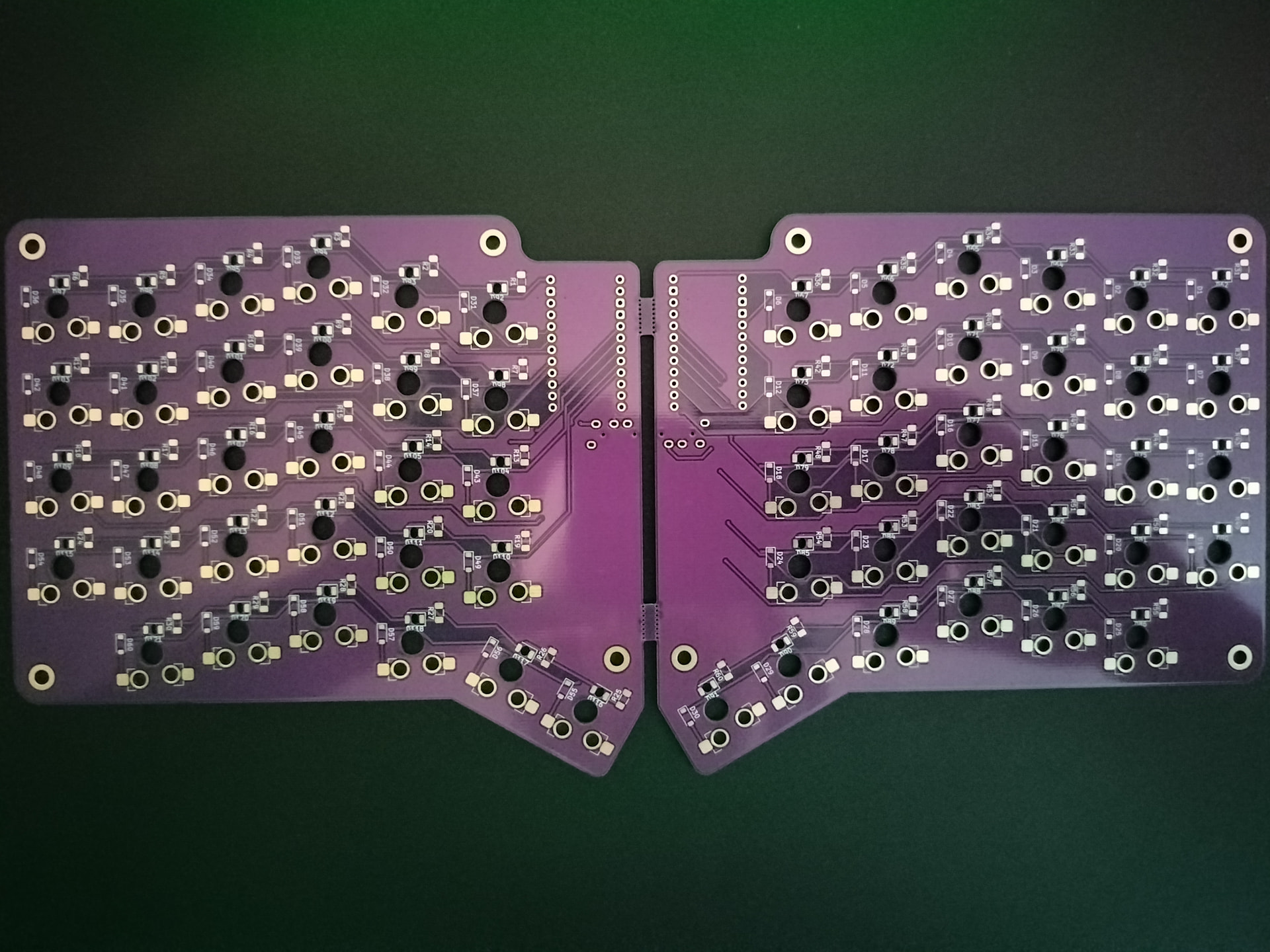
Ordered some purple PCBs. In the meantime I’ll be designing the shell and keycaps. I’m not very fluent with FreeCAD but managed to create a decent switch plate.
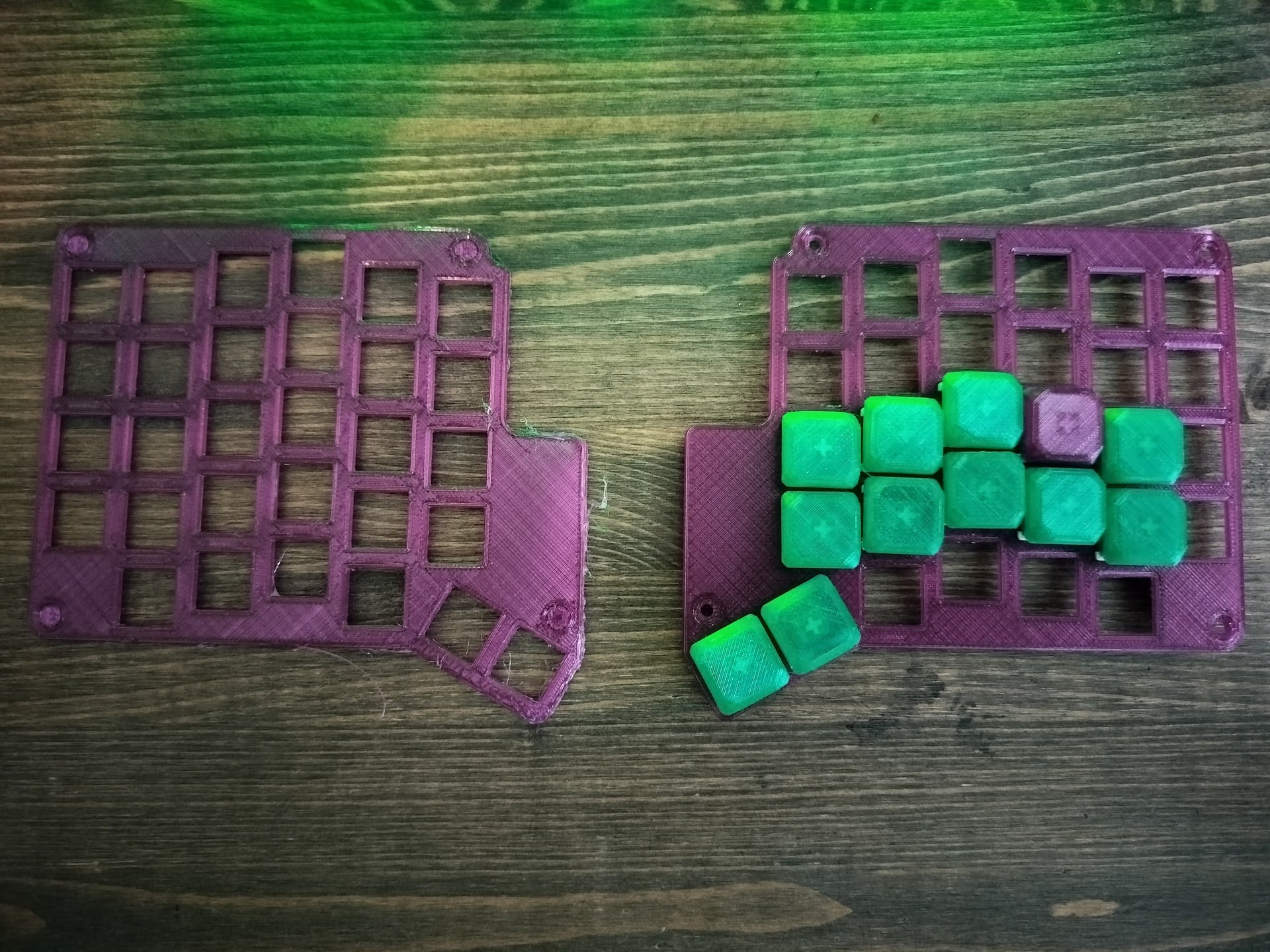
Having some issues with the printer. I’m still new to using PETG. The plate on the right turned out fine but the left lifted off of the plate and warped. Currently re-printing it.
I have a ZSA Moonlander I got second hand from a coworker who went with a Kinesis. I like it a lot, but the first week was rough for me to get used to the columnar layout. I had to do some typing training for a few hours a day to get to a moderate speed + accuracy. I’m much better now, although I still occasionally mistype the ‘c’ key with an ‘x’ by accident.
Personally have not printed with PETG, but I’ve also heard it’s a PITA. I think the biggest thing is to get a spool dryer (if you aren’t using one already), a friend of mine told me once they did that, most of their PETG issues went away. A ‘clean’ nozzle, used for PETG only, can also help according to them.
i have built some. the petg you have is stringing due to moisture. either leave it on a oven @ 60 for 12 hours and make a dry box or yolo it in the microwave.
https://cosmos-store.ryanis.cool/ is a very cool store from the guy that does the cosmos keyboard generator. if you get the pumpkins (+ the mcu) you do not need to do _any_ soldering
I haven’t tried any split keyboards previously. I suspect I’ll have to spend some time getting used to it. Shouldn’t have to depend on layers too much though since this is close to a 60% keyboard.
It could be moisture although this was a recently opened spool of filament. Got the second attempt for the left switch plate to work. Also considering getting some laser cut aluminium plates. Will provably hold off on that until I get some of the boards working.
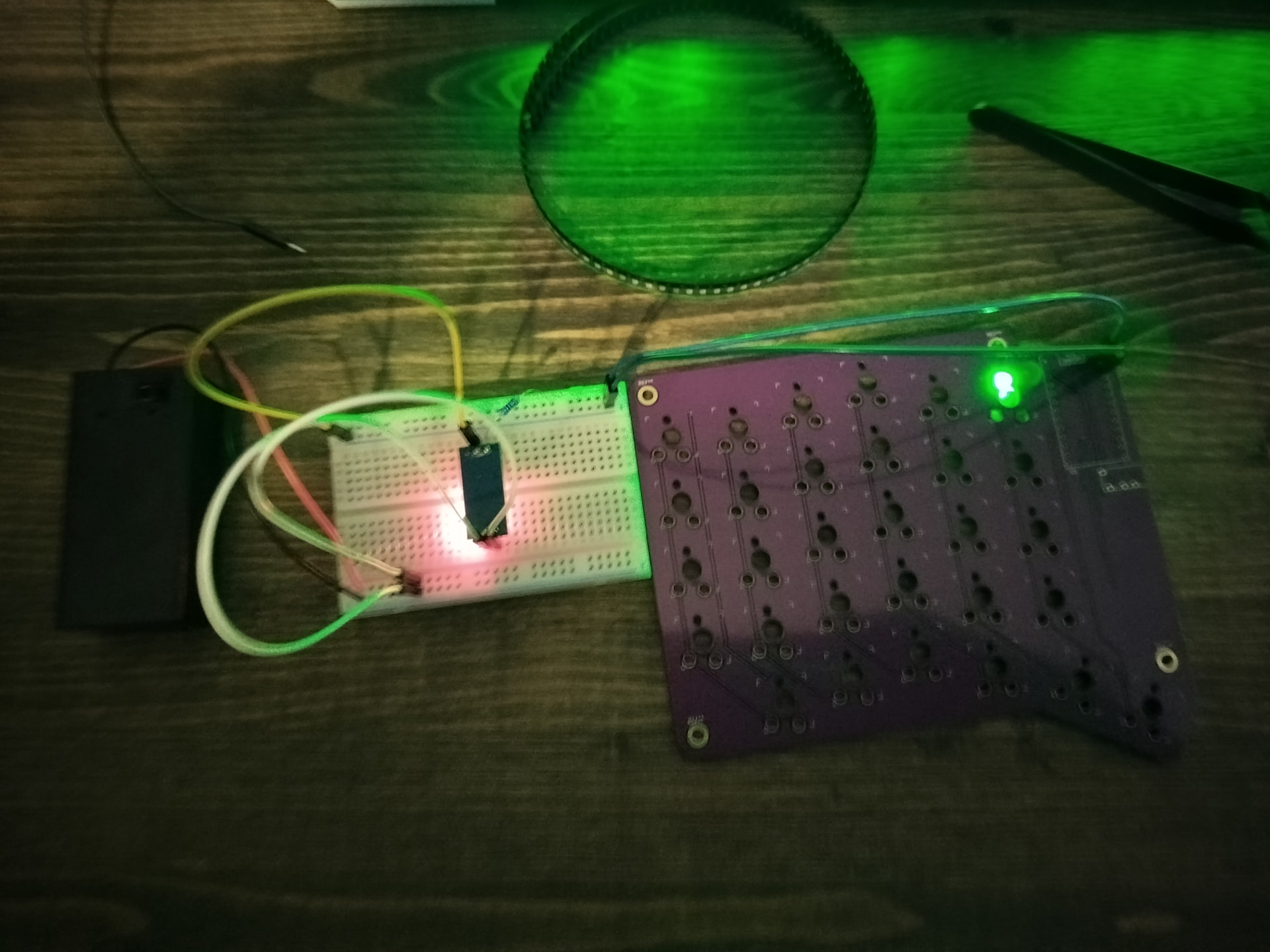
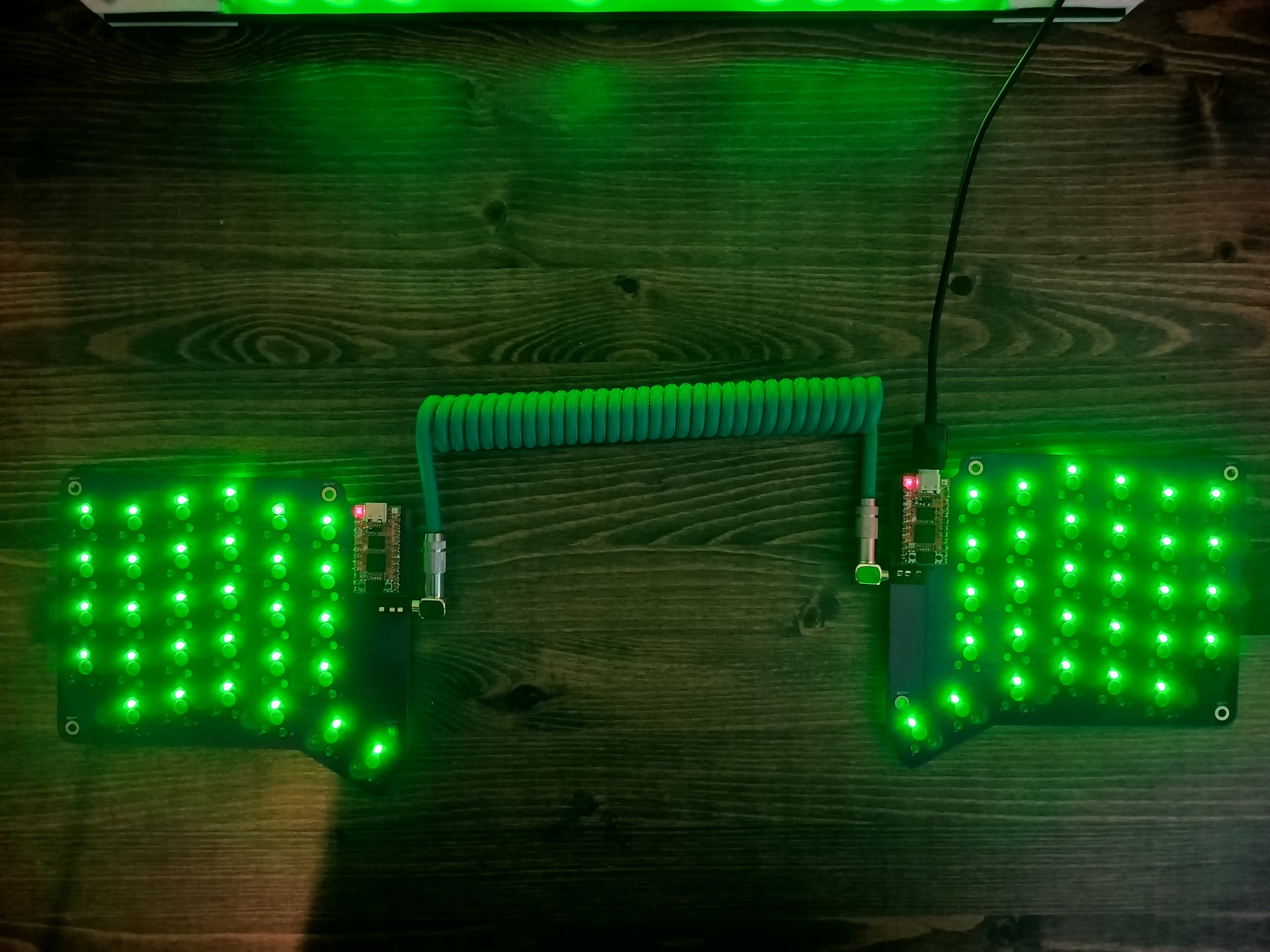
The power and ground are working. Can plug in from either side. Don’t have the hotswap sockets or switches yet but I can start working on the firmware and test the keys by jumping.
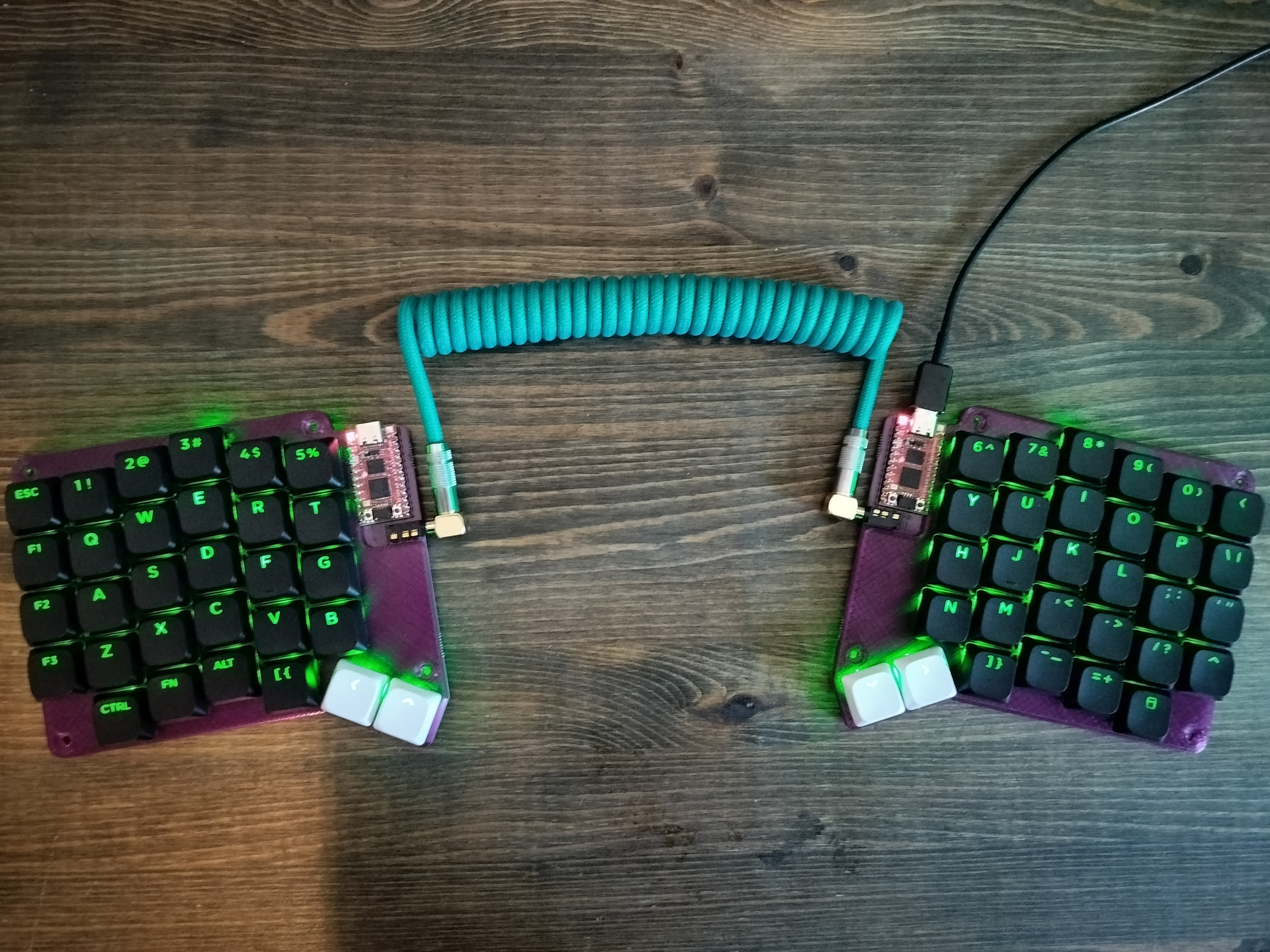
Added the backplates. It’s fully built up. I plan to make a second one with printed plates and 2 more using laser cut aluminium plates. Will continue updating the github page as improvements are added.