Building an AI Workstation for Someone Else

Wendell was asked to build a new PC for someone who was tired of paying for expensive tokens.

Let’s Break It Down

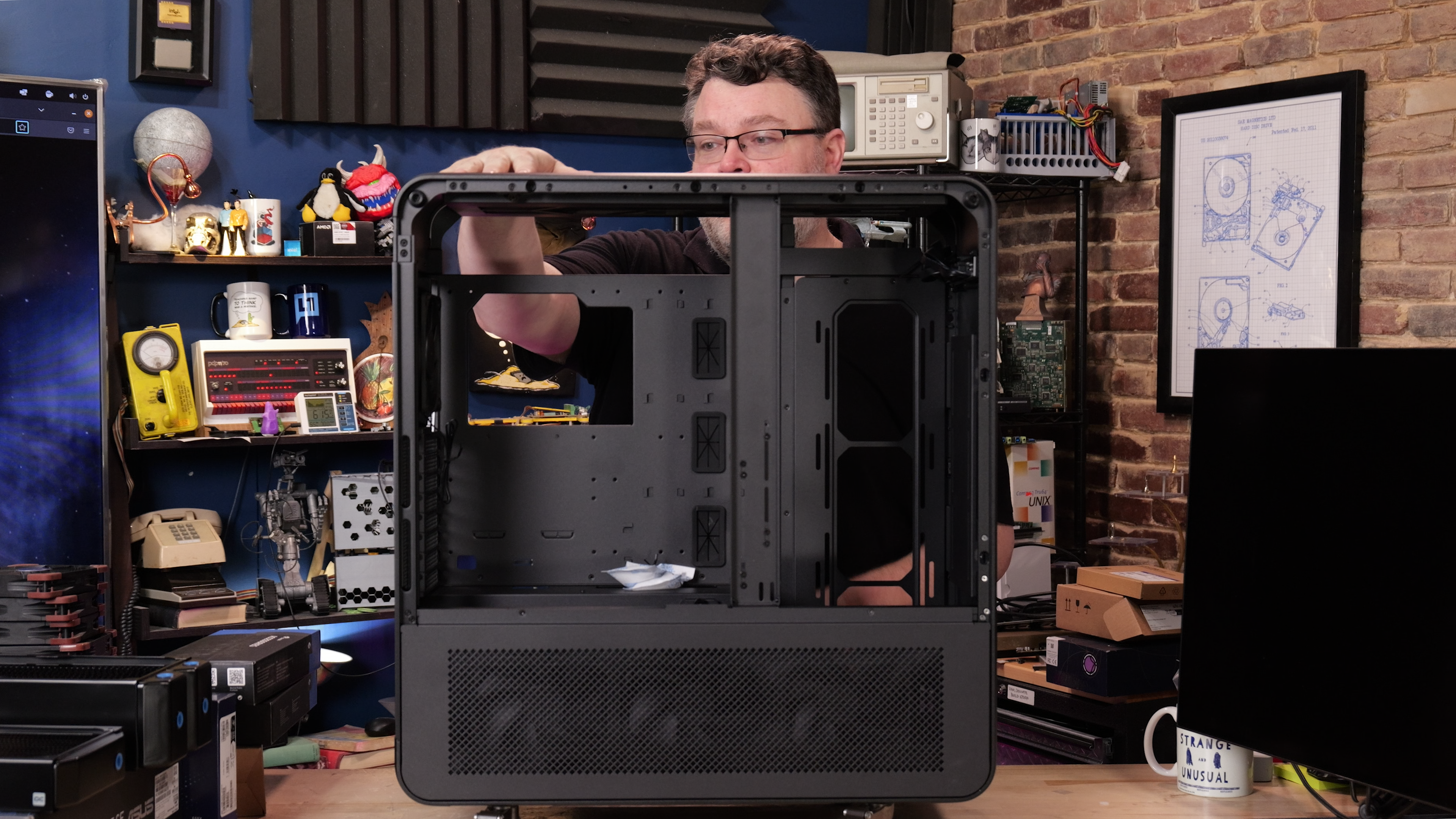
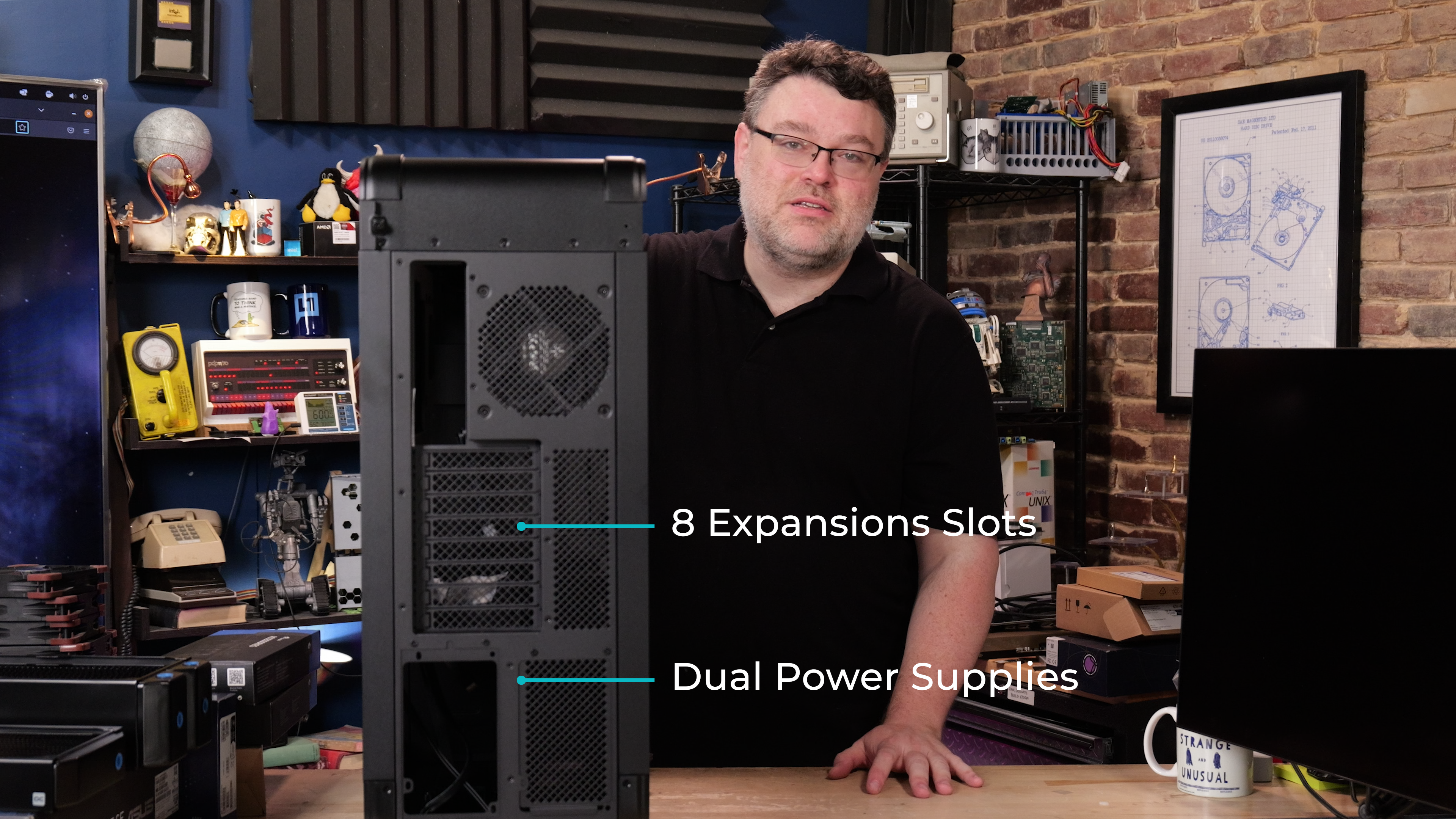
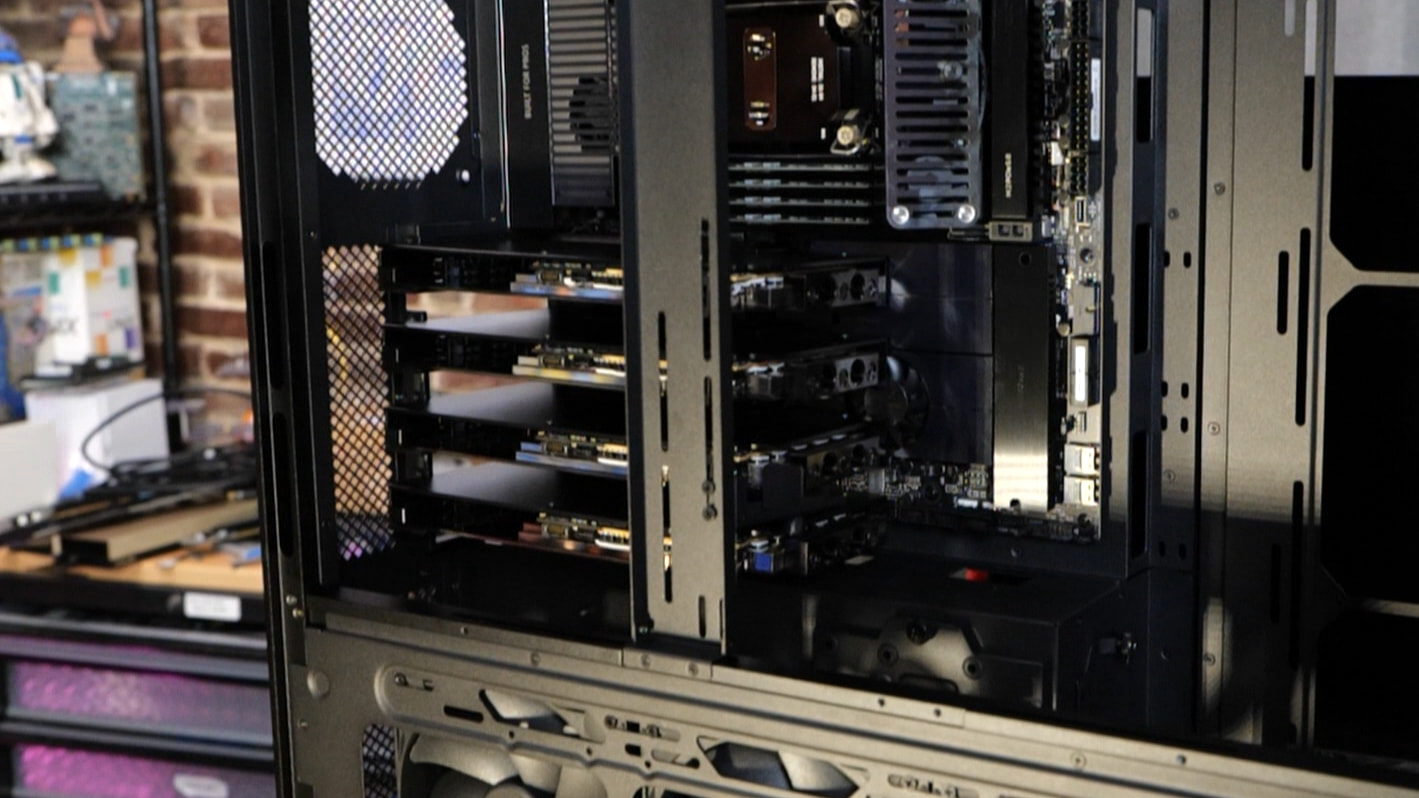
The Case: SilverStone Alta T1

We need space to play.


Check out the manual for more info and configurations:
Multi-ALTA-T1-Manual.pdf (55.1 MB)

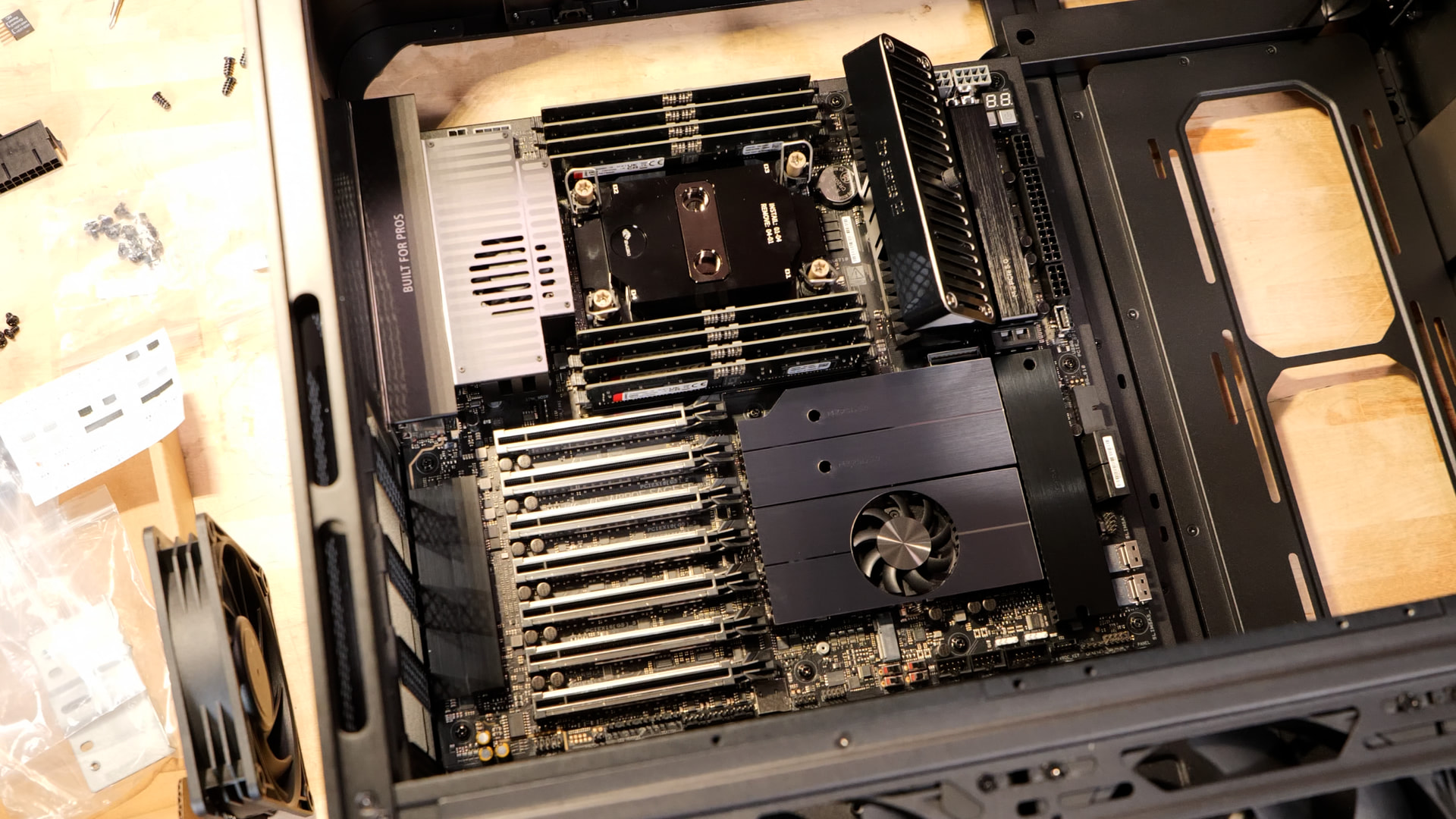
The Board: Pro WS W890E-Sage SE

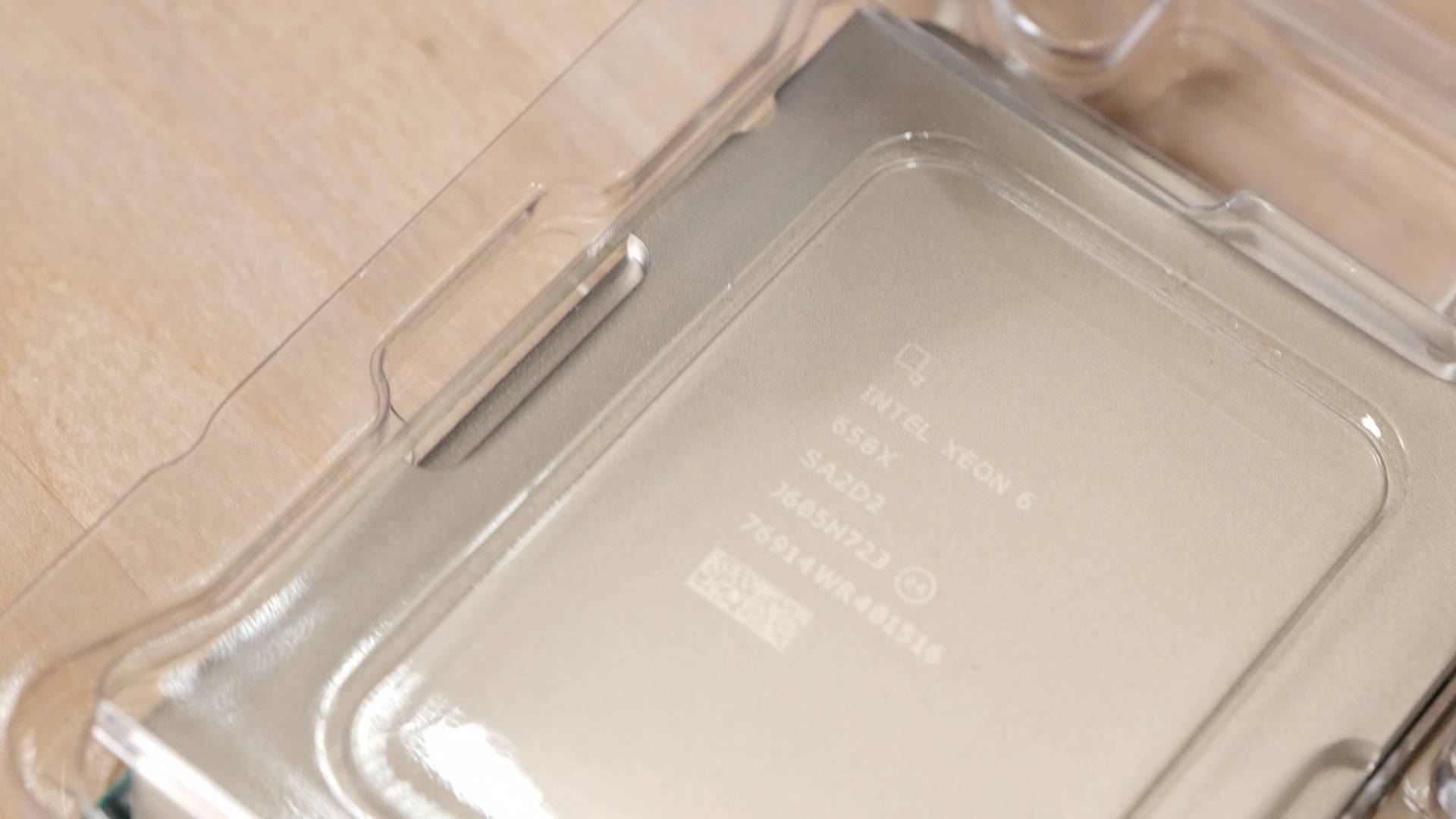
The CPU: Intel Xeon 658X

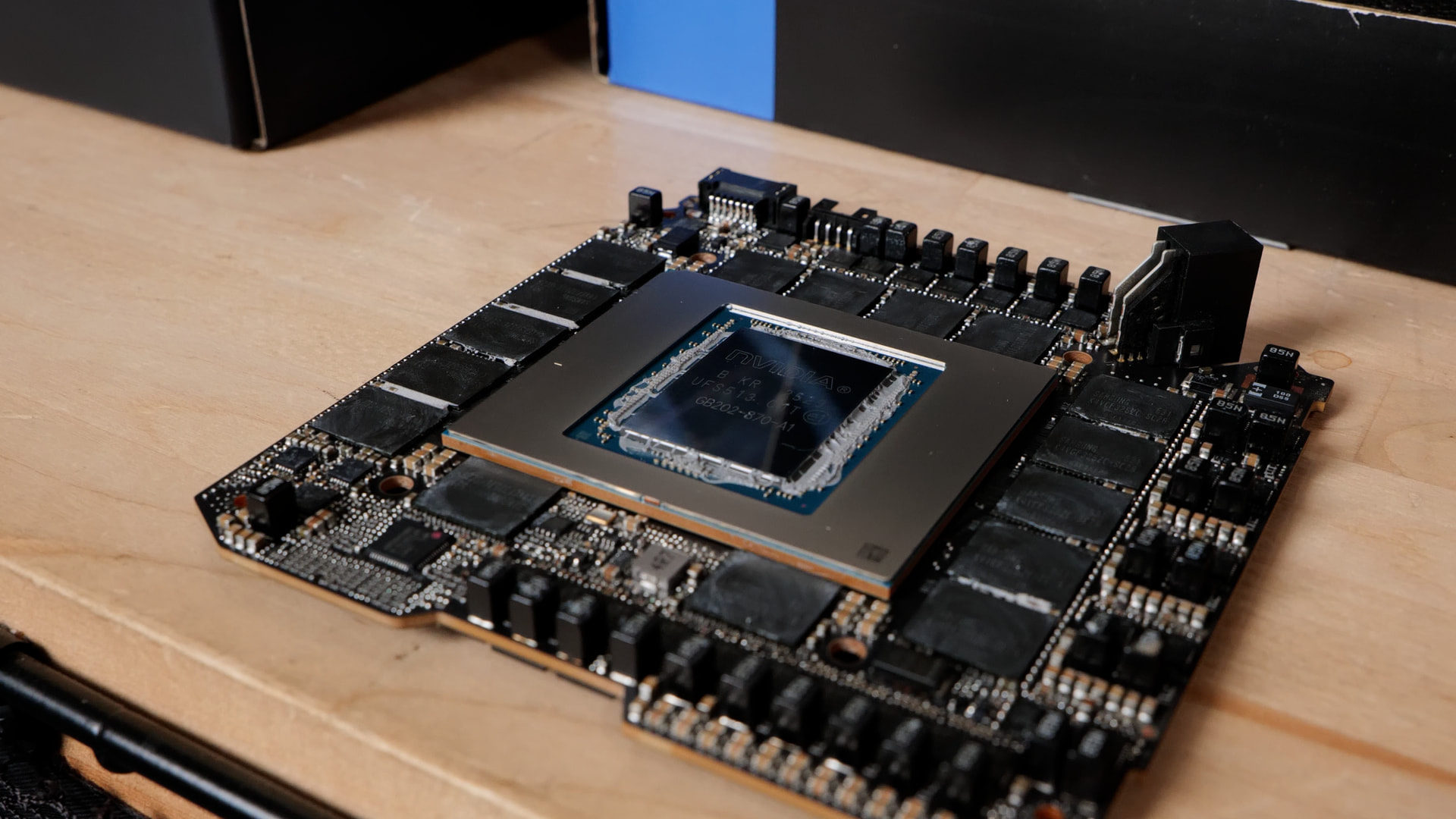
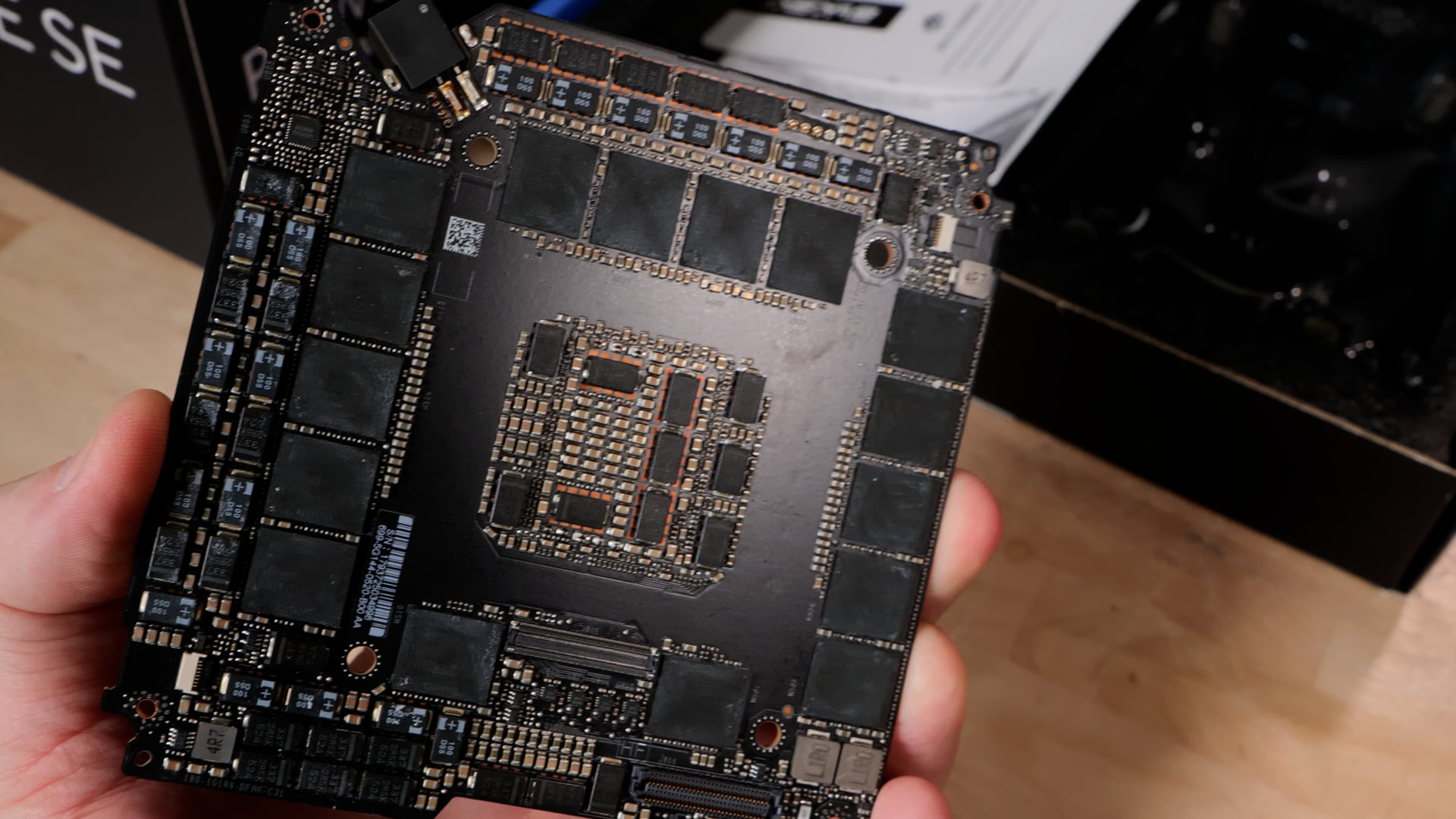
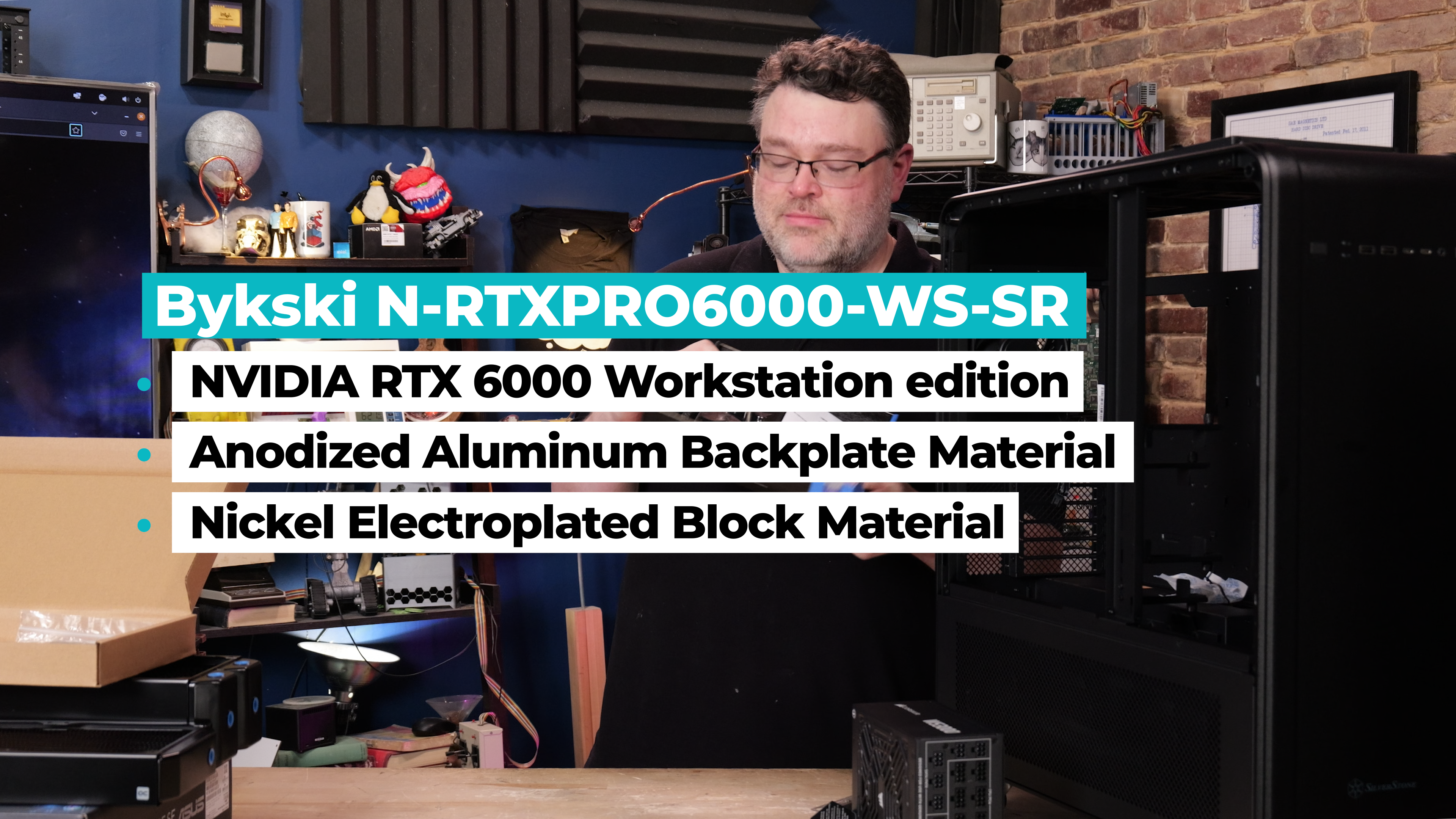
The GPUs: RTX 6000


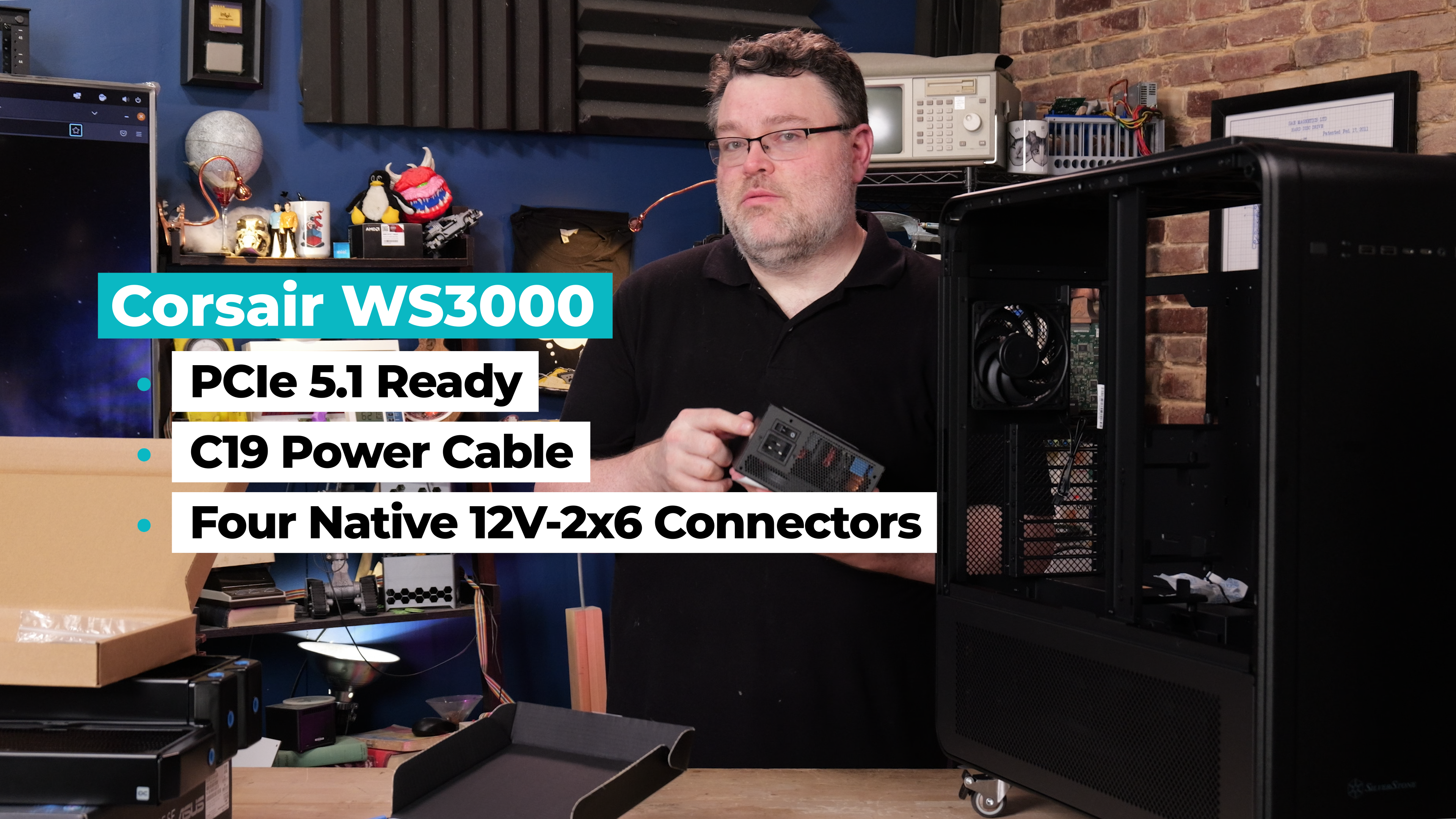
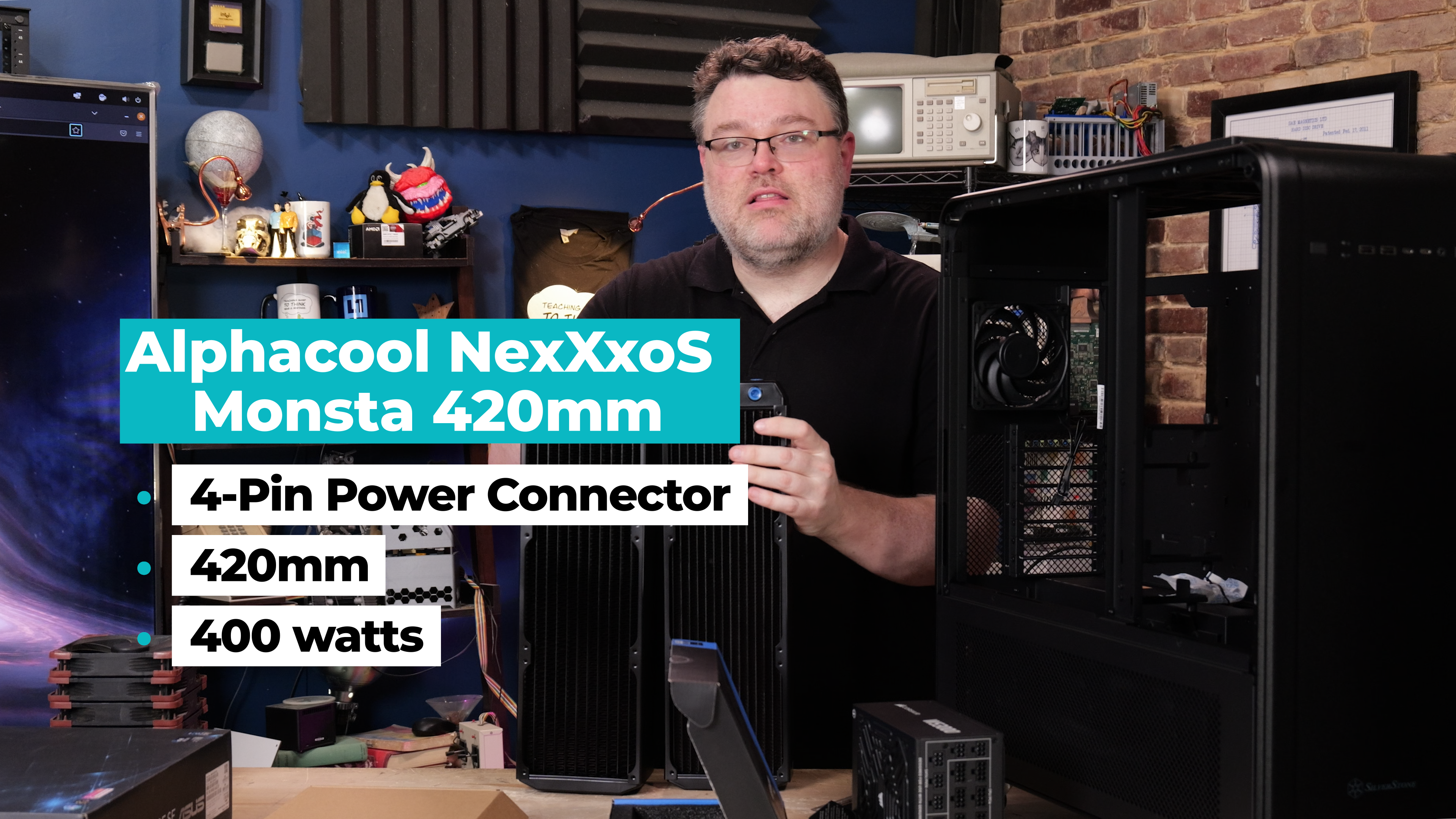
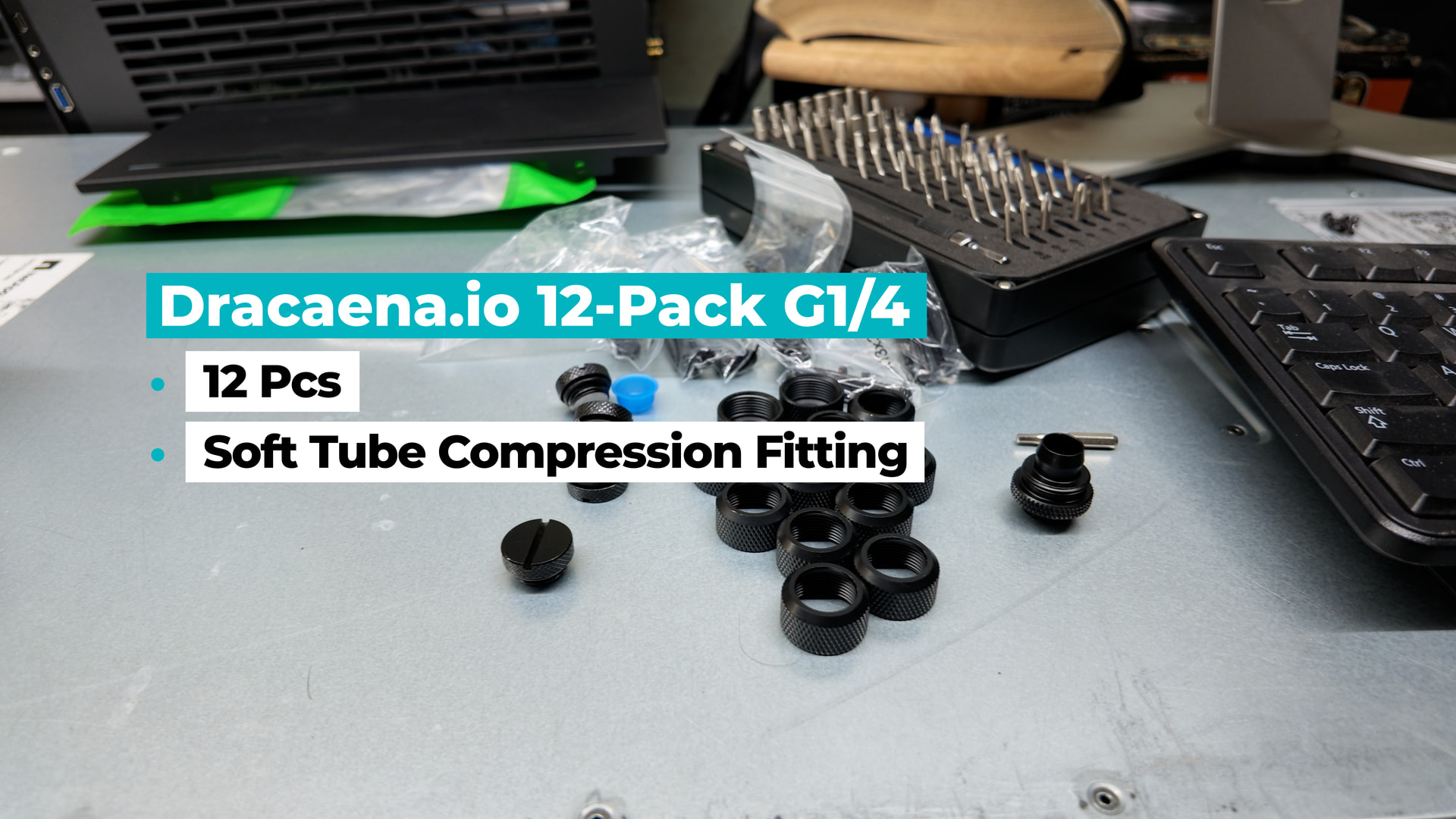
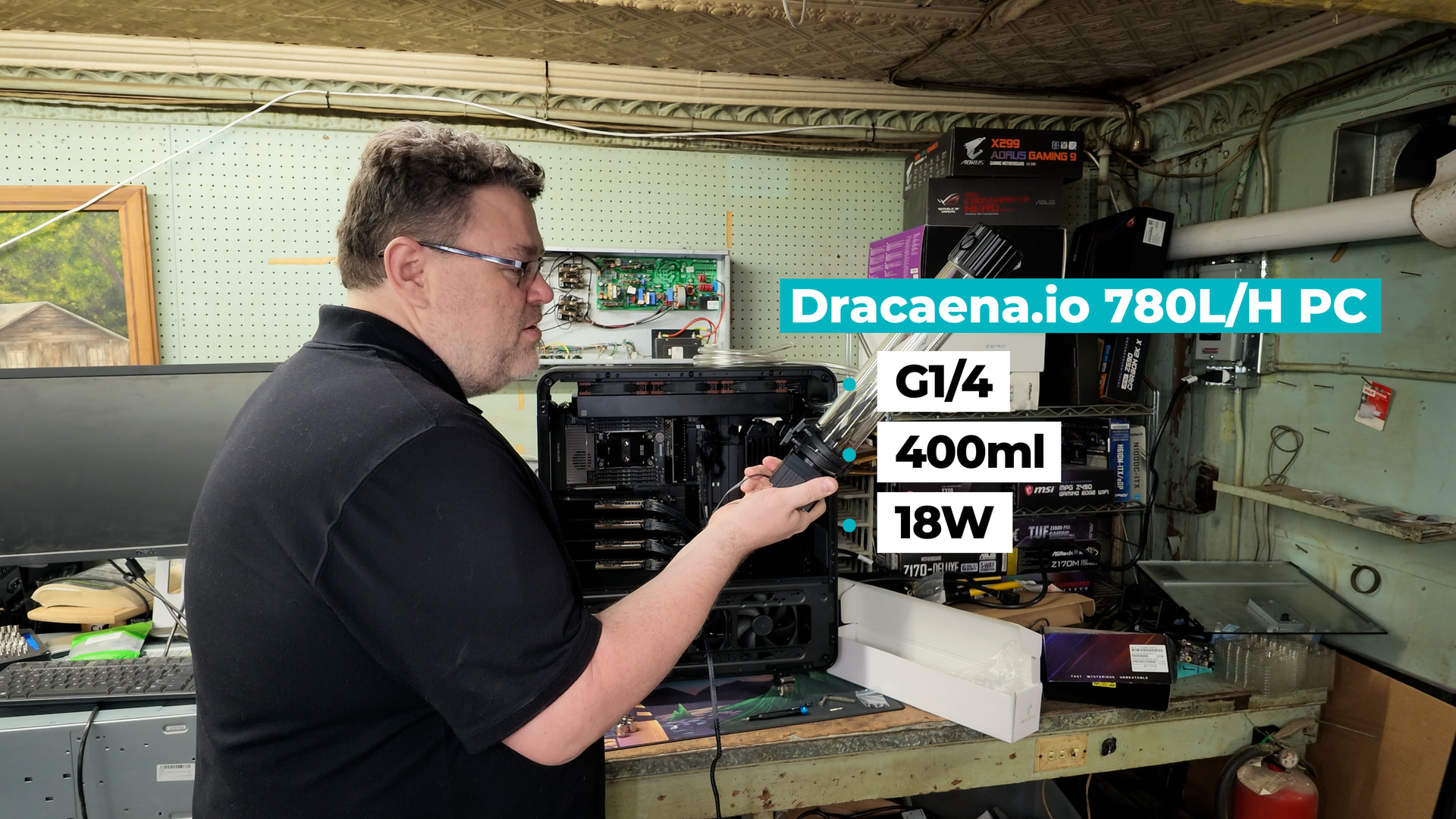
Other Assorted Pieces and Parts:


A list of Amazon Links for most of the parts:

7 Likes

Sweet rig, shame about the GPU block design. Must have been a really fun build out!

There is a small pile of workstation-esq case options out there, but none of them seem to hit all the reasonably wanted features at a decent price. I’m mostly happy with the new Antec 900 case I am wrapping up a rebuild in, though it is missing some of the nicer designs and features of the Alta T1 (but even they dropped some of the features from the preview T1 a few years ago) but it looks like I can get 5+ of the new 900s for the cost of one T1, kinda nuts. Nice thing is a local Microcenter had the 900 in stock for a fair price.

Still crazy to think a 100+ pound box that fits on a desk and has 1 power cable can (in essence) beat out super computers from a couple of decades ago, at least in basic FP32 TFLOPS terms, totally different beasts architecture wise and in purpose I get that.

Look at those baby radiators! Very cute!

Coincidentally, earlier this year I built my own custom loop machine using an ASUS W890 SAGE SE motherboard, Intel 658x CPU, and a SilverStone ALTA case (I used a D1 rather than the T1 - as I already had it available).

Mostly out of necessity, I went with a Watercool MO-RA IV 600 external radiator with 9x Noctua 200mm fans. I was pretty sure the ALTA D1 did not have the room to fit dual PSUs, the necessary radiators, and all the hoses to plumb everything together.

It was honestly a pretty painful experience to get up and running - for a variety of mostly self-inflicted reasons, but it works great now. I highly recommend the MO-RA, it is a fantastic product and works exceptionally well. Having your radiator, pumps, and reservoir all be external greatly reduces the stress and headaches of building a complicated rig and trying to fit everything neatly inside the chassis.

I would highlight one issue I ran into, that may be applicable to your build:

My build has two H200 water blocks and the one CPU water block. (All the water blocks are from AlphaCool)

I originally was using a EKWB 2CPU 4GPU manifold, configured to be fully parallel (so out to the 2 GPUs and the CPU in parallel, back in from the 2 GPUs and the CPU in parallel). This worked great for about a week, but after things settled my GPUs started running hot due to not receiving sufficient water flow.

In my case, the GPU water blocks are, by design, far more restrictive than the CPU water block, so in a parallel configuration the coolant was taking the easiest path through the CPU block and was starving the GPUs. Initially it seemed OK, but after a bit of time I had some debris or build-up accumulate in the GPU water blocks and this parallel config amplified the problem by sending even less coolant flow over the GPUs.

My manifold does allow for putting the CPU and GPU sections in a serial config, while maintaining parallel amongst the GPUs. However, after debugging this problem I just went to a fully serial configuration (partly for simplicity, partly because this ALTA D1 case doesn’t leave much room for the manifold). I use quick-disconnect fittings between each device, so that allows me to easily repatch things into whatever layout is needed.

With my serial config I see around 186L/h flow rate. It is hard for me to list the cooling performance as I don’t track ambient temperatures effectively in my room - but highest GPU temp I see (with both running at 600W for >1 hour) is ~30C over ambient (so typically around 52C on last GPU in the series) and CPU is similar under load.

I am hoping to add 2 more GPUs next month (assuming I can still source them) - so fingers crossed this setup will handle an additional 1200W of heat generation. If you were able to run those 4x RTX PRO 6000s with your radiator and pump config - I am guessing the MO-RA IV 600 should handle it as well.

As you can see from the pictures, the ALTA D1 is a tall case (which is very nice!) but also a pretty narrow one (which is not so nice with a big SSI-EEB motherboard). Insides are not so pretty, but it is functional.

I am considering switching to a single 3000W PSU (I have my eyes on the ASUS WS3000 you used in the video) and putting it in my Define 7 XL case. This would give me a little bit more room to reduce clutter. But, I will need to redo all of the hoses and fittings to make that move - so it is not high on my TODO list.

6 Likes

I watched your build video on youtube first before coming to this thread, and I must say that I am a little surprised by the choice of parts for the water cooling if that is okay to say? I would always go for AlphaCool’s black TPV tubes in a build like this as they last a lot longer and are more reliable. In a number of A6000, and A100 server that I got to build for work, we always went back to those tubes.

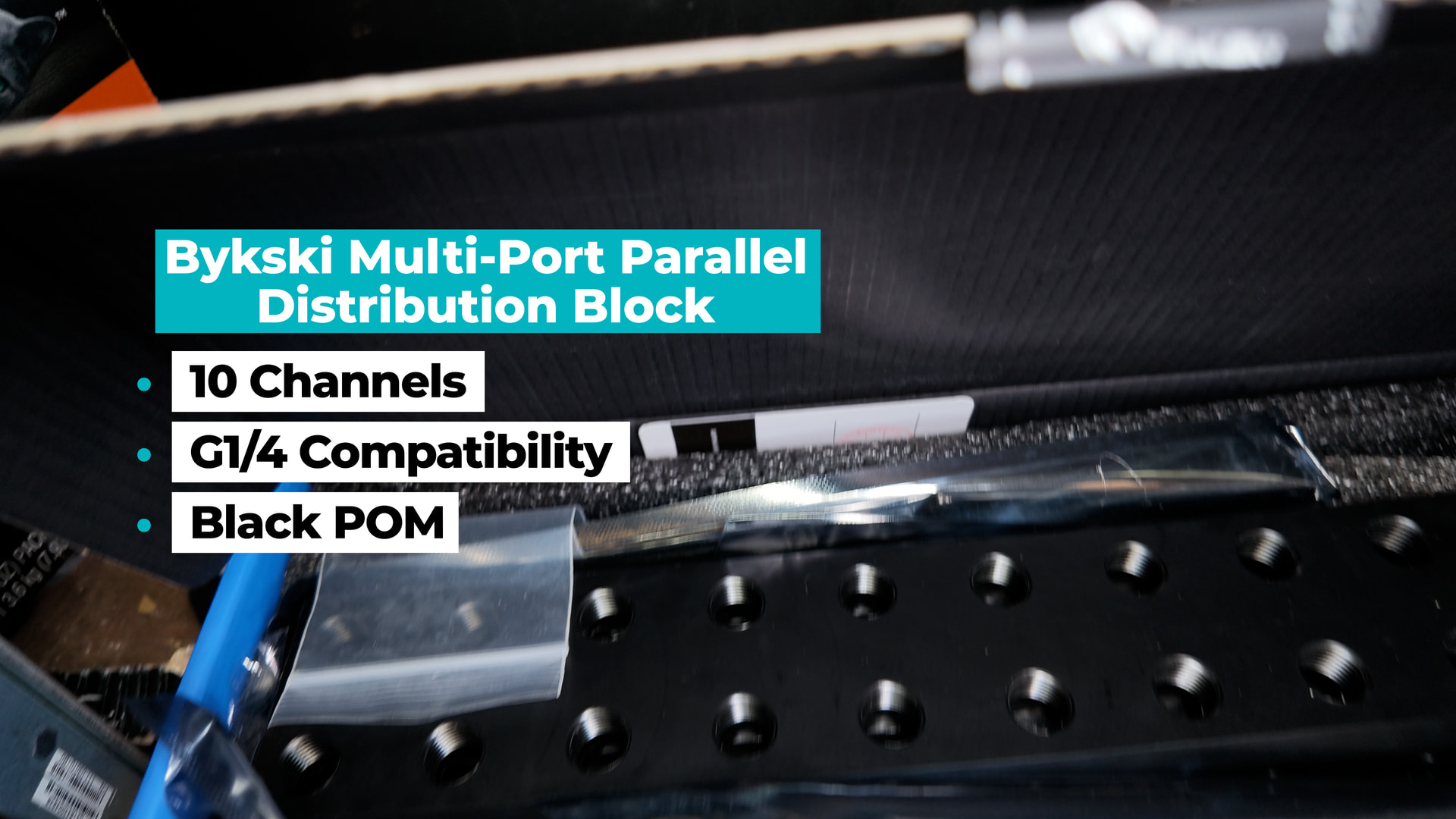
For the GPU cooler, considering the price of the Bryski, why not directly go with the Watercool GPU block? They tend to always perform best of all the retail waterblocks in tests.

@brandon.c I funnily enough had exactly the same problem as you with a 2 A100 server, where I also used the Alphacool manifold! Had to go for a similar solution as you.

I think you have the wrong link for the GPU: I’m seeing an RTX 6000 Ada, but everything else refers to the RTX 6000 Pro which is Blackwell.

1 Like

That’s a serious local AI build. The interesting part is that the hardware choices seem aimed at sustained workloads rather than just getting impressive benchmark numbers.

For someone trying to reduce recurring token costs, look beyond raw GPU performance and consider power consumption, model compatibility, VRAM utilization, and how often the system will actually run. For example, some structured verification tasks can use specialized APIs (like the nonprofit check plus API) rather than tying up local GPU resources.

A workstation like this makes the most sense when it can handle the models and workloads the user regularly needs without constantly falling back to cloud APIs. I’d be curious to see some real-world inference numbers once it’s up and running, especially with larger models and longer context windows.

Fascinating build. As I understand it, the current open models like Kimi 3 and GLM-5.x would likely require all of that VRAM. I feel like with this setup, you are marrying the entire development team to a single model, so I guess you better pick something everyone likes? Either that or you can use lower quants and load smaller versions of each model onto each GPU Video production would make way more sense since you should be able to load multiple image and video models across all that vram.

It is interesting Wendel distorted the voice of his client. Could just be privacy for some super secret startup .. or maybe they’re working on something super shady.

Hi,

I don’t know if this is the right place to discuss this, but while watching the video, I started thinking about whether DeepSeek V4 or V4.1 Flash is the best model to be running for these types of applications.

I have been using the DeepSeek API for the last month (mainly because it’s crazy cheap), but I have noticed that the model appears to be very “dumb” at the token level (I mean, it uses a lot of tokens to reach a solution). Also, in a lot of cases, it iterates over things that were already right, thinking they are wrong.

I primarily use it with OpenCode, Claude Code, and Hermes, and I have observed this behavior across all three, so I don’t think it’s a harness problem.

Also, I saw a guy on YouTube called @sentdex, and he seems to agree with what I am saying. He also strongly recommends using GLM 5.3 Flash instead.

I wonder if any of you have done tests and/or comparisons between these models in general and in local inference.

Also, is there any benchmark or data point that compares quality per token/price, or time to completion?

At the moment, the API cost of DeepSeek is ~4x cheaper in output tokens and ~25x cheaper for input tokens compared to Z.AI pricing (I’m comparing it this way because I don’t have the hardware to run these types of models locally, but I think the price comparison is also valid for local inference if we take tokens/sec into account instead of USD).

So, to summarize: Is DeepSeek V4.1 Flash the best option considering $ or time/end result, or would a model like GLM 5.3 Flash be better?

This setup is capable of running either GLM-5.3-Flash or DeepSeek-V4.1-Flash. (To be specific, I am referring to the “official” weights at zai-org/GLM-5.3-Flash · Hugging Face and deepseek-ai/DeepSeek-V4.1-Flash · Hugging Face)

I have a quad RTX PRO 6000 rig, and I have it mostly dedicated to running GLM-5.3-Flash as I have found it to be more effective at the tasks I ask of it than DeepSeek-V4.1-Flash. It is really hard to pick one over the other in my usage, but I find that DeepSeek’s vision abilities makes some mistakes that GLM does not - and most of my uses are around automating image and video-related tasks and not strictly coding. With coding, they seemed pretty equal in capability but I found GLM seemed to stay on target slightly better.

The big problem with both models are that they are frustratingly slow. I am not referring to prefill and decode rates, which are pretty respectable on the hardware, but the AMOUNT of reasoning tokens they generate to accomplish tasks. With GLM I could get prefill at ~10k/sec and decode ~300/sec aggregate across 8-16 active requests (those are stats from uneven but actual usage, not benchmarks ) and I found it to feel somewhat unresponsive even at those speeds.

YMMV depending on the types of tasks you are handling, and if you can avoid large reasoning chains I think a machine like this could handle a workgroup quite easily.

DeepSeek has double the decode rates of GLM on my hardware, and it also has room for larger KV caches. (In my config, I get about 7.5m tokens KV cache with DSV41F, and about 2.5m tokens with GLM53F.)

If I needed to support many high-usage users (e.g. developers using coding agents) on such a machine, I would investigate running DeepSeek-V4-Flash-0731 with prefill/decode disaggregation (prefill on 2 GPUs, decode on the other 2). That should keep latency low as well as handle reasonably high throughput, and that model was quite capable itself even if better models have been released since.

1 Like

Local control definitely makes sense for reliability, especially for smart home devices that need to keep working during an internet outage. I also like the idea of having local internet access options available through reliable mobile data packages when the home connection /goes down.

Agree, for quad PRO 6000s the best set up right now is GLM flash. For its size its the fastest and most brilliant model. I’m getting ~160 tokens per second and 256k ctx.