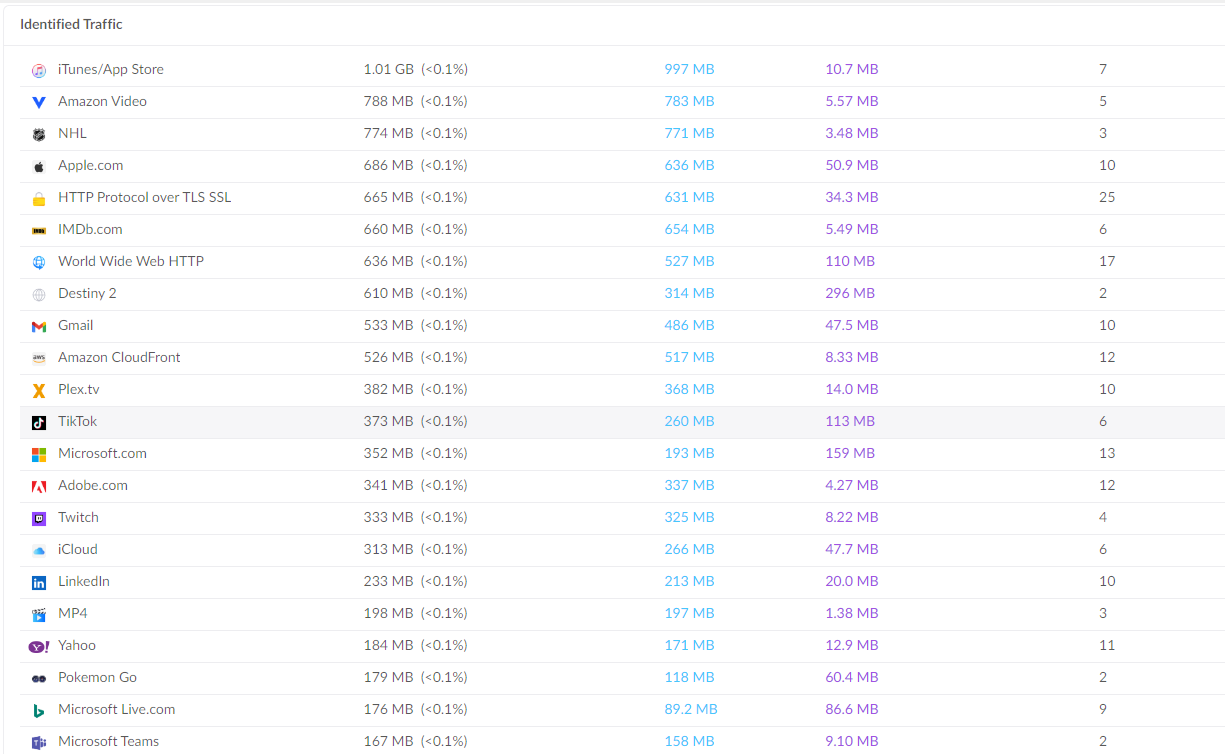
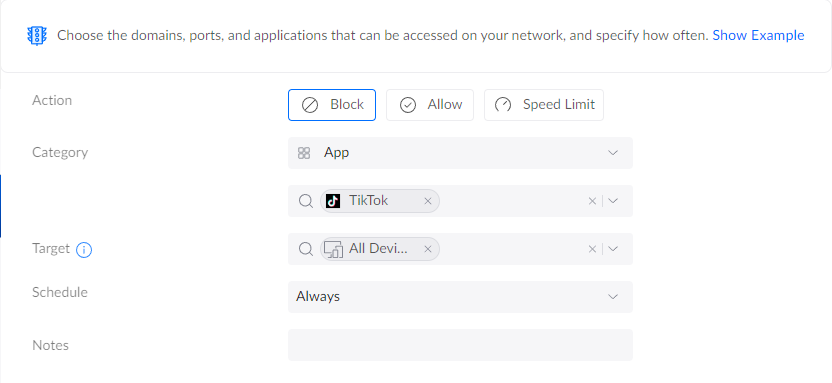
What is the best way to go about completely blocking them?
Why not just blocking DNS regex?
1 Like
Network or device level?
If on a network level, and you do not have any business with Asia, block the entire IP range and void DNS-queries leading there. Most off-the-shelf firewalls have provisions to do this easily (or rules labeled “unproductive browsing” or similar).
Yes, I want to block it completely from my LAN.

I am just going to be completely honest, I am very very rusty with networking.
Where should I go from here?
Am I on the right page on my router to execute this?
I’ve blocked a few things and am able to still get through when I test.
Can someone help research with me what IP addresses they use? I’m worried they are constantly adding more to stay resilient. I feel like this is like going to be playing whack-a-mole…
1 Like
Ensure your device used for testing is not sending its DNS-queries directly to an external DNS.
Looks like it.
Lots of them
Security is not easy.
Random guide on the subject.
Lots of them lol nice, figured.
DNS level… https://blocklistproject.github.io/Lists/tiktok.txt
https://pi-hole.net/
https://www.friendlyelec.com/index.php?route=product/product&product_id=266
Blocking per IP in 2023 for solutions like TT is almost pointless. There will always be new IP addresses, and nothing stands in the way of traffic suddenly taking place through large well-known clouds / cdn in the usa / eu and then blocking per IP will spoil the availability of many resources.
1 Like
dont use it… dont install it… is probably best.
if you have hardware it shipped on such as a mobile device as sponsored software.
then you might want to add a terminal to the o.s, look up a relevant priv esc that will grant you system privs.
and remove it.
lastly dont log in via other big data accounts such as your facebook, insta, gmail for that matter.
from what im seeing, there is apparently no way to use it and not have it take all your shit.
1 Like
I do not use it myself.I have never used it myself.
I do have users that do use it and I want to block them for a plethora of reasons.
Sounds like this is a losing battle…
1 Like
What is your context / setup?
If in a corporation / school, then what firewalls / tools are available.
If at home, same, what firewall / DNS do you use (like, ISP supplied router etc)
Ohh, I see you have your router screen a little higher.
I guess this is at home.
So now it is a more ethical question?
If the users are in your family, is it kids?
In which case, there are “nanny” tools you can use on their phones, or controlling their iAccounts, to stop / restrict apps?
If they are adults, perhaps an adult conversation? Talk them into giving up the short form content and switch to something more rewarding in the mid-long term?
1 Like
No, it’s not.
1 Like
Depending on age, you are either the parent, in which case your word and action count no matter the screaming and shouting.
For adults, be honest with your personal concerns with the use of social media like tiktok.
No. Just a difficult start.
1 Like
You have several options to complete the task.
Run the appropriate dns filter on your LAN, starting with pi-hole and ending with several other options.
Buy a small sbc if you don’t have one or run a virtual machine if you have something to run on.
Then you block all devices on LAN from UDP 53 internet access. And set your dns ip on all devices.
If you don’t feel up to doing it yourself and for free, that’s also another option, I can set up a small server + pi-hole somewhere in the USA that you can access from any location, but it would involve a small fee of $3 / month Or if you’re willing to do a bank transfer, I’ll recommend you a small vps that’s enough for a pi-hole for a couple of people for a one-time activation of $2/life.
The bank account details must be identical to the data provided during the registration of the vps. For security reasons and identification of persons who break the rules / law.
pihole or adguard will work, assuming devices can’t use other ways of resolving DNS - beyond just port 53 TCP and udp, you’d need to block https access to public DNS resolvers, 1.1.1.1/8.8.8.8/9.9.9.9/8.8.4.4/208.67.222.222 … and then there’s ipv6
… and then, there’s VPNs and Tor with e.g. perhaps snowflake and shadowsocks and i2p and v2ray and similar.
Depends on how much effort you want to put in, how much effort you think would be enough.
In this forum, somebody mentioned that certain prosumer / enterprise switches, have the ability to funnel all DNS request to a predetermined IP. This is done to catch misbehaving smart devices which use their own prebaked DNS - maybe that’s a solution to explore