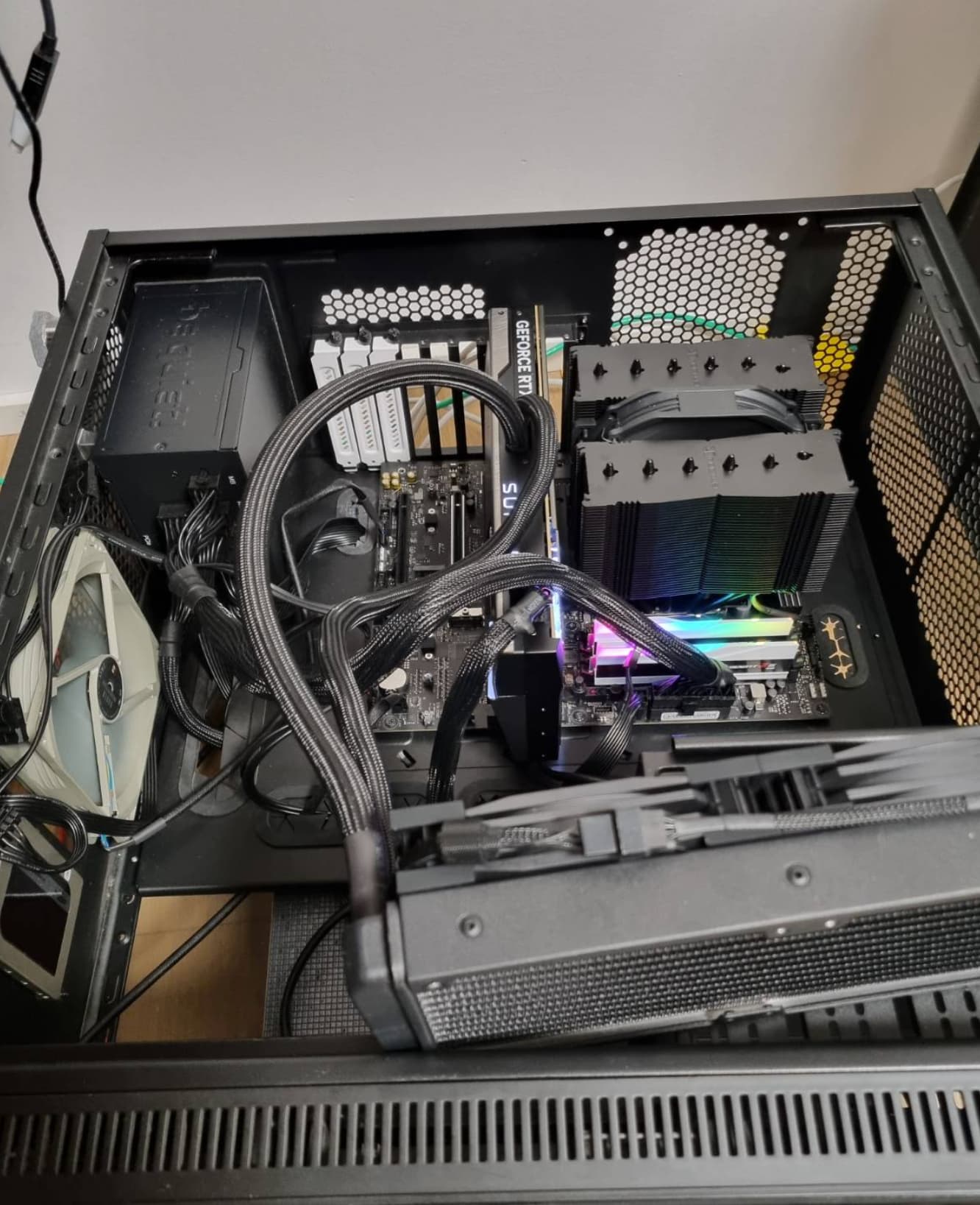
I cannot recall this coming with my case, and I’m 100% it’s not there now. I simply was steering at it for too long  I also inspected each of the spacers/standoffs.
Good news tough - I got it up and running, even if I’d rather had it pushed deeper. I did what I wrote - 3 holes near have the screw UNDER the mobo, thus elevating the edge of mobo a bit. It took a lot of moving and fitting, but I managed to get it up&running, well… laying and running, I still need to assemble all the ssds, cooling etc., but i managed to pass a 3dmark and played a bit of CS2. Apart from clicking in audio (likely due to using very old windows 10 I had with previous build), no issues noted. So I guess “SUCCESS”, but at what price!
I might consider getting another case one day, wonder if the issue will reoccur. If it will, I will be quite annoyed, as for today I have to assume it’s an issue with the case.