Review
Video soon
That does not look great.
Thanks for the video.
Great to see Benq addressing some of the gripes with the previous model.
I got a pair of RD280UA some time ago and seems like in the new RD280UG model the control hump is gone, pivot goes both ways, there’s PiP/PbP and its 120hz.
Almost makes me want to replace them with the new model (although the RD280UA does come with a very nice arm while RD280UG comes with a stand)
@wendell while its fresh on your plate: could you check how it behaves in 2 other aspects?:
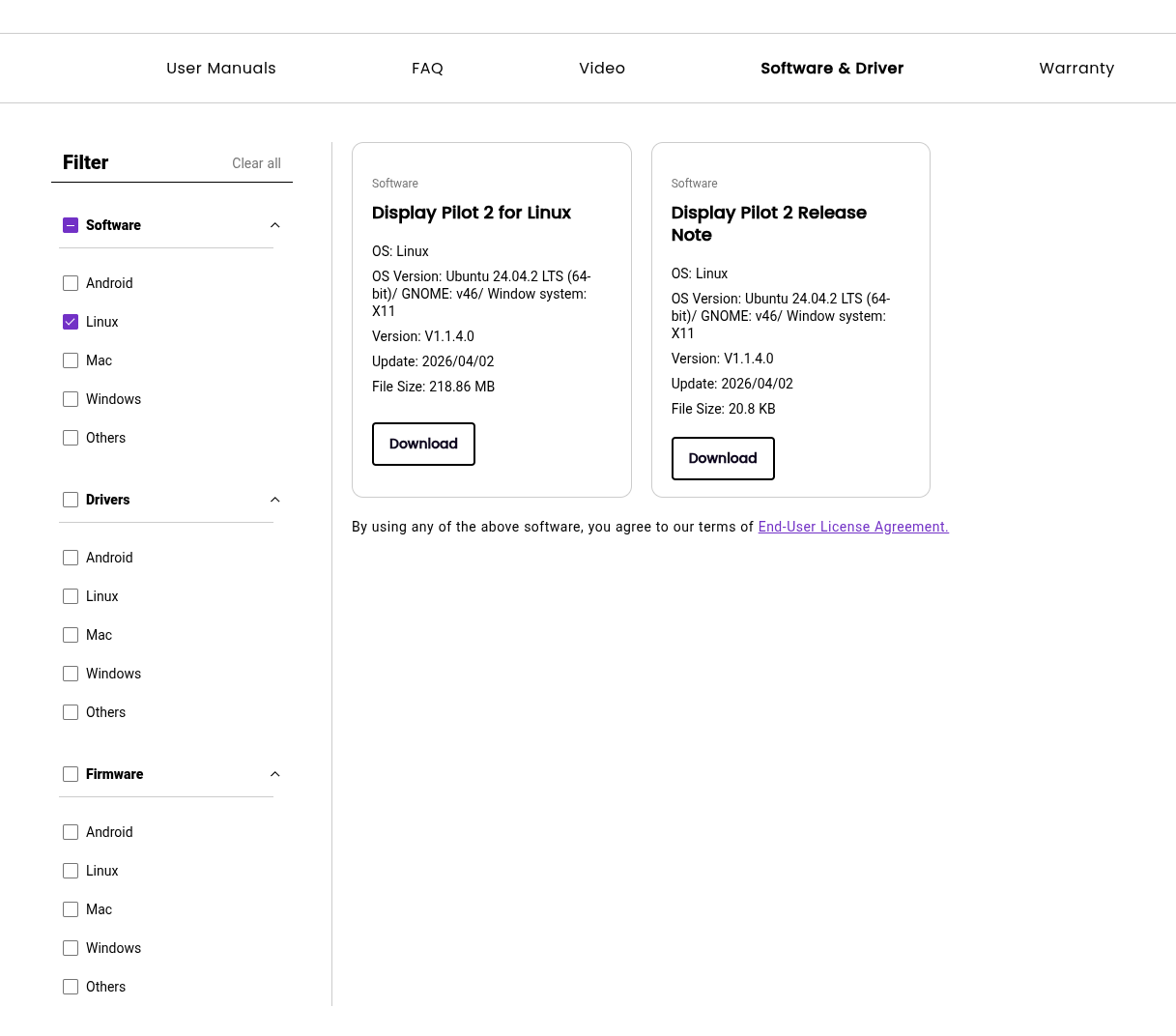
I saw the video, and is actually the reason I am going to get one myself. But I did notice that BenQ added a Linux version of the software.
My question is, has anyone tested the software? We all know that we don’t need the software obviously, but it makes me wonder…
I have bought and returned the RD280UG. A major problem is with the KVM. It has a serious design flaw. If the secondary input has switched off the video signal (e.g. screen lock/sleep/idle), the KVM won’t be able to switch back to that input. This happens on Linux/Windows/Mac.
It’s such a basic job for the KVM and it failed miserably.
I spent significant time providing detailed instructions to their tech support for reproducing the issue and telling them how it can be fixed (I have strong evidence the hardware is fine and it’s fixable in firmware), but in the end my conclusion is they are extremely useless at even the most basic level.
Some examples:
Despite my detailed step by step instructions that a 5yo can follow, I’m fairly confident they didn’t understand or even tried to understand, and simply responded with gibberish.
It was an extremely frustrating process. I gave up in the end.
@wendell I’m looking forward to your new DP2.1 KVM. A USB+C + DP dual input setup would be nice (my use case is desktop + laptop)
Interesting. I experienced something similar but disabling auto input switch and making the keys between two specific inputs I didnt have trouble switching to an inactive input i.e. my laptop .. I’ll retest though
Yep I did that right away when I got the monitor.
Thanks! One thing important is the video signal should be fully off, not just a dark screen. It’s the default/standard behaviour on my AMD APU Fedora machine shortly after screen lock.
Hardware I tested:
Note, the problem is the KVM can switch the video signal back to the secondary source (all black because screen locked/idle), however it will not redirect the keyboard/mouse back to the secondary. Then the only way to unlock the screen and bring back video signal is to connect keyboard/mouse directly to the computer.
I have the same issue with the RD280UG and a PC connected directly via HDMI. The monitor doesn’t wake up after the screensaver, and I have to power it off and on again to get a picture. Disabling Auto Input Scan and Deep Sleep didn’t help.
It seems to be a bug in the Radeon drivers for Windows 10 (at lease version 25.12.1 and later). Version 24.1.1 doesn’t have this issue, but it has another bug that can completely freeze the OS.
The good news is that the Radeon iGPU in the Ryzen 7800X3D on the Asus Pro B650M-CT-CSM fully supports FRL at 3840×2560@120Hz with 10 bpc. The WHQL driver from WU version 31.0.24002.92 even enables HDMI debug logging to C:\Program Files\AMD\atikmdag_dce.log, so the FRL training results can be viewed. Someone asked about this in another thread.
is there any info in the OSD that tells you more about the mode?
The OSD only shows basic information, and the service menu (Power On + Right Joystick) doesn’t display much either:
I took a photo of the interlaced FB logo from Reddit with some details, and mine looks exactly the same.
Hopefully, this is just a firmware issue rather than a limitation of the panel or the scaler itself. The problem occurs at 100–120 Hz and is independent of resolution, color depth, or input type (tested over DisplayPort, HDMI, and USB-C).
It’s a panel defect called “pixel inversion artifacts,” so I returned mine.
I also noticed some backlight bleed and significant IPS glow because of the screen size and aspect ratio. The colors in the corners look washed out and it’s hard to distinguish some highlighted UI elements when sitting directly in front of the monitor. I could live with those issues, but the scanline artifacts at 120 Hz are terrible on blue and orange areas.
I’ve been considering one of these monitors for a few months. Has anyone been able to compare one to the original Huawei MateView 28? They were discontinued a few years ago but they were at the time the only and I believe original option for 3840x2560 and the panel seems to be suspicosimilar to those used in the BenQ models of the same resolution.
I still use a pair of the Huawei’s for work but was considering the BenQ as a suitable display for my “gaming” PC (I do some gaming, but mostly stare at a terminal and code). The “it’s like the Huawei but 120Hz” aspect attracted me.
Has any of the issues been fixed? I’m in the market for the RD280UG, the panel defect is concerning as this isn’t a small amount of money.
Also - Is the jump from 60hz to 120hz worth the extra ~$150 just for programming?