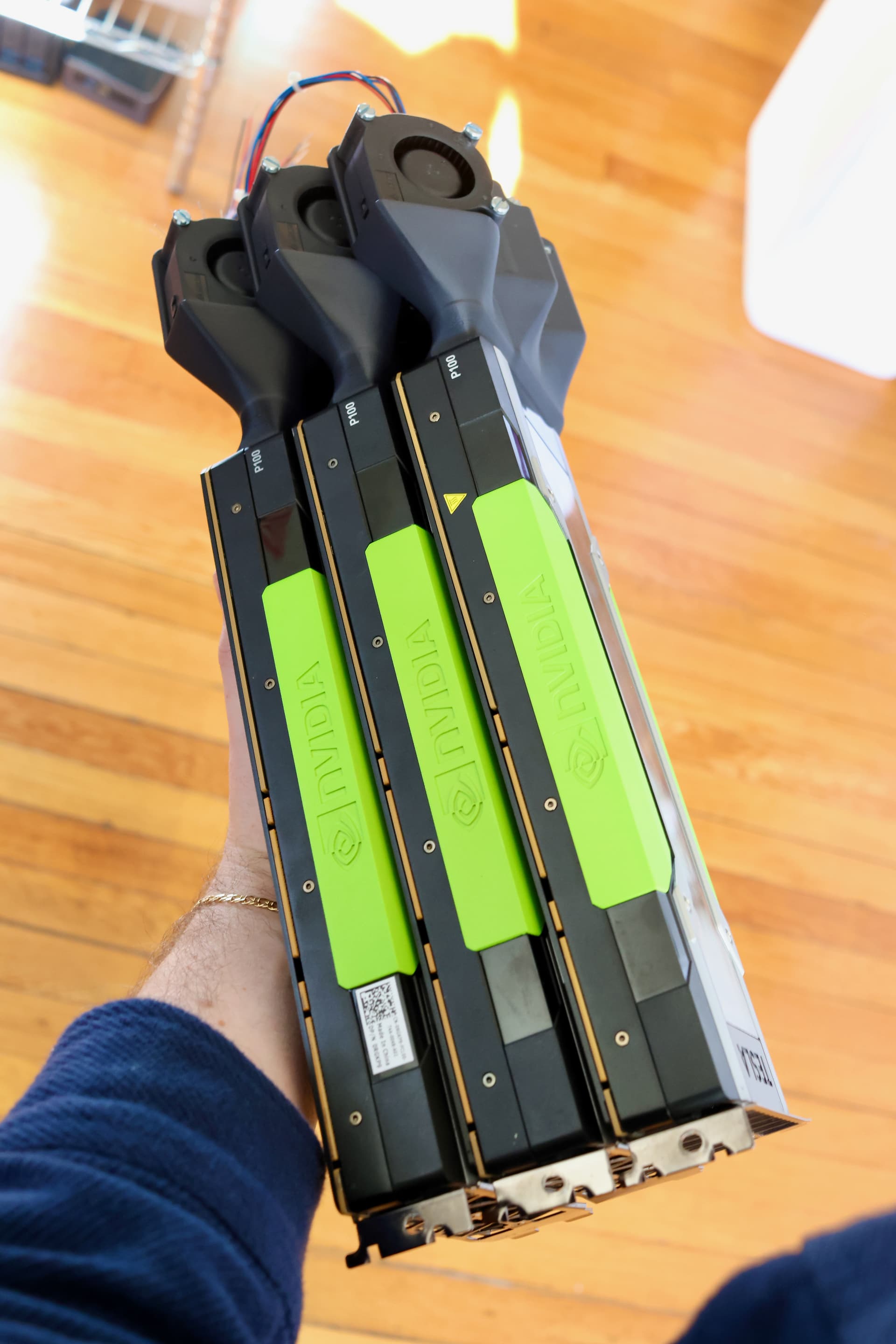
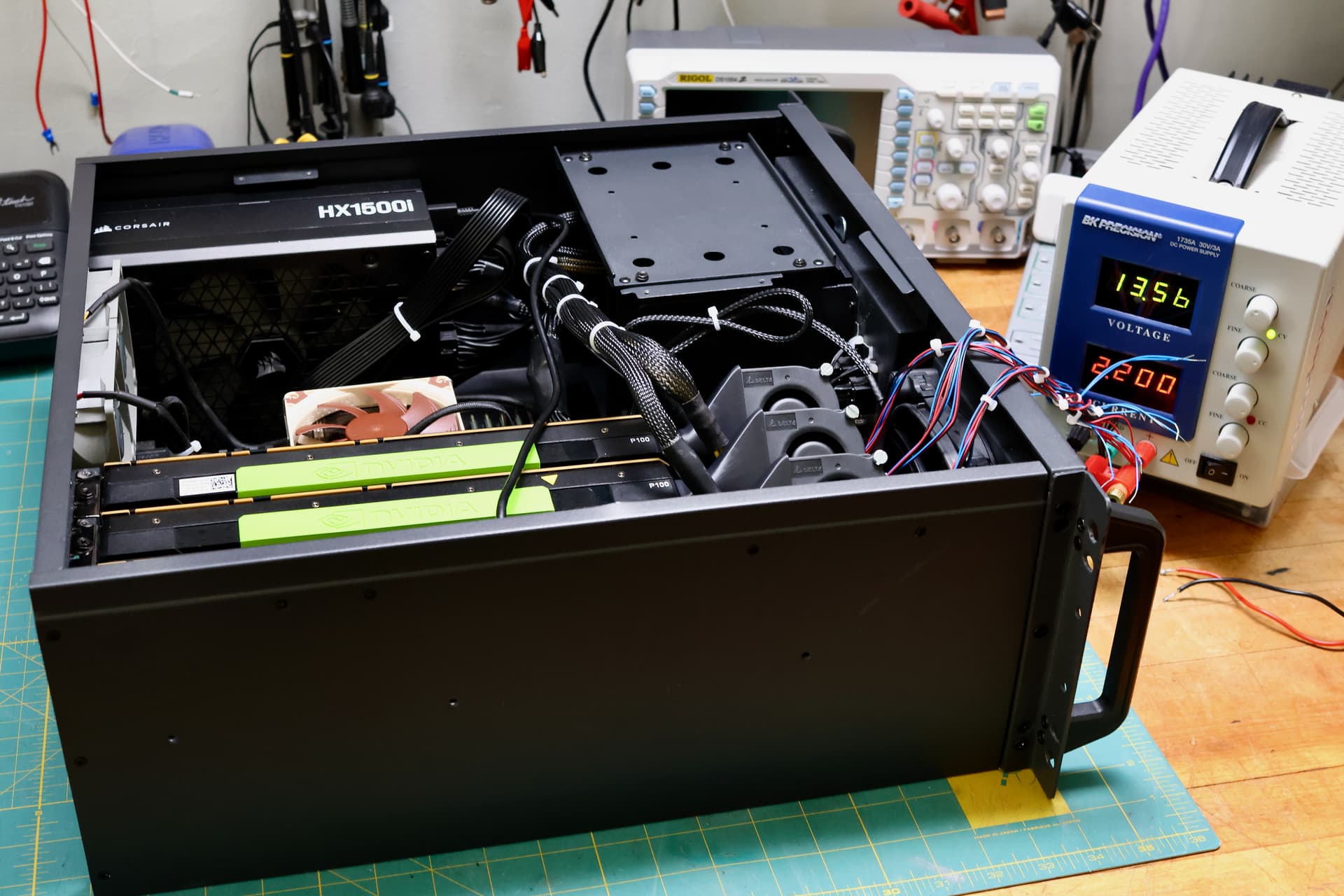
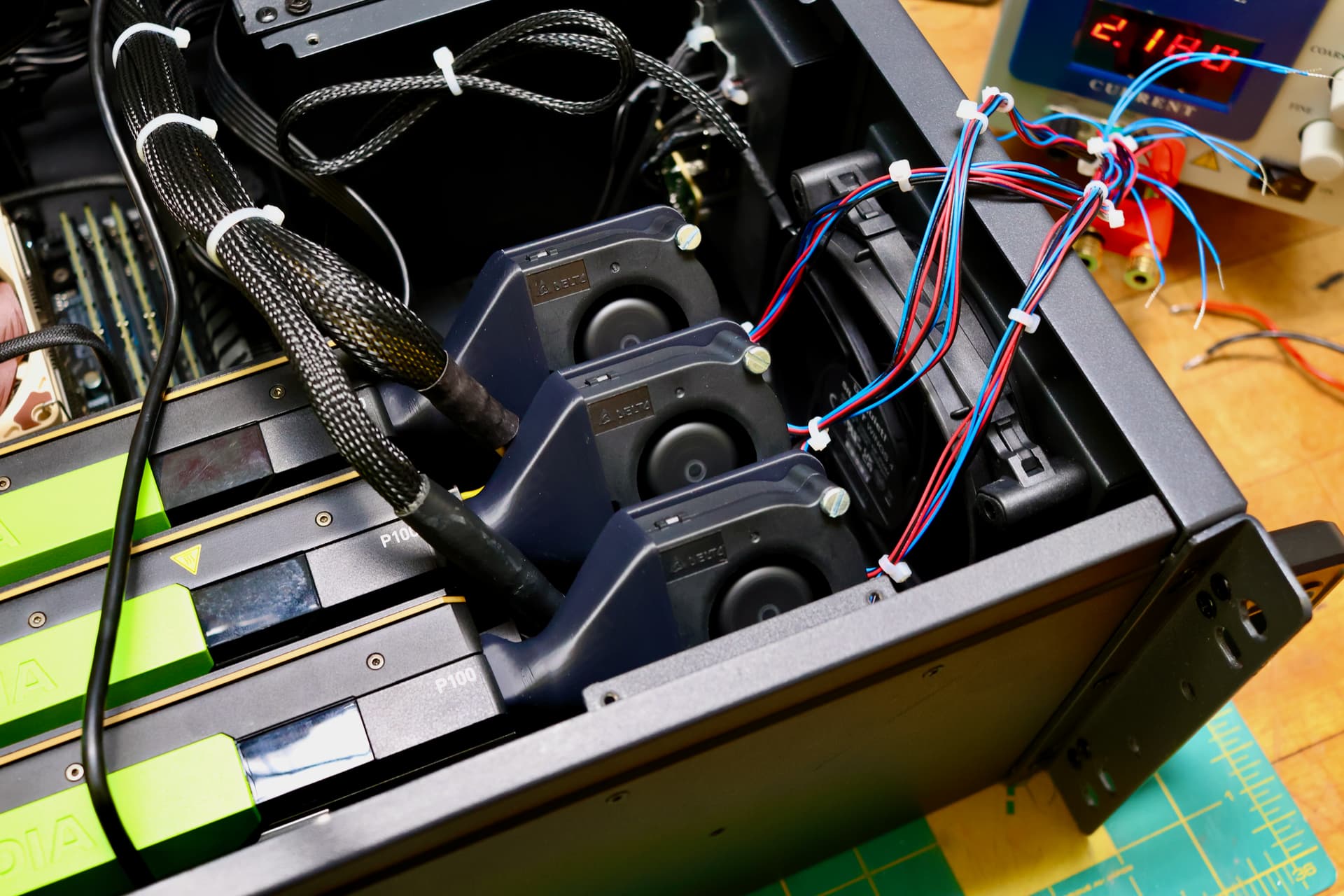
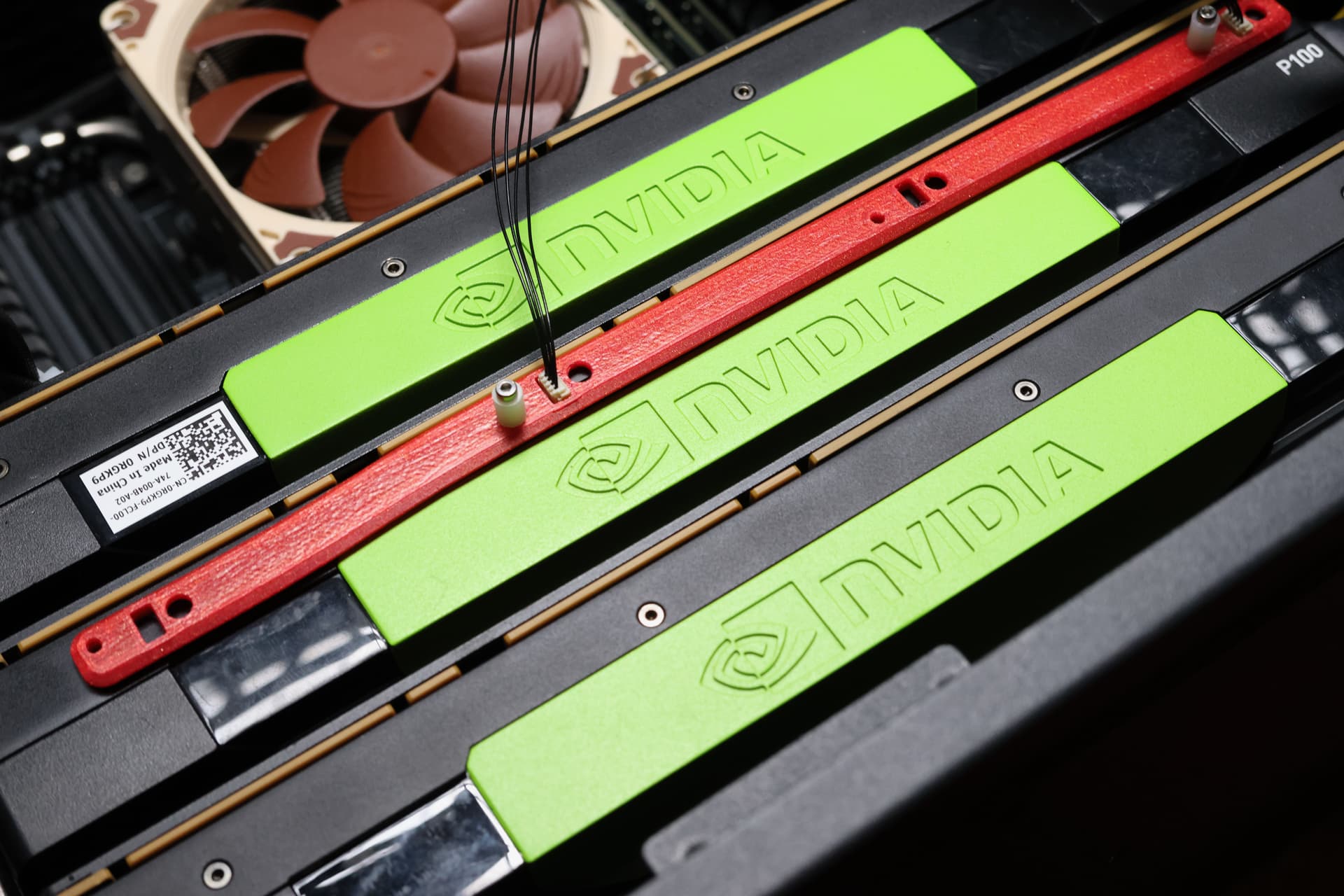
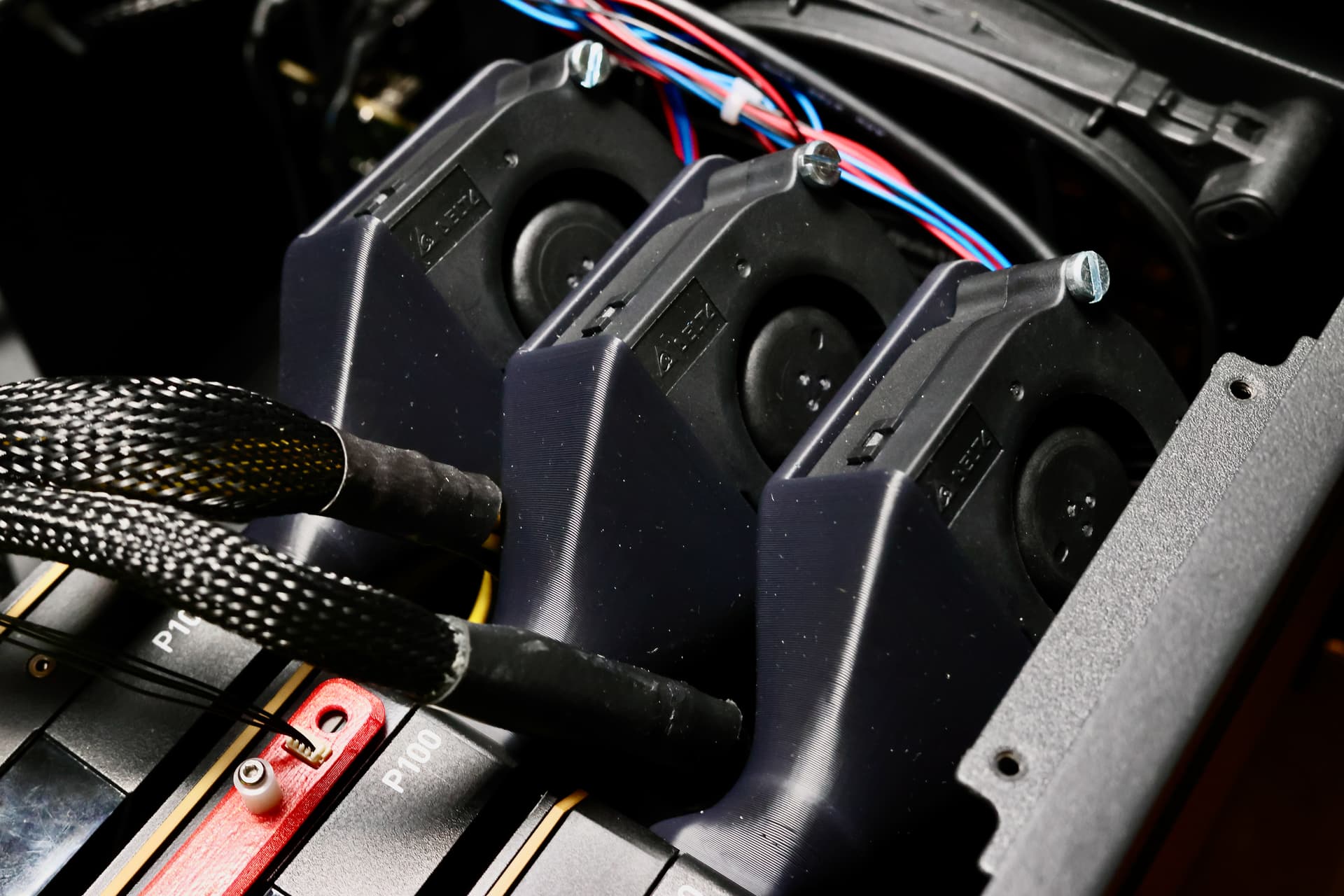
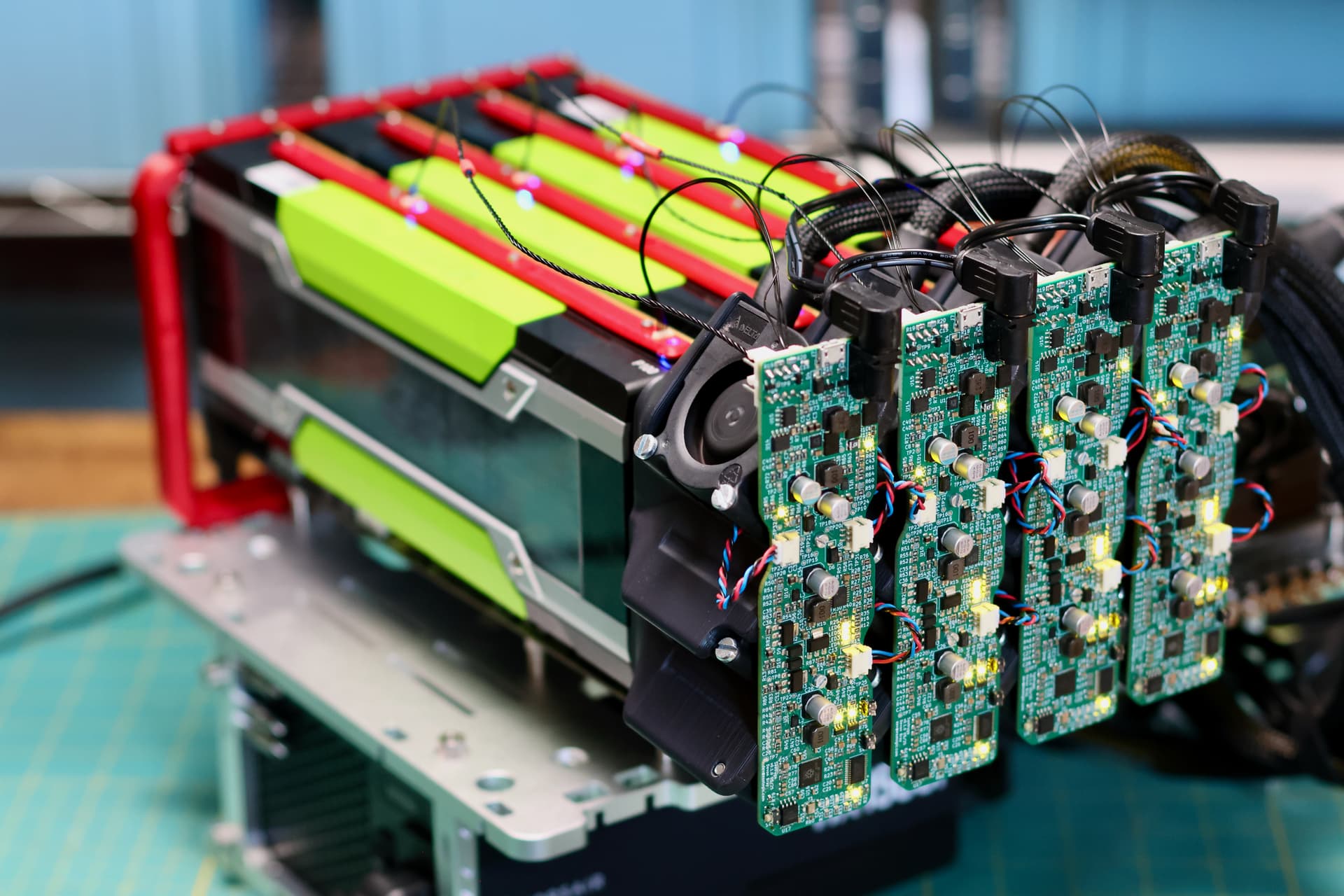
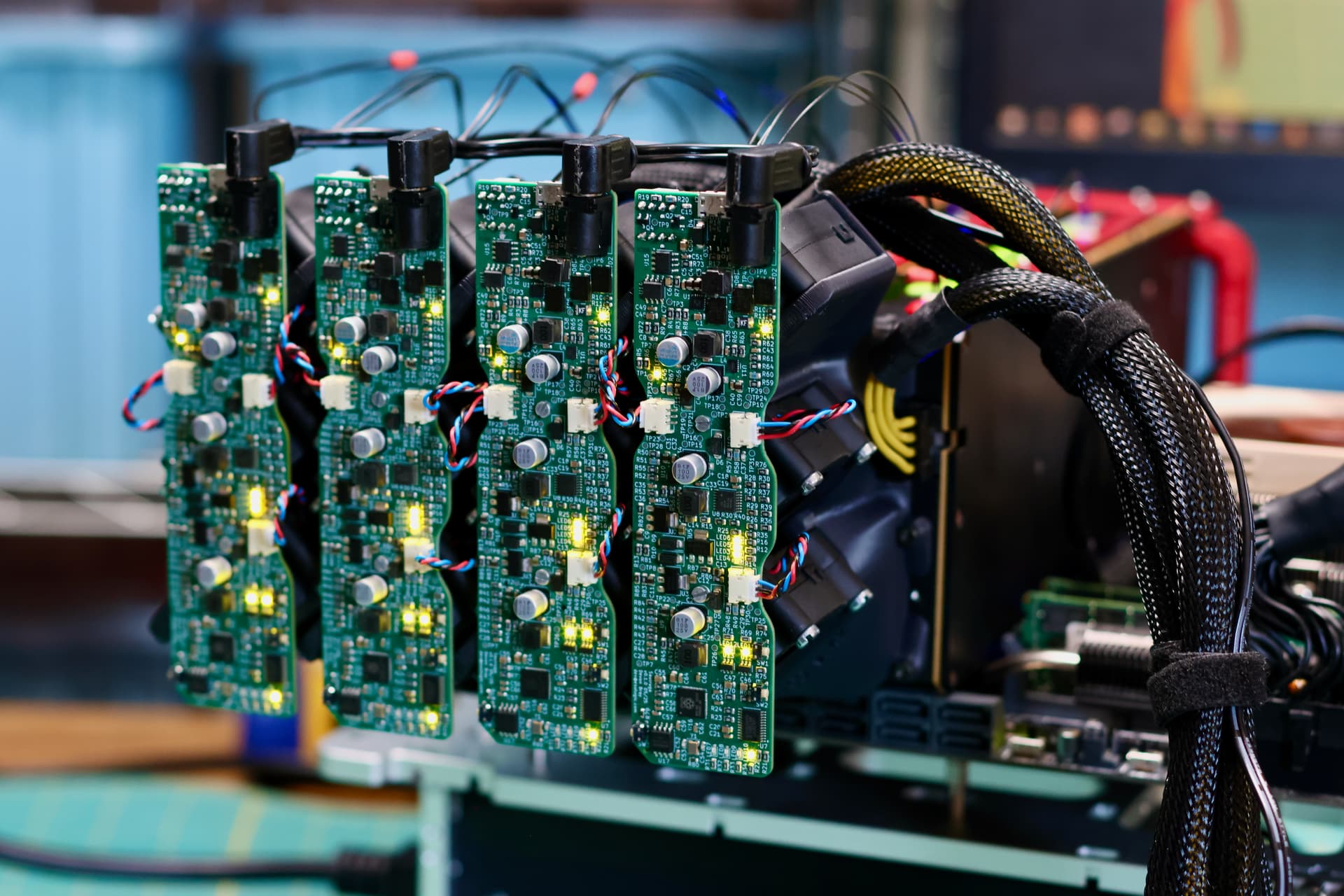
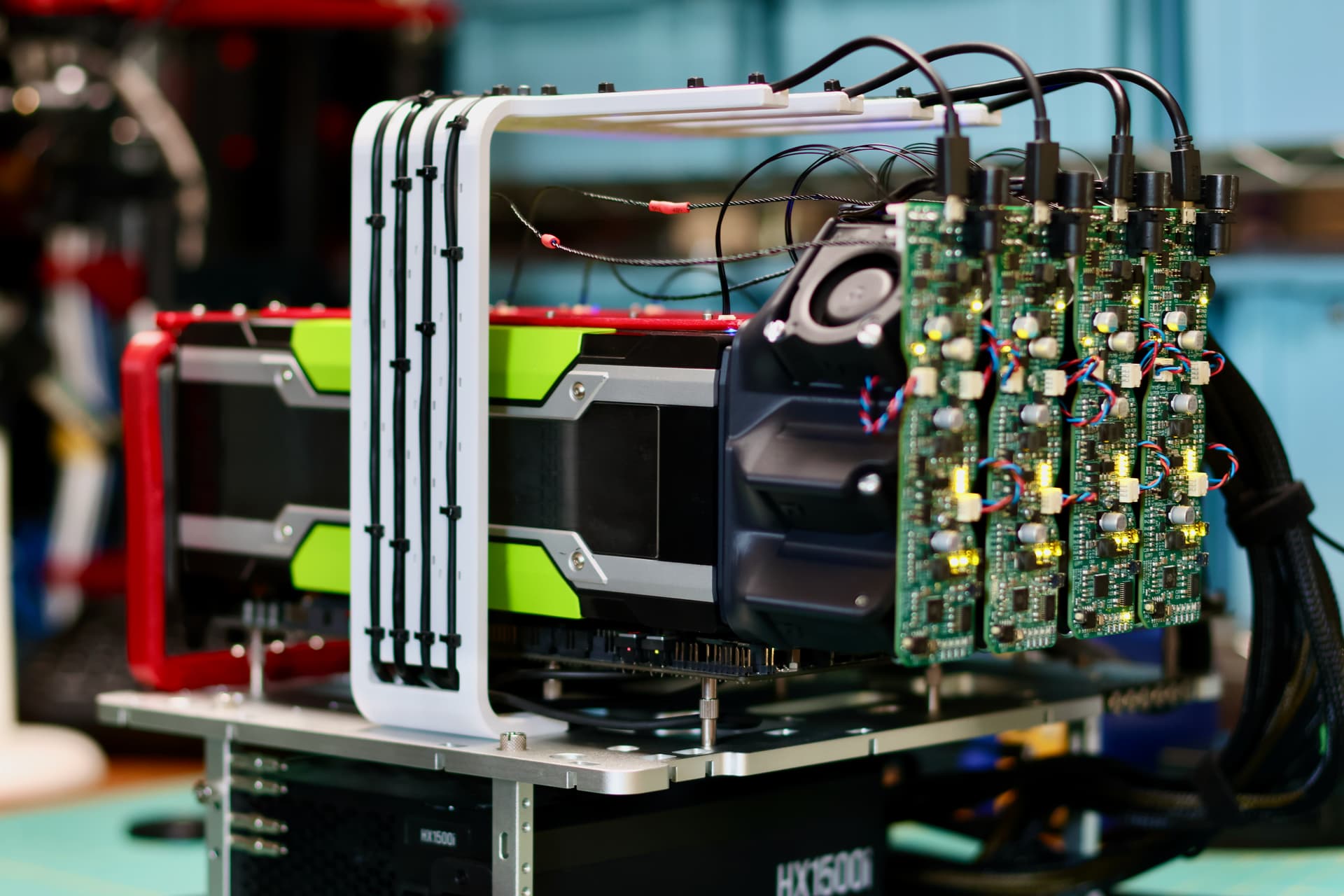
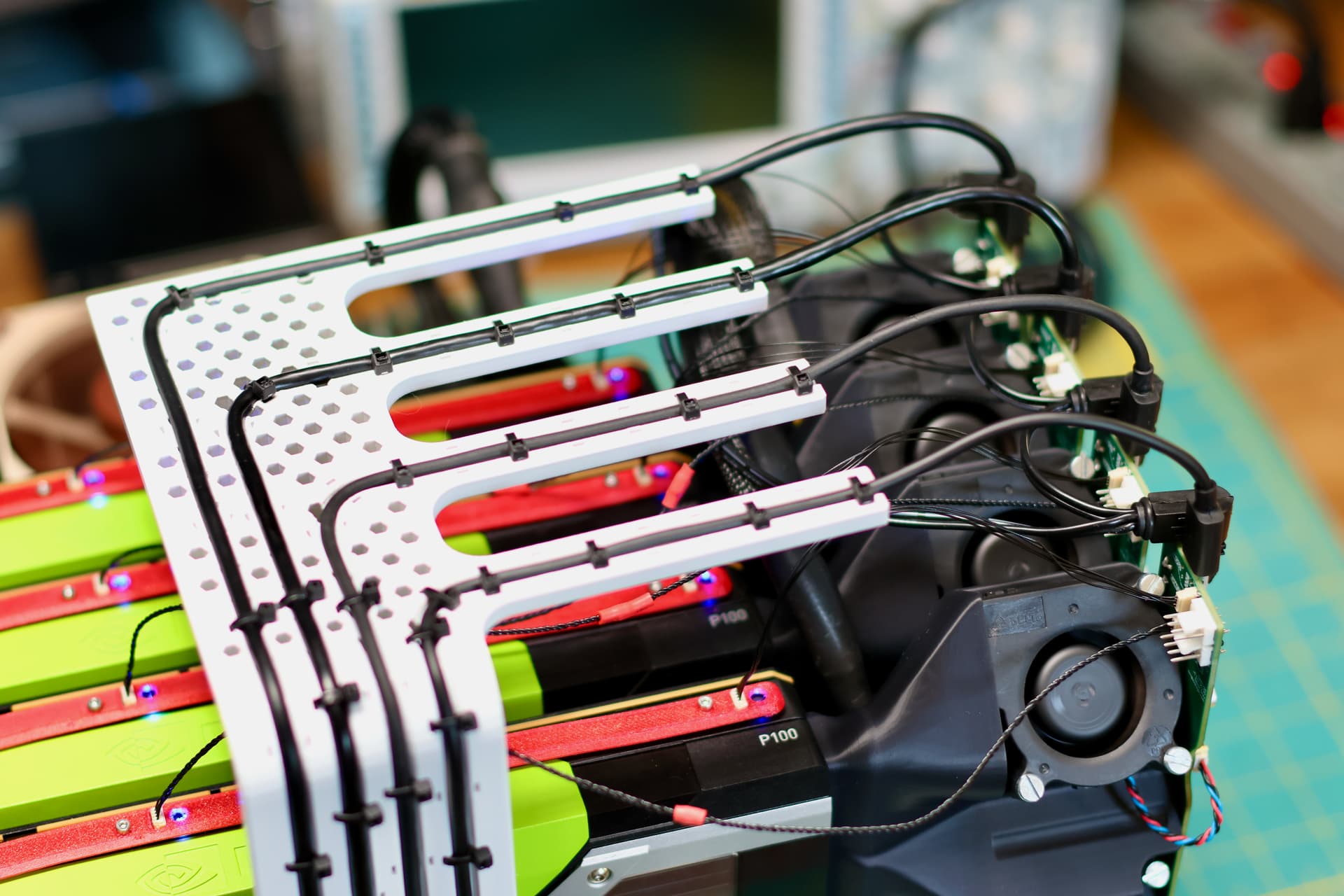
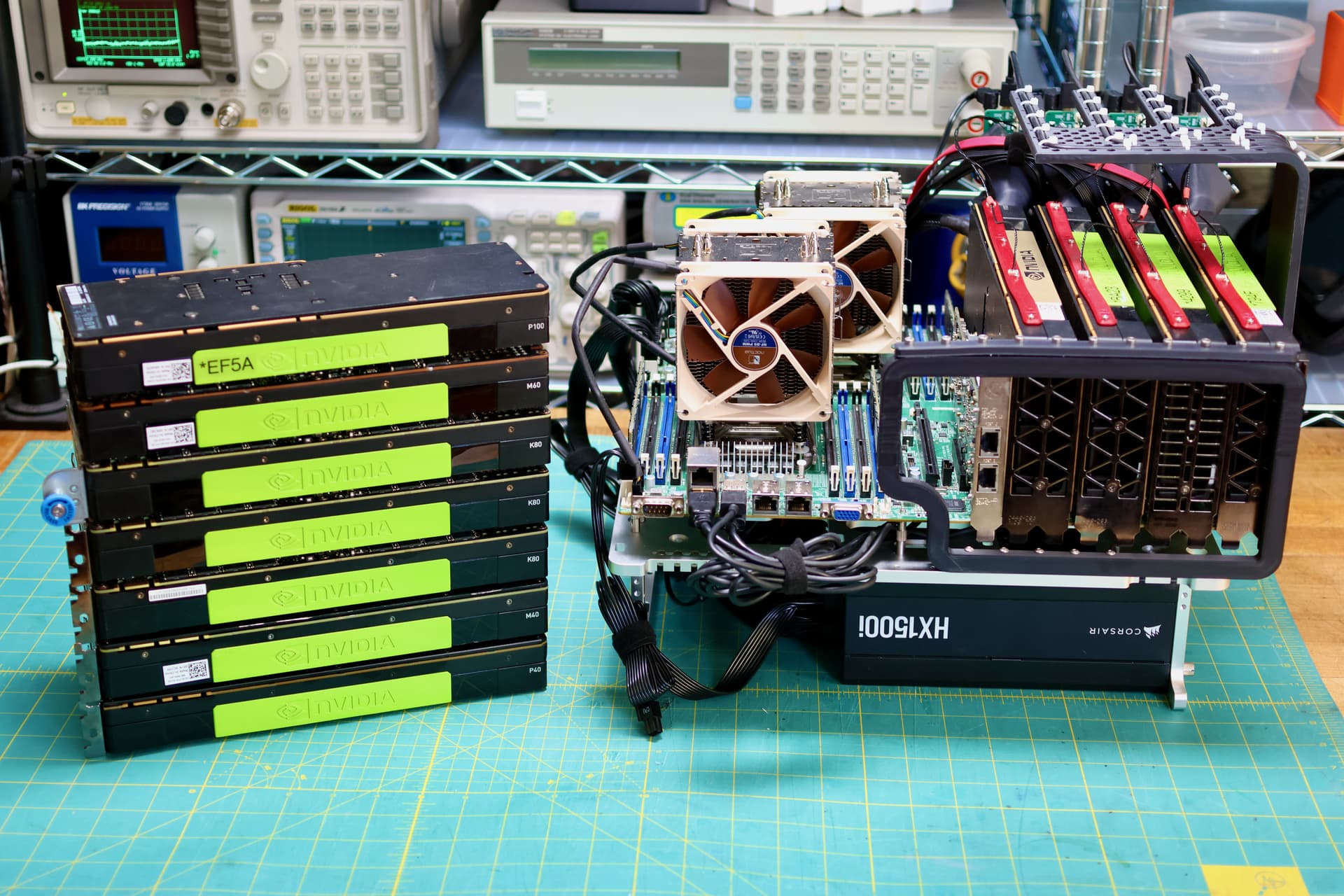
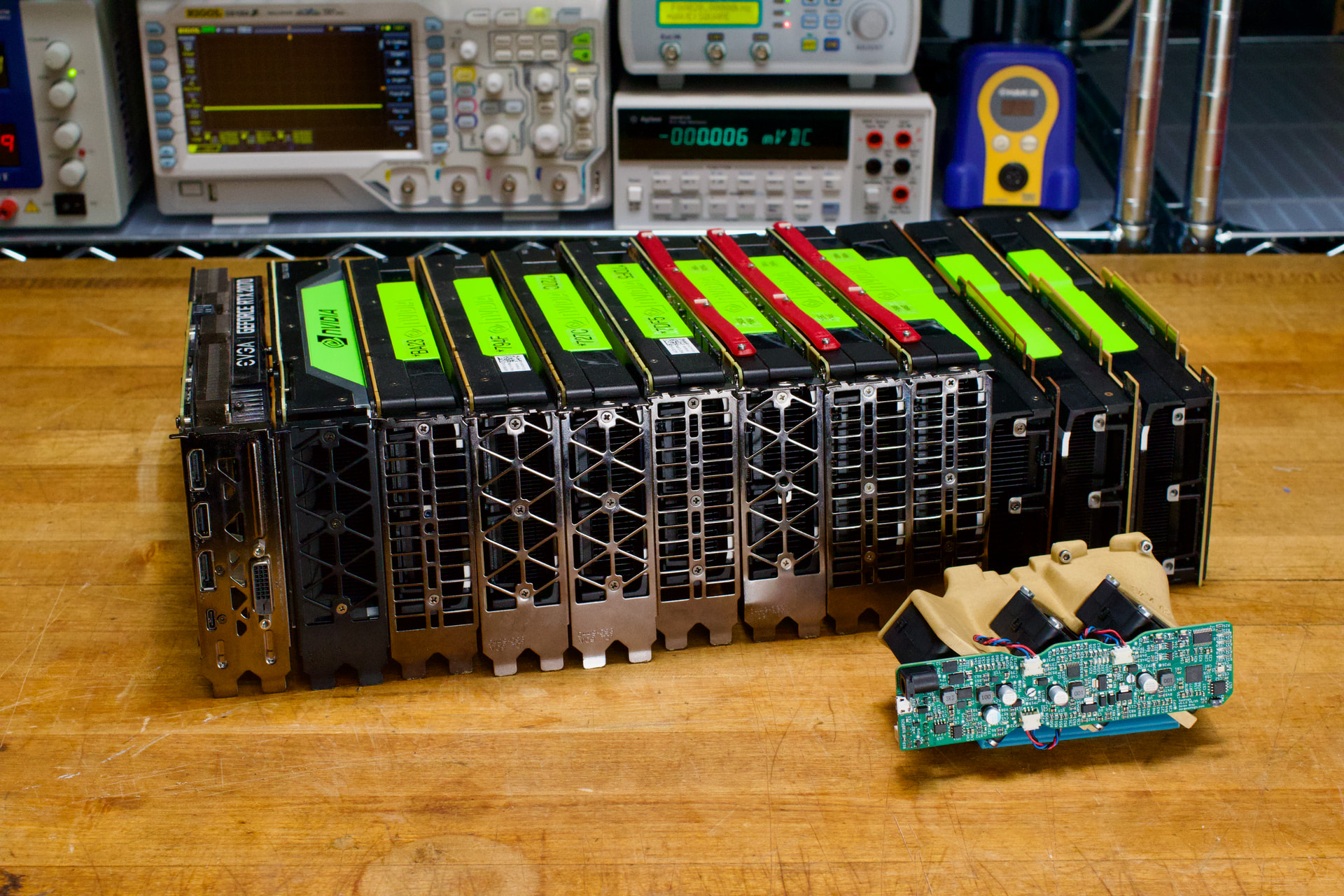
Hello! I’ve been eBay-accumulating parts for a dedicated GPU appliance for my homelab. At this point I have 3 NVidia P100’s and I’m looking to spot other bottlenecks in my system via benchmarking.
I’ve used gpu-burn to validate power delivery, this works no problem. There are a few pieces of software related to pytorch image processing that I’ve written which also use the GPUs and run really quickly on the P100s. What I’m missing is a more standardized suite of tests.
Does anyone working in this area have suggestions? Baby photos of the build attached.
I’ve posted about this problem in a few more places online and gathered a set of tests I’ll be running soon. This is the plan so far, anything I’m missing or things you’d want to see?
GPUs:
1x, 2x, 3x K80 (Will cause PCIe speed downgrades)
1x M10
1x M40
1x M60
1x M40 + 1x M60
1x P40
1x, 2x, 3x, 4x P100 (Will cause PCIe speed downgrades)
1x V100
1x V100 + 1x P100
I’ll re-run the interesting results from the above sets of hardware on these different CPUs to see what changes:
mmapeak and mamf-finder are two tools that I like to run for raw GPU perf, specially for GEMM perf, but I’m not sure how well those will run on GPUs without tensor cores (if at all):
I also used to use tensorflow’s restnet benchmarks, but that repo has been archived last year and I’ve been mostly using pytorch nowadays:
Wow cool build. I have also done a multi GPU build recently. For LLMs I have use nVidia’s GenAI perf which I used here at 4:33 My AI server build
If you keep on watching for ML Training I have used ResNet50 and forked M Burke’s benchmark and added some torch distributed code to do multi GPU which I started 2 years ago with 1080 GPUs here. forked pytorch test at github
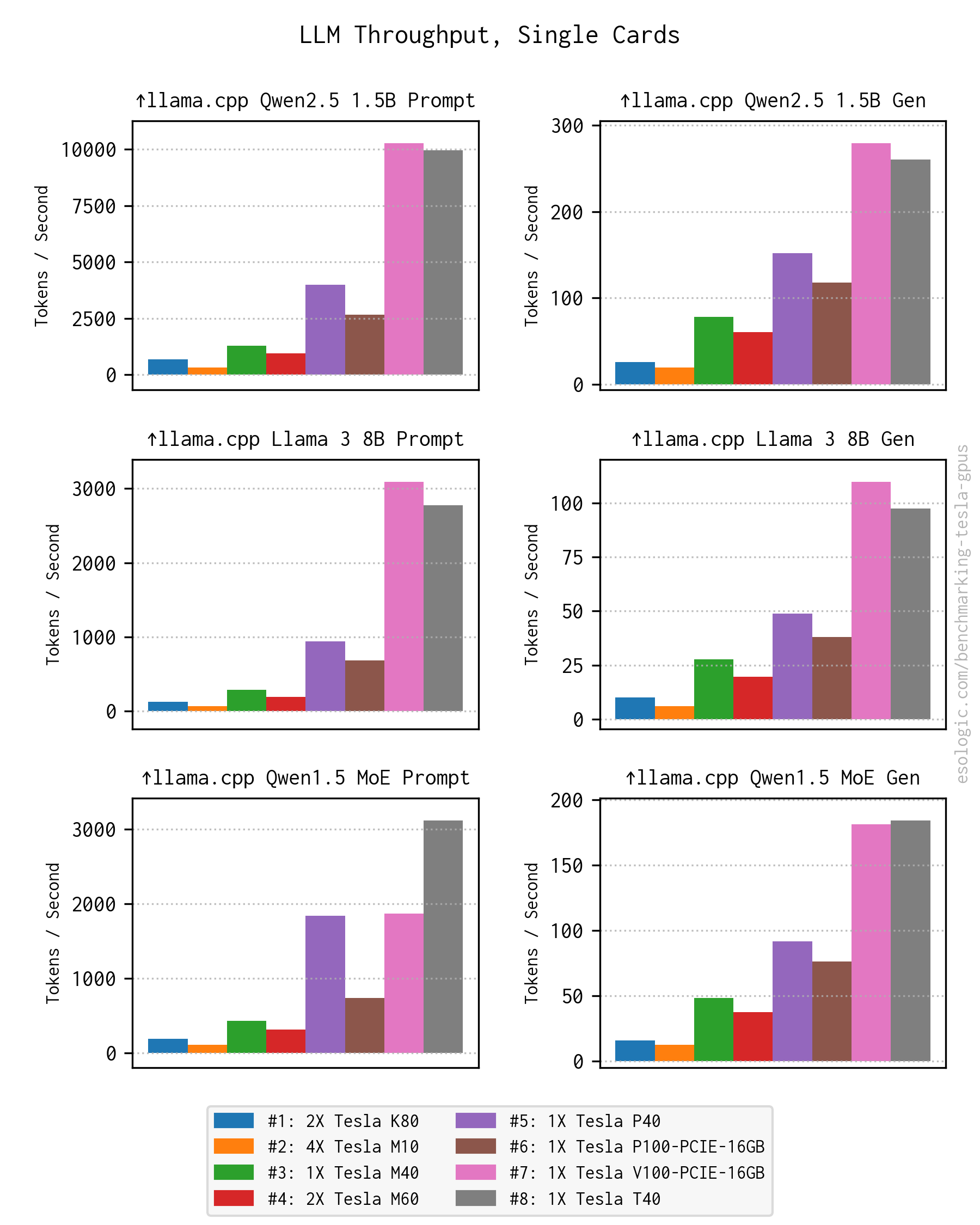
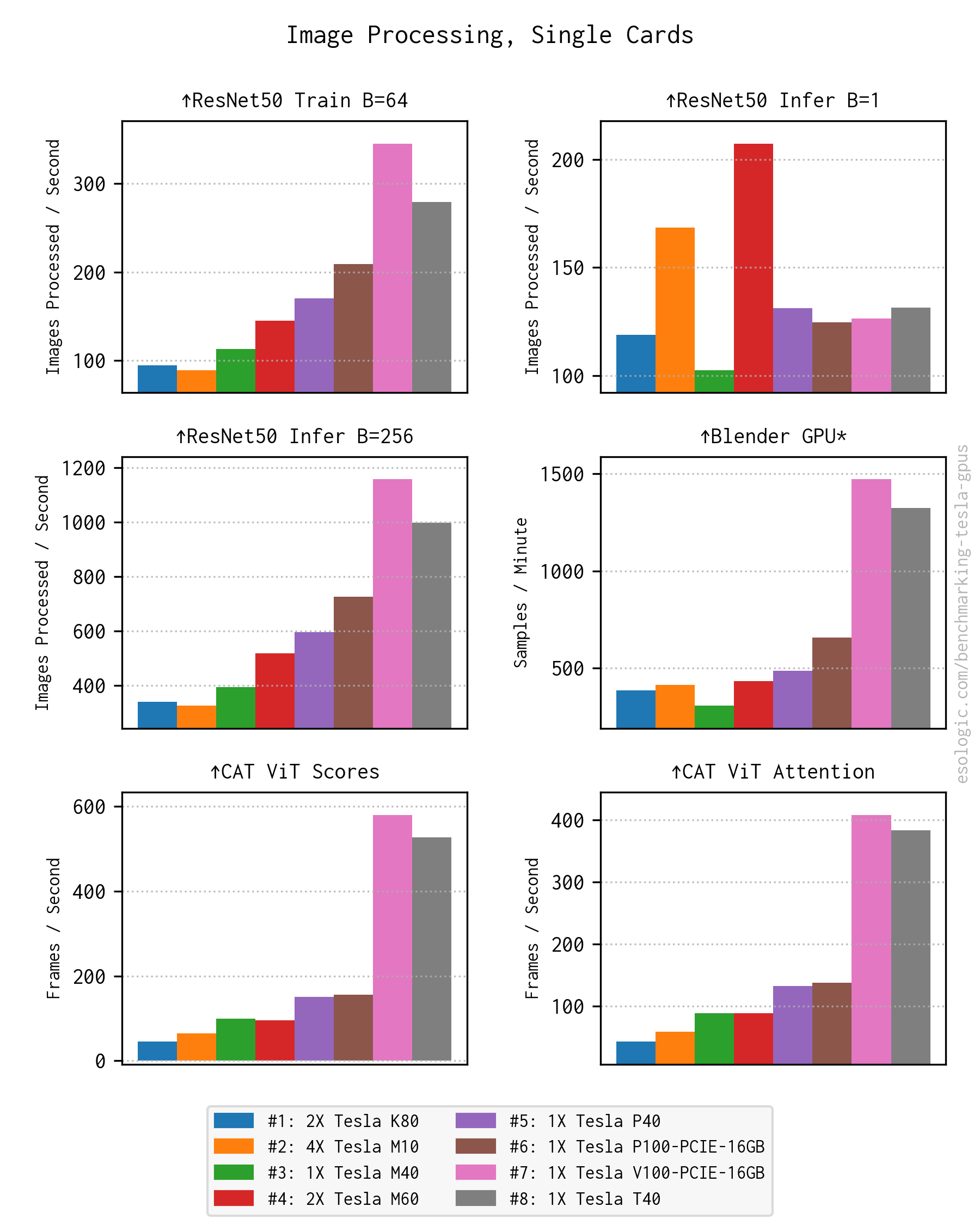
The V100 is the Sweet Spot: The V100 (16GB) surprised me. Its performance hangs right up there with the much more expensive T40 and was a big improvement over the incrementally improving previous generations.
P40 > P100 for LLMs: The community consensus holds true here. If you specifically want to run Large Language Models, with Pascal, use P40.
M60 is a Whisper Beast: If you have a ton of audio transcription to do, the M60 is shockingly capable (beating even V100) and can be had for only $50.
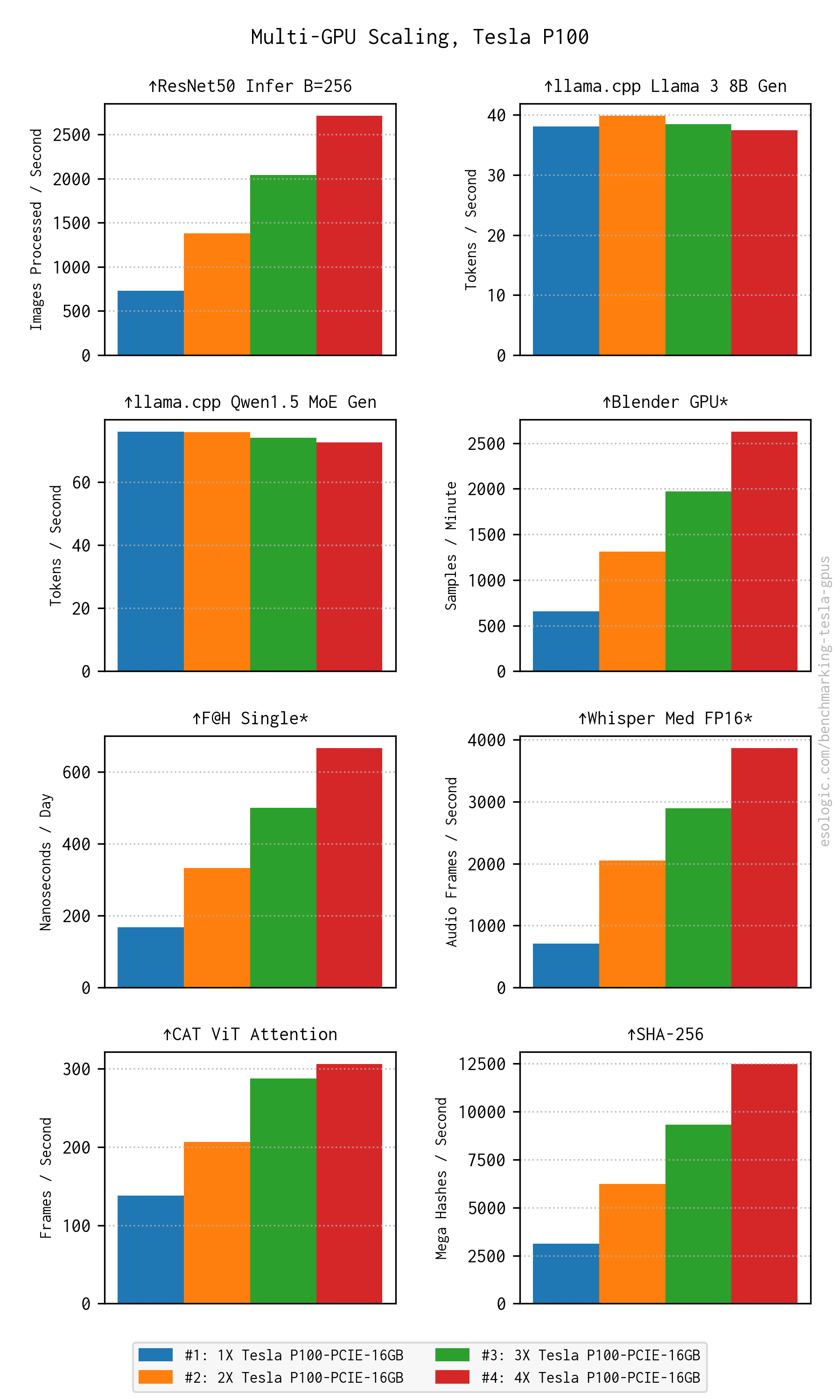
Scaling is mostly Linear: Stacking cards doesn’t hit a wall of diminishing returns within a 4U chassis. More GPUs generally equal linear performance scaling, though if you mix generations, slower cards will bottleneck your faster ones in LLM setups.
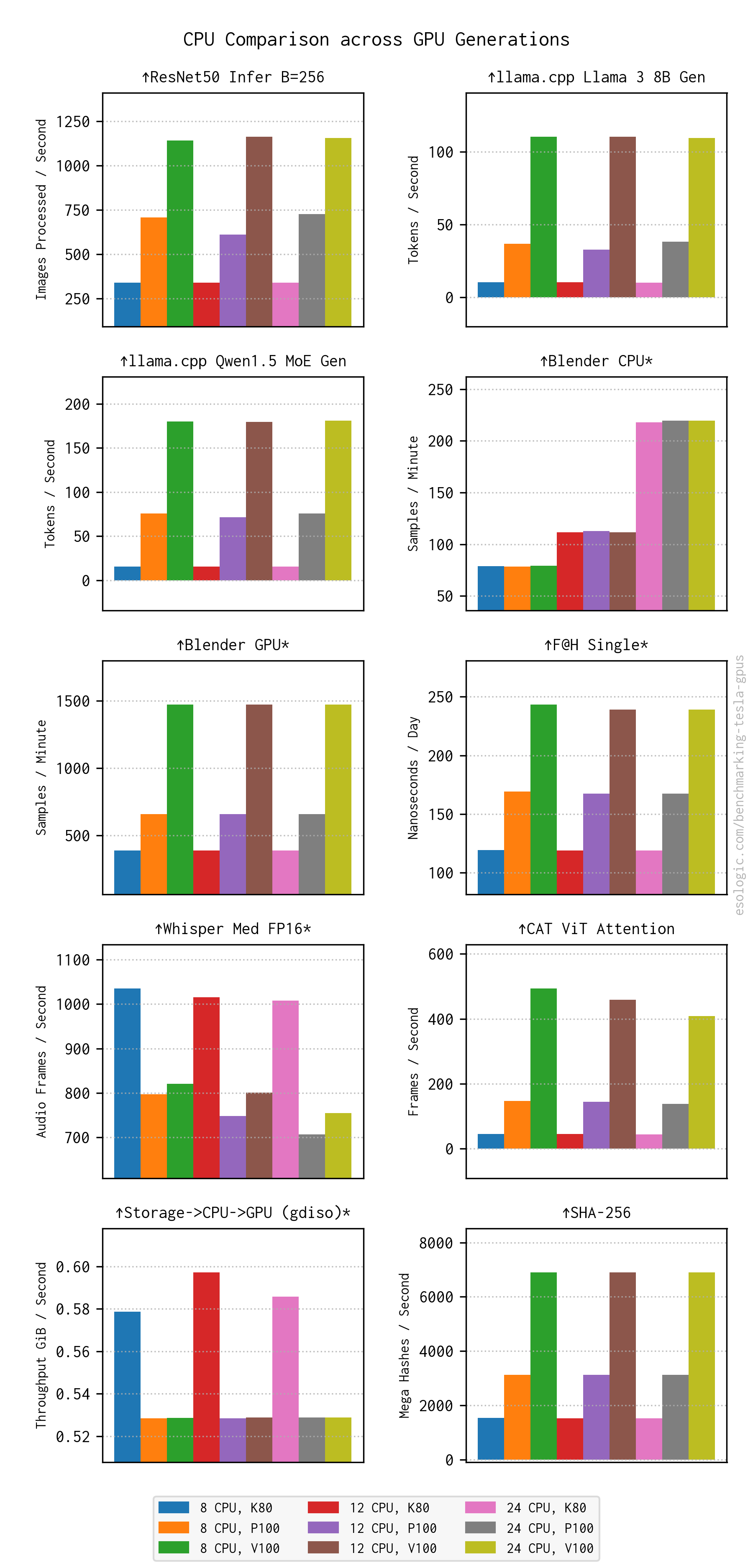
CPU/Mobo Choice: Faster single-core CPU speeds help slightly for tasks like Whisper and Vision Transformers, but generally, any cheap X99 board and high-lane Xeon will feed these GPUs perfectly fine.
I found this interesting given that the P100 has way more mem BW when compared to the P40, so in theory it should be faster when it comes to TG.
For the LLM tests with mGPU, I see that you do have code for ikllama using graph mode:
However, for llama.cpp that does not seem to be the case:
Meaning that it defaults to “layer” split mode, which is only useful to run models larger than the VRAM of a single GPU, but does not provide any compute improvements. You could give the newest “tensor” mode a try to see how performance scales. Although not as good as ikllama’s “graph” mode, it should still provide a perf uplift across GPUs. Reference:
Or, if possible, it’d be nice to see tests with ikllama.cpp as well.
Ahh interesting. I actually didn’t see much performance difference between regular llama.cpp and ik_llama, so I only included the llama.cpp benchmarks in my testing.
I have gotten feedback in other places as well that has made it clear I should do another batch of testing, specifically with bigger models. I can re-address the parallelization then.