Hi guys,
Bought a new Ex pro PCIe dock from Beelink for the GTi15 for an external GPU. Had an opportunity to open it an look at its hardware so I am just sharing it for everyone who might have the same one and would also like to have a look at the hardware inside.
The dock consists of 3 pcbs + 1 power supply module.
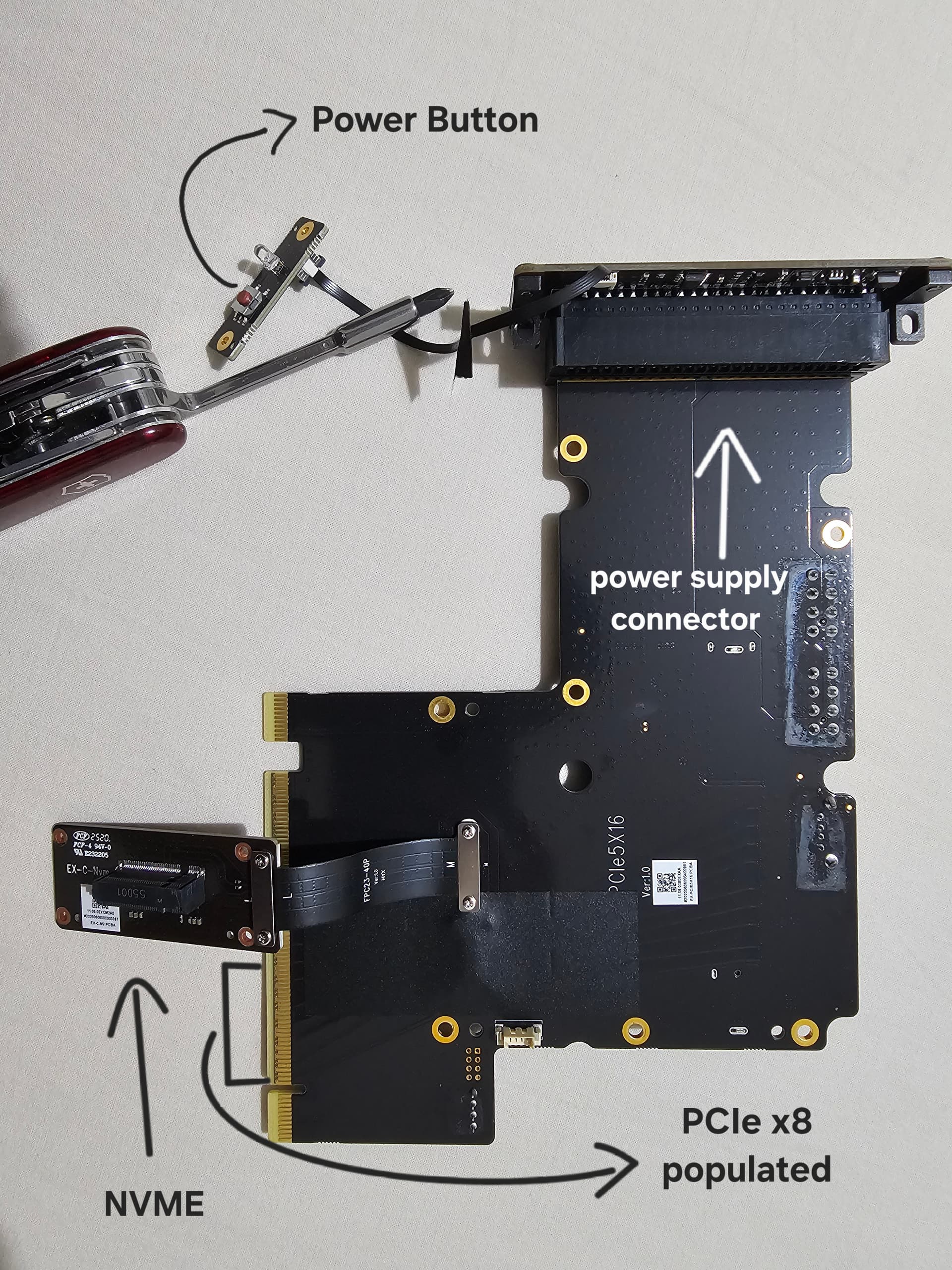
This is the front side where the main PCB is connected to the 2 smaller ones (1 for power on/off button + LED and other for M.2 NVMe SSD).
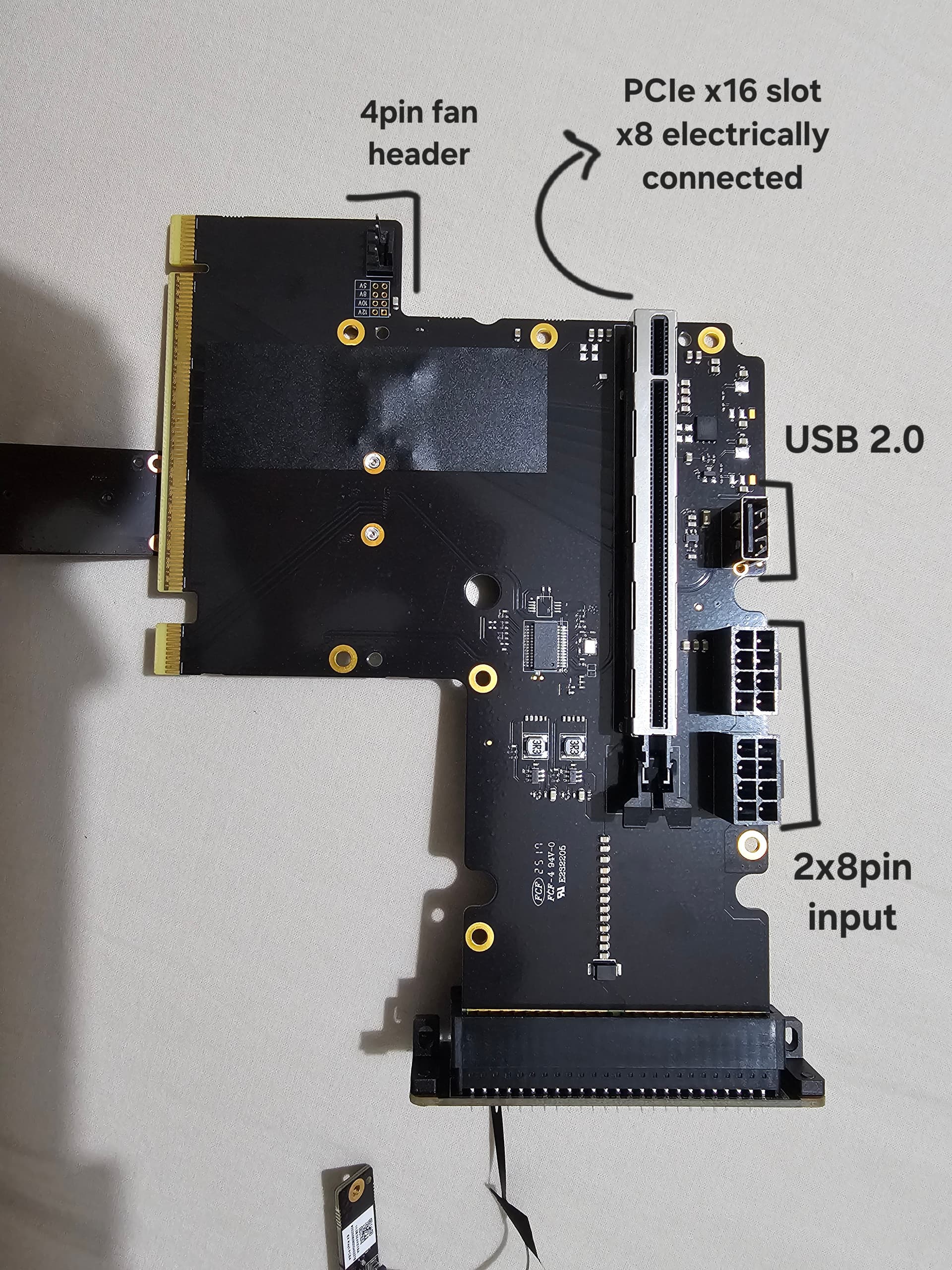
On the back side there are 2x8pin power connectors, 1 USB2.0 header, 1 4pin fan header and the full x16 slot. The x16 slot has all 16 in-slot pins but only 8 are connected to the main bus for PCIe data transfer.
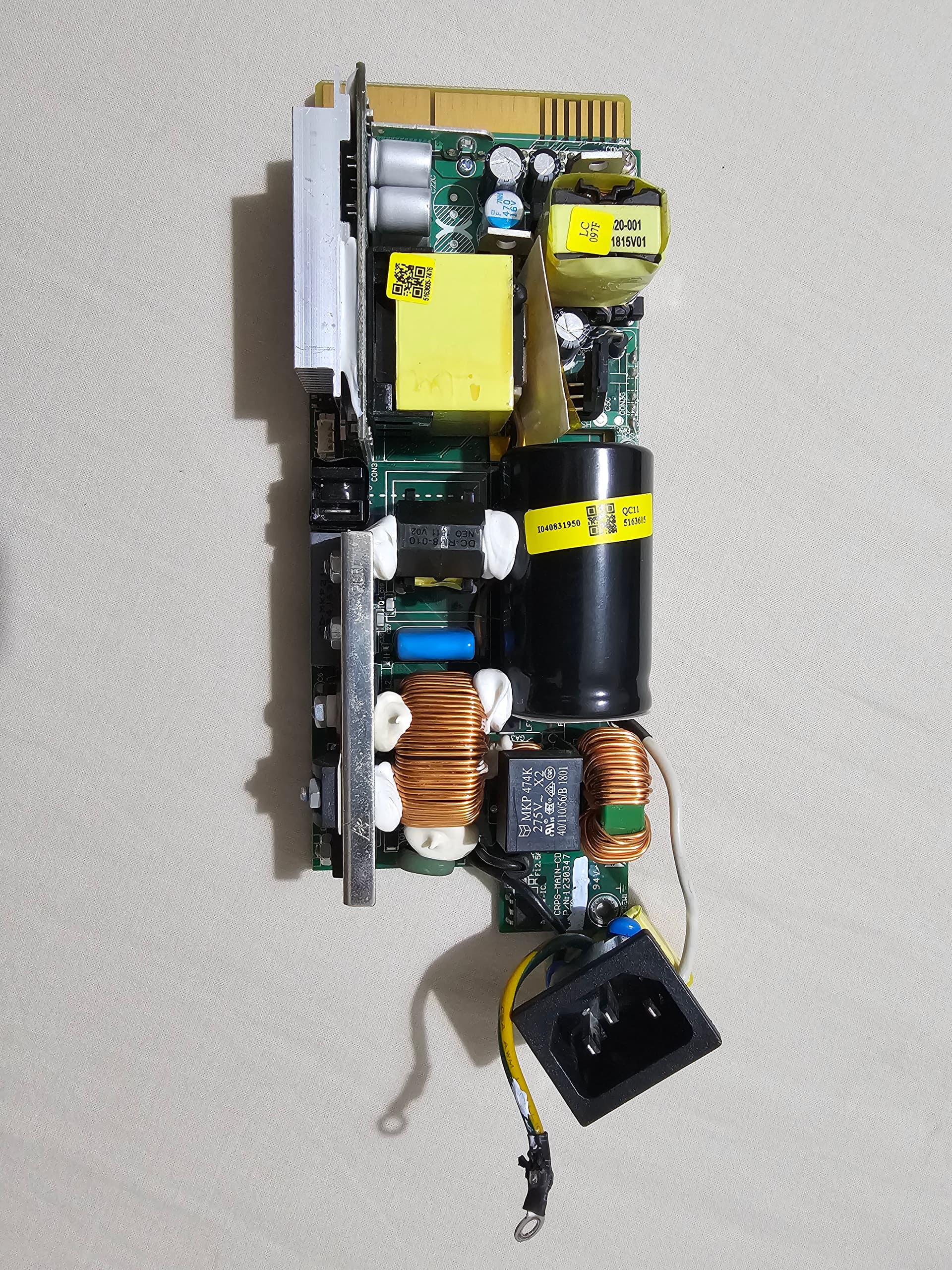
This is the power supply unit. It has a normal power cable input (wall plug)

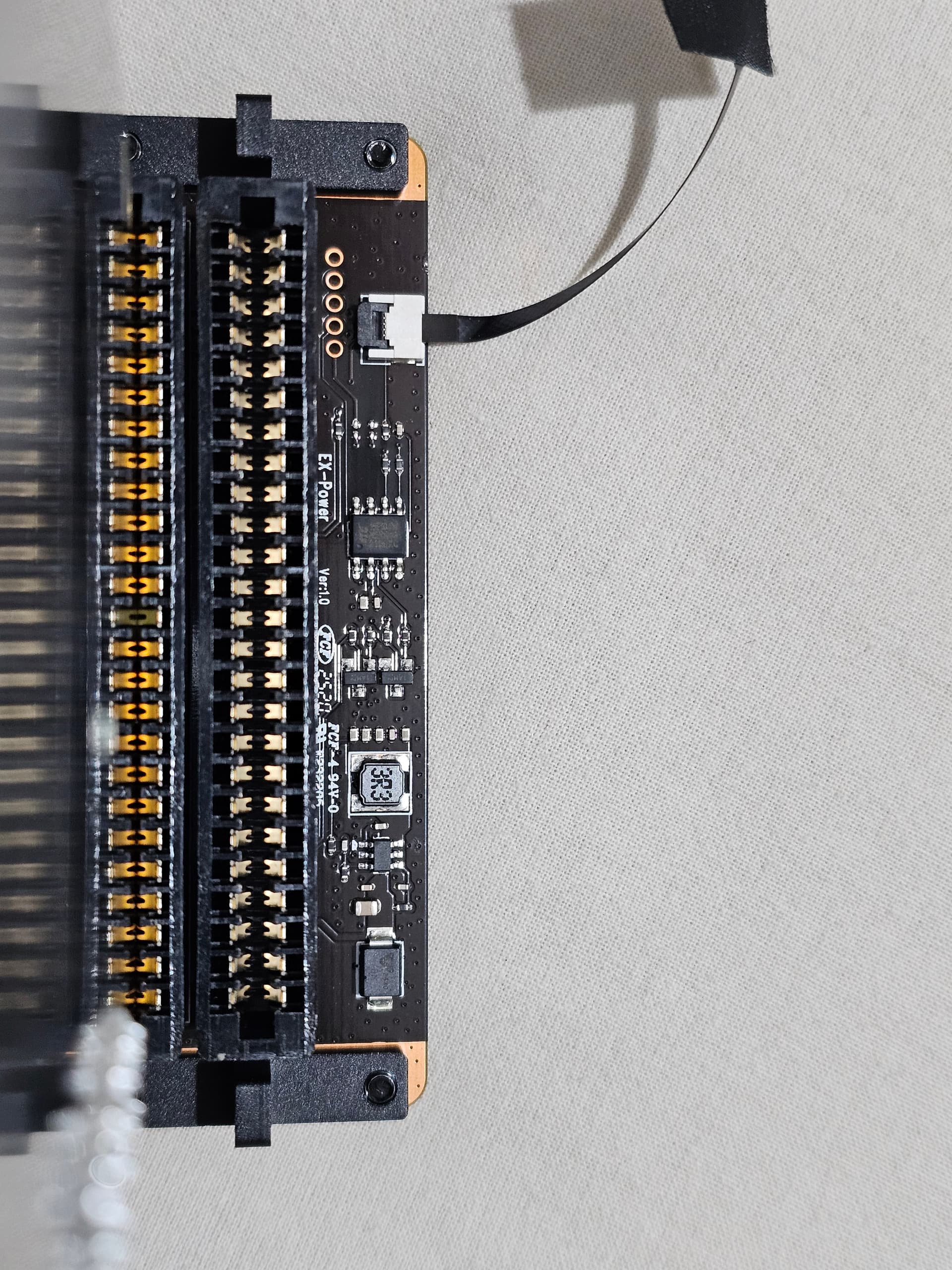
The power supply is connected to the main PCB using a plug-in slot, so no cables there which is good.
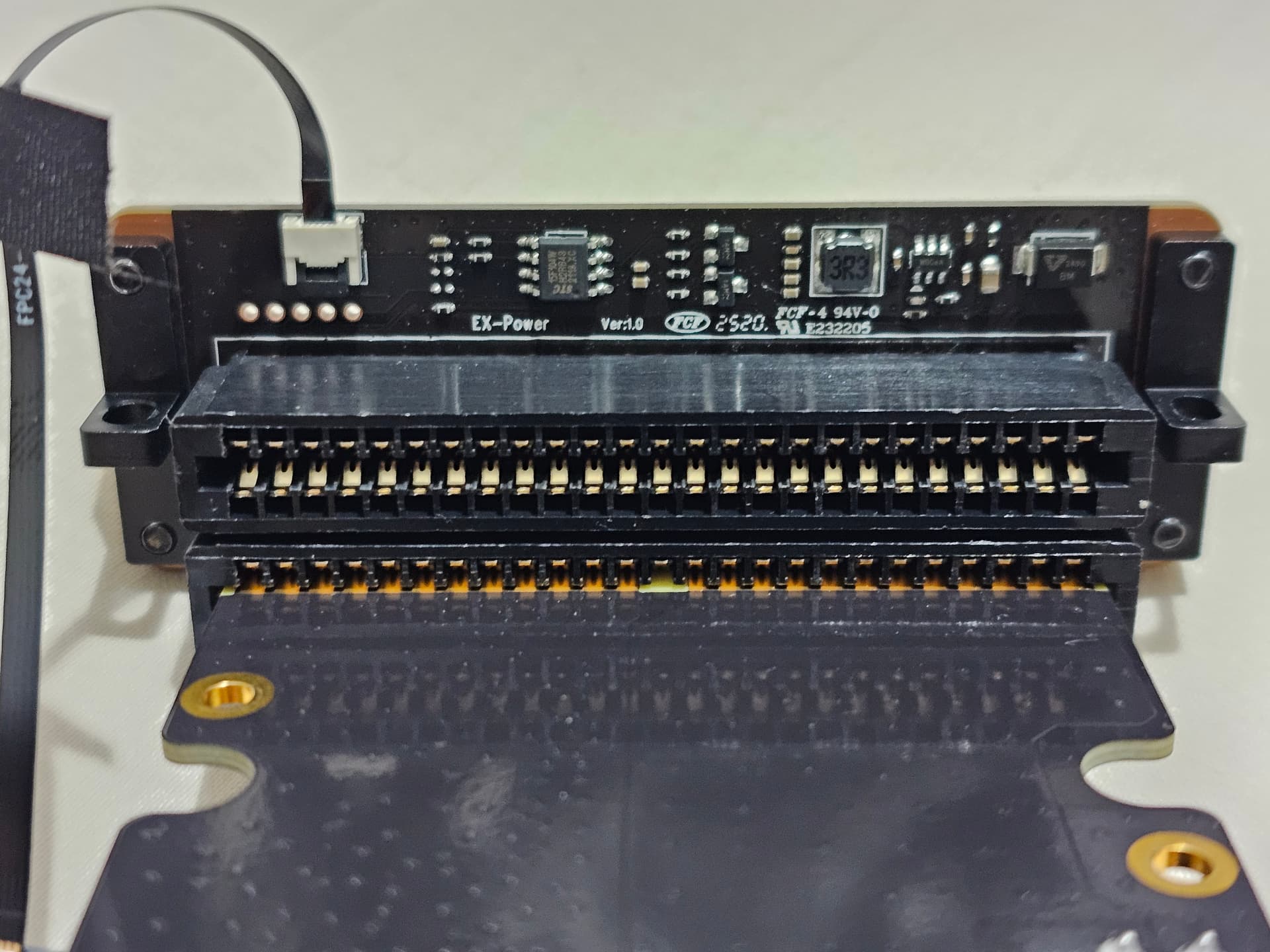
Below are the images of the connector to connect the power supply to the main PCB. A direct slot-in similar to the PCIe slot.
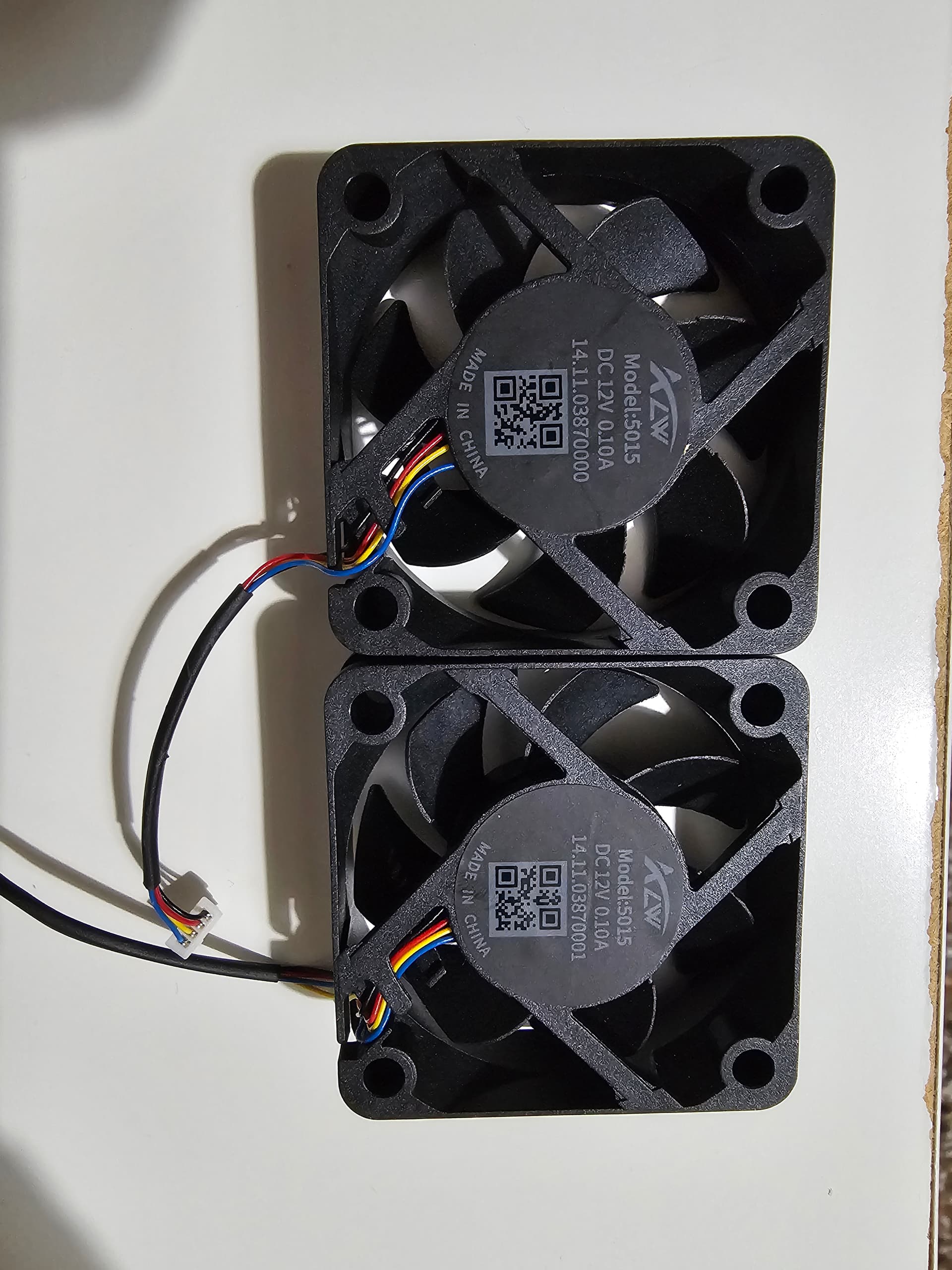
and finally there are 2 fans inside the box for all the required cooling and air supply. The model number (for mine at least) is: 5015 (12V, 0.1A)
I hope this helps for anyone who has the same dock and needs to open it.
I will keep it disassembled for couple more days so if you have any specific questions just let me know. I would be happy to answer as much as I can.
Peace guys <3