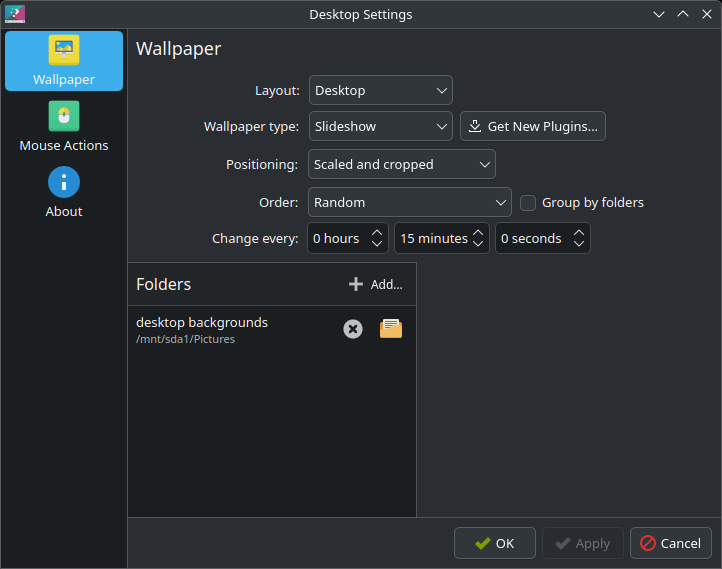
To do so, I needed to go to the wallpaper tab and set the layout as desktop
I wish they had a right click context menu option. It isn’t as obvious. Looking this up on line found some results, but they didn’t work for my version of plasma
Here’s a tip WITHOUT switching from Folder View (the default) to Desktop View:
Right click on the desktop
Configure Desktop and Wallpaper
go to the “Filter” tab
select “File: HIDE Corresponding”
fill in the filename schema in the field below.
Plasma 5.27 here, but I’m pretty sure this will work on 6.x as well…
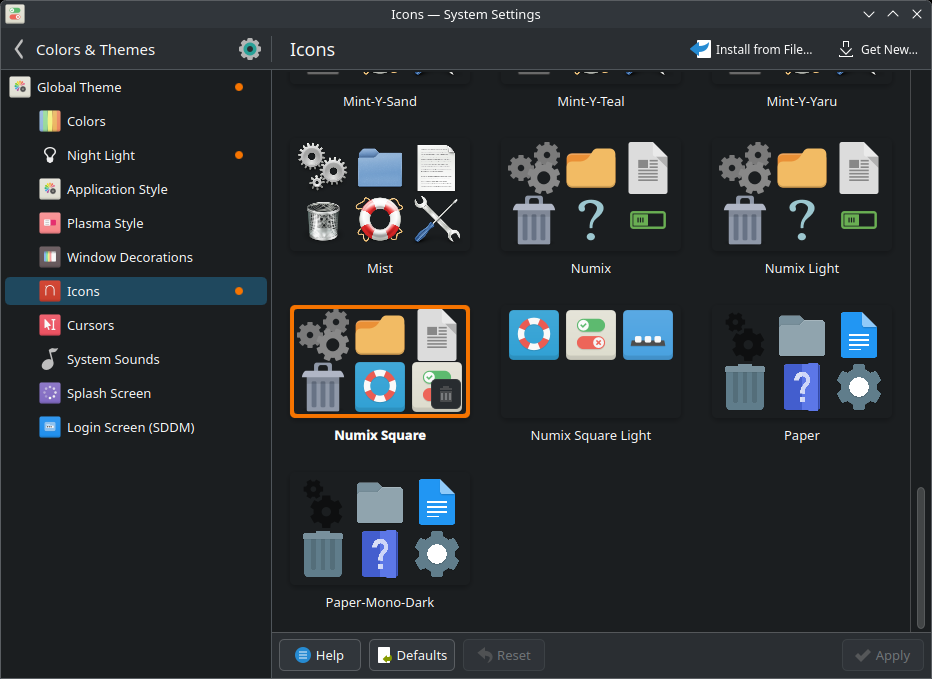
navigate to kde settings, search color & themes. Set the icons as numix square
I use guake terminal and prefer to have it be pop up from the bottom of my screen.
I set a custom position to be
0 x 1483
I got the idea from this suggestion for Yakuake. I was thinking of switching to it, but after using it, it wasn’t the same as guake
It’s a bit hacky, but one thing you could try is creating a custom window rule for Yakuake.
Open systemsettings
In Workspace, open Window Management
On the left pane, click Window Rules
On the right-hand side, click New
Click Detect Window Properties
(spawn yakuake and click it with the crosshair)
Switch to the Size and Position tab
Check the Position box
Select Force from the pulldown
Set to 0,n, where nn is the height of your taskbar in pixels. You might also need to change the 0 (left offset) if you don’t use full-width Yakuake.
I just tried it on mine, and it works fine.