This took a while to write
I only had bandwidth to work on this in the evenings on weekends.
You’ll notice that it took a month for me to translate the guide from the simple steps in this post into the full guide
Step 7 and 8 took up the majority of the time. If I cut those out, then I could have gotten the guide out earlier. Looking back, I could have split the guide out into multiple posts, but I don’t think I would have had the motivation to continue each step.
The two biggest blockers were:
- Figuring out how to setup vlan tagging on the netgear switch
- Configuring OPNsense to create a dhcp for the vlan interface and apply firewall rules
The thing that stumped me the most was getting a internet connection from the wireless access point when I connected my desktop and other devices. On my desktop, fedora would disconnect from the access point, while on my phone it would connect, but report no internet. I’m not sure if the issue was caused by not having a DHCP setup or if the issue was caused by the vlan having the same subnet as my router. A lot of guides still used the ISC DHCPv4 service so it was hard to follow along.
The biggest breakthrough was watching the firewall rules from Jim’s garage
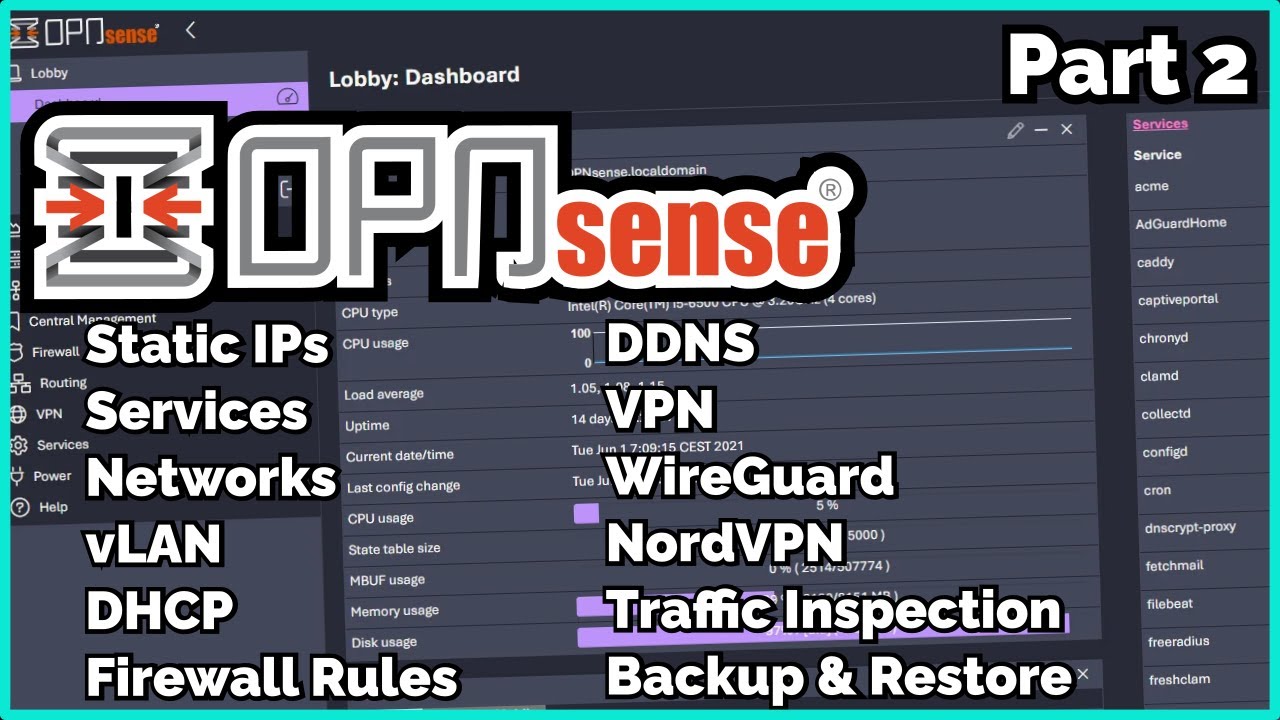
Although he used ISC, the explanation was easy enough to map over to KEA
The thing I am still uncertain about is how to create a vlan to isolate my ‘smart’ devices so that they can receive traffic, but not send any back to the internet