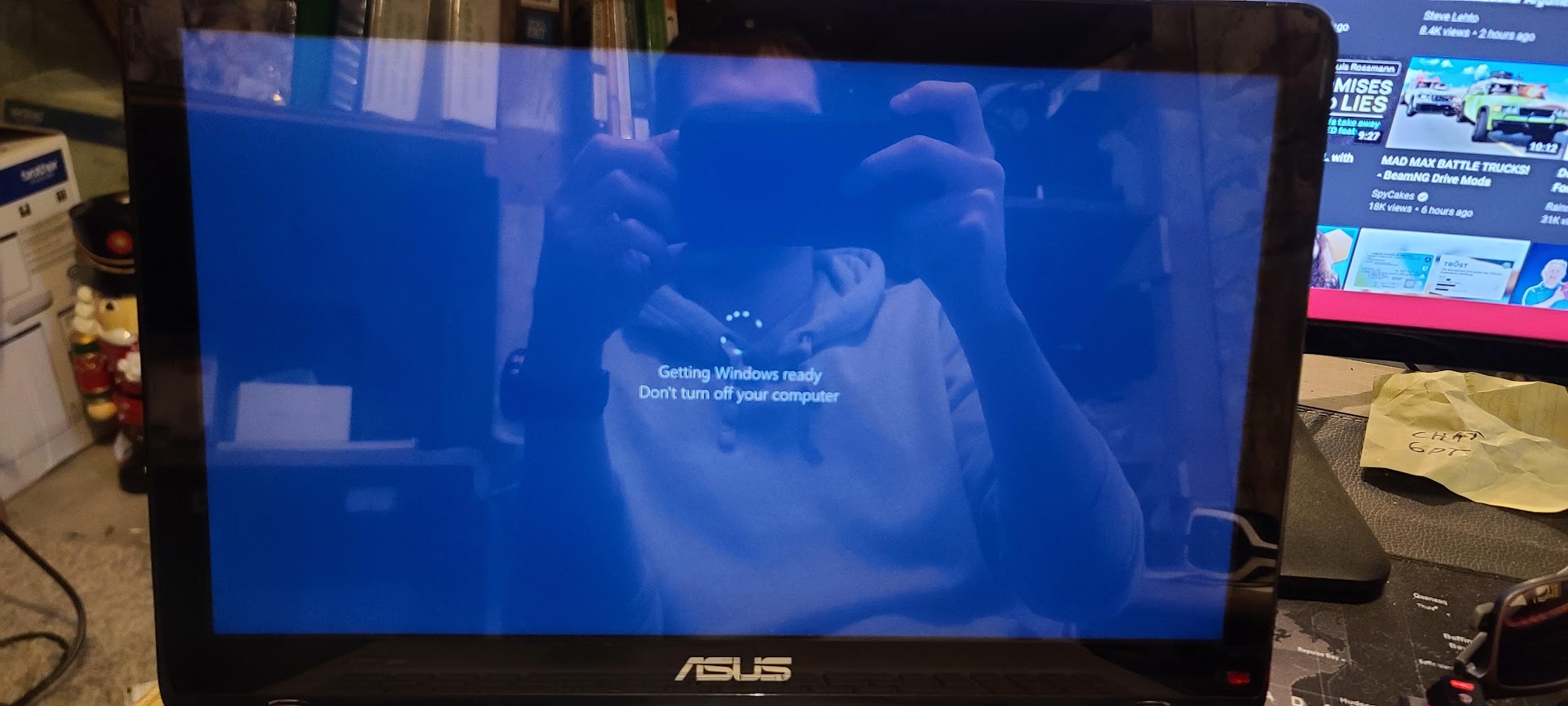
UPDATE: I have reinstalled Windows 10 and updated everything and it is still the same issue. I’m assuming I need to order a new screen. This is a touchscreen and the digitizer still responds no problem so I’m assuming all I need is a new LCD screen…
When I turn the back light down on Q504U it starts working properly but blinks on and off.
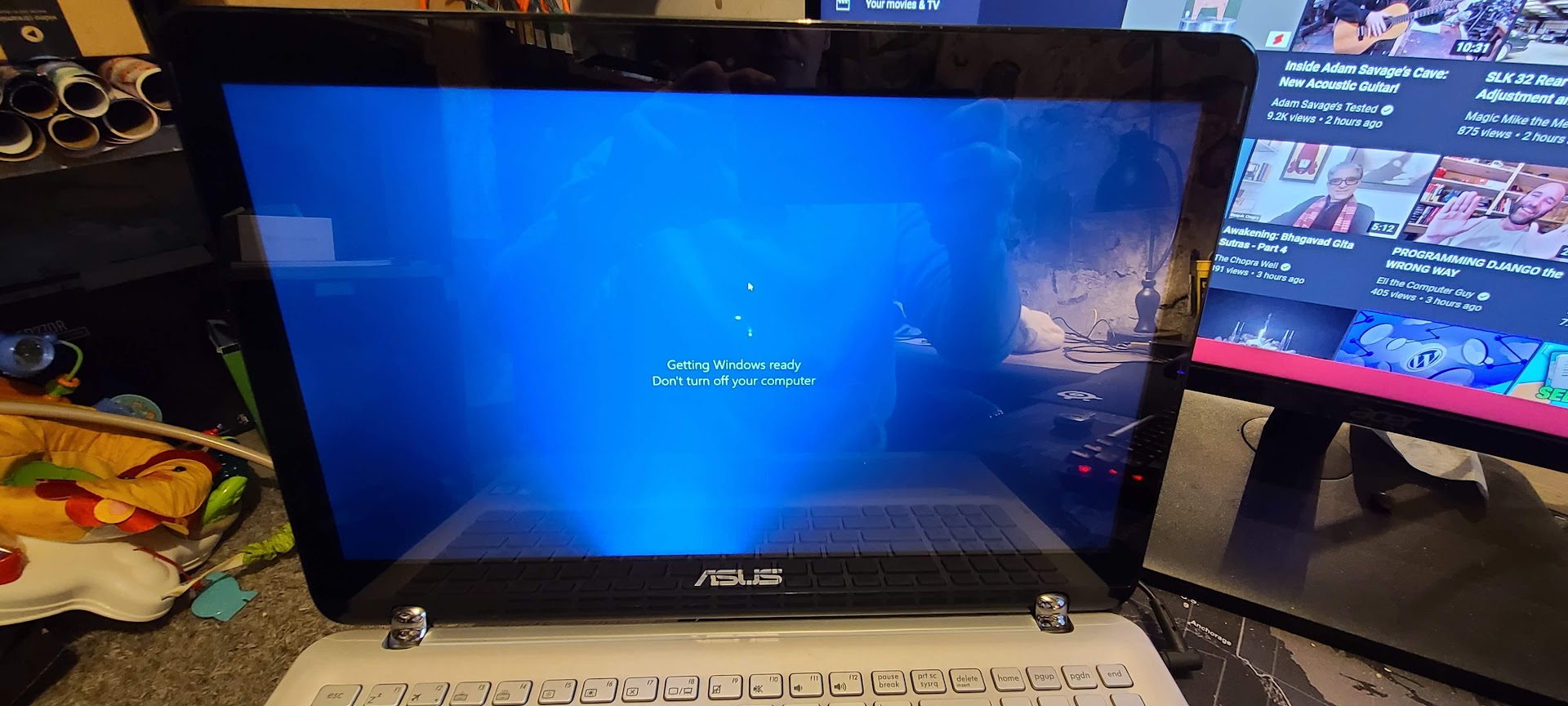
When I turn the backlight all the way up, it stops blinking on and off but only shines from the bottom middle as shown in the photo below.
Any ideas?
I’ve tried updating drivers. And nothing.
Worth nothing that upon startup its solid and works properly leading me to believe its a driver issue. But that still doesn’t explain the bright shine up from the bottom.
I know you’ve already re-installed Win, but just to be sure, try to run another OS, even some linux live. If this is the case here as well, then it’s 100% a hardware problem.
The problem with the backlight… In the past, it would be a problem with either the ccfl or the inverter, or a problem with the cable.
I’ve replaced some ccfl and inverters in my life and I’ll just say that I’d rather never replace ccfl again in my life.
All you can do is swap components and see where the problem actually lies.
Strip the screen down to the backlight and watch what happens. It may be that one set of leds burns out or electronics slowly fails. The option is also slightly damaged wire.
It is less likely that the problem is directly on the motherboard of the laptop.
You can also see if the LCD is working when the backlight goes out. Take a strong flashlight and hold it to the side of the screen and watch if you can still see the image when the screen goes blank. In this way, you will eliminate one of the options that the lcd is falling and the only problem is with the backlight of the screen.
If it really is a problem with the backlight, then the LEDs can be replaced. Is it possible to get them now… possibly recover from a broken screen.