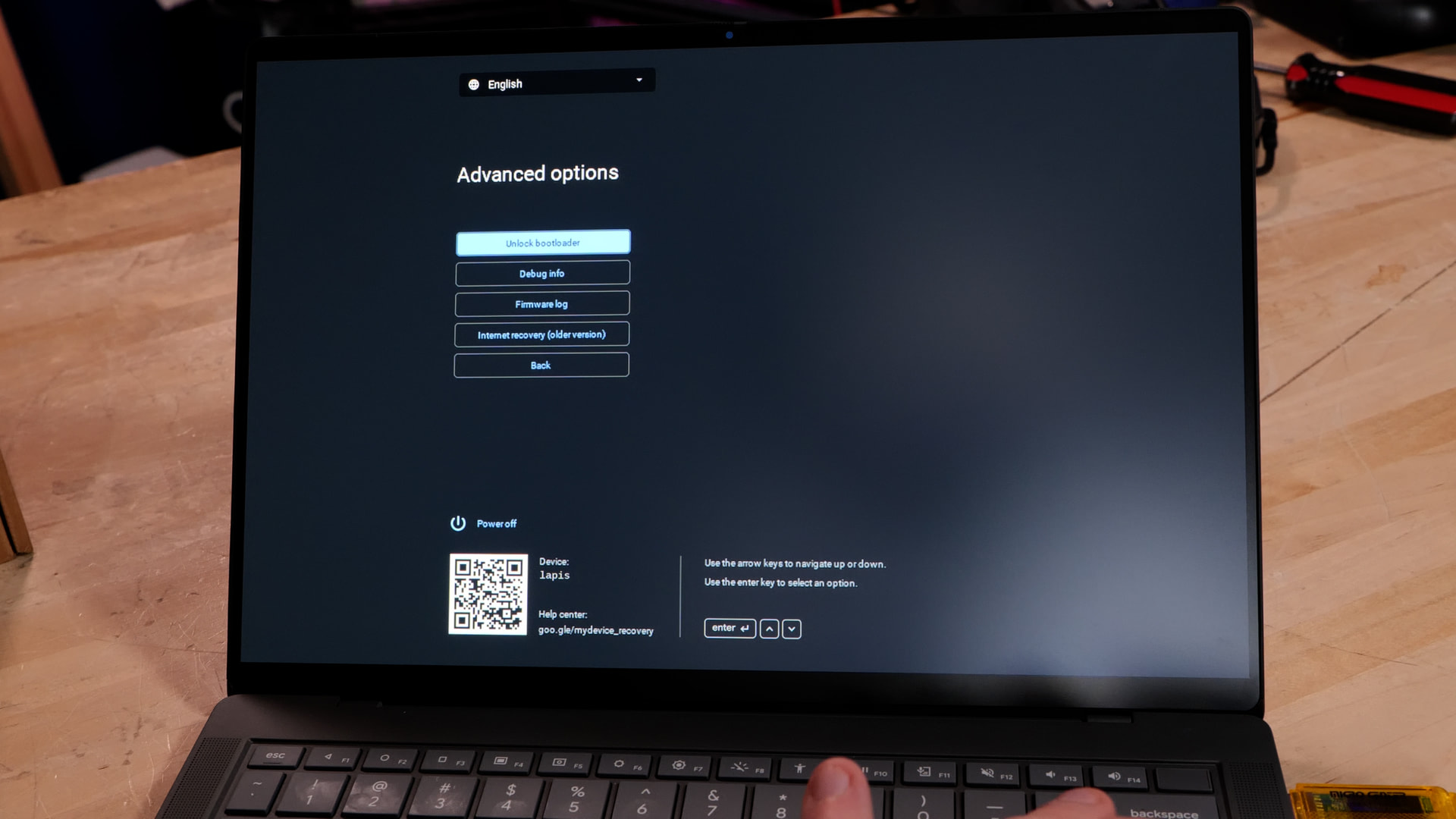
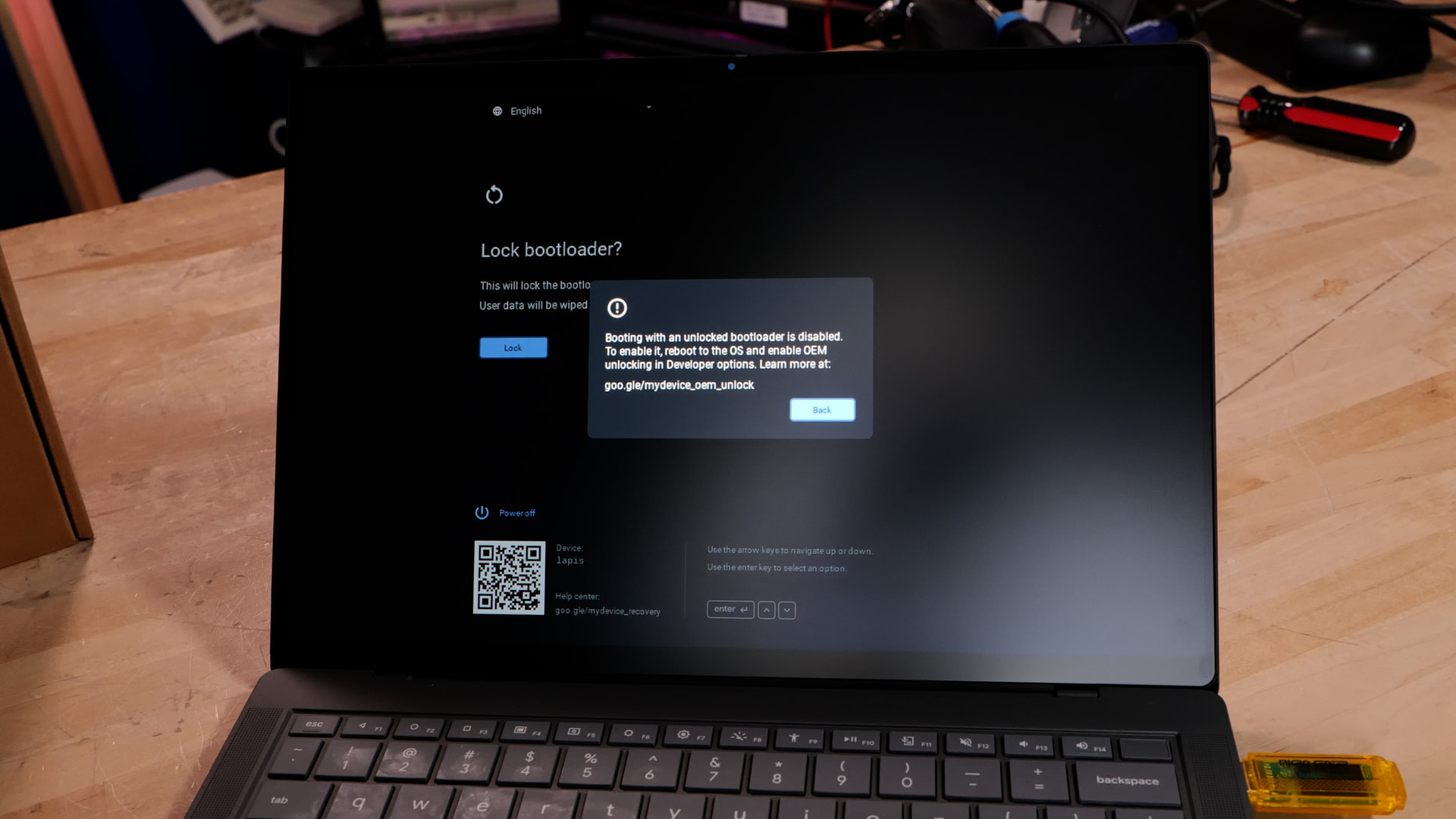
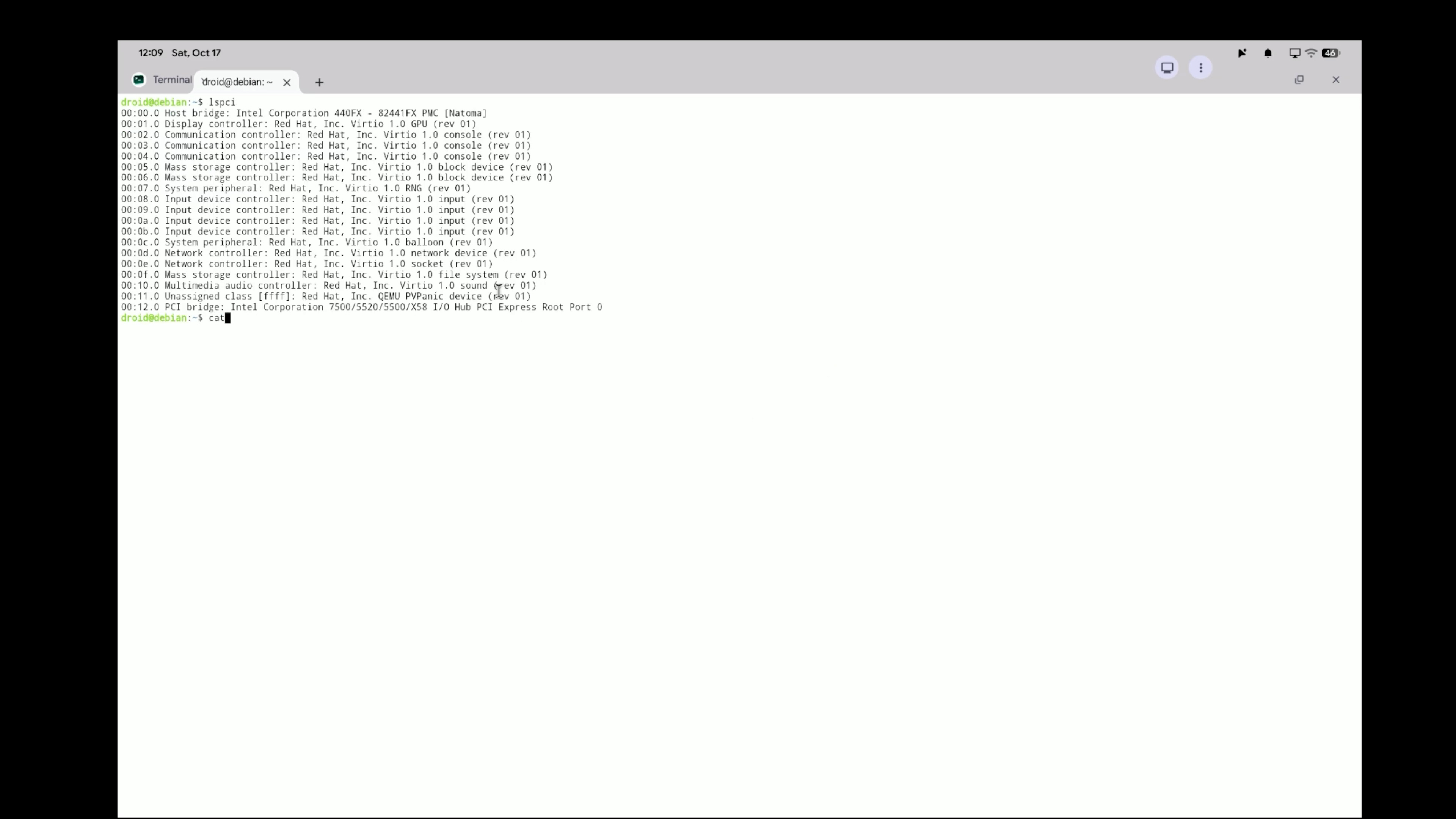
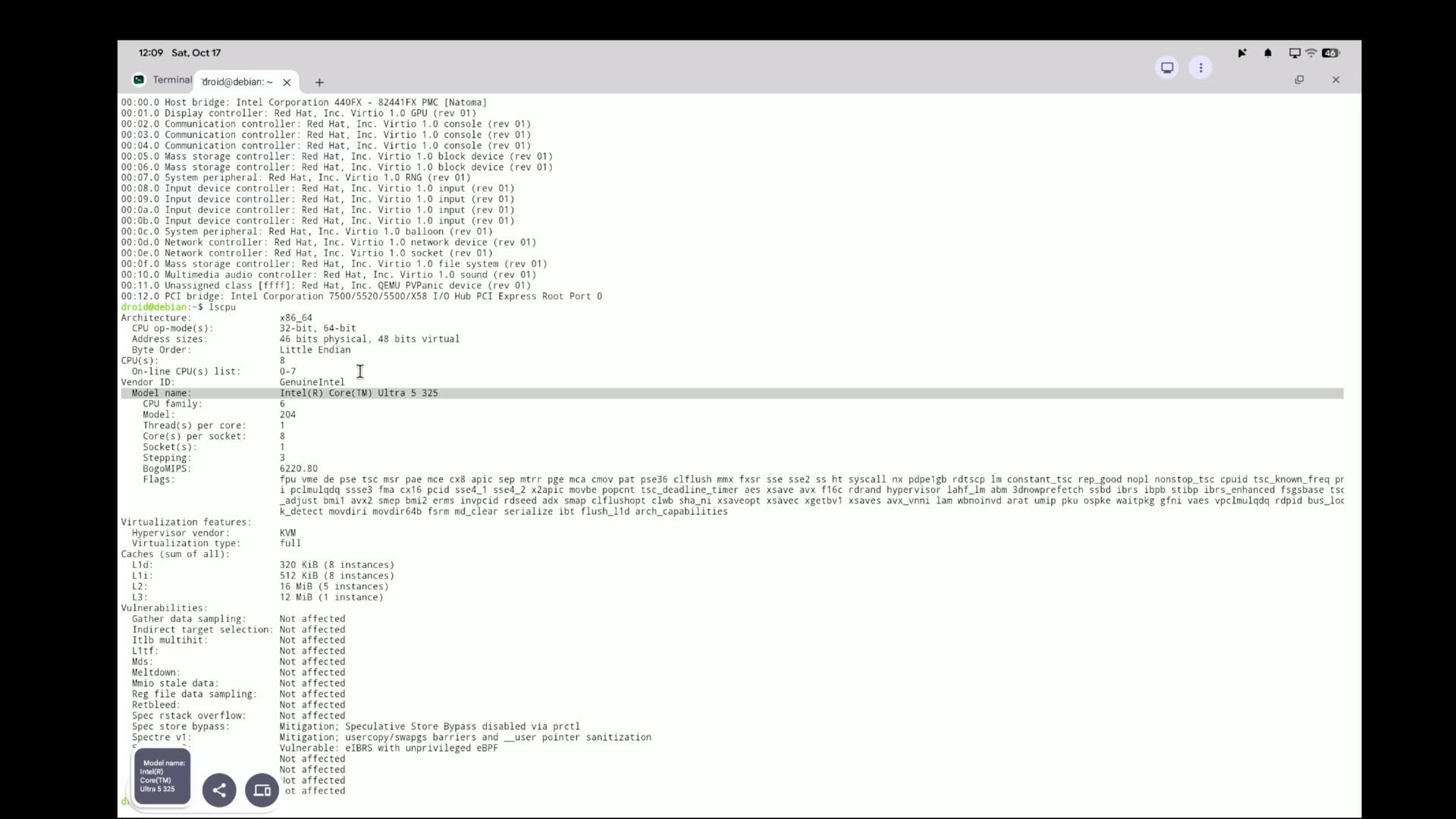
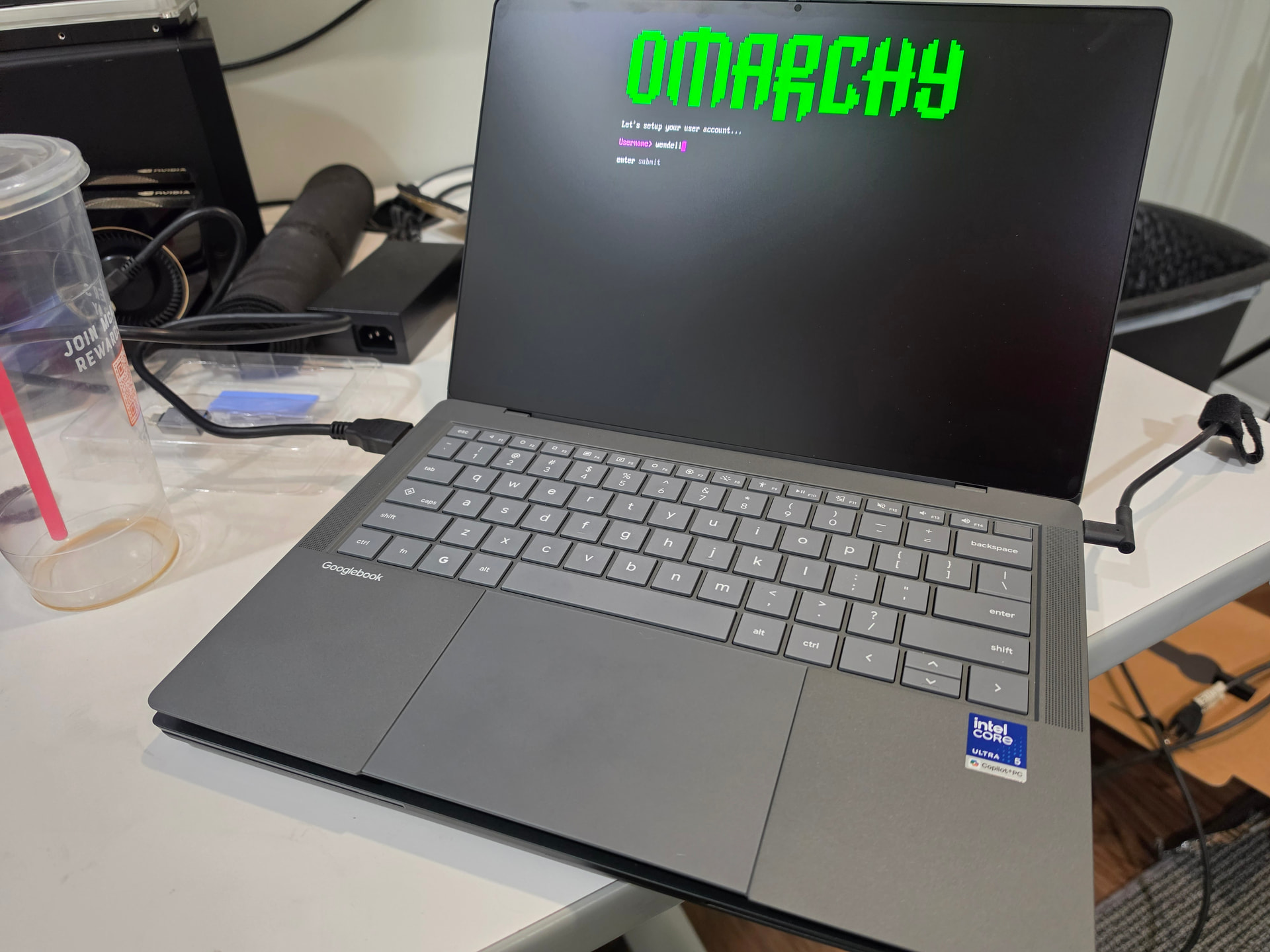
Depthcharge is built into the firmware of Chrome OS boards, uses a custom verified boot flow and usually cannot boot other operating systems as is. This means someone who wants to use e.g. Debian on these boards need to either replace the firmware or work their system into the format depthcharge expects. These tools are about the latter.
Special thanks for A.N.Y. for turning me on to Depthcharge and this "well its not boot locked but… ecosystem
If you look carefully, the depthcharge-tools repo already has Panther Lake googlebook boards mapped as of my video — [boards/amd64/pantherlake/fatcat/...] with lapis (ASUS Googlebook 14), moonstone (Acer Googlebook 14), ruby (Lenovo Googlebook 15). And Googlebook OS is Android-17-based. There’s a gist documenting booting the Intel googlebook recovery image.
Google have a LOOOONG way to go to overcome the stigma of Chromebooks just being kids whose school districts can’t afford better. This is a hard pass for me. If I want a Linux laptop I’ll just order a refurb Latitude, XPS, or Precision from Dell Refurbished as new hardware is nearly a waste of money for Linux.
My current Linux laptops are an HP ProBook 4530s and a Sony Vaio Fit 15 E. If you don’t know what those are, that’s because they’re absolute relics from the early 2010s.
FWIW my younger son did ask for a Chromebook (so maybe Google’s strategy is working?). I bought a refurb Dell Latitude and slapped Chrome OS Flex on it.
OTOH my wife and older son run Lenovo 2-in-1 and a Dell Precision Windows laptops, respectively.
Is Asus actually blessing us with a way to get a decent computer to slap linux onto it? There must be a catch because on this hardware apocalypse nothing comes free.
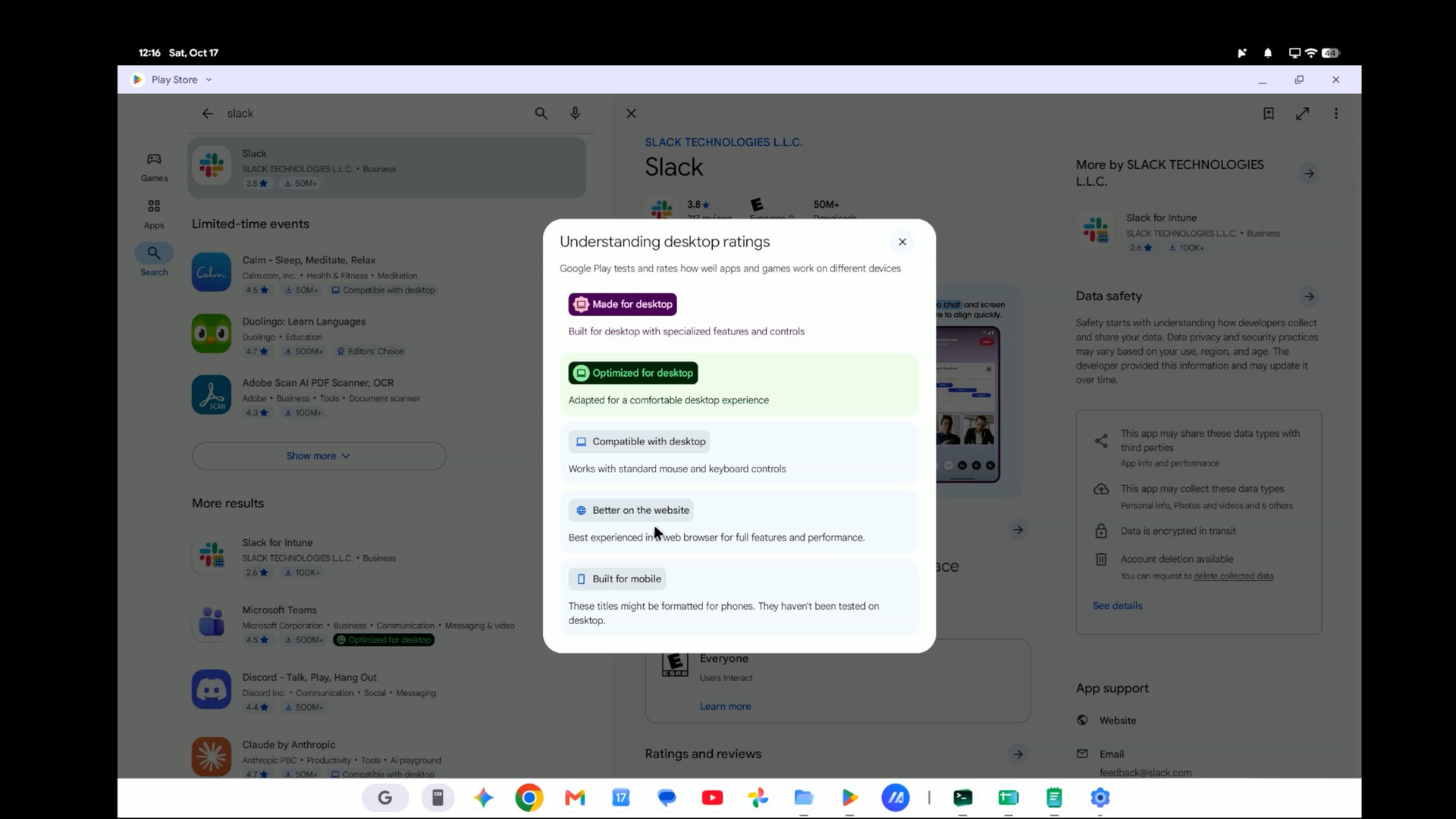
Its insanely dynamic. Its “android” apps plus google, plus everything you get there. It’s not worse than android? It literally “is” android?
You can use it “offline” in that you dont have to link your sign-in to a google account, and you can “sign in” in a way that feels like android.. but yeah, google telemetry.
Well I just ordered one. The screen is quitting on my M1 Macbook and I’ve already replaced it once. I’m running Asahi on it, so I’m already used to a little jank in terms of getting Linux going. Having said that, I will cross my fingers thrice that someone smarter than myself smooths things out a little more.
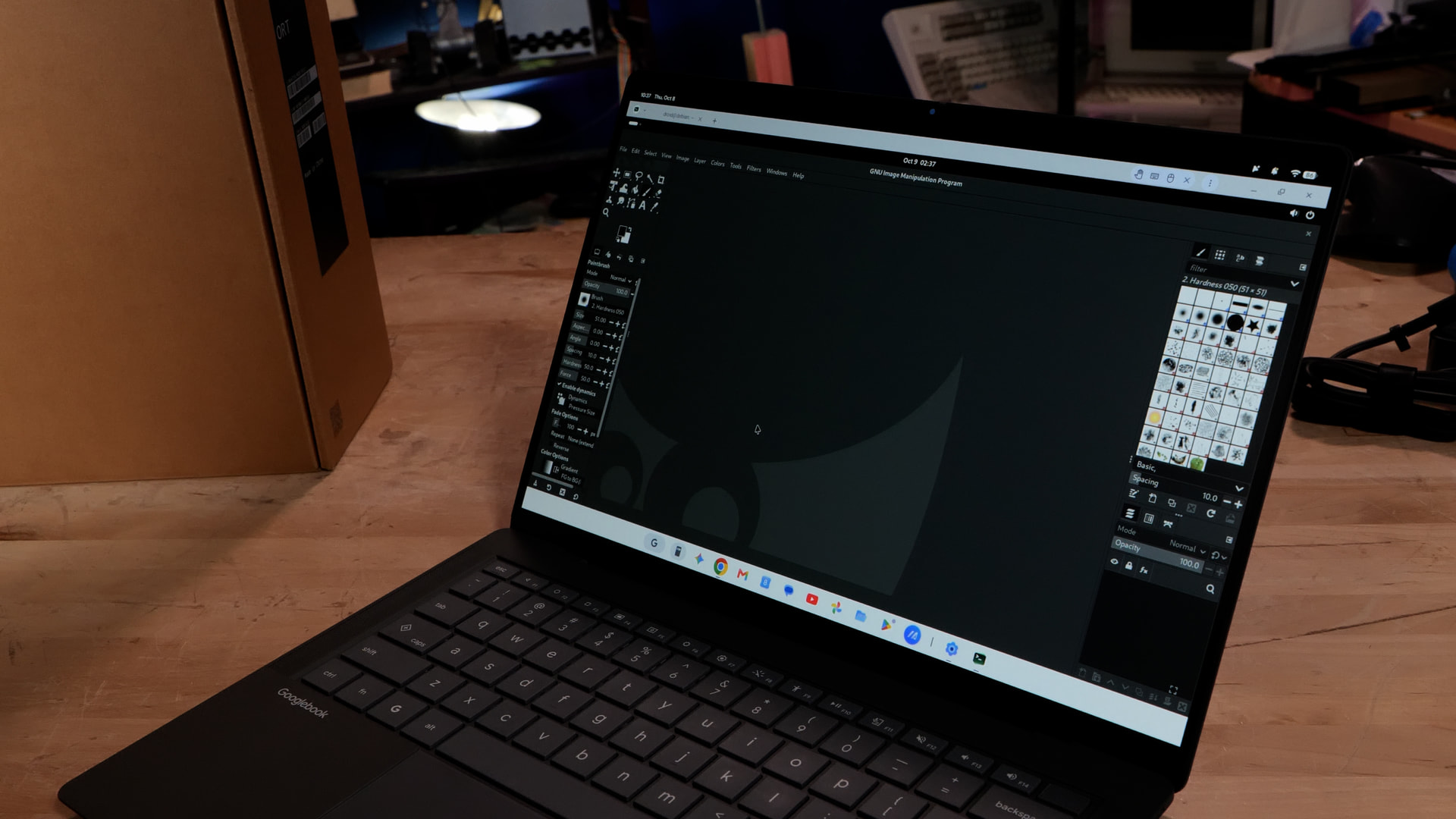
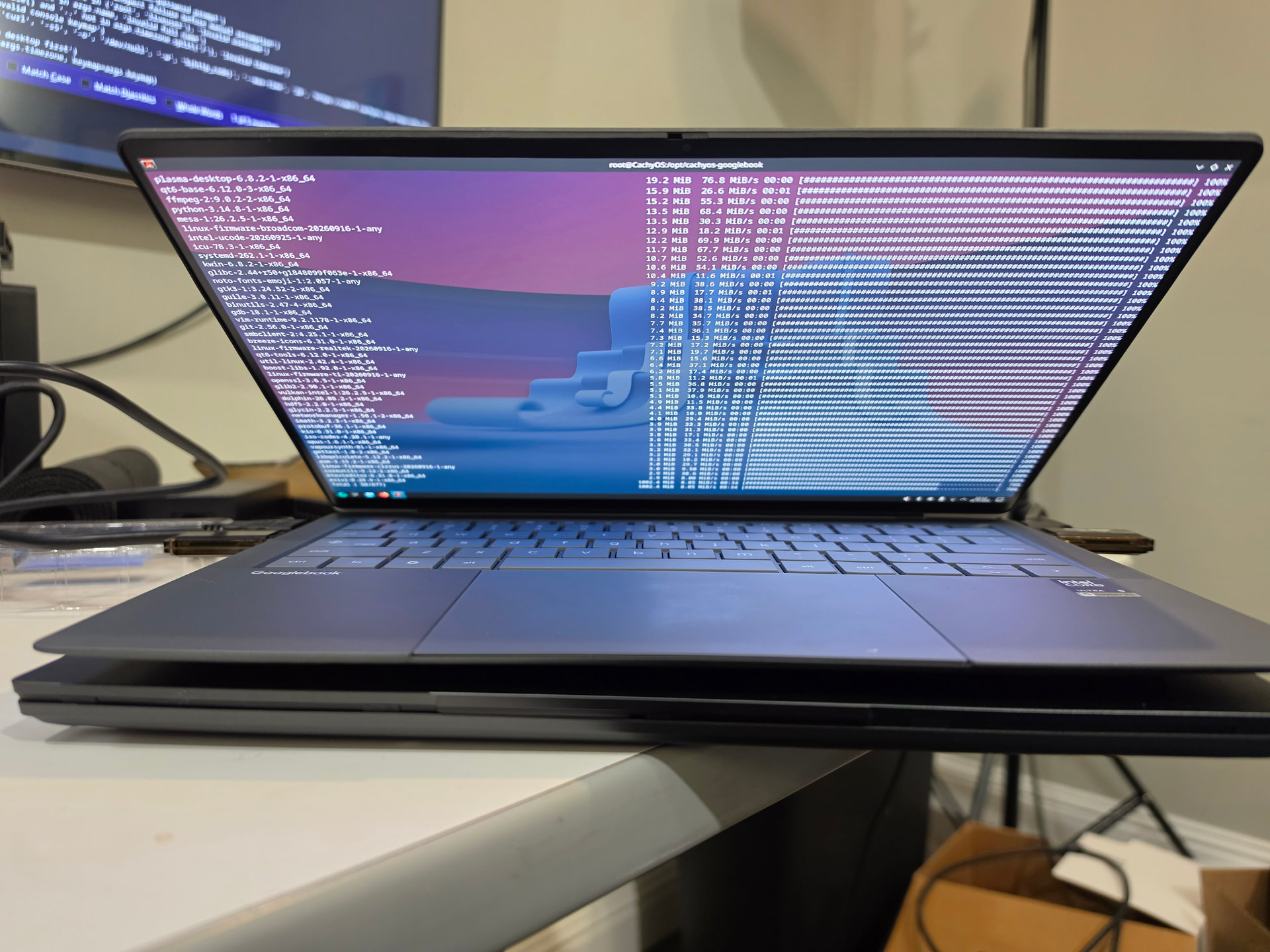
Alright, well… the machine arrived today. I spent the evening installing CachyOS on it. Everything is working, so thank you very much @wendell for your work on this.
I did run into some issues that were very frustrating.
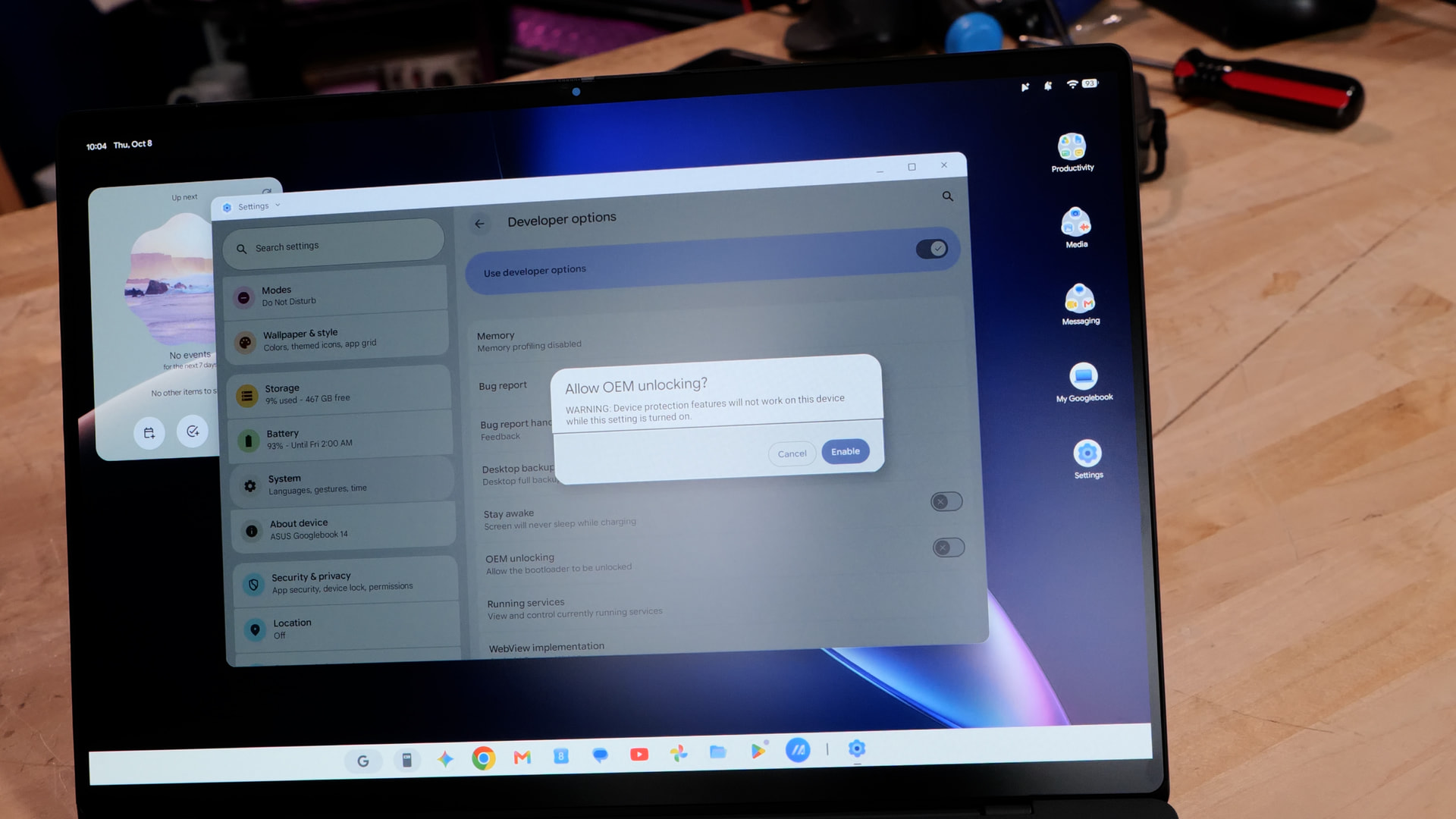
I had to update my machine during the onboarding wizard in order to reach the developer settings to unlock the bootloader. This rotated the preferred boot partition from A to B and the script really didn’t like that. I modified the GPT attributes so the script would continue.
the password the script asks for for LUKS must be at least 12 characters. I tried a shorter password not knowing this and… the script just crashes. It also does this later in the process when setting a sudo password.
the pinned kernel version (7.2.7-1-cachyos) doesn’t seem to be available anymore, at least not at the mirror the script uses or several other mirrors I tried. I ended up manually downloading 7.3.1-1-cachyos and then renaming the files and changing the SHA to fool the script. This kernel appears to work fine.
every time I ran into the issues above, I had to delete state files in /run in order to run the script again. This was very annoying.
I don’t bring this up with any expectations or animosity, just for awareness of any others who might be reading. Thank you again for your work.