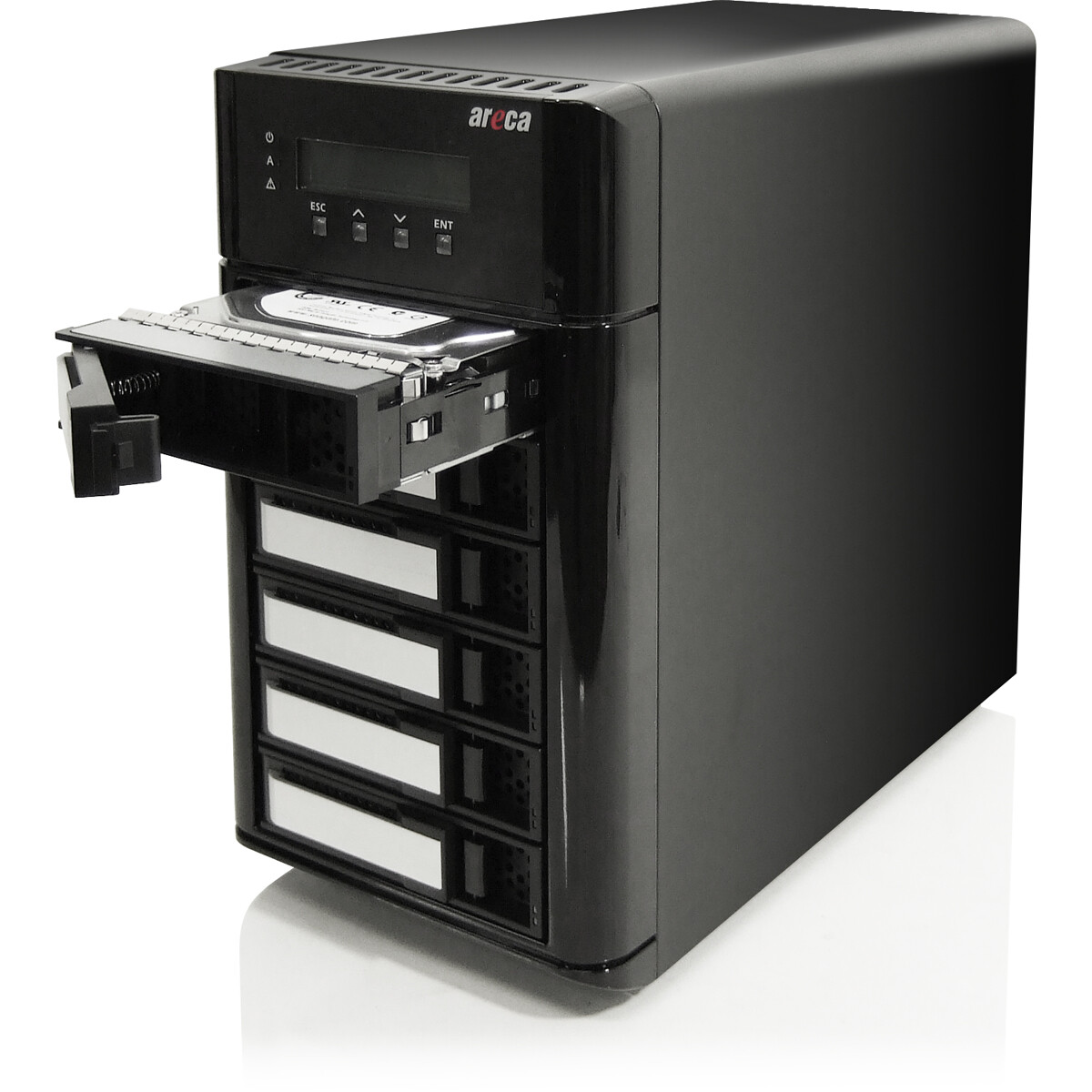
Hey friends, would love some assistance if anyone can spare some time/experience so I’ll cut to the chase - I’m building the off-site portion of my 3-2-1 backup.
Context:
My TrueNAS server has a hefty 40TB mission critical pool with years of raw footage from various band/music/video projects, video assets, backups of past machines etc. The most cost effective solution I came up with using the stuff I have laying around is:
-
find a 6 bay external drive enclosure that can do SAS and SATA
-
attach it to my ratty Dell 3040 thin client running Unraid with the lowest tier licence, allowing me a max of 6 drives
-
combining the six largest random loose HDDs I have to match the 40TB of the source pool (including parity)
I’ve got all the parts and I found a six bay drive enclosure to attach to the Dell, so all I need to do is pass the disks through to Unraid and build an array. Before buying the enclosure I looked up the make and model, found the manual online and had a read to confirm it had the functionality to pass the disks through. It actually has two ways to do so. “Bingo” I thought…
The problem:
No matter what I’ve tried so far, the only disk the Dell can see when the enclosure is running is whatever is in bay #1. These Areca drive enclosures have their own on-board OS for internal RAID management and supposedly the two ways you achieve disk passthrough are logging into the dashboard portal or using the front panel buttons/display to:
- enable JBOD mode (makes sense, bypass the on-board RAID layer, more prefereable)
- or create “passthrough disks” where the RAID layer acts as middleware I guess? (less ideal but if it works, it works)
What I’ve tried so far:
- Powered it on, all the drives spin up, each bay LED is lit and showing healthy
- Updated the firmware
- Formatting all the drives, rule out any potential old sectors or weird block sizes preventing drive recognition
- Enabled JBOD mode but to no avail. Always get disk #1 but no others. Tried different combinations of occupied bays but #1 is consistently the only one that the Dell OS sees
- Using the RAID layer to create six individual “passthrough disks”. Again no luck, same result as above
- Up til now had been using the USB3 port on the back to connect the Dell. To cover all bases I spent way too much $$ tracking down a Thunderbolt 2 cable + TB2 to USB-C adapter to see if the connection interface was the issue, still no change
This should be fairly simple, that’s why those two passthrough methods are options right?
I’ve scoured through the dashboard for any/all possible settings I could change that I may have missed but cannot work out why it won’t work when all signs seem to show everything is healthy. Let me know if anyone has any suggestions or is familiar with these types of products…
Link to the docs: