I just happened to stumble upon these two videos.
Got my GPU up and running right after a new install of ArcoLinuxB - Plasma.
Went with the guide, not the first video. And two reboots later, I got it running.
- vfio drivers unloaded
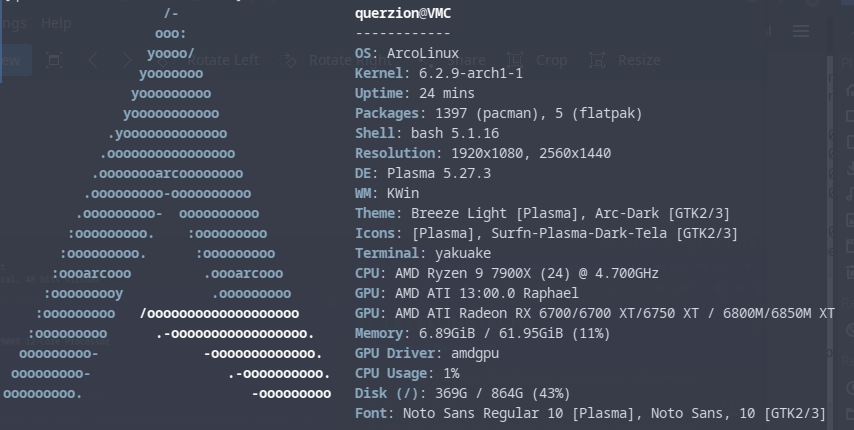
- WARNING!
IF YOU DO NOT HAVE TWO GPU’S & TWO MONITORS
IT’S GOING TO BE A BLACK SCREEN AFTER DOING THIS!
SO GO INTO THE BIOS, SET YOUR iGPU TO PRIMARY
USE THAT ON ONE MONITOR, THEN ONE ON THE GPU
OR IF YOU HAVE MULTIPLE GPU’S, THEN JUST HAVE ONE
MONITOR PER GPU, SET ONE AS PRIMARY SOURCE IN
THE BIOS AND YOU ARE GOOD TO GO. CHEERS!
- WARNING!

GPU PASSTHROUGH MANAGER - GITHUB
GPU PASSTHROUGH MANAGER - AUR
GUIDE IN SHORT! - GPUPM - CREATORS GUIDE (LINK)
-
sudo pacman -S git
-
git clone GitHub - uwzis/GPU-Passthrough-Manager: GPU passthrough made easy.
-
cd GPU-Passthrough-Manager
-
make
-
sudo ./GPUPM
-
push button to setup, push button to reboot
-
cd GPU-Passthrough-Manager
-
sudo ./GPUPM
-
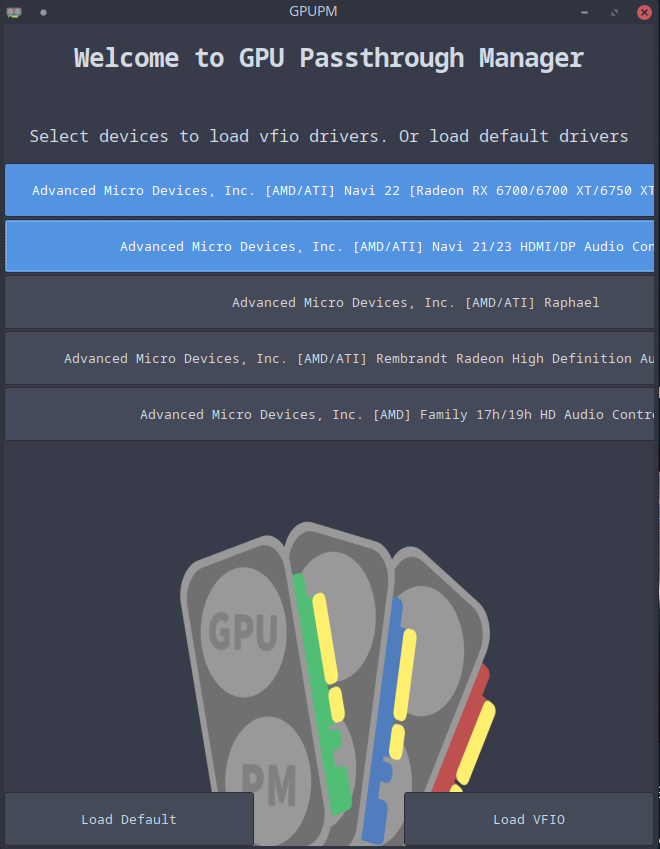
choose the GPU & GPU Audio
-
push load vfio, push button to reboot
-
vfio drivers loaded

GUIDE IN SHORT! - Install QEMU/KVM (LINK)
-
sudo pacman -Syy
-
sudo pacman -S archlinux-keyring
-
sudo pacman -S qemu
-
sudo pacman -S virt-manager virt-viewer dnsmasq vde2 bridge-utils openbsd-netcat
-
sudo pacman -S eptables iptables-nft
-
sudo pacman -S libguestfs
-
sudo systemctl enable libvirtd.service
-
sudo systemctl start libvirtd.service
UNCOMMENT LINE 85 & 108
85 » unix_sock_group = “libvirt”
108 » unix_sock_rw_perms = “0770”
-
kate /etc/libvirt/libvirtd.conf
(or use ‘sudo vim’ or ‘sudo nano’ ) -
sudo usermod -a -G libvirt $(whoami)
-
newgroup libvirt
-
sudo systemctl restart libvirtd.service
-
REBOOT
(Optional, but I always do.) -
Open ‘Virtual Machine Manager’
-
Rightclick ‘QEMU/KVM’
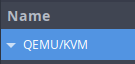
-
Click ‘Details’, then the ‘Virtual Networks’ tab. Have the Network start at boot.
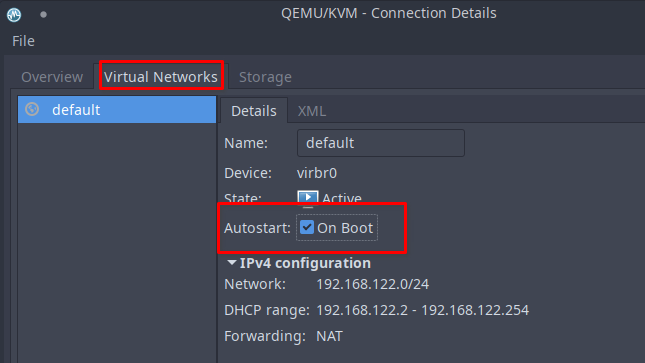
-
IF YOU WANT TO HAVE NESTED VIRTUALISATION
GO TO THE LINK AT THE BEGINNING OF THIS GUIDE.
INSTALL A WINDOWS/LINUX/AMIGA VM (or whatever floats your boat)
PCIE PASS THE DEVICE OF YOUR CHOICE.
TIP! - MOUSE AND KEYBOARD PASSTHROUGH CAN BE HANDY TOO!
(I have to remake the VM, with keyboard & mouse passthrough  )
)
EASY? I thought so. Till I actually used my VM…
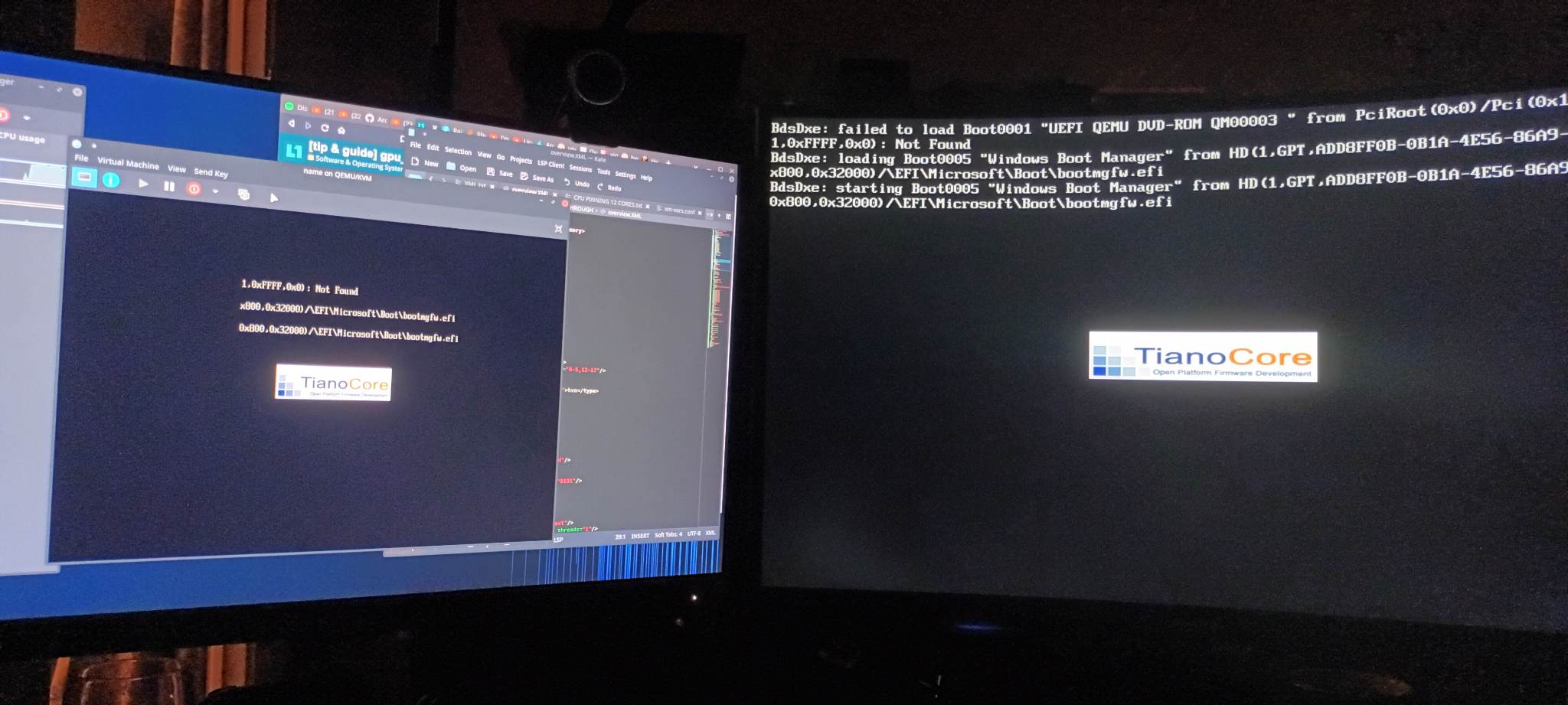
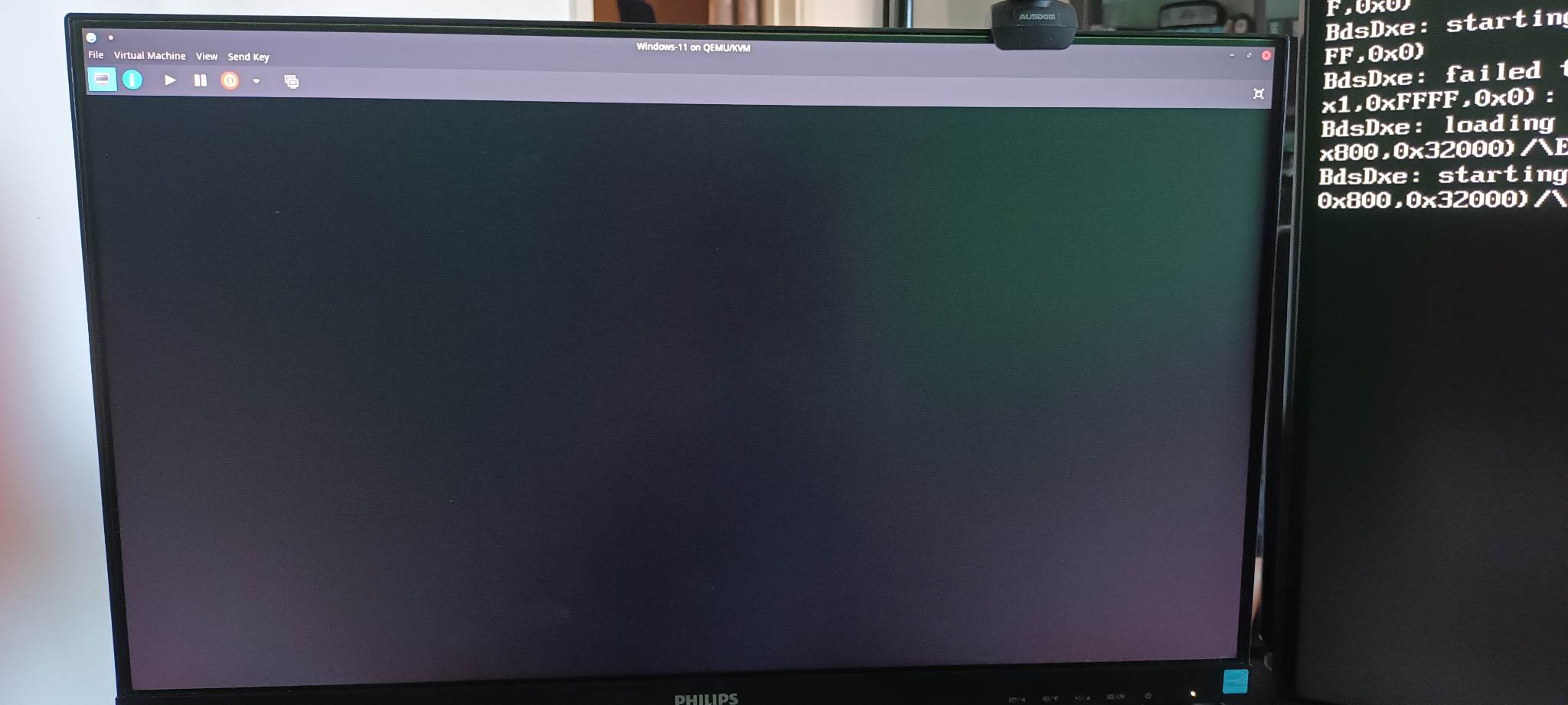

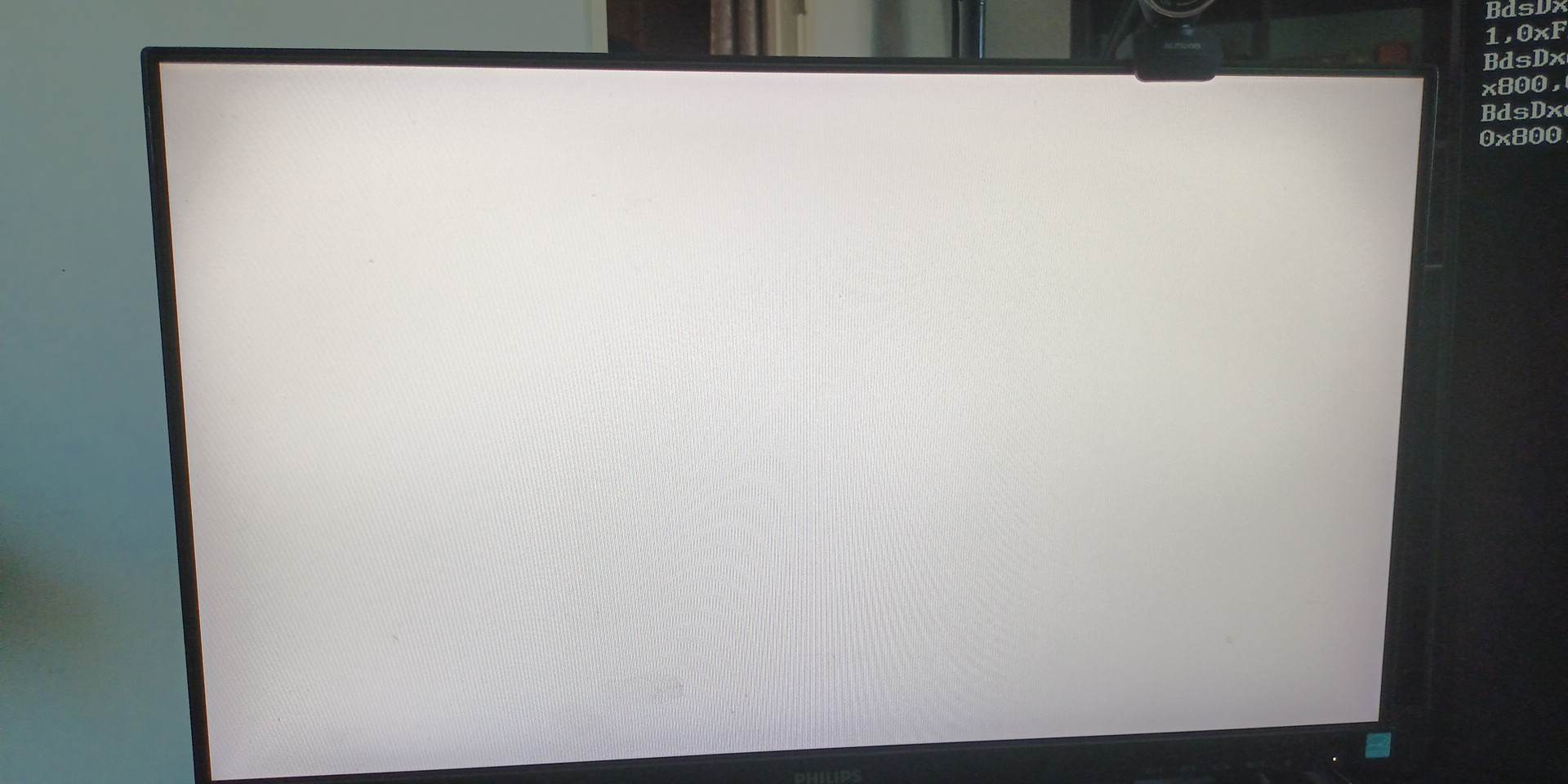
It starts, then it stops the output. I don’t know why. The VM’s own driver might fudge it up?
-
Unloaded the vfio driver.
It’s not working as expected. Sure the GPU is seen in the VM, but it’s not displaying out to the GPU displayports. Is that just a setting in the Windows VM? ALSO! The VM seemed sluggish, it was like my mouse wasn’t accelerated when I was in the VM, but I don’t know, it can be some kind of sidelag. I don’t know what to do. To be honest. -
MY IOMMU GROUPINGS » IOMMU
-
MY QEMU OVERVIEW - WIN10 » XML - WIN10
-
MY QEMU OVERVIEW - WIN11 » XML - WIN11
-
CPU Pinning (12 core/threads)
-
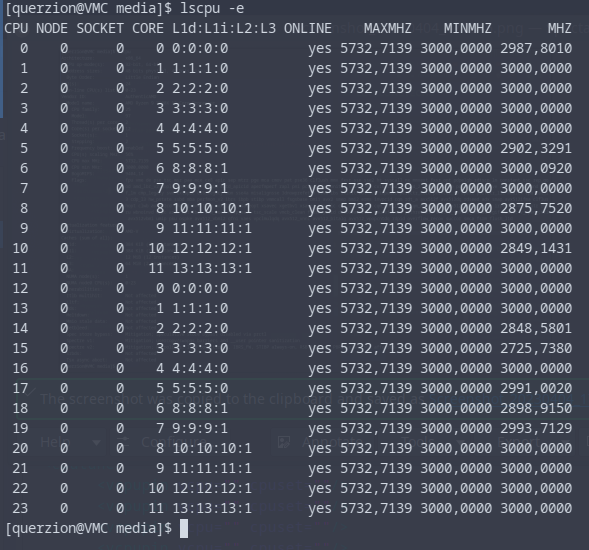
-

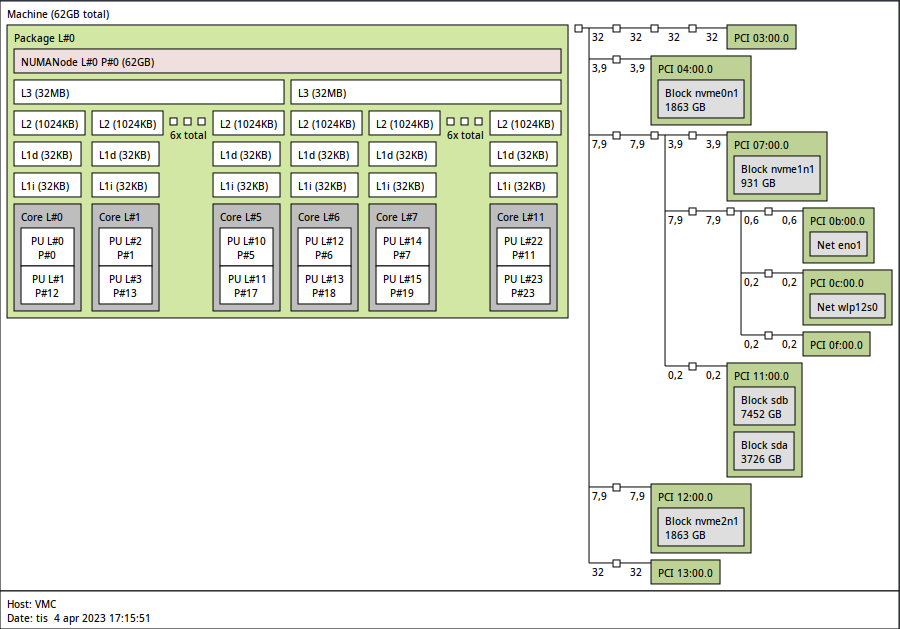
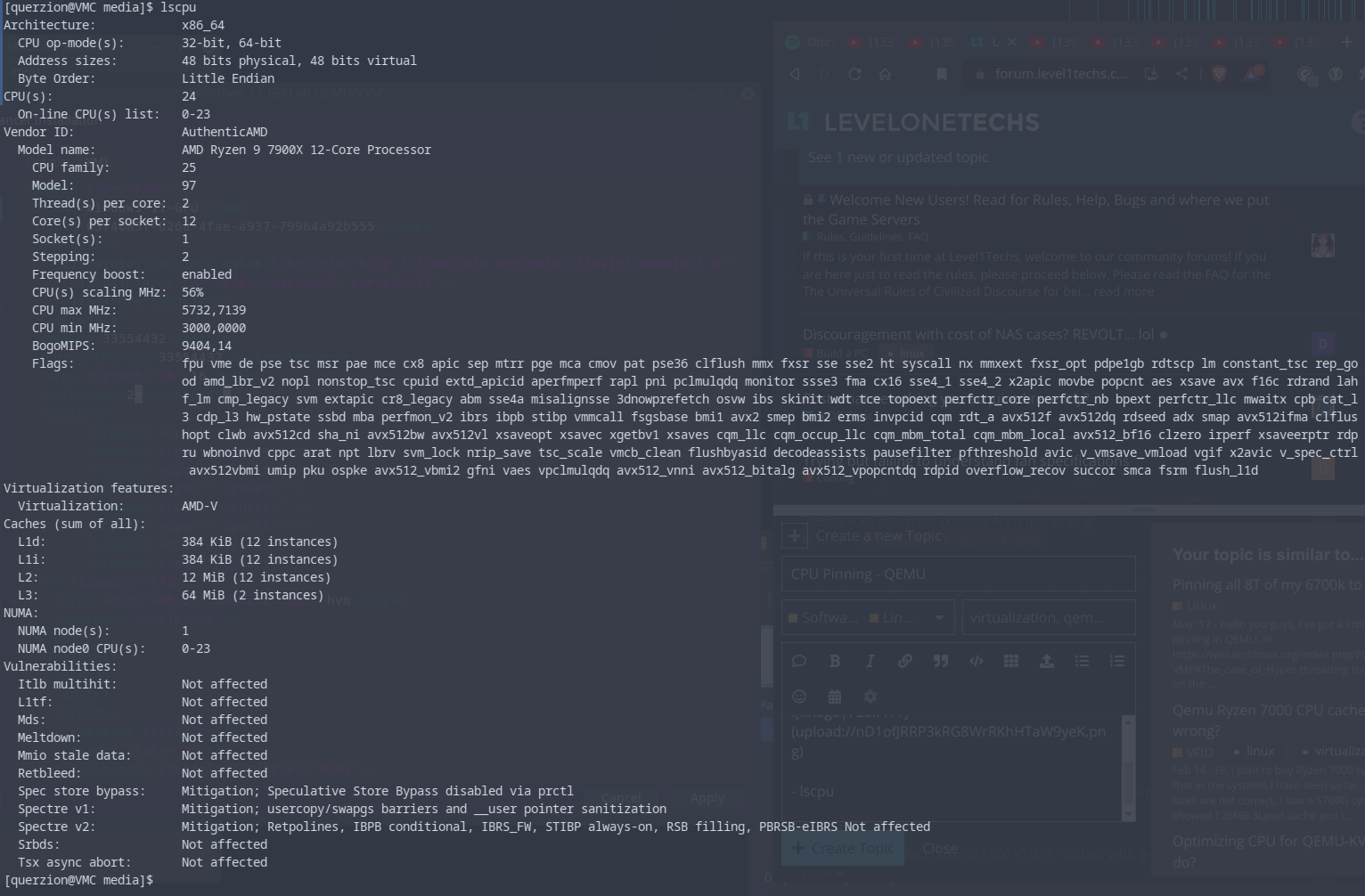
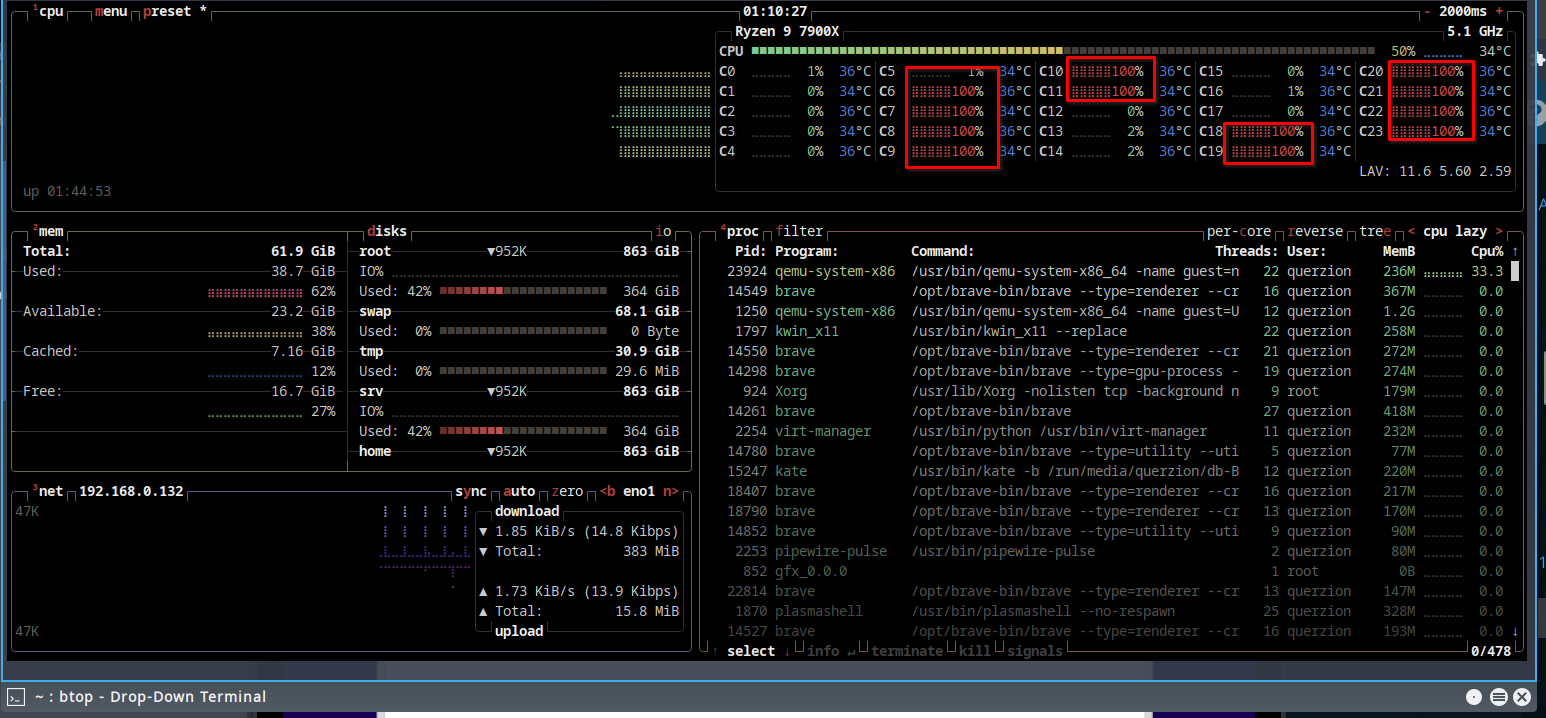
OH YEAH!
My iGPU does not like being used at all. I’m thinking … Maybe I should just not use it at all.
I have an Idea though. I need to change the hooks so that they use a little bit of both, because I don’t have money to buy another GPU to have in the computer. I thought it would be enough using the iGPU, and it should be, but it have the indecency to break on me…
- This start on random for me!