hi i have setup pfsense and pia vpn but i find if i set the dns resolver to ALL like default the vpn side when runnings dns leak tests always says its leaking but if i just set the out going to PIA VPN then it tells me its not leaking… but i also have to set wan gate way in General setup to like 1.1.1.1 if i dont set anything the dns resolver looses how to dns resolve through my pppoe and i no longer have vpn or Wan connections… but if i also
if dns resolver is set to the VPN interface wan connections dont resolve right
but when i set the dns resolver to ALL well wan connects can resolve but the vpn leaks
i also have a no wan egress tag but it doesnt stop the dns from showing up on the vpn side…
pia customer service is no help… so hoping someone here set it up right that it doesnt leak works perfectly for wan and vpn clients
1 Like
You should be able to set the gateway of the DNS server to the VPN and limit the DNS resolver to only use the VPN gateway. You will need to either configure a DNS domain override for the FQDN of the VPN server you’re connecting to so that you can resolve it before the VPN tunnel is established or connect using an IP address rather than FQDN. Alternatively you can use encrypted DNS and then it won’t really mater if it leaks or not.
@Dexter_Kane so i not sure how to do the encrypted
what i currently have is
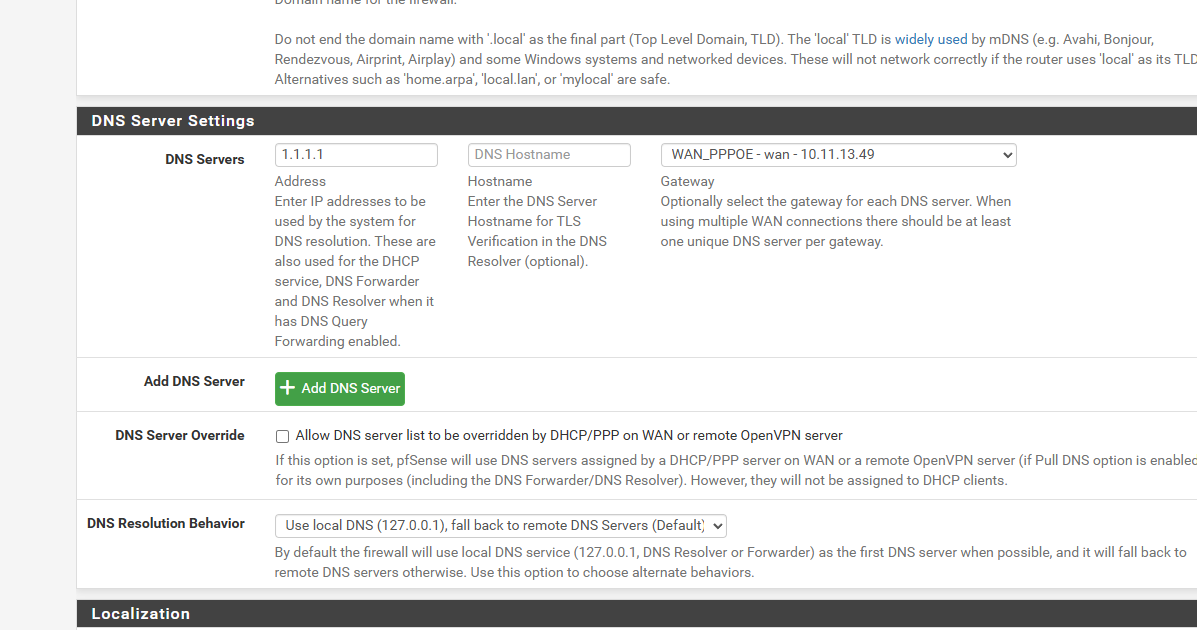
under General Setup
i set 1.1.1.1 for the wan gateway
thats to keep the dns working if i dont after so long dns doesnt work you cant ping from pfsense names just ips…
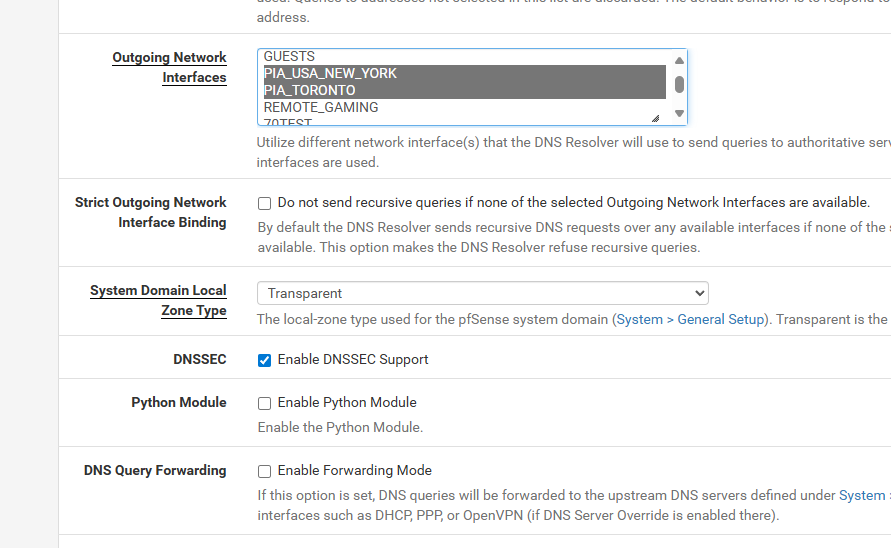
and when i set it to all for outgoing and remove the 1.1.1.1 gateway under general setup… dns works for non vpn clients… but then isp leaks onto vpn
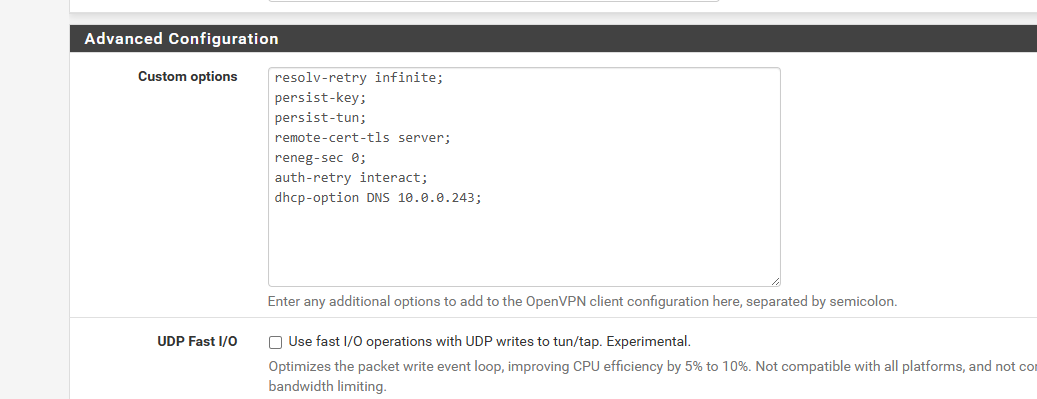
i followed the Lawerance Systems Video the guy made and he doesnt touch the dns resolver leaves default… but thats where it leaks wan to vpn
i have the no wan egress or the no vpn policy he tag to drop any vpn traffic out the wan… but he never talked about the wan side leaking onto the vpn… only the vpn going out the wan…
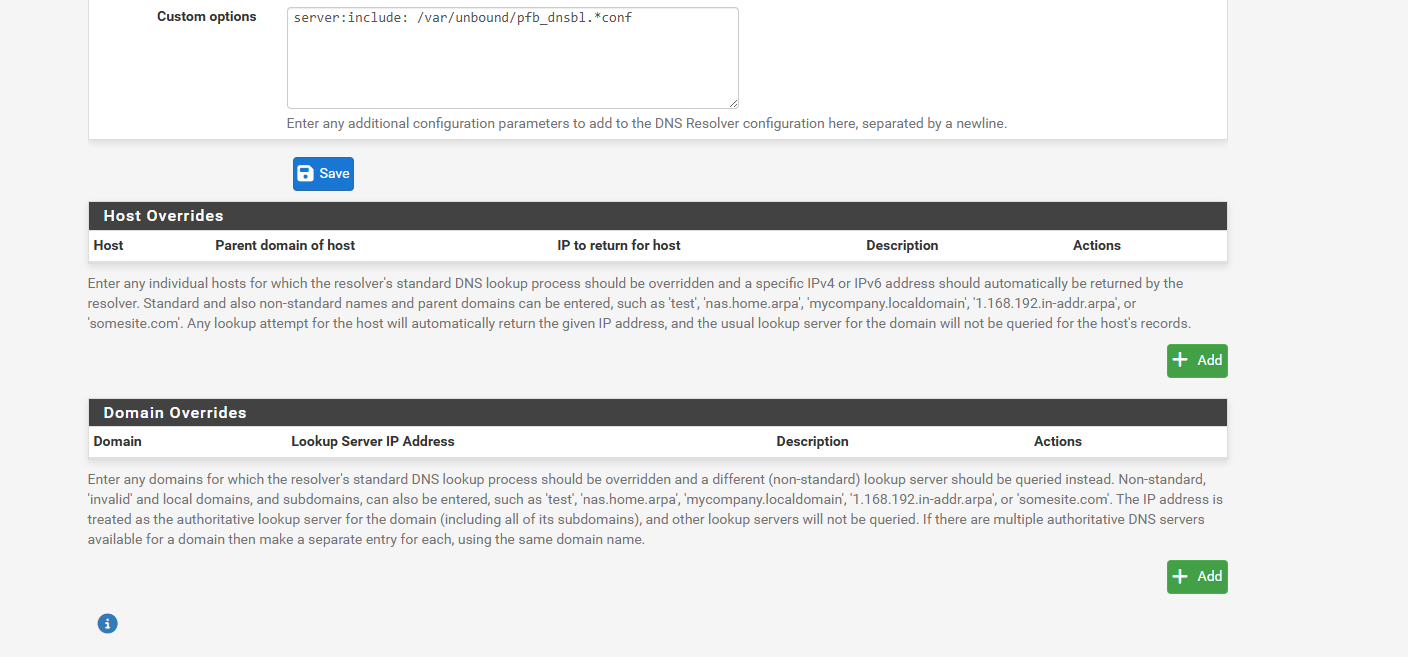
so i nto sure how to do the domain override… do you need screen shots of what i got… i also have a lancache i wanna re add back in those are host over rides but i been testing default settings so i removed host over rides…
but if you need pics let me know of what
1 Like
so this is my current setup
i use the general setup 1.1.1.1 for wan just to keep internet working as it will loose internet after so long and cant resolve host names just ips
and then dns resolver page i have set it to 2 vpns pia and not all to avoid dns leakage… but it doesnt resolve things right sometimes like home depot website… unless you set to all as a windows machine on wan gateway cant resolve home depot right unless i set out going to ALL on dns resolver or i manually set 1.1.1.1 on the dns in windows…
and this doesnt have my lancache server with all the host over rides as i was trying to follow his video and get it working right
1 Like
or does it even matter if the ISP dns is showing up on the VPN side if you got no vpn traffic going out the wan