I've been having this smiley face thing pop up when I boot my computer. I assume its something with the motherboard but can't figure out what. I have a Asus Sabertooth Z97 Mark 1, here is a link to the full parts list if you need it: http://pcpartpicker.com/p/3JknNG . It pops up exactly three times. Pops up, press a key and it pops up again, press a key again and it pops up again, press a key and it finally boots into windows. I appreciate any help I can get.
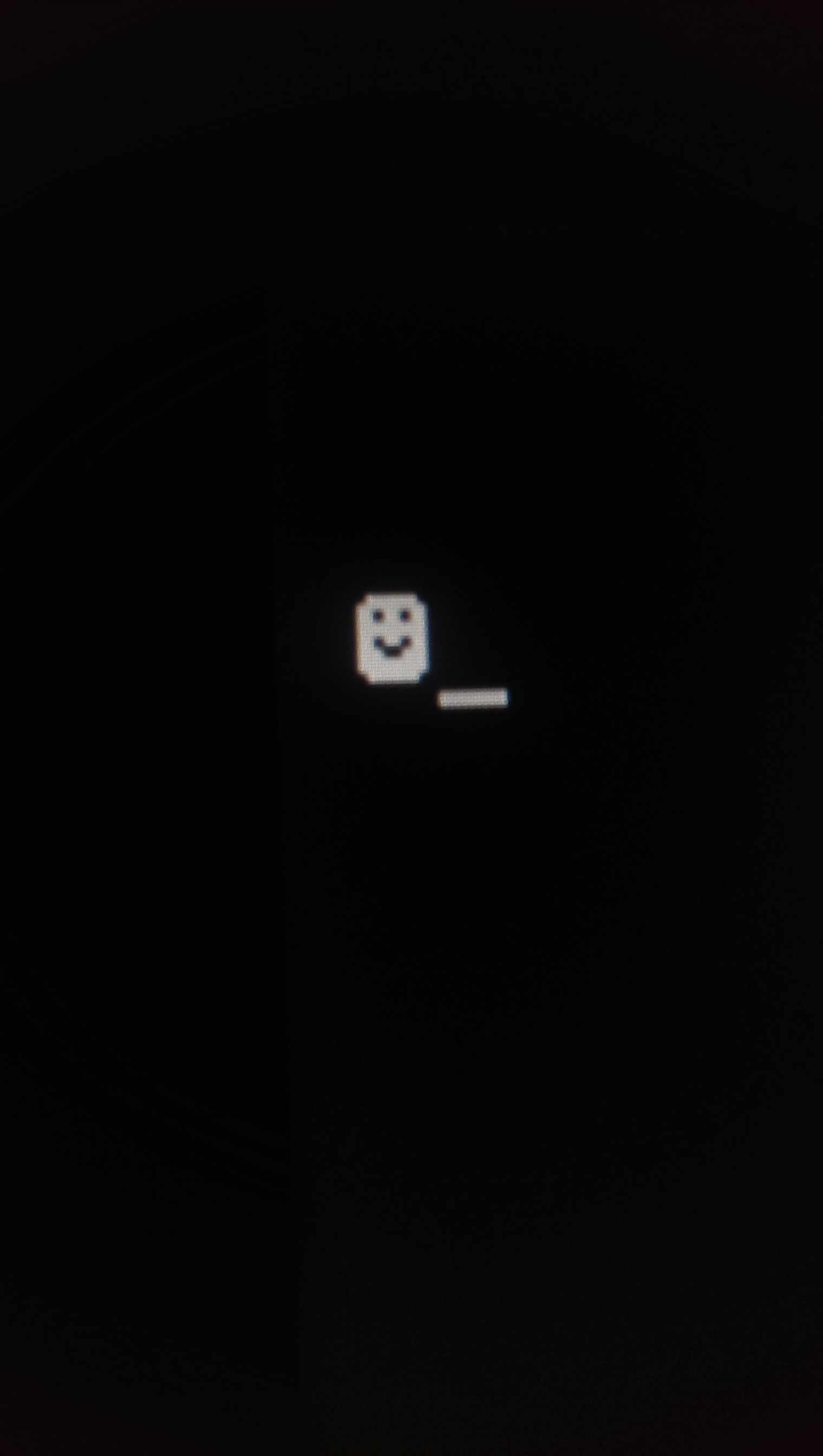
Sounds super dodgy to me. There used to be malware like this you might want to boot into safe mode or a live USB and scan the computer and boot sectors for malware.
Was this a pre-built system? or maybe your PCs sick with the USB flu.
http://www.tomshardware.com/forum/66897-63-small-smiley-face-boot
same issue. Maybe a clean OS install would solve it.
I'll boot into safe mode and run MalwareBytes first. A full re-install of windows is a bit of a hassle so I'll try to catch it some other way first. Thanks for the help guys. I had never heard of this before so it had me scratching my head.
Yes! That definitely looks weird. I'd even say try booting from a USB device to see if it's still there as this could be an infection of something much deeper than anything detectable from within safe mode. For example, have you done any needless BIOS flashing recently?! (Queue the suspense music.)
Then again, maybe it's normal and your PC vendor (the people who made the PC) designed it this way. Though it's hard to believe anyone reputable would do something like that.
MalwareBytes didn't find anything. I think I figured it out though, I think theirs something on my external drive because I unplugged it and Mr smiley face didn't show up anymore. I don't know why I didn't think to unplug it earlier. I'll plug it into my laptop later check the files I need, copy them, then delete and redo the partition on it. I do keep the bios updated but only use the files I download form Asus's web sight. Oh and the PC was built by me not a vendor :).
Its bad but it's so cute >_<
I'd would make the assumption that your hard drive is infected at the boot sector or firmware level.
damn
What ever it is it's on my external one because unplugging that made it stop. Doesn't really surprise me since I let my sister use it.