I have been a long time HEDT fan, starting when I bought my Core i7-920 on the x58 platform back in 2008. I later used a Core i7-3930k on the x79 platform which lasted me until I got my Threadripper 3960x in 2019.
I like having a capable workstation, but I also like playing the occasional game, so I have gravitated towards HEDT style boards and big top of the line GPU’s.
Right now I have a Threadripper 3960x (24C48T). Normally I would have upgraded by now, but I have been struggling for years now with that the HEDT product segment has essentially vanished. Neither Intel nor AMD makes them anymore.
HEDT used to be pro-sumer near workstation-level products, that could serve as workstations due to having many workstation-like features (large numbers of PCIe lanes, quad channel (or more) RAM, etc.) but did so without sacrificing consumer and gaming performance. Essentially you could have the best of both worlds. A competent workstation-like product, that could also excel at consumer workloads, including games (and often even outperform consumer high end systems at gaming)
Current product lines are either Consumer or true Workstation, with nothing like HEDT left in between.
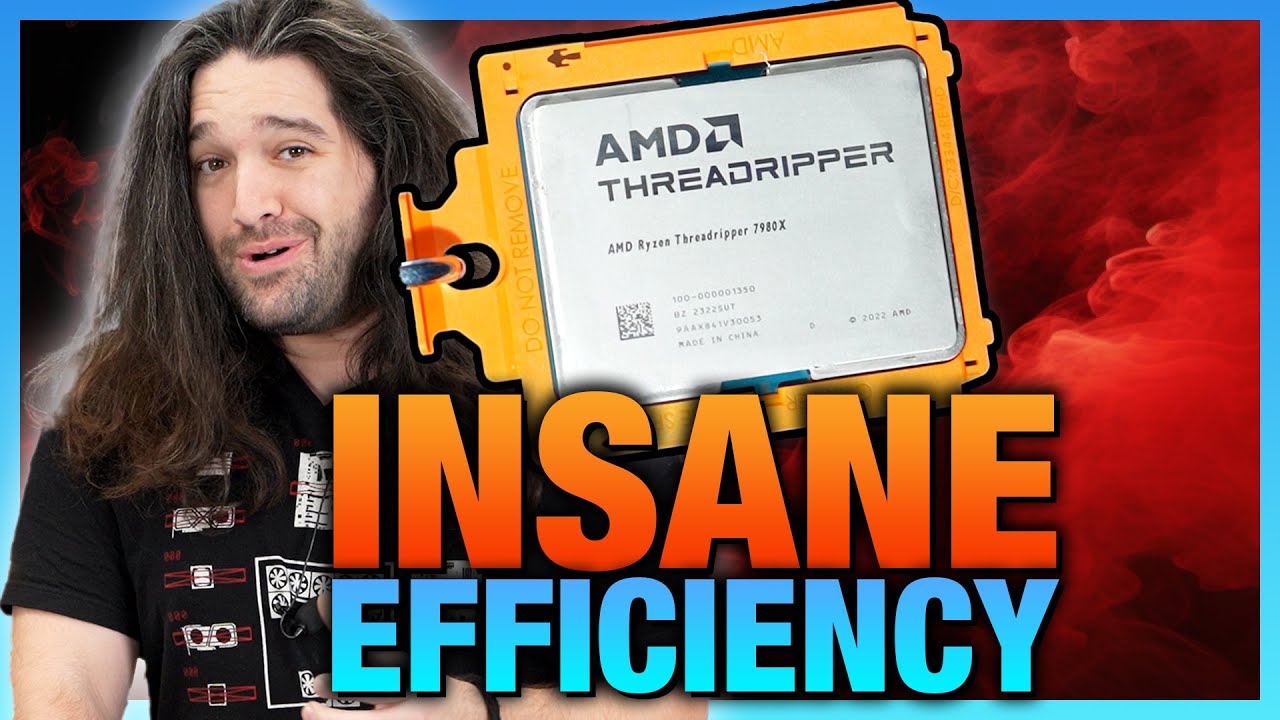
Current Threadrippers - even the non-Pro models - are workstation only. They are configured for only Registered ECC RAM which slows things down terribly, and have multiple CCD/NUMA configurations which make them terrible at many consumer workloads and games.
You can no longer have a powerful all-in-one machine that does everything you need, and that is sad and a huge loss.
I partially blame DDR5 for forcing the issue, but honestly the HEDT concept was dying long before that.
Both AMD and Intel have been cramming more and more cores into their consumer offerings in a lame attempt to make up for this, but the fact that they are still limited to only dual channel RAM, and a pathetically small 28 PCIe lanes, means they could never serve as my main workstation. The Dual channel RAM limitation also creates a RAM bottleneck for the top CPU core variants in highly threaded workloads.
As for why I blame DDR5, it is because with DDR3 and DDR4, registered and unbuffered RAM were pin compatible, and could fit in the same sockets on motherboards. If your memory controller supported both, you could just populate whichever you needed. Wanbted a HEDT screamer? Go with highly clocked non-ECC unbuffered RAM. Didn’t care about the added latency, and just needed massive quantities of ECC RAM? Populate it with registered ECC modules.
With DDR5 motherboard makers have to plan ahead, as the RAM slots can only support unregistered or registered RAM, not both. They could theoretically have separate slots for separate types of RAM, but that is quickly going to turn into a signalling and real-estate nightmare, and drive up cost.
So, since you can no longer have both anyway, this drives the entire market into sementing into workstation, and consumer, and the HEDT product category dying off. Why would you optimize multiple CCD’s / NUMA nodes for games if it is now really only a workstation product anyway?
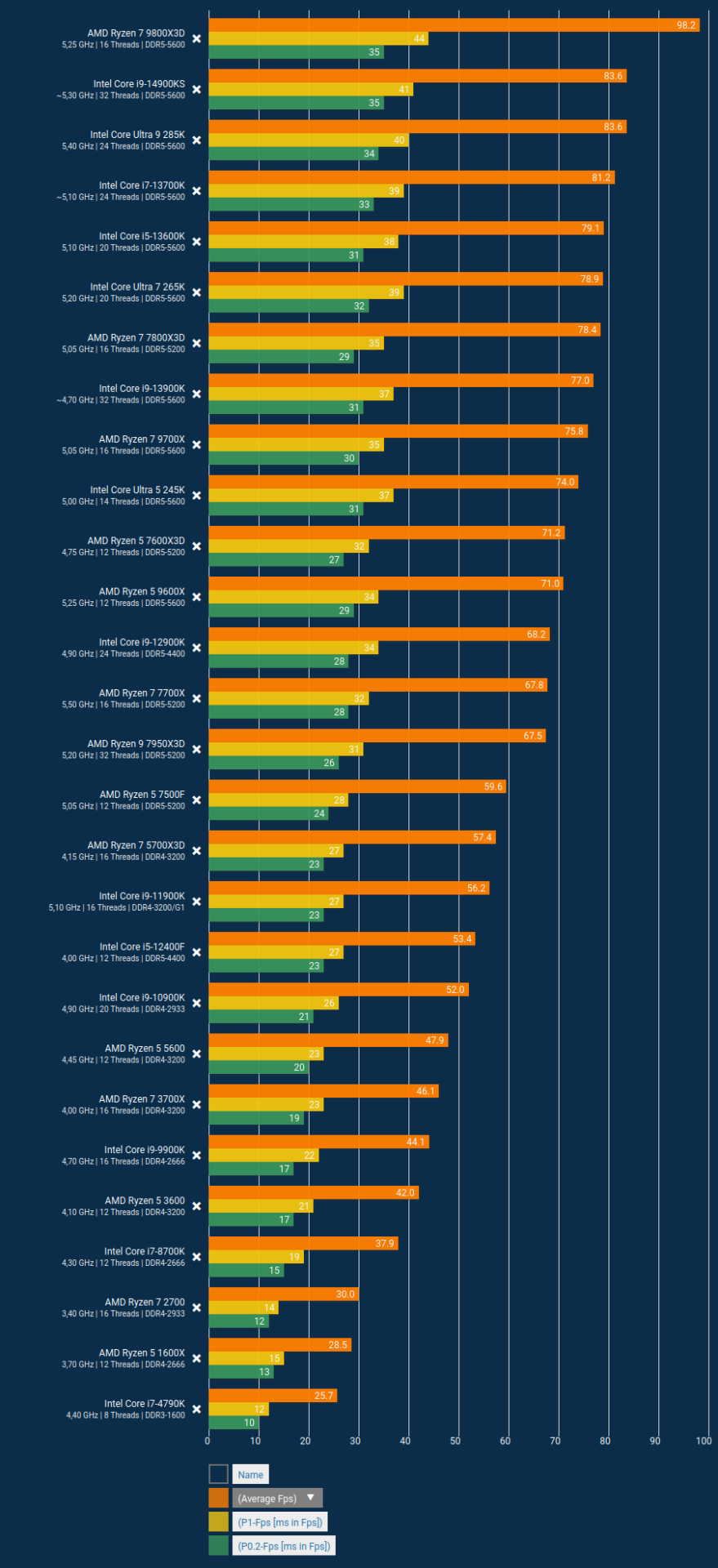
This is why once the new Threadripper 7000 series launched, it performs horribly in games. Threadripper 7000 series is just not suitable for anyhting beyond casual games.
…and even a many core top end AM5 chip really isn’t suitable as a workstation anymore, due to seriously limited PCIe lanes, and dual channel RAM that bottlenecks all those 32 cores.
So, if you need a workstation, buy something Epyc, Threadripper or Xeon. If you play games, buy something AM5. (I wouldn’t bother with Intel’s Core Ultra as they are falling behind there)
This is what I’ve decided to do.
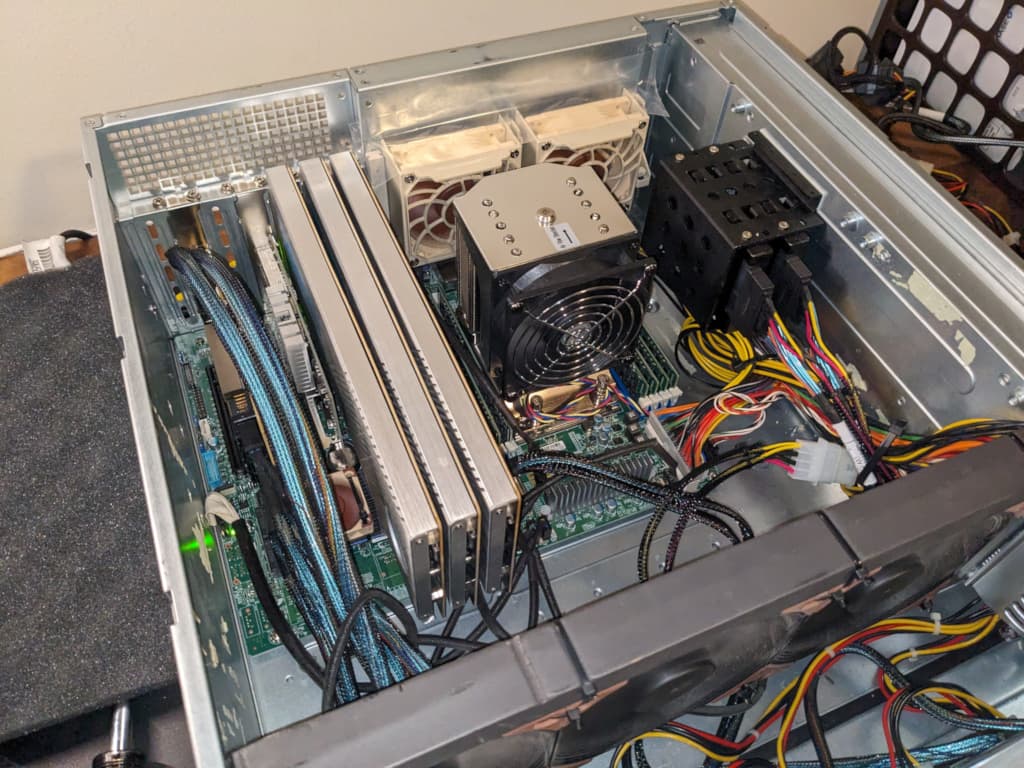
I’m in the process of converting my Threadripper 3960x to be my dedicated workstation. I’m removing my 4090, installing a more basic GPU (Radeon RX 7600) and may eventually even switch to ECC RAM.
I don’t care that it is a little older. For my type of work, the core type and per core performance isn’t particularly important. (within reason) The older 3960x will likely last me a long time yet in that regard. What I really need are all those PCIe lanes. (64 available lanes for the 3960x)
I am also in the process of building a dedicated machine for enjoying games. It will be either a 9800x3d or a 9950x3d (haven’t decided yet, need to spend some more time reading reviews and benchmarks). This machine will inherit my RTX 4090 until such time as something faster is readily available and isn’t being scalped.
I have been putting off this decision for years, hoping against hope that something, anything that could serve as both would come along.
I was thinking, maybe, just maybe when the AMD 800 series chipset came along, it would upgrade to using Gen 5 PCIe, and have a beefier integrated PCIe switch, being able to provide more downstream older gen PCIe slots off the chipset. But no such luck. the 800 series chipset is still limited to only 4x lanes ant gen4, and can thus only provide a limited number of chipset PCIe lanes.
In the end I have had to admit defeat. It is a sad day. And end of an era, IMHO.
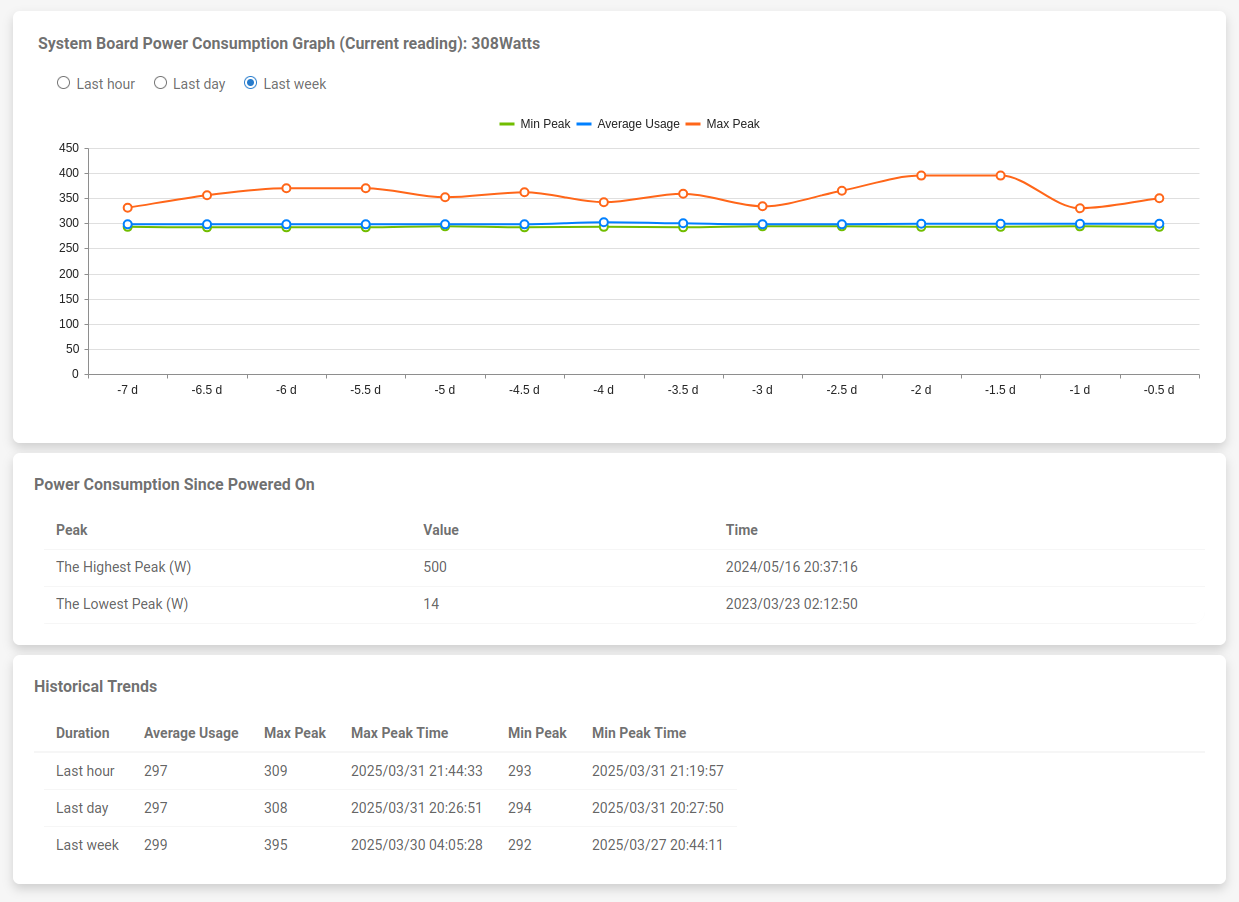
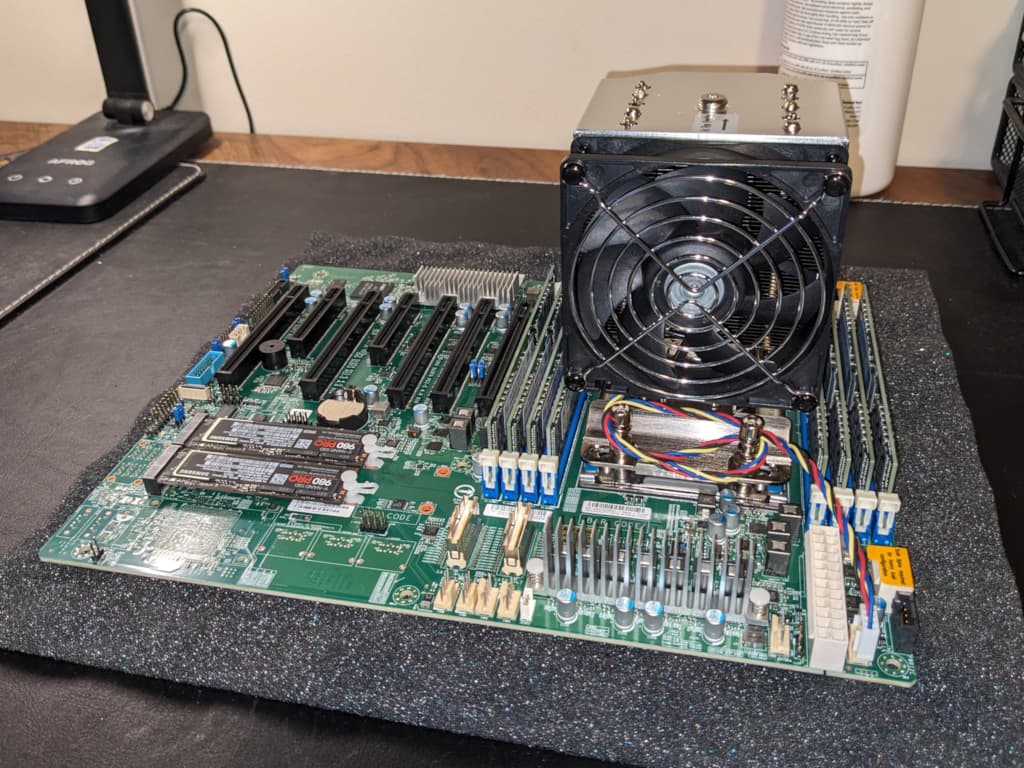
It’s not all negative though. Building two systems has a bit of upfront cost, but once that is done, I envision only chasing upgrades on the game system. On my workstation build, chasing expensive workstation upgrades likely won’t make sense. I’ll probably just move my old Supermicro Server boards into workstation duty when I upgrade them. Currently my server is an EPYC 7543 in a Supermicro H12SSL-NT board with 512GB of RAM.
That will likely be my next workstation upgrade.
And when I do, it will be fine. I run some VM’s and stick a lot of expansion cards in my workstation, but I have absolutely zero interest in rendering, encoding, machine learning or AI bullshit, so the fact that it will be older and slower wil be just fine.
This might actually save money in the long run, as upgrading expensive HEDT or workstation components costs a lot of money. Just look at those Threadripper 7000 + motherboard prices. Sheesh.
Anyway, those are my thoughts.