(FYI: Building with Fractal Design Define 7 XL case.)
I am looking at AMD EPYC 8324P for my home server build.
I am considering either the ASRock SIENAD8-2L2T or SIENAD8UD-2L2Q motherboards as they seem to be cheaper, yet have a good set of features and IO.
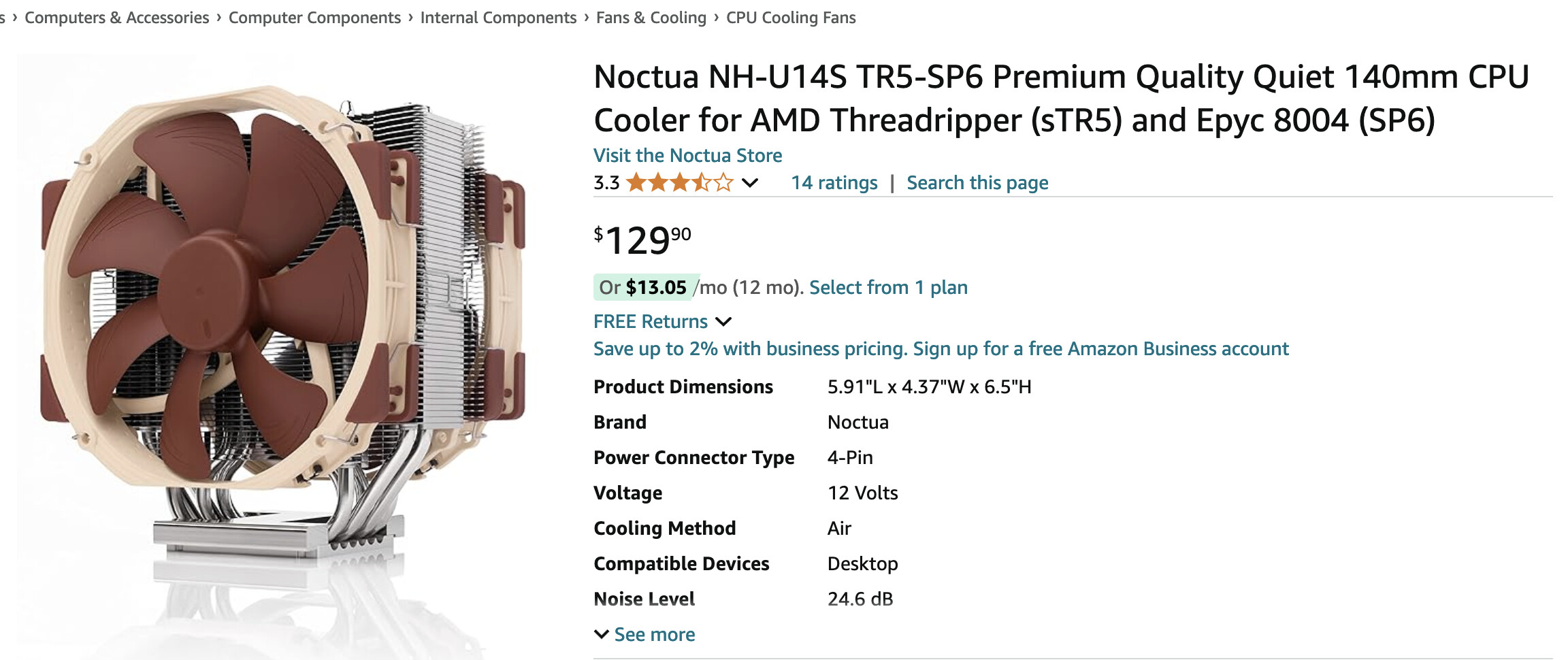
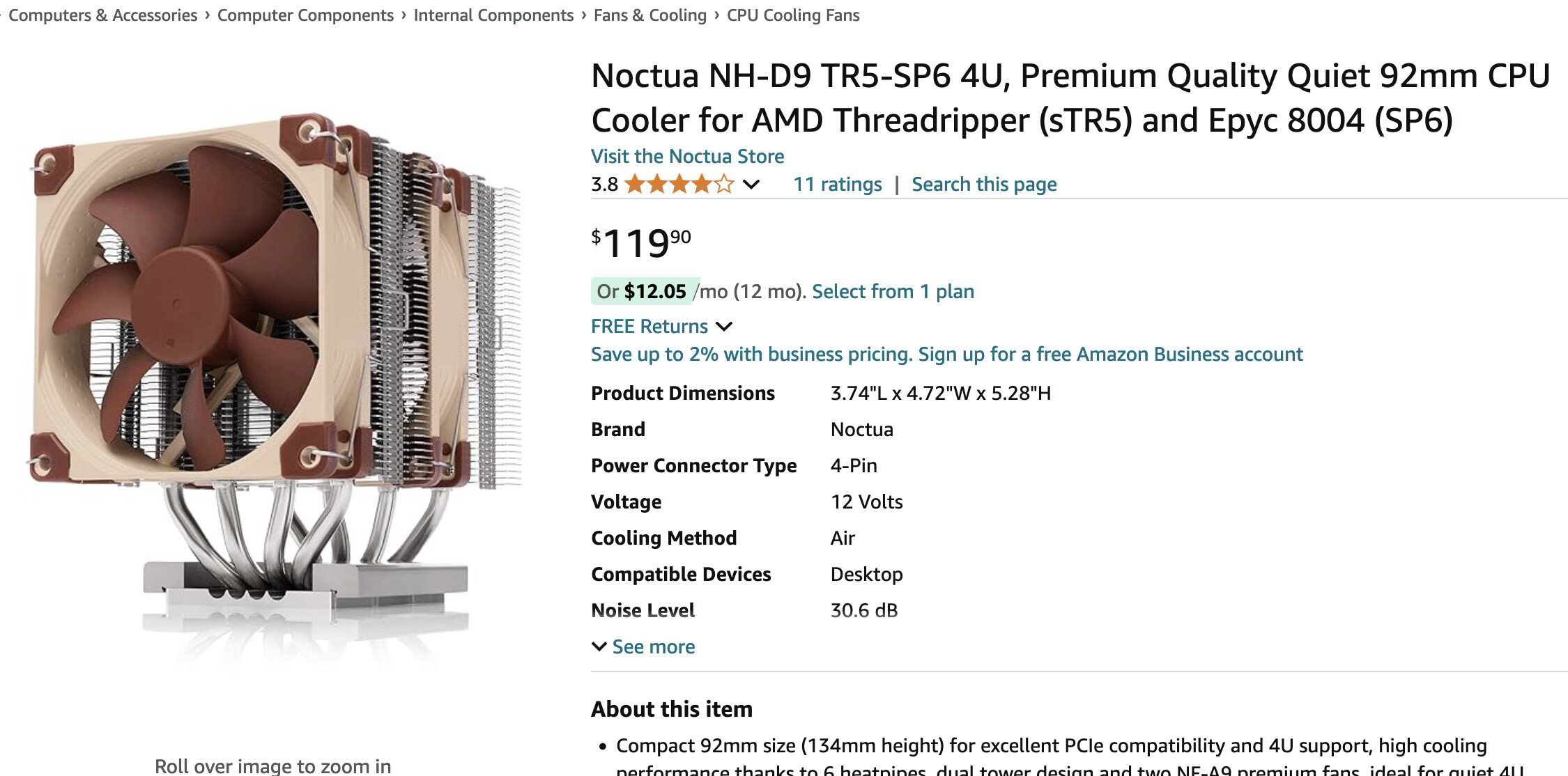
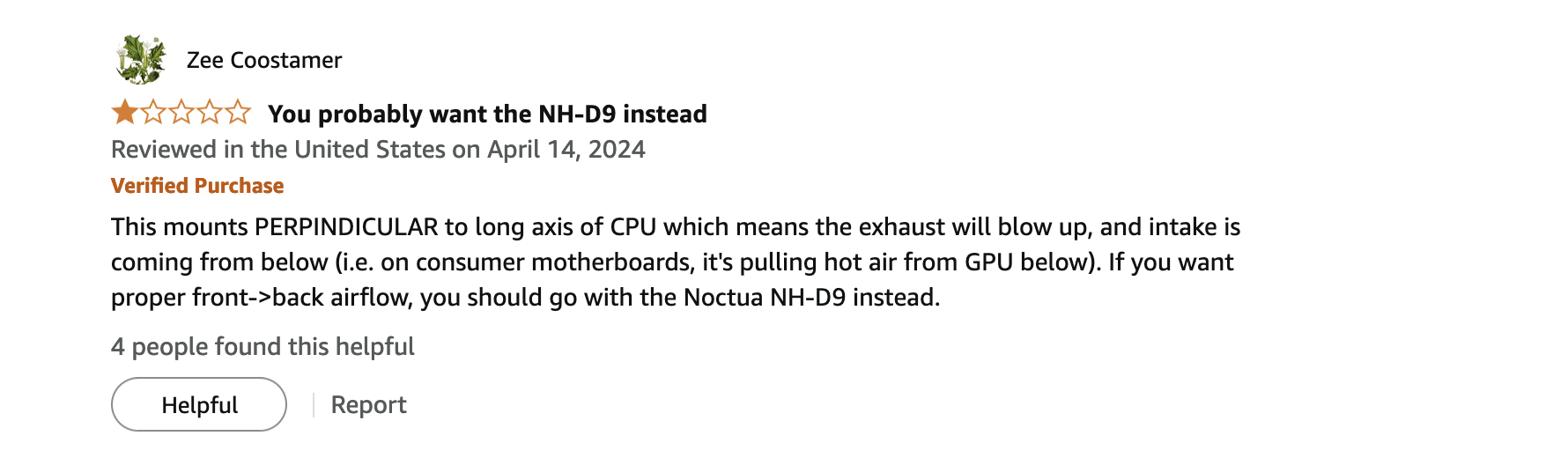
I know that Noctua released 2 cooler models for 8324p:
I’m getting an Arctic Freezer 4U-M for my 8224P. I know Silverstone has SP6 coolers too, including AIO. I was deperately looking for some “quiet” 2U cooler, but eventually settled with 4U for my planning.
Asus has basically a ripoff of the 2L2Q which is very very (licensed design?) similar and very cheap:
I’m not decided on the board yet…but I’m probably going with the 7x PCIe slot Gigabyte ME03-PE0. Pricey, but I like the flexibility in PCIe slots and still have 2x MCIO 8i
edit: Marketing bullshit on Asus website is comical. PCIe 5.0 M.2 for “faster OS booting”. And 25GbE being crucial for video conferencing. Full consumer bullshit mode in the server sales department…you can see they’re very new to this.
If you don’t know about MCIO, why get the AsRock Rack board? Most of the lanes are wired to MCIO with only very few PCIe slots. You really only getting half the lanes if not using MCIO
MCIO is for NVMe (or SATA if you need SATA). Plug in MCIO cable into your U.2/U.3 and the board and done. Those 5x MCIO 8i are basically 10x Gen5 NVMe because they provide 2x4=8 lanes of PCIe 5.0
ASUS board is 550+tax here. AsRock boards are +50-100 compared to ASUS. The Gigabyte boards are all ~750+tax here in Germany. And I don’t really need on-board 25GbE if I got the slots and cheap cards on ebay
dirt cheap compared to Noctua and I know several forum members use Arctic Freezer in their EPYC and I’ve seen them in builds in other communities as well. And SP6 refit for Siena. And height fits into my 4U case, that was especially important to know. Most large tower coolers don’t.
Thank you.
I am still learning about server boards as I go. I was originally planning on a Ryzen build, but lack of pcie lanes made me pivot from consumer hardware towards proper server platforms, but I am new to this.
I am planning an 8x HDD (14TB each) raidz2 or raidz3 ZFS array + maybe 1x hot spare.
I am also planning on using 4x of these m.2 Optane drives in a 4-way mirror for metadata (or mirror of mirrors):
Can MCIO be used for anything besides HDD and NVME connections? I saw some info that it can be used for ethernet cards etc. but I’ve never seen MCIO networking cards. Am I confused, or are they just rare?
Do you think another board is a better choice for me? Which one?
I have an Arctic 4U-M and my 8224P stays very cool without the fans ever spinning up even under sustained load.
My Gigabyte ME03-PE0 has been very reliable and easy to work with, I could highly recommend it, but I chose it at the time because it was the only board available right after launch of the CPUs.
If you want the boards for the lanes but you don’t want to use MCIO for the NVMe. Kinda pointless to waste the lanes, unless you’re fine with just those 2.5 slots and half the lanes (still double the lanes compared to consumer boards). Gigabyte Siena boards are the only ones with a strong focus on PCIe slots and minimal MCIO (2x 4i or 2x8i, enough for 8-16 SATA or 2-4 NVMe).
If those Optanes are U.2 form factor, just get an MCIO cable and no PCIe slot necessary. I would advice against a 4-way mirror and the use of optane for special vdev is questionable with modern ZFS version and plenty of memory. But that’s off topic
So you could connect all 4x Optane and the 8x HDDs with just two MCIO 8i ports without touching a single PCIe slot, buying adapters or an HBA
I was following your thread at Siena launch. Glad it turns out running well. I’m going for the same parts although my purchase had some interference from a certain pricey road bike that depleted hobby reserves
Any BIOS updates necessary or hiccups? You using MCIO cable (saw the board actually ships with an 8x SATA cable) for SATA and/or for NVMe or just the slots? And did you measure power? Always good when something has the same taste
Note that the MCIO ports on that board does not support SATA. If you want to hook SATA drives up to that board natively, you need to find some kind of PCIe slot to SATA adapter board. (The SATA-enabled lanes are on slots PCIE3 and PCIE7 - see block diagram on page 13 of the manual.)
Thank you for bringing this to my attention.
Why did they make it this way? That honestly seems stupid.
Now my choice for motherboard is less obvious if I have to waste a whole 16x PCIe5 slot to host hard drives and also spend more money on stupid adapters.
Any reasonably priced resellers for the Gigabyte board in the US?
That’s probably a better choice then if you don’t use MCIO and 10GbE instead of 25GbE is fine. And you still can run e.g. 16x HDD over those MCIO ports. I have a X570D4U-2L2T for AM4 from AsRock Rack and I still love it. Best board I ever bought, although I had some trouble with memory. Board is very picky.
Yes and no. Video was made for a specific scenario (cold cache after reboot, non-persistent L2ARC) and more of a demonstration. Most of that got solved in ZFS 2.2 with new ARC caching behaviour and tunables for metadata. It’s pretty much obsolete unless you run ZFS without memory or turn the server on/off regularly. If you can run it in RAM, run it in RAM. But if there is no other use, it won’t hurt either. Limited capacity on Optane usually prevents using the small blocks feature to a larger extent. Bog standard SATA SSDs or NVMe are totally fine for this. Optane for LOG is great though.
noise depends on the rpm. So always compare with same rpm. Noctua probably has lower max rpm and thus lower noise. Doesn’t mean you have to run stuff at max RPM.
Easier routing maybe? But yeah, I agree. You still have e.g. the ASRock Rack SIENAD8UD-2L2Q as an option though. It supports 16 SATA via MCIO and comes with one MCIO->8x SATA cable in the box. Less PCIe slots, but 2x x16 + 1x x8 slots that you don’t need to use for storage (or networking, unless you need more than 2x25 Gbit/s + 2x1 Gbit/s) seems kinda okay to me. Depends on your needs of course.
(And you have more MCIO that you can use with PCIe risers to get more x8 slots in a pinch, if you don’t use them for NVMe.)
MCIO Cable + PCIe5 riser? Expensive. You may as well buy the board with the slots then , way cheaper. But the possibility is there. Otherwise I agree. MCIO is there so you don’t need slots for storage. There are U.2 enclosures for M.2. So with fancy adapters you can do a lot of stuff. It’s just PCIe in the end.
You’re absolutely right. If you need the slots, buy a board that has them! My thinking was more that if in a few years time an unforeseen need for more slots arose, probably it will be possible to find risers then.
Minor aside: tubeaxial fans of interest here mostly have noise affinity slopes in the 50-70 dB(A) range without system effects. So, while RPM normalization’s more accurate than uncontrolled comparisons, it’s not uncommon it still carries ~20% uncertainty. The usual solution’s noise-normalized temperature comparisons on the same workload but that’s rare data for server hardware.
The point was just to clarify that 26dbA vs 40dbA isn’t the result of some kind of magical engineering. Most of the “silent” in silent fans is just running lower rpm. Sure, some blades lean more towards higher rpm and others on lower rpm and there is also junk out there, but Arctic and Noctua both have high quality fan design.
No, it all worked fine first try.
And I got the Board right after launch so you shouldn’t be able to get any older version with problems I would think.
I used it for SATA for a while and it worked fine as expected.
Currently I only have NVME Drives in some of the many PCIe Slots, but that might change if I end up putting in a bigger GPU which blocks some slots.
With two SSDs, three HDDs and two RAM Sticks only it was at 50W idle (no HDD spindown).
But the real value of this platform lies in the fact that power consumption barely goes up under light loads. Even with 50% of the cores loaded I still measured an average of around 100W.
Now that I run two Kubernetes Clusters on this etc. and there is always some activity this platform really shines - power consumption barely goes up over a system that is idling with much lower cpu activity.
I have a lot more AICs now and haven’t measured power for just this sytem recently but numbers on the UPS are looking good still.
In my opinion the board has too few PCIe Slots but that really depends on your use case.
Haven’t had an Asrock Rack Board myself so can’t comment on it beyond what I heard from others, which is generally good.
I mean it runs at minimal RPM.
The Server is in my living room and I couldn’t hear the CPU Cooler beyond ambient noise up to about 70% load.
Now keep in mind though mileage will vary a bit depending on how much airflow your case has, although my air intake and exhaust fans in the 4U case are set up for silence as well.
What I will say is that at a very high RPM the fans sound more unpleasant than the ones on Noctua coolers - but high RPMs are almost never required.
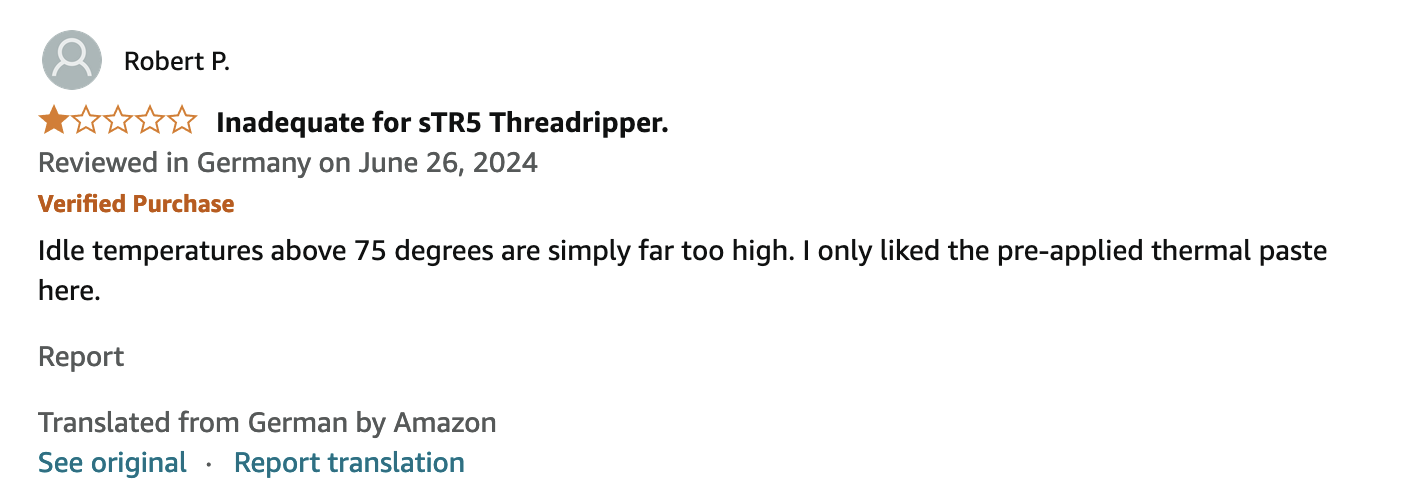
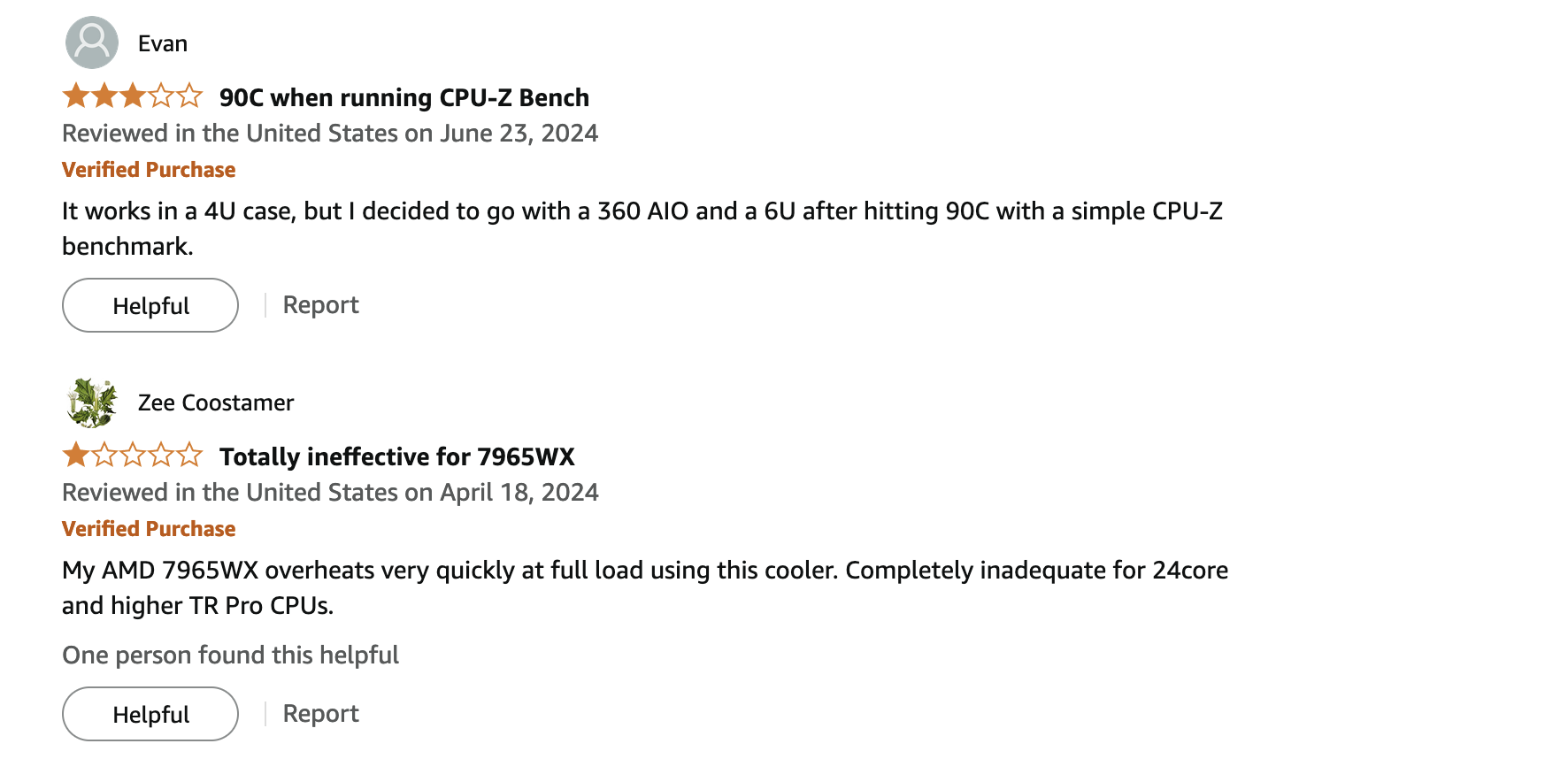
Keep in mind this cooler is rated for Threadripper PRO CPUs at much higher wattages!




 Depends on your needs of course.