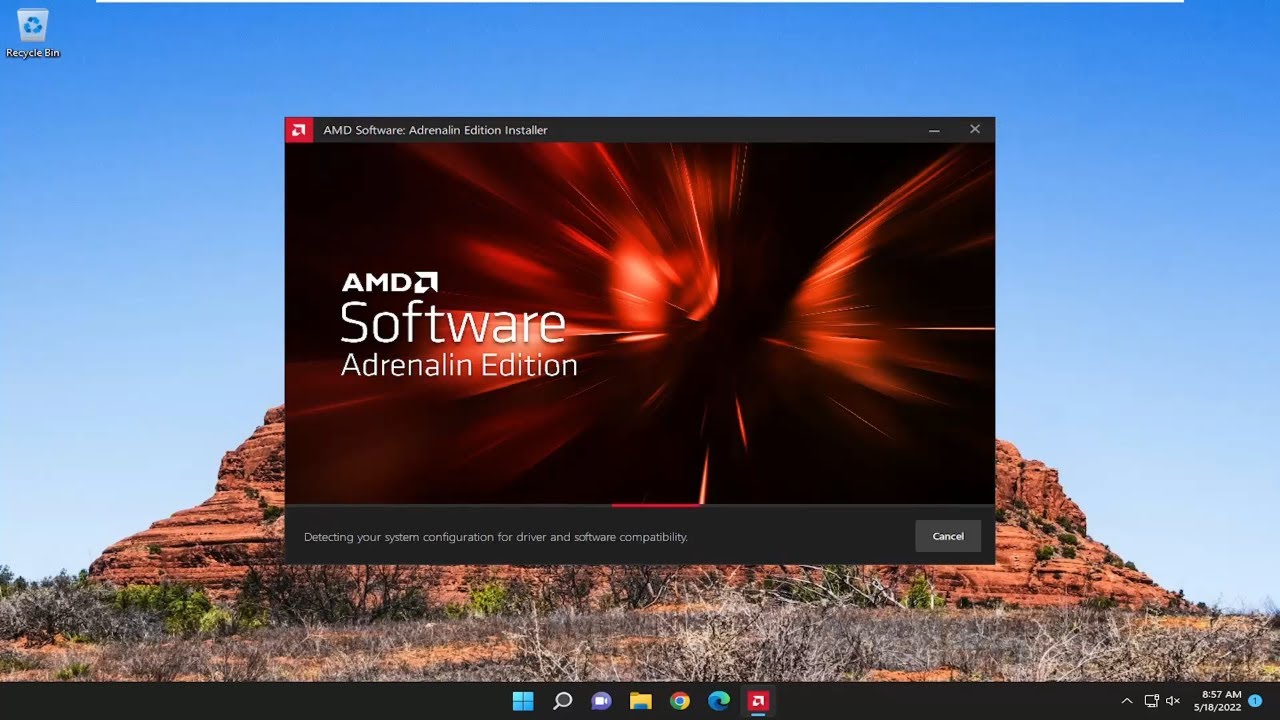
TLDR; I performed a driver cleanup using AMD Driver Cleanup Utility and tried to install latest drivers. During installation it spits out 1603 error. I have tried disabling antivirus / malware containment software, DDU, DDU without internet after it’s cleanup, AMD DCU, minimal driver install, older drivers I still had, Windows Device Manager driver lookup. None work and now stuck with Windows Display Driver and one monitor without sound.
I have made the mistake of trying to fix a system that wasn’t that broken to begin with, and is now far more broken. I was unable to use ReLive record and show Adrenalin metrics after newer Adrenalin version, plus I was having intermittent sound drop issues. What used to be a 15 minute thing has now taken me down quite the rabbit hole.
System info:
W10 1909 (updates disabled, but don’t know how anymore)
Graphics card switch from R9 290 to 7800 XT in 2024
Driver version 24.x.x for 7800 XT, deferred updates till version 25.8.x(?), issues started after newer versions
Last running version was 26.4.x
I have tried to install older versions (24.x.x, 20.x.x) I had archived, no difference or similar issues.
Anyone have some tips? I REALLY don’t want to perform a clean Windows install due to all the software I’d have to reinstall and software profiles I need to save.
1603 in windows is a very generic error which usually means “could not obtain lock required to install things”. Usually it means something else is currently installing like a defender update or other background installation, or you have a pending reboot already.
@Strawberry Thank you for your reply. As far as I know, nothing was or is running. I could see no update services or processes running. Also, I found out that the installer will give a warning if some (Windows) update process is running. Not sure if it detects everything, but still.
I also contacted AMD support. Awaiting their response, I gave in on remaining on 1909 and tried to update Windows in the meantime. I have been able to update Windows 10 to the latest build and enrolled updates. This was also quite a pain, as built-in Update services was broken. After updating to 22H2, Windows seemed to grab the drivers automatically; all monitors worked and at correct resolutions and I could see 7800 XT listed in Device Manager. Adrenalin would however remain in 1603 error mode when attempting to install.
I booted into safe mode to use AMD Driver Cleanup Utility again to see if that might fix the issue, but changed my mind (didn’t do anything) and rebooted back into normal mode. Strangely, it now reverted back to no drivers, no GPU and no working monitors except for one. I did not change or remove anything. I am now back at square one.
@Bruce Thank you for your reply. I tried it out, but didn’t change anything apart from requiring a reboot. After that, I tried the following:
AMD support also suggested removing Microsoft Visual C++ 2015, 2017, and 2019 (both x64 and x86). In my case, everything was <2013 and only v14 x64 and x86 was present. I uninstalled those and followed their steps, which were (summarised):
Open Settings/Control Panel>Apps/Programs. Search for Microsoft Visual C++ 2015, 2017, and 2019 (both x64 and x86). Uninstall them. Reboot the computer and then follow the below steps to install the latest drivers.
Ensure you have installed all the Windows updates and are using the latest Windows build.
Please disconnect the network connection and disable the antivirus before running the installer file.
Download the latest drivers
Run the driver installer, and select the ‘Factory Reset’ option to clear up any issues from previous driver installations.
Following the installation of the driver, restart the computer.
No changes though. It is unclear to me why it would work after the 22H2 feature update, but broke again after simply switching to safe mode and back.
Update: I’ve been in contact with Microsoft. They were not willing to help due to the fact that Windows 10 is no longer supported. The only tip they gave was to perform an “in-place upgrade”; downloading a 22H2 Media Creation Tool and opting for the ISO installation. Mount the ISO image and start the installer, choose keeps files and apps, and it should in theory refresh the Windows 10 installation.
It did not work for me and even broke some more software in doing so.
Seems a clean install is the only option.
If anyone else has some tips, that would be greatly appreciated.