and after a bit more digging, I think I came up with https://www.microcenter.com/site/content/custom-pc-builder.aspx?load=d4ae66dd-c569-464b-acb1-90da325cc913. Does it look okay?
I’m mainly struggling to find a good motherboard that will last well enough for my use-case. I’d like to try and avoid asus if I can, because of their horrible customer support.
Some questions:
If I’m using LUKS (full disk encryption), does ECC become a requirement? Will memory errors cause disk corruption and loss of data? How realistic is this scenario?
I’m interested in dual-gpu running at, hopefully, 5.0x8 in both slots because that lets me mess around with amd and nvidia gpus (I can’t afford a workstation). I understand there will some performance degradation of 1-4% which I guess I can live with, but this will allow me to test a bunch more things. Anything else I should be worried about (I guess I’ll need to check NVME taking up lanes as well)
I’d consider the ASUS ProArt X870E board in your case. It can do dual GPUs at PCIe 5 x8/x8.
I don’t think targeting DDR5-8000 is realistic if you’re concerned with memory reliability. There’s a good chance it won’t even work at all, and you’ll be over-paying for a fast RAM kit. Personally, I would suggest going more conservative, maybe with a 6400 kit that is on the compatibility list for the board, or even more conservative with 6000 if you want it be pretty much guaranteed to work without tweaking. But if you are OK to deal with potential troubleshooting of the memory, returning it for a different kit if it doesn’t work, you can pick something more aggressive.
Unfortunately not. The boards are advertised as able to handle it, but what they don’t mention is that the memory controller on the CPU is the real bottleneck. Some people get lucky and can hit those clocks, but I’d consider it kind of “extreme overclocking” territory. Definitely not great for reliability or value for money.
Not sure how much it would impact longevity. You’d need to run it at a high voltage, which means high temps, which means you should have active cooling for the RAM. All in all, not something I suggest bothering with.
As an average user, if you avoid excessive overclocking, I don’t think you should worry. But I’m not an expert in this. If you want people with more experience to comment, I suggest posting this specific question on the storage sub-section of the forum.
To add some specifics for lemon’s benefit, 8000+ is with 1DPC 1R, AMD’s 1DPC spec is 5600, the highest rated 64 GB UDIMMs I’m aware of are 6400, the mobos I can think of that have 1DPC 2R specs claim up to 6400, and there’s little to negative returns on clocking higher than 5600 even if you get pretty lucky and lottery a dual chiplet part that’s stable at 2133 FCLK.
Personally what I do for 1DPC 2R tighten at 5600 and call it good. With 48 GB DIMMs at 5600 1.25V active cooling’s not needed and there’s plenty of thermal margin to tRFC2. So I suspect 64 GB’s likely to be fine with decent airflow unless ambients are pretty high.
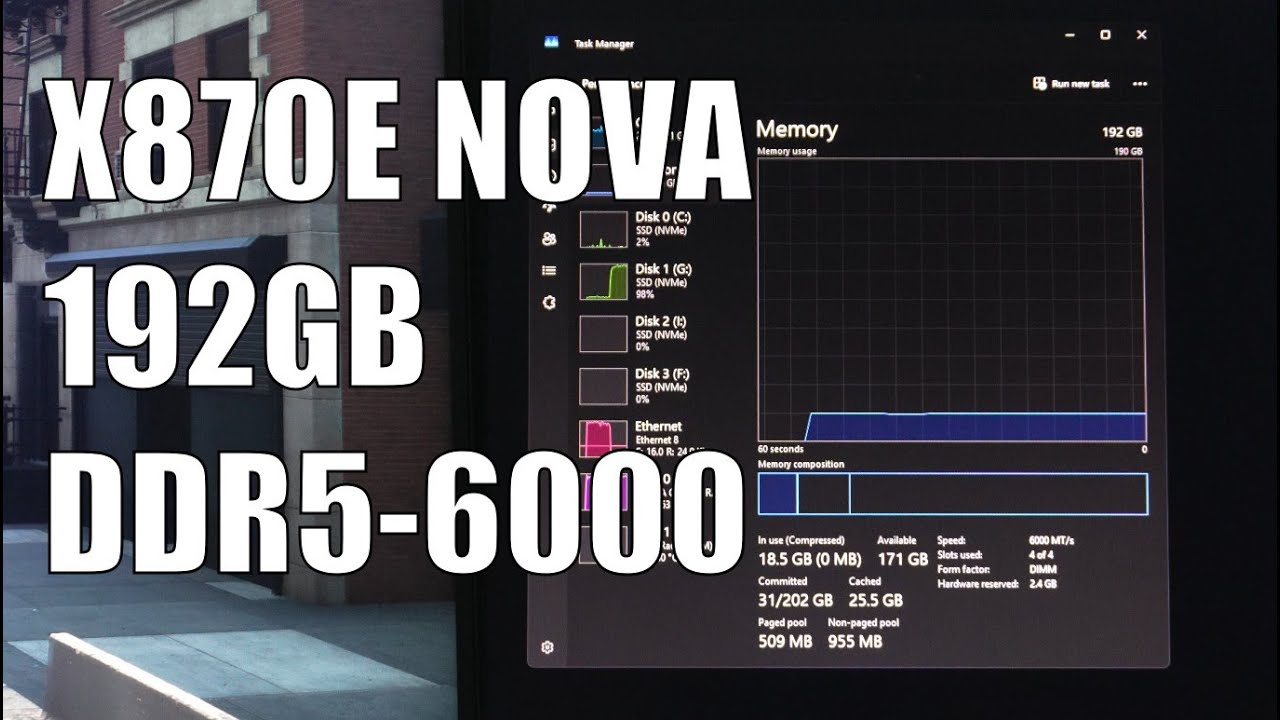
Nope. All evidence is Promontory 21 lacks an x8 PHY and it’s easy to see from the X870 and X870E Nova’s specifications and block diagrams neither has an x8 slot. (Also ASRock’s dropped PG out of the board names this time around.)
If you want x8+x8 switched PEG from ASRock’s current production that’s X870E Taichi [Lite]. If Wendell’s on to something and ASRock hasn’t just caught up with today’s BIOS releases maybe X870E Carbon would be worth it.
My bad. I am an older gentleman and my memory is not as good as it used to be. It lacks an x8 slot of the Chipset, but it has an x2 slot.
Besides that, they are still using the phantom gaming like for some of their motherboards, the Nova WiFi included.
@lemon-50
For clarification, if you want x8 and x8, then you can get it with the Asrock boards. The Pro Art will also give you that but at a much inflated price.
No, you do not need ECC for LUKS.
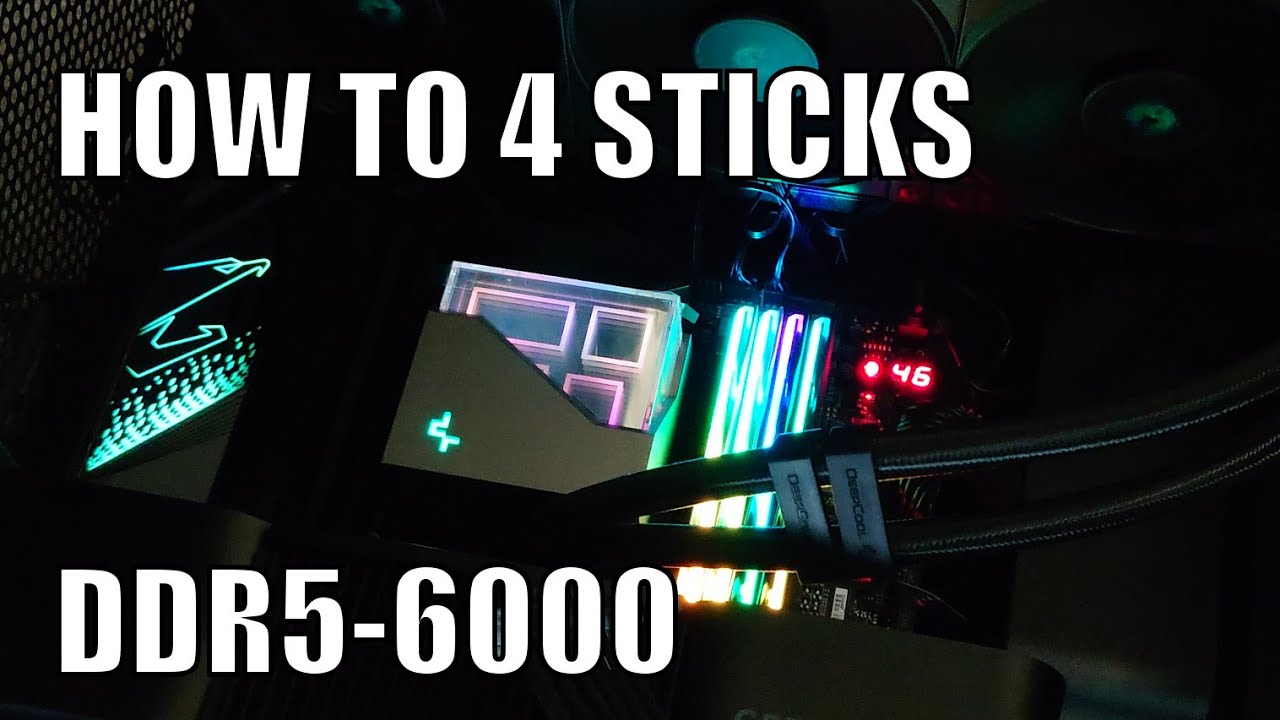
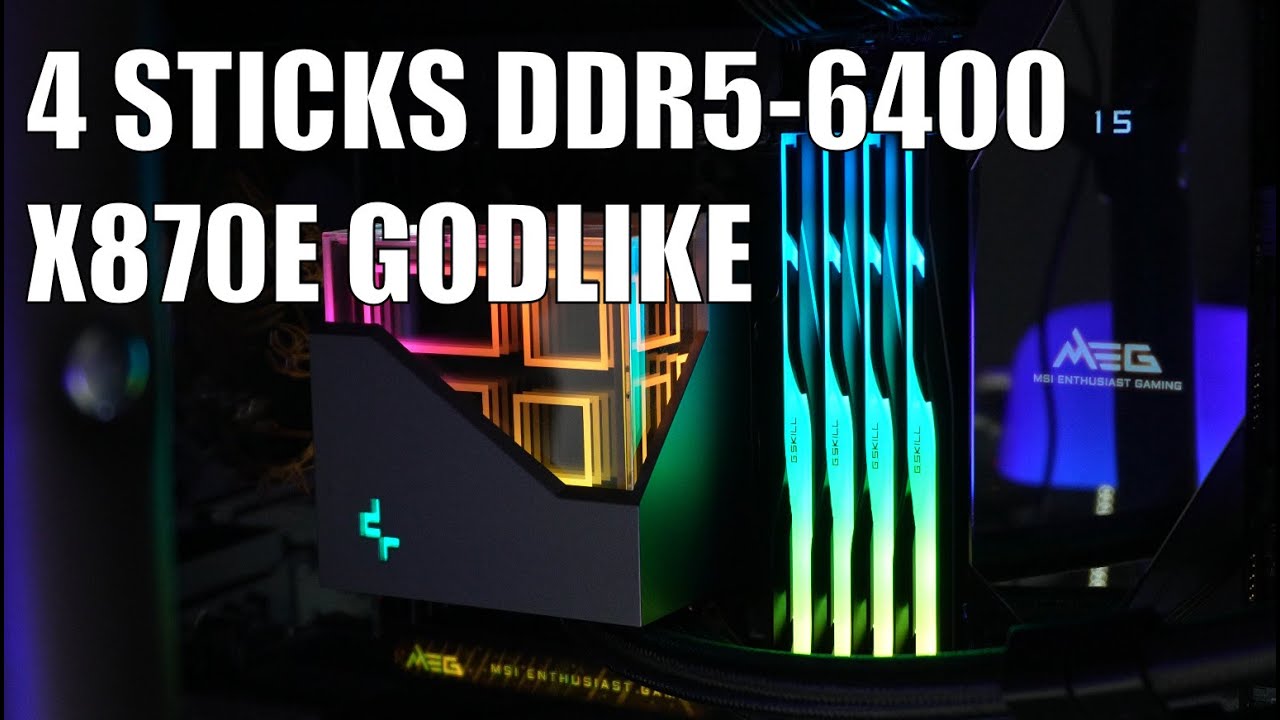
8000 RAM with two stick is pretty much doable on all x870e boards, even dual rank. You can even hit 6000 R1 with four DIMMs.
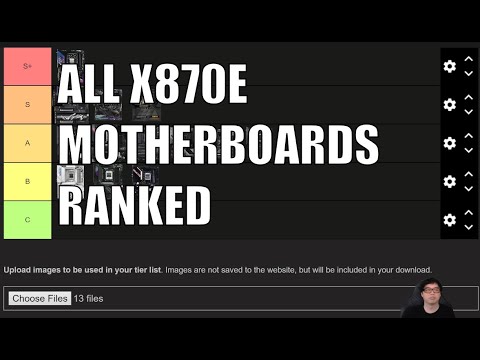
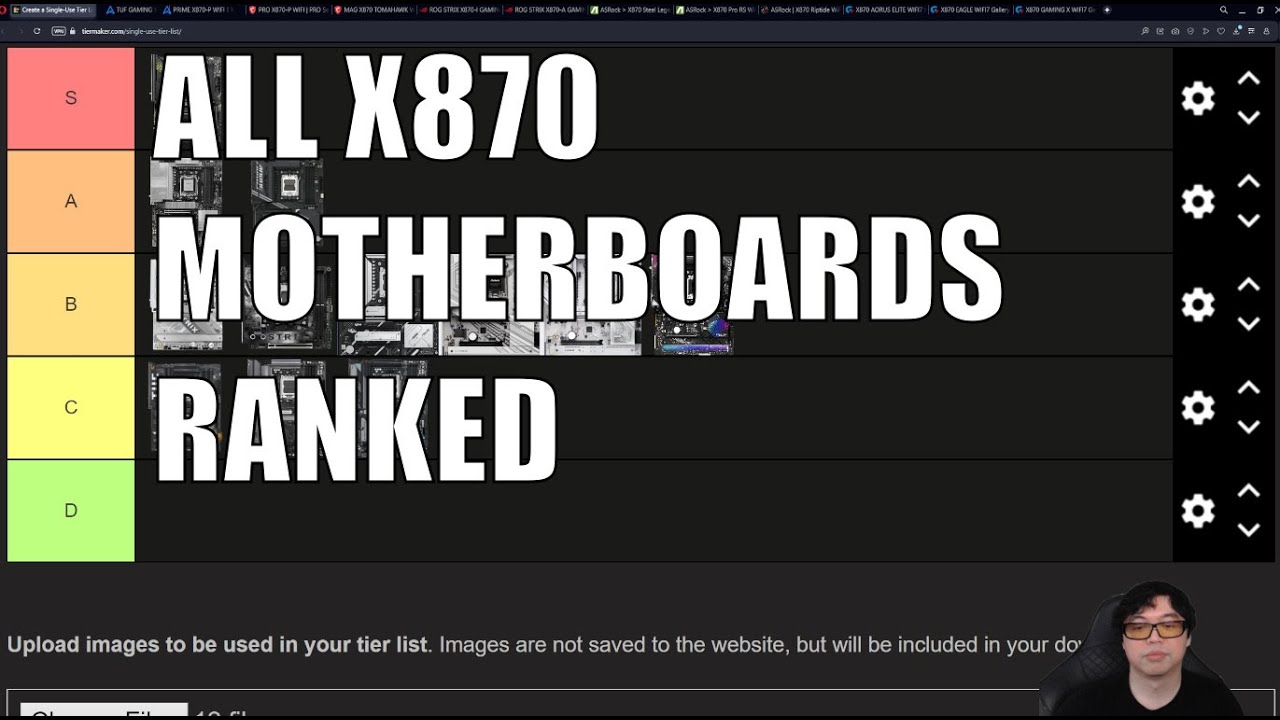
See the below videos.
Like me, he actually does this for a living and he does a very good job of explaining the tech, how it works and why it matters or does not matter for use cases. On his live streams he actually fields cold questions and breaks things down very well.
Thanks you! This and @Mastic_Warrior’s videos, I think the Taichi Lite / Taichi is what fits my needs for now, the feature-set is really nice, and Wendell’s video on linux support is really reassuring. Or should I go with the Asus pro-art instead? They seem very similar in terms of feature-set.
I updated the config a little, here’s the build link. Mainly changed the motherboard to Taichi and changed RAM to 64GB 2R, CL30 instead of a 128 CL42 kit.
The one thing I want to change up is go to 128GB of RAM, ideally 2R at hopefully DDR5 6000.
I’m trying to find a better GPU price as well, for the 9070XT. Should I stick with Sapphire RX 9070 XT, or try and find an OC version?
I was comparing the pro-art and the Taichi by watcing Wendell’s videos. I plan to run Linux on these, so for IOMMU, passthrough, dual-gpu kinds of stuff, is the Taichi a good pick? These were covered in the Asus video but not in the Taichi video. Between the ASUS Pro art and ASRock Taichi, which is better for Linux? I plan to do IOMMU, virtualization, and so on. And it seems like, at least from looking at the BIOS manuals, they’re about the same but the ASUS has more useful knobs?
Is it safe to get motherboards on amazon? Microcenter here does not seem to have stock, and newegg doesn’t seem all that customer-friendly (or am I overthinking this?)
While people are having issues with controlling fan curve on MS Windows, the Acer Nitro 9070 XT seems to have the best price, best availablity and gets the full base, game, and boost clocks as well as the full 330-340 Watt specs. I am personally a Sapphire Nitro+ person, and an Asrock person secondly, those cards are well over priced (scalped uo to 180USD over MSRP) where as the Acers seem to have maybe a 2 to 40 USD markup over MSRP.
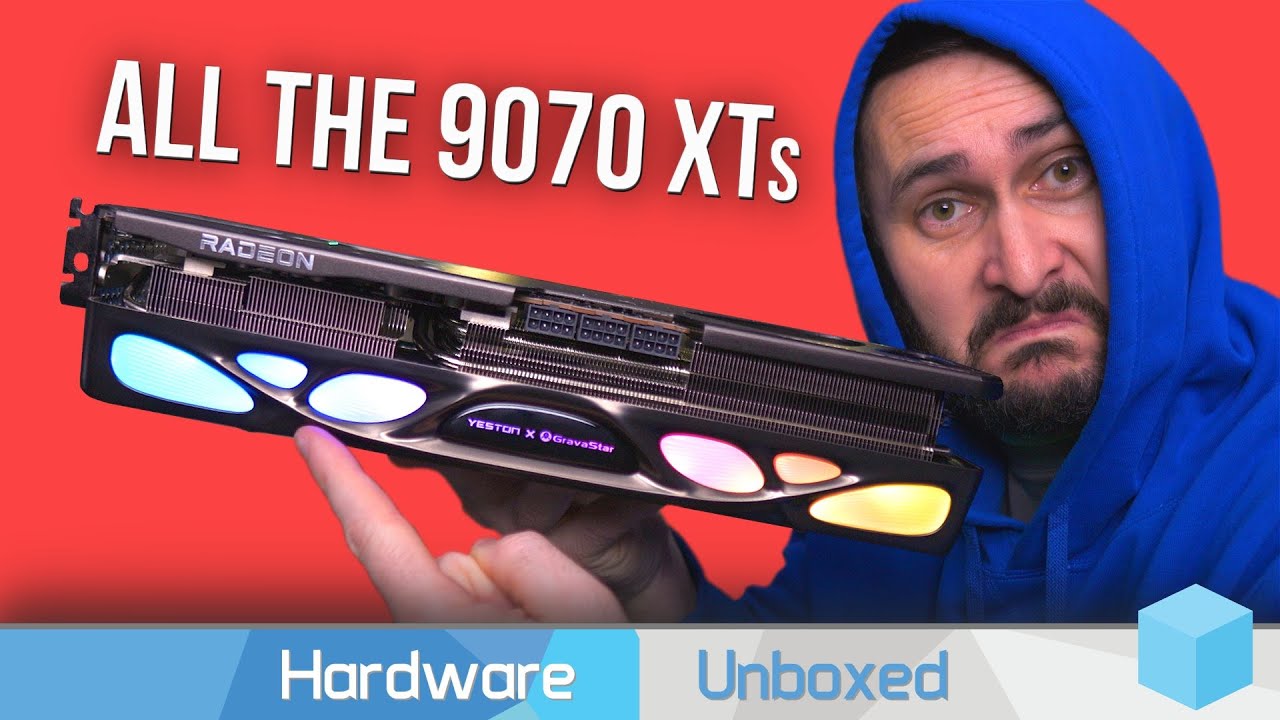
I am not big on Hardware unboxed but they are the only ones to have done this kind of comparison.
From the videos, this should not be an issue with any x870e board that has separate B-clock.
Feature wise, they are the same. Tuning knobs, Asrock seems to have regressed a little compared to their x670e boards (options are still there but buried on some sub menues). I will say that ASUS usually is more agressive on tuning and IMO has the better UI layout. I was exclusively ASUS until AM4 when I switched to ASRock.
Make sure it is sold through Amazon and not just a store front that delivers through Amazon. You can also look on B&H of you don’t want tk give Lord Bezos your scheckles.
Unobtainium here, FWIW, plus buying the lowest priced cards is selecting for maximum cost reduction and higher noise. Pretty common at this point for the decent midrange to be US$ 100-150 over the base price set by MSRP.
I’d avoid both Taichi and Nitro+ because of the 12V-2x6, plus Hellhound is less here and seems to have slightly better thermals. In cost down cards I’d look at Reaper as it’s two slots and still PTM 7950.
That is fair. I was just answering the question ast it met all of OPs points. And yeah, I mentioned the fan curve issue in MS Windows. It is also a 2.5 slot card.
But otherwise, I agree with you take as I mentioned I am primarilly a Sapphire Nitro+ person.
I saw that. In prior gens I’ve had quite satisfactory results looking at TechPowerUp’s data and picking one of the quieter cards. Nvidia’s Blackwell fails and the oversubscribed RDNA4 launch mean limited 9070 and 9070 XT data, though.
That depends. How much money do you have and what do you plan to do with it?
If money is not a concern, a 5090 coupled with a 4k ultrawide screen is what you want.
If money is a concern but you still want great GPU performance, a 9070 XT for ~$700 or 5070 Ti for ~$750 are solid choices in current market, and can comfortably drive either 1440p Ultrawide or regular 4k. The 9070 XT really need to go down to $650 to be a solid buy over the 5070 Ti though - but makes sense if you, for instance, plan on running mostly Linux. For AI, Nvidia still rule with an iron fist.
If graphics is not that important to you, a 9060 XT 16GB for ~$370 is currently the best bang for buck.
Going lower is possible but I’d say lower than $350-$400 is not very productive when the rest of the system is this high end.
I’d rather not spend 5090-levels of money (~2100$). 4000 series nvidia are still expensive, given they’re decent cards so they retain value pretty well. I think my GPU budget is basically get the best AMD GPU I can, for now, which seems to be ~800-900$.
I do have a 4K OLED monitor and the “latest” game I have is No Man’s Sky. Other titles I am interested in are the Doom series, planning to get Control and Cyberpunk soon. Ideally, 1440p 120fps, or more ideally, 4K 60+ fps would be good enough for me with the contemporary best-seller games.
I am interested in AI a bit, such as running some local models, but … I don’t think I wanna spend like 2000$. especially, for my first PC : p, I guess.
Yeah, then a 9070 XT or 5070 Ti sounds like reasonable choices. There is a strong push to try and break Nvidias AI grip, but the ecosystem is completely embedded in CUDA so it will take time.
You can do AI on AMD, it is just more cumbersome. My recommendation is 5070 Ti unless you plan on daily driving Linux, then a 9070 XT is the better choice.
Just ordered a very similar build. I went with the ASrock Taichi Lite because it was quite a bit cheaper than the Asus Proart and I instead spent the extra money on a 5090.
Also got this kit of TeamGroup 2x64Gb RAM rated for 6400 MHz that I plan on trying to run at 6000 (its on the QVL so fingers crossed). Once I get all the parts this weekend and build it up, I will let you know how it goes.
Which 9070XT would you recommend not considering a budget, and with ~800$ budget?
The last few things I am missing are case (thinking of the fractal north), 2x64GB DDR5 6000 RAM, and debating b/w the 2 mobos. I think I’ll get the Taichi , do you have any recommendation or preference?
See the HUB video linked above. For the general advice, Sapphire and Powercolor are my two goto brands for Radeon, and Nitro+ and Red Devil are usually very good cards for any given GPU core. However, there isn’t that much difference from these over other brands. Temps and noise are the biggest differences.