My goal was to use the top x8 slot for a large GPU and the bottom x8 slot for a 2-slot GPU.
Unfortunately, when I tried inserting the bottom card, I noticed it slightly overlaps with the bottom connectors (audio, USB, …).
I unplugged those cables and finally managed to insert the card, but it was with difficulty, and I am worried it would decrease the lifetime of this (expensive) card.
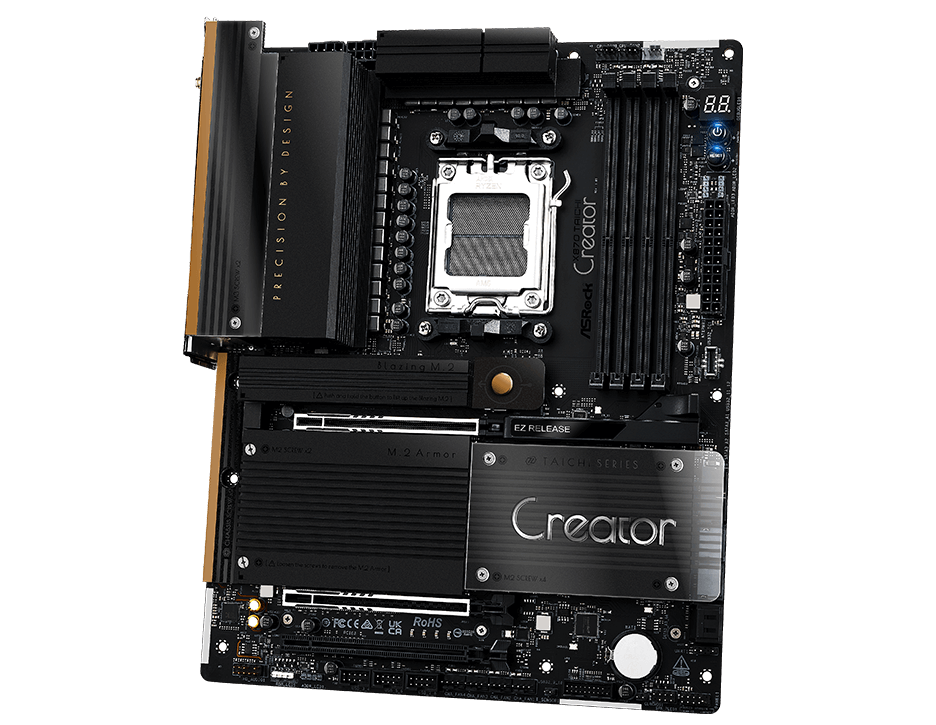
I am very surprised because this motherboard is clearly targeting 2 GPU builds, as you can see in the picture below.
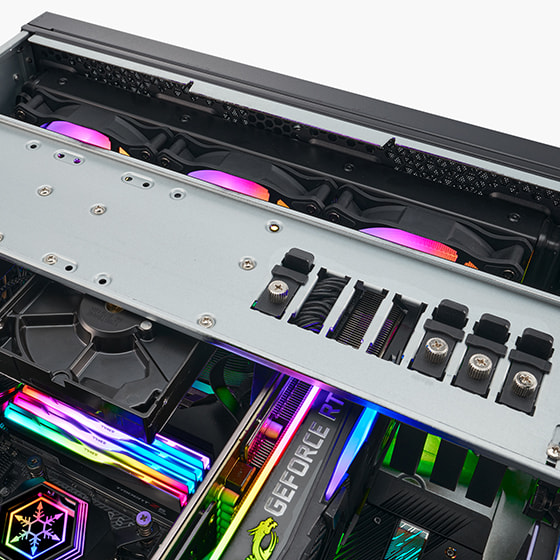
I might be able to find some longer screws; also I might not screw the card and instead block it using a special device from the case (RM44 case from silverstone)
I don’t need the cards ports since this is for AI inference but the card is bower style and I know see it will reduce airflow if the card is shifted
Thanks @undersuit, I will investigate this idea. I only use 1 block of headers from the bottom row, if I could make the connector for these headers smaller it would fix my issue in a very satisfying way.
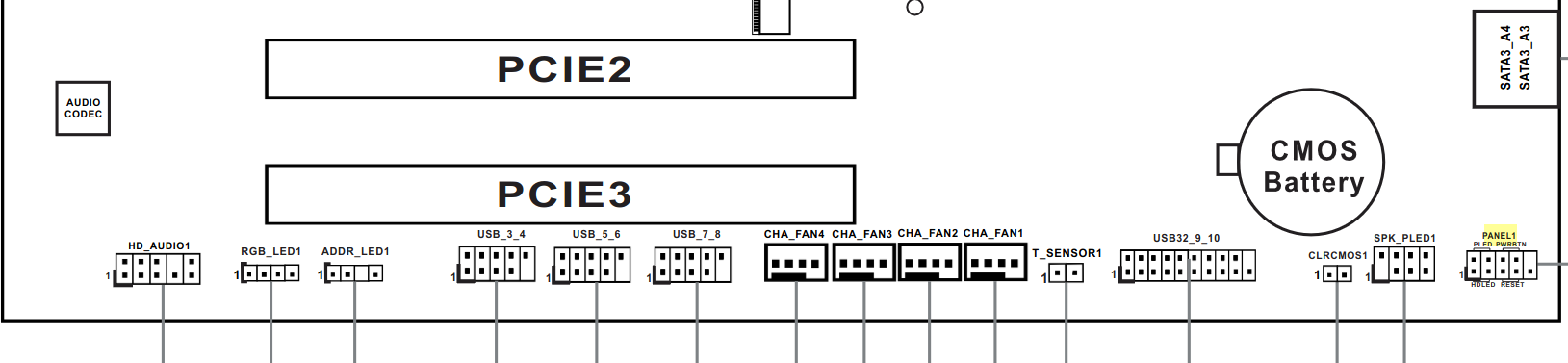
For the curious, here is the layout of the headers, I am only using “panel1” (power button), located at the extreme right:
I’ve always found that fan, USB 2.0, and front panel audio connectors fit fine underneath GPUs, there’s enough of a gap between the cooler and the motherboard and the cables are thin enough that they’ll sit flat at a 90º angle and thus clear the GPU cooler. What’s the card catching on?
The headers are just a few millimeters too close to the PCIE slot. I believe the issue would happen with any card taking the full slot width. Maybe a bad design from the manufacturer for this particular model?
Actually, even using 90° connectors would not be enough, because the height of the connectors themselves would already take all the available space.