Linus from LTT does a review of this monitor, praising it for 75HZ!!! and overclock to 85HZ!!
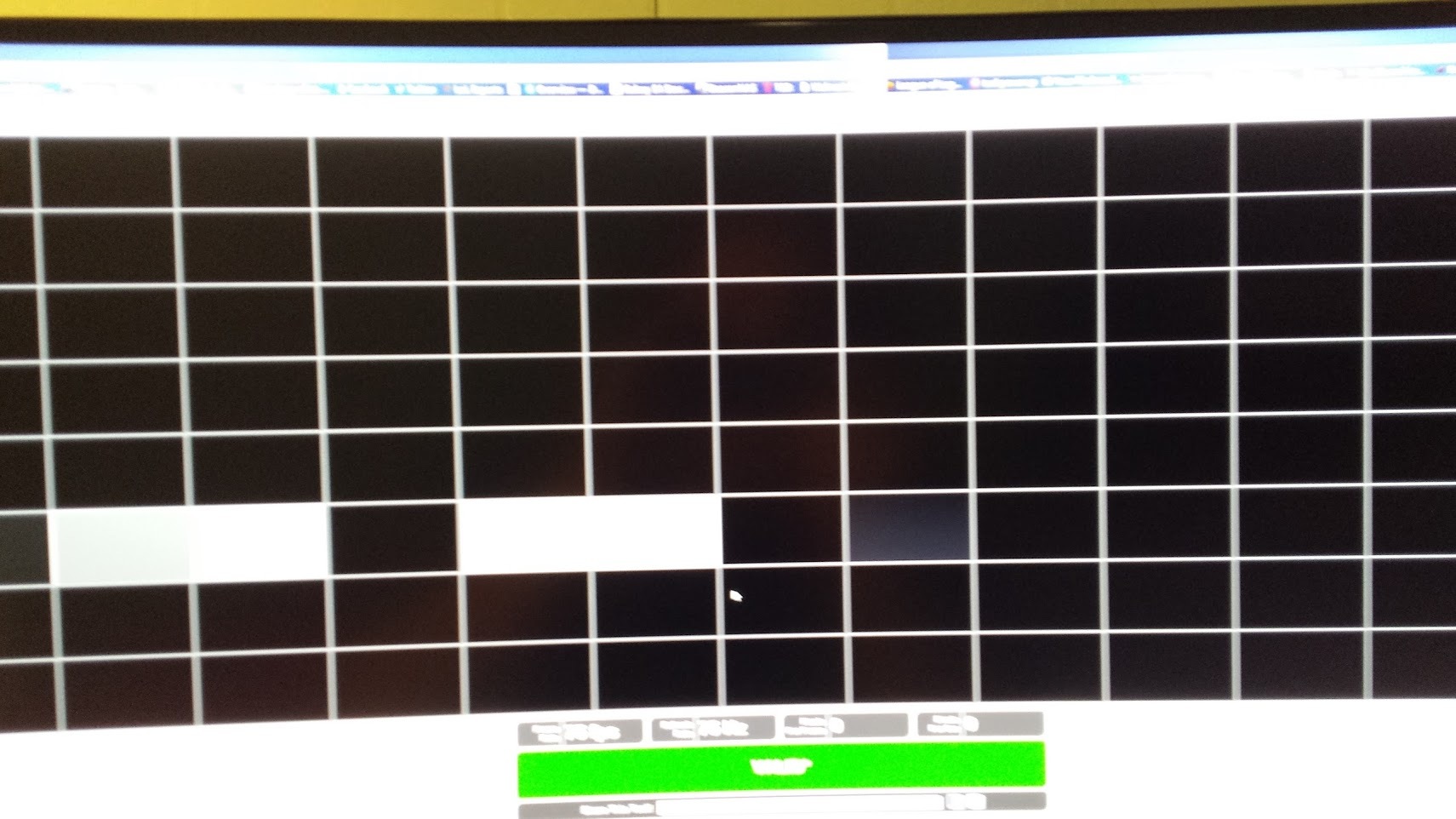
Love linus, but this monitor is only 60hz. Thats it.... Sure you can set it, and over clock it to say it runs at 75hz or 85hz but for nvidia users, we get to enjoy lovely frame drops for anything above 60hz. Basically the monitor will try to display 85 'images' a second, but fails and just drops some in between to basically end up with 60. So at least for me, NO smooth gameplay, no amazing 'night and day difference'
( I find this interesting because 50% of the market [based on steam surveys] are nvidia based chips, which means that they have been sold a crock of shit!!)
No hotpatch or update from Acer, or nvidia. Currently moving up the support line with acer. If i have missed something feel free to let me know, but this is highly frustrating.
Windows 10 Gtx 980ti -DP Out (cable from monitor) -monitor has been reset -Changed various modes on the monitor -Tried with vsync and adaptive vsync -disabled tripple buffering -changed pre-rendered virtual frames and other various Nvidia options. -Forcefully installed driver into windows from Acer - Flipped the cable - Tried HDMI. It is limited to 30hz at 3440-1440
@JokerProductions didn't have any issues with his unit. He did mention that some users were having issues though, wasn't aware it was nvidia related though.
I find it odd that Linus reviewed this same model, but didn't find these issue but various review sites have seen these issues, with only nvidia gpu's.
SO Joker do you have the gsync panel? Does it have the same problem?
You do know that only AMD cards support freesync right?, why buy a freesync monitor when you got a nvidia card. I'm using it and I'm seeing no dropped frames, no odd behavior .
The reason is about 500 Canadian Dollars. I am completely satisfied with a panel running 3440-1440and stable 75hz, i don't need adaptive refresh rate, at least not when it costs so much for me. I also have a 980ti so i don't really feel like tossing that because of a design flaw.
Well one can't tell if its the monitor's fault all that easily. A few things I suggest doing is a fresh driver install, try another DP cable, try another graphics card. It might just be a bad link in the chain, your DP port on your graphics card, a bad cable or it might be the monitor. I don't think there is a firmware update for the monitor though, I'm really not sure.
Well there is a few ways we can tell that this is an issue at least with the relationship between nvidia and the monitor. For starters following your points you mentioned. (sorry should have mentioned these in the original post) - DP cable switched (yes) - Various nvidia drivers (yes) - Force install of Acer driver for display (yes) - Various windows installations (Win10 and 8) (yes)
Some Sources that i have referenced point at the same issue as well.
Nvidia is probably the one to blame in all this, I'm almost fully certain they could put out a driver over night that enables freesync to work with their DP 1.2 cards. Its a open standard in the DP standard after all.
But yeah I'm not sure what you can do about it, either return it or get a AMD card, It might just be the monitor not working correctly, but seeing its such a expensive monitor that probably isn't the case. People using freesync planes with nvidia cards is pretty rare I'd think, so that might be one of the reasons issues can creep up.
Ya i would definitely agree with you there. Nvidia has been very asinine about freesync, but i guess why wouldnt they when they have poored so much into 'g sync'.
Ya i saw the video with the frame skip test at 5:58, i didn't actually see any pictures of your monitor during that test to prove there was no frame skipping, but either way i assume like you said, that model you have appears to have no frame skipping. Mine on the other hand.... very sad.
I can get 85hz by editing some stuff in the registry, but I can't enable freesync if I do that for some reason, its almost like it thinks its another monitor. I don't get any dropped frames though at that frequency, but I prefer 75hz with adaptive sync over 85 or above refresh rates. A bit off topic but does anyone know of a easy way to increase freesync max refresh?
Monitor shipped to Acer, "monitor technician" looks over the monitor, and confirms it is have been "thoroughly tested without issue."
They then proceed to state that the monitor with freesync on works perfectly, and that it is normal for the refresh rate to lower and change with fps of the gpu. They also tested it without freesync and stated that the refresh rate never changed and always said 75hz.
So clearly they do not understand the problem, nor do they own an nvidia gpu i guess?
I have since went above there heads further to a lvl 3 business support techinican, who i am currently working with. Right now my claim is false advertising, since this issue doesn't appear to be even on the radar with acer.
Well to be specific its all Nvidia Graphics Cards, so yes it is mine unfortunately.
The unfortunate reality is that based on there statements that i described, they don't understand the problem, and also havn't even tested a NVIDIA gpu. They tested an amd card with freesync on and off, and came to the conclusion that it still 'sais 75hz'.
The issue with this is that unless your anal about frames most users probably never care / don't even notice that they were sold a placebo.