A question on DRAM cache on non-OS drives, file systems and use cases

I’m trying to navigate the current SSD price situation, paired with my incomplete knowledge on file system features and real-world storage performance. So, I’m trying both to solve an immediate need and to learn more generally for the future.

My question: how important is having a DRAM cahce in an SSD in the following cases?

  1. ZFS pool with ARC enabled, in a high-RAM NAS, 24/7 on
  2. ZFS pool with ARC enabled, in a high-RAM workstation that will get frequently turned off (so memory flushed).
  3. An XFS drive in the same workstation

Regarding workloads:

  • For the NAS, think of files that change somewhat more frequently than just media, like uploading photos from a phone, local syncing of files across computers, a couple spreadsheets…
    -For the workstation, it can vary a lot, but let’s say hosting a Downloads folder, the same locally-synced files, running games off it and hosting their save files…

Pool characteristics undefined, you can assume all ZFS pools are just single-drive pools, but if the exact topology is crucial for the DRAM question, please educate me on which case goes which way (I mean, if the impact of DRAM changes drastically, beyond what mirroring, striping, RAIDZ may bring by themselves). Also, if there’s any important consequence of having DRAM cache or not besides performance (I don’t know, reliability, endurance…?) let me know.

Also, am I wrong to assume that the OS drive is where the DRAM cache will matter most?
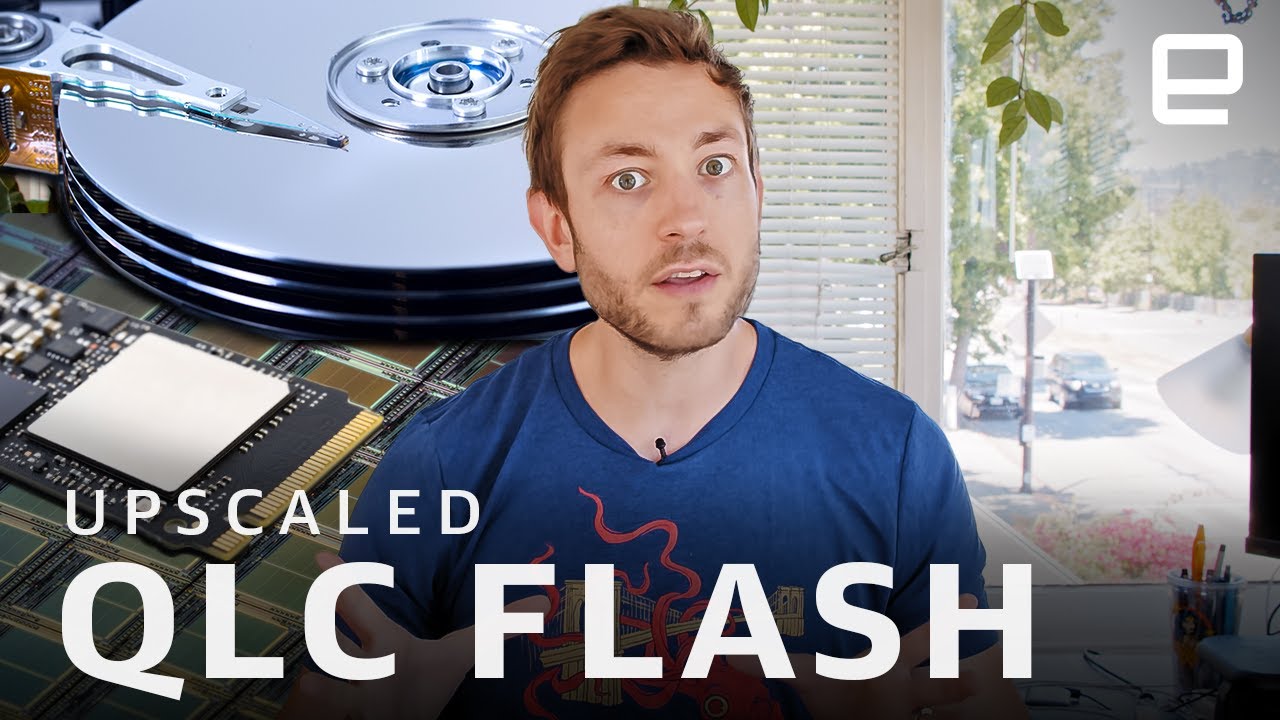
The dram on a consumer ssd is not really a cache and mostly to store internal information the ssd controller needs to work. A ssd controller is responsible of disguising the flash storage as a block device (basically as a hard drive) and this needs lookup tables and other stuff to remap data to different flash cells in real time.

So in a perfect “all else is equal” scenario, it does not affect performance that much. In actual practice the dramless ssds (especially sata ssds) are often the cheaper and therefore using cheaper slower controllers and flash.

The main difference is for endurance, since sata ssds without dram must store this information on the flash storage.

For nvme ssds, lacking dram is less of an issue because they have DMA (ram access) and can reserve a few mb from your pc’s ram to store their work stuff. It is like 16 or 64mb, very little. This will not work if they are in a usb enclosure so they will have to use flash storage like said above for sata drives.

For real performance metrics the thing that matters most is the SLC cache, or how much of their flash storage they will use in a less space-efficient but much faster way.

The dram will act as a real cache only on businness grade ssds, as they have “power failure protection” features, basically a bank of capacitors that will keep them powered on for the time needed to flush the cache to flash storage even if power to the server is cut abruptly.
This is why on consumer ssds it is not a cache, if they do that and you lose power, you risk losing data mid write at a low level and that could easily hose the filesystem.

Imho the rule of thumb is:

For sata prefer dram, for nvme it’s probably ok even without, as long as it is a decent brand. Checking reviews (real reviews where people benchmark it) is recommended.

The thing that matters most is the size of the SLC write cache, as when that is full the write performance will tank.

Businness class ssds dont have slc cache, they should just provide a consistent performance no matter how big is the write.

4 Likes

Thanks a lot for your reply!

Regarding consumer drives, I have a followup question: given

what is the point of the 512-2048MB often seen in consumer NVMEs that do have DRAM?

Also, following your explanation: is it even true that it will make a difference for an OS drive then? It sounds like the same logic would apply, so quality components + large enough SLC cache is all that would matter.

It goes against what I’ve seen everywhere else, but then again, it does make sense the way you put it.

Like always, it depends.

For a usecase like a ZFS cache in a personal NAS, I’d say don’t worry about it. DRAM-less SSDs perform good enough for single-user environments, especially if it is a recent one that supports NVMe Host Memory Buffer.

Unless you are planning to write multiple gigabyte files constantly, then yes, pick a NVMe SSD with a DRAM cache. And if the goal is to have sustained performance in all scenarios: pick a enterprise Kioxia NVMe SSD (CM series), the ones that Wendell and Linus rave about.

For the desktop workstation usecase, the same applies.

Keep in mind that the kernel also has a file/disk cache that’s very effective:

What matters more, is the NAND type. Avoid QLC. Horrible QD1T1 (Queue Depth 1 Thread 1) speeds.

And temperature. Cool the drive properly, so the controller doesn’t randomly shutdown during a large write, ever:

Also ensure proper airflow in the NAS and workstation. Fan curve from 35% minimum at 20C (to ensure there’s always airflow for DRAM and SSD cooling) to 100% at 70C. Add fans to the drive bays if possible.

More fans is always better. If there’s a unallocated fan slot in the case/chassis, fill it. Noctua NF-A12x25 G2 PWM for the best, or Noctua P12 redux 1700-PWM / Arctic P12 PWM if price concious.

Arctic P12 Pro PWM / Noctua NF-F12 industrialPPC-3000 PWM if noise is of no concern.

1 Like

It mostly comes down to the fact that they dont make smaller ram chips than a certain size, for mass production reasons.

The same applies to flash chips. Nowadays they cannot really manufacture a too small ssd because the smallest flash chip they can get is like 256gb or 512gb or whatever.

As i said above, the ssds with dram are a more “premium” product with better controllers and flash chips. So a ssd with dram usually perform better as a rule of thumb (there may be exceptions of course). But that is not because of dram in itself.

For an os drive in a hypotetical office pc that will mostly see reads i dont see the point in splurging especially nowadays with the AIpocalyptic prices.

Otherwise it depends from what applications you run on this pc, do they benefit from high write speed or even consistent write speed for hundreds of gb of files written at the same time? Then you need either a ssd with dram or a businness class ssd respectively.

Note that businness ssds are hot and will 100% need a real heatsink and some airflow to avoid throttling.

2 Likes