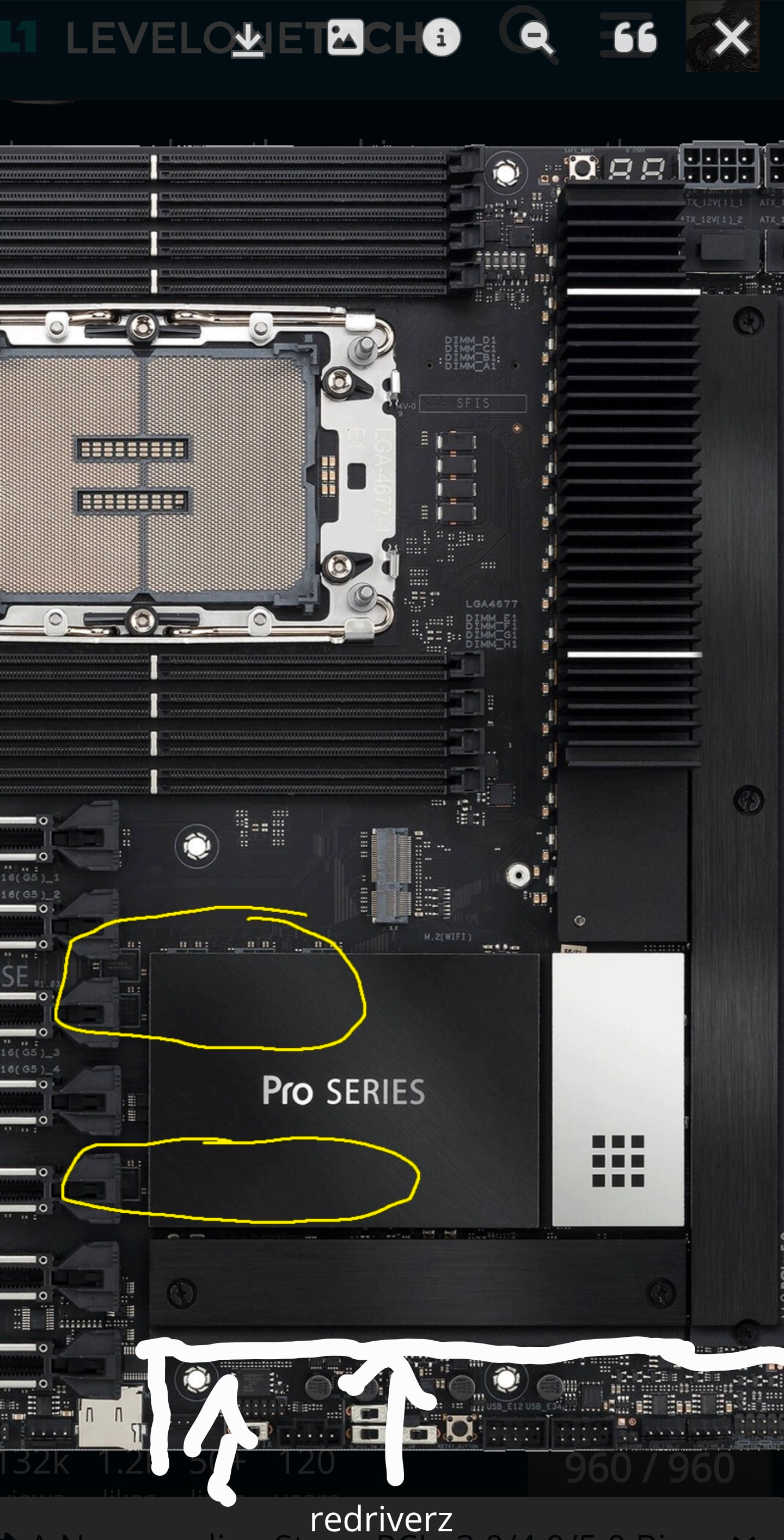
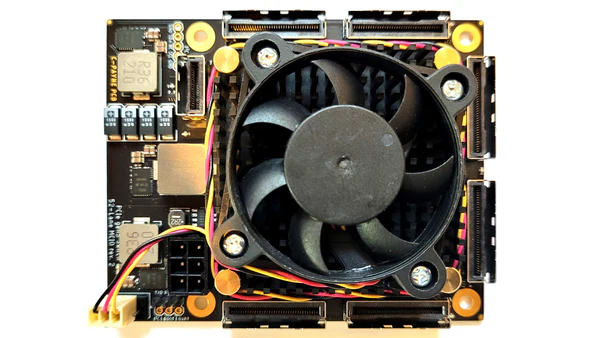
You can probably route it under that bottom m.2 slot, as long as the fan is strong enough. That m.2 and cover should be enough to direct air over the components after that. I think you’d need some laquer on the inside of the duct to reduce drag though.
Would depend on how much I/O you have connected, otherwise a proper blower fan to route it past the MCIO connectors might be the only option… Which would get very loud.
Some gaffa tape+cardboard could be used as a test.
The AOC-SLG3-4E2P is bad advise, because it officially does not support boards other then Supermicro. I bought one, and it doesnt work on an Asus ROG CROSSHAIR
VIII HERO
(WI-FI)
So been wondering but had a hard time finding useful information. If you’re running a PCIe 3x16 device downstream of a PCIe switch connected to a PCIe 5x4 slot (assuming the switch is also gen 5 and the gen 3 device is connected to it with 16 lanes), will the switch serve as a sort of bridge?
As in, would you be able to get 3x16 (minus overhead) over the 5x4 slot on the motherboard?
Reading up on AER, I came across this snippet from the kernel docs:
A PCI Express Port is a logical PCI-PCI Bridge structure. There are two types of PCI Express Port: the Root Port and the Switch Port. The Root Port originates a PCI Express link from a PCI Express Root Complex and the Switch Port connects PCI Express links to internal logical PCI buses. The Switch Port, which has its secondary bus representing the switch’s internal routing logic, is called the switch’s Upstream Port. The switch’s Downstream Port is bridging from switch’s internal routing bus to a bus representing the downstream PCI Express link from the PCI Express Switch.
Seems like, at least technically, it should be possible depending on the switch’s internal routing logic.
Should be possible. I used for a little bit the PLX88096 switch on a PCIe X4 5.0 slot (M2 to PCIe adapter) and on nvtop etc it said 4.0 X16 on some 4090s. Uplink was still X4 4.0 though, but if you used P2P with training for example, I could see PCIe X16 4.0 between them.
I got pricing in an email yesterday. $2,800 for 160 or 144 lane pcie gen6 switches. coming this summer i guess.
I guess its worth considering when you could literally p2p dma 8+ cards onto the single switch and run the whole thing off a desktop am5 board with a 9950x3d lol
Tbh that is about the price of the cheapest TRx 7000/9000 + cheapest TR50/WR90 motherboard, without taking in mind RAM. So not bad at all. Let’s just hope next gen of GPUs are PCIe 6.0 but I don’t have too much hopes, since NVIDIA could release Ada with PCIe 5.0 but they used just 4.0.
Once I have the xeon mobo, that + the cpu (80x pcie5 lanes) will have run me about 2000€. Guess the switches are pretty great value after all once you factor in the total system cost
This dock features a Thunderbolt 5 upstream link, including the ability to segment the interconnect such that the host-to-GPU transfers operate at 120 Gbps, and GPU-to-host at 40 Gbps, ensuring the best possible bandwidth for the GPU in an eGPU configuration.
This is a curious feature since bandwidth usage is obviously asymmetrical for graphics rendering and AI inferencing. Are there already Thunderbolt 5 docks which already do this but are a closed/sealed design?
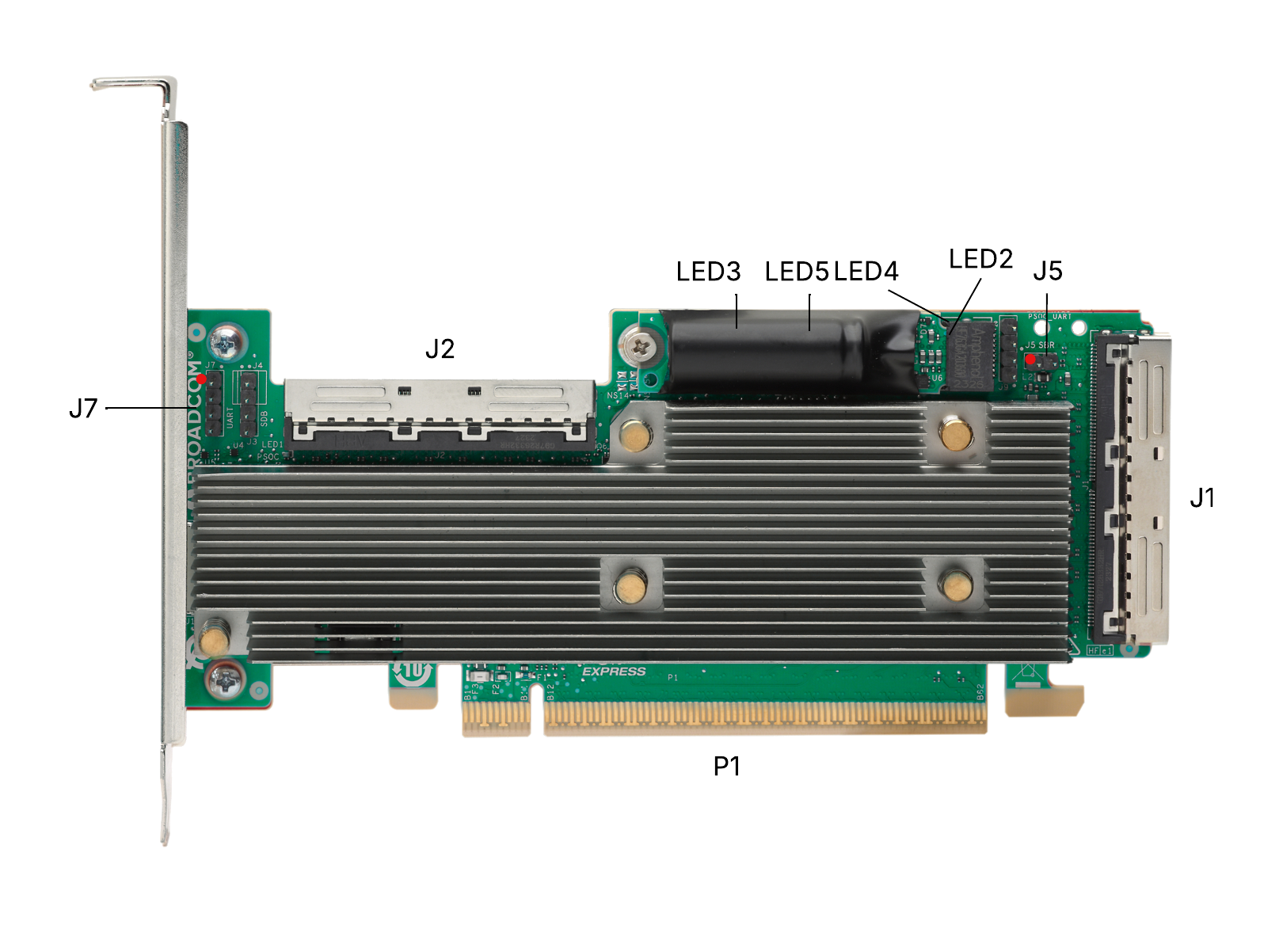
What’s interesting is they went from a 8GB DRAM cache down to a 24MB on-die cache and subsequently downsized the super capacitor and moved it onboard.
These changes seem to be geared explicitly for NVMe and SAS SSDs rather (and probably to the detriment of) than spinning disks. There are parity raid performance numbers for this out and they are pretty impressive, handily beating GRAID and basically all software raids (except xiraid in some circumstanced) while not over burdening the CPU.
They also went to 16 link MCIO connectors which is kind of a pain because these aren’t common; atleast Broadcom will eventually make them available.