Did you flash it with fw, bios, and UEFI? Some mobos (like my new one I learned lol) dont like not having the oprom and will reject the card unless you change the csm. This is oprom stuff I barely understand but I will attempt to help you if you need some help with it. You could also try contacting theartofserver (email him dont contact him on ebay) about this issue. He would likely be the most knowledgeable for this kind of thing. Fantastic guy. Helped me learn some HBA stuff when I was clueless. I still am clueless, but a little less so after his help.
1 Like
I use LSA (Broadcom’s web interface GUI, you can download it by showing the available software for a 9560-8i RAID controller, for example) in Windows to flash my HBA 9500-16i with all parts of the firmware (the UEFI part is the regular “firmware” file “…Mixed_Profile**.bin**” and there’s an additional BIOS file “…x64**.rom**”), this way the UEFI and CSM/BIOS bootloader can easily be updated even by normies without any command line skills.
The firmware of the HBA 9400 models even had 3 separate parts.
Broadcom quality 
1 Like
I wanted to try using that just recently and attempted to install it on a newly installed windows 10 test bench. It wouldn’t let me log in or change the config to fix the login, so I skipped it lol. I was already frustrated with everything going on with the 9400-16i so I just decided to go with the old faithful. What version of LSA and windows are you using? Also, what is the default credentials? Lol maybe I just missed something.
-
You have to use a local user account in Windows that has a password to log in. These are the credentials you use to also log-in into LSA.
-
What language is your Windows installation? Broadcom’s software quality is horrible, with non-English Windows installations you need to mod a file from the LSA program (did it successfully for the German Windows installation)
-
I have been using the latest LSA versions for years.
English. Didnt try the normal creds, will try when I have the chance. My 9400 is currently in use, though. Would any 9200-9300 card work with it? Sorry lol I dont know where I can find good information on LSA
Never tried an HBA older than a 9400 with LSA, sorry can’t help there based on my own experiences. With a good-old LSI RAID 9361-8i I used the older MegaRAID management software from LSI and was happy with it.
Neato. Thanks for your help, Ill give it a shot. Might as well, right? I dont have a card that can currently replace the role of the 9400, however. I need them 4 ports lol. Maybe I have a spare sas expander lying around and I can just use a 2 port 3008 for now… Hmm. Love that. More pcie card shuffle always makes me really paranoid.
Sounds expensive. You could also give one of these a try (if link is broken its a pcie x16 to pcie 4x4 riser) 4 Port Expansion 20.2mm x16 x4x4x4x4 PCIe-Bifurcation PCI-E Slots Supply Split | eBay
It does 3.0 to the slots only sadly. Maybe a gen 4 one exists. This might be worth exploring for how much cheaper this solution is, however, if youre willing to give it a shot or would rather not spend 400 dollars on adapters and cables lol
400 dollars is kind of a cute suggestion 
Thanks all for the clarification.
-
Unfortunately, my Z690 Prime A motherboard can only do x8x8 on the primary slot – where I have my GPU. The other slot I can reach is only x4 electrical so not much to work with.
-
I had looked at CPayne’s PCIe switches (very expensive), OSS (very, very expensive), and Adnacom’s S31 system (very expensive). Could get a Threadripper WRX90 motherboard (+ CPU / RAM) to just get more directly usable slots… feels crazy to have to upgrade all the way to something with 7x PCIe 5.0 x16 slots just so I can use PCIE 2.0 x4 cards.
Too bad, thought maybe I had figured out a low cost path (hundreds, not thousands).
1 Like
I did reach out Highpoint to ask if this card would work on a narrower bus (x4) but hadn’t heard back yet. I guess it’s moot now, but I thought maybe it would just work at a lower max throughput.
The x4 Host PCIe interface shouldn’t affect compatibility in general, only max performance. Tested a similar HBA from Broadcom (P411W-32P, 16 PCIe lanes to the host, 32 PCIe lanes to NVMe SSDs) that worked in an electrical x4 slot.
Also, no Intel S. 1700 CPU no matter what motherboard is used supports any PCIe Bifurcation at all. x8/x8 is just regular muxing, Bifurcation is getting multiple logical PCIe interfaces from a single PCIe slot, not splitting up 16 lanes into two separate x8 slots.
3 Likes
I wish that windows would implement this incredibly useful and important feature rather than chasing the useless gimmick screen-capturing AI. Mirrored boot drives in windows is the dream for me since most people cannot be arsed to care about backing up their personal machines, and theres basically no way that youre going to be able to convince any normal user to build something to netboot off of. The extra hardware and infrastructure to be able to do it is would just make no sense for 99.9% of people. It would have been much simpler and easier for me as well to just buy a second drive for my mom’s computer to last 10 years than to have set up veeam to back it up. Why, microsoft, why?
On the netbooting note, I really hope that someone comes out with an pcie 5.0x4 m.2 to 100gbe adapter for netbooting and fast access to local storage in regular machines without throwing away all other connectivity. It would allow gen 5 machines (well, gen 5 with m.2) to be able to netboot off of a server that does have redundancy.
2 Likes
If you’re interested in 100 GbE, @wendell released a video a few weeks ago addressing how “easy” 100 GbE has become in the present:
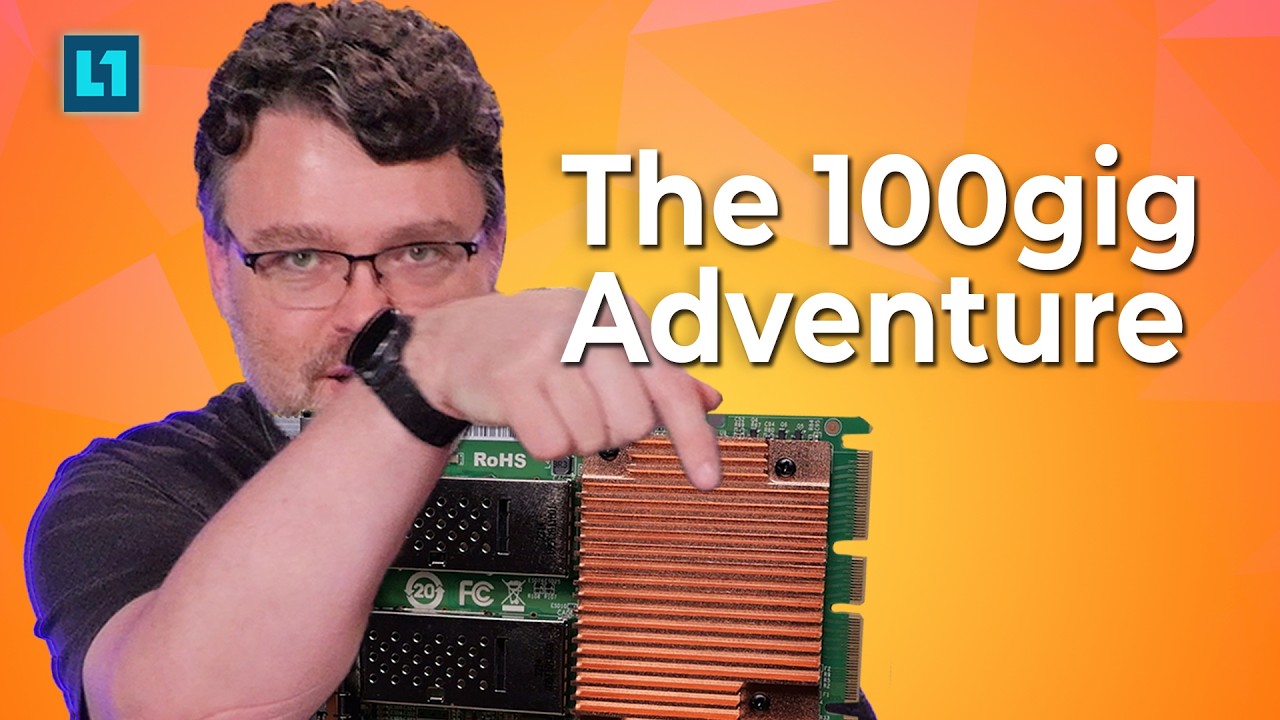
I watched the video, but the main appeal of my ask for 5.0x4 is using less lanes and allowing for 4x100 in an x16 slot and netbooting at speed (with better support and switches than 40gbe) and replacing an 5.0x4 m.2 slot (what exists in most gen 5 pcs).
Imagine the crap you could get up to with an m.2 to 100gbe nic adapter. You could make the stupidest router/switch with that kind of technology…
2 Likes
Yes, I can imagine 
A pcie gen 5 quad m.2 adapter would be really funny for that kind of build as well lol. Just acting as a carrier board for adapters and removing the heatsink would be rather comical. Someone needs to make this happen. If something like it comes out for <200, I will buy (if I can afford it) two on the spot and probably that 4x 100gbe mikrotik switch. I wouldn’t have a reasonable excuse or reason, but I would indulge anyways.
“Sharkbyte-Question-1”
I plan a ZFS storage build on an existing ITX board that offers a PCIe 4.0 x16 slot that can be bifurcarted to x8-x8/x8-x4-x4/x4-x4-x4-x4.
I want to connect:
- 2x Optane 900d
- 2x Intel D5-P5530
- 8x Intel DC S4500
- Temporarely up to 6x SAS 6GBps drives
My recherche got me to the 9500-16i and I would be able to split out the x16 slot to 2x8 slots to integrate 2x separate cards.
While I’m still uncertain on a few things my first question is, I plan to have one of the HBA only serve the 4x NVMe and the other to handle the SATA/SAS drives. How would expanding that 2nd controller work? I a newb and never worked with expander before. I guess I could mount another PCIe slot which only carries power and slot the expander in there, right? I would appreciate some concrete recommendations, but I know that’s a lot to ask.
Thanks for reading!
The 9500-16i is pretty bad for nvme drives. Adding 2 of them to the mix with a probably sketchy riser (what are you planning on doing to split the x16 slot into 2x8 btw?) will not help things either. Optane drives behind these things would kneecap their performance. Stick to using sas and sata drives with those things if at all possible.
The sas and sata drives you have are rather slow as well (all 6g), no need to purchase a new and expensive card with expensive cabling such as the 9500-16i if you want to connect them. Something like the 9300/9305-16i would be able to handle all of that quite well and have a lot of documentation and cheap connectivity solutions available for your sas and sata drives. Hell, you could use a 9300-8i and an expander and be perfectly fine on performance. 4 lanes total would probably be enough for everything other than those nvme drives.
Pushing 16 nvme lanes through your provided 8 lanes on a controller not entirely made for them will yield a significant performance hit as you have planned. If you choose to go this route, put an optane and d5 on each hba. Putting them all on one would be hampering them all significantly for no reason. Using 9500-16i for this is not advisable even in the case of splitting them would not be good as a reminder.
Theres a few ways of doing this that I can think of, the best fitting this would likely be using some kind of quad u.2 adapter (not 9500) in the x16 slot and using an m.2 to pcie adapter and some random hba or hba + expander to connect those sas and sata drives. If you want to stick to the 2x8 route, then I would recommend getting a card that would be better suited for the handling of the u.2 drives. Those 9500s are truly not made for the task. You can also try going with a different platform, which would be the least sketchy and not force you to choose favorites here or sacrifice in a given area (such as your wallet). Moving away from the itx form factor would give you a lot more options, as well as moving to a platform that simply has more lanes to do stuff like this without endless troubleshooting and the expensive and arduous task of buying and trying and researching more to fit what was not built to handle all of this in the first place.
Also, youre doing zfs on an itx platform? Are you using ecc ram? Not completely necessary, but it leaves room for error here that wouldn’t exist if you had it. Please consider using ecc ram if you aren’t already.
Sorry if this was long btw, I have no clue where to start here and there was a lot to pick apart. I would go with a different platform if you are new-ish to this or else it would probably lead to endless misery and lots of wasted money and time.
2 Likes
HI @Rat
thanks for you detailed response. This gives me lot to think about.
ITX, well because I already have it and I can’t get more PCIe lanes of AM4 anyway. If I go H11SSL/H12SSL I’m spending half a grand on the board alone, and for my use case it would be overkill. Just want to move some Hyper-V VM’s onto an iSCSI and some other non-critical stuff.
I would have really liked to get the P5530’s on there too.
The two 900p I already have a drive PCIe/U.2 adapter for. Guess I will still split 2x8 and run the 2x 900p from the first x8 slot directly and expand the Adaptec with one or two of these Adaptec AEC-82885t
The jump between consumer platform PCIe lane numbers and enterprise is steep even when considering refurbished stuff 3 generations old.