I’m looking to implement a 3-2-1 strategy at home, and I’ve been reading about what to do to start this. So far I’ve got:
Backup of all my critical data within the same server (they’re all VMs and containers so the data is backed up to a separate dedicated drive with a full/diff backup schedule)
Planned offsite backup to Backblaze (running Windows Server and Linux, so I can only go with the S3 approach here)
I’m missing the “two different mediums” part in the 3-2-1, and I would like to have something automated/unattended, that I can test every couple of months. Any ideas on what would be easier to do for a home lab?
Ps: I don’t consider USB Hard Drives as a different medium than Hard Drives, because the idea is to have different longevity thresholds and read/write mechanisms in the multiple mediums.
One medium can be the cloud, but other than that, well, SSD and HDD are technically two different mediums.
Otherwise, the only thing I can really recommend now that optical storage is more or less obsolete (sure it’s still there - when was the last time you used it though?) is magnetic tape.
Having one offline copy on a USB SSD stick that is synced periodically is probably the best way forward. E.g. something like this:
You can easily script this up so it looks for a specific file on the SSD and, if found, performs a sync, all you need to do is insert the stick once every 10/30/100 days or whatever schedule you are comfortable with. Bonus if you can rotate on a three month interval with three different drives, that way in case you get something bad that is time encrypted… The other two sticks are fine for the time being.
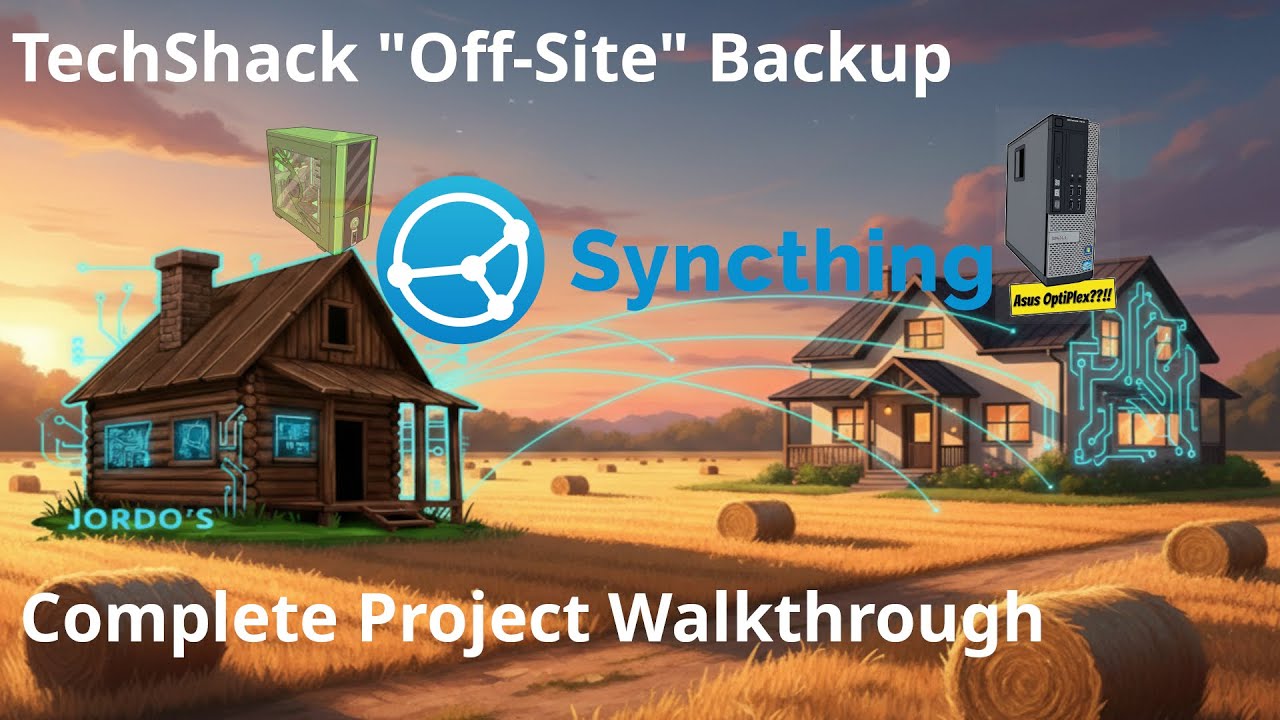
I use syncthing. Main server is in TechShack, backup server in the house, and everything on the raid array is auto-Synct to the backup server in the house. That only had a single 12TB external but it has outlasted two raid arrays. The raid “works” everyday, while the backup is only used to synchronize changes, so the amount of actual read/write time on the external is minimal by comparison. So it’s outlasted my previous raid 5 of all new enterprise drives, and I’ll monitor the drive health and swap it out before it dies. I’d prefer at least a raid 1 on the syncthing machine but it’s already saved me twice.
My solution is Truenas and replication tasks/snapshots.
Truenas instance 1 is on the main server and handles data for all the apps and services as well as backuping up the laptops etc. Snapshots are taken of all datasets to be backed up nightly.
Truenas instance 2 is on another server in the same rack and pull snapshots from Truenas 1 nightly and backs up the datasets through replication tasks nightly.
Truenas instance 3 is 50 miles away at a family member’s house. It also pulls snapshots from Truenas 1 and backs up the data through replication tasks nightly. This instance has a vpn through unifi site to site (easiest for me as I also manage the network there from offsite)
Notifications for all of the backup tasks are handled by Gotify.
It’s worked well for me.
edited to add. There’s a mix of ssd and spinning rust here which I’m fine with as two “different” mediums. One day I may add a tape system for long term backups but I’m not actively looking to do so.
important stuff on NAS, which has fault tolerance (NOT BACKUP!) via dual mirror VDEVs in ZFS
sync to laptop (now I’m up to 2 copies)
ZFS snapshots every 4 hours (now I’m up to 6 more copies per day)
weekly backup to back blaze (off-site. shit hits the fan copy - Perth could get nuked and assuming I’m on holiday somewhere else my shit in Backblaze is safe)
the laptop also gets an encrypted Time Machine backup left on my desk at work (non-cloud off-site). this is my primary/first option for recovery from being dumb.
So all up
I’m protected against fire/theft at home while I’m at work because of the synced copy on my laptop and backblaze
I’m protected against NAS drive failure (i.e., short term inconvenience due to non-currently-downloaded synced data being recoverable but not available) due to the mirror VDEVs
I’m protected from laptop destruction by the copies on the NAS, off site Time Machine and back blaze. my laptop shits the bed, I can pick up my phone or iPad and log into Nextcloud and carry on mostly - while my replacement laptop restores from Time Machine.
I’m protected from being a dumbass and wiping/deleting shit by ZFS snapshots
I’m protected against nationwide catastrophe. Australia could be wiped out and a backup of my data is off-shore.
Consider using nextcloud/owncloud/whatever to sync your machine’s work folders to your NAS. Or rather, work out of the synced folder.
Backing up your stuff is trivial when it just syncs to your NAS for you when you’re on the network. And the best backups are the ones that just work without you doing anything.
ALL of the stuff above involves no more than me plugging in the cable to my dock when I get to work (which I do to charge and get external display), and the NAS being online and connected to the internet - everything else is automatic.
Don’t want to tempt fate, but I sleep pretty easy knowing I’ve got all my stuff protected. I haven’t lost any data since before 2015. I just need to work on physical paperwork and stuff now.
Now this is something I never considered (i.e. Cloud as a different medium or SSDs for that matter). However, I could only afford SSD space for personal documents only and photos; anything outside of that will not be backed up. I am thinking that I can get one of those cheapo SSD mini-NAS and hide it in the media console, flash it with any of the following:
HexOS (I got two licenses for tinkering)
TrueNAS (directly)
Anything Linux (and build what I want myself, because I like pain and Arch)
Windows Server (because I want to watch the world burn)
As for my day-to-day stuff:
Got Storage Spaces with redundancy built in - and I am amazed that I can just plug in the same set of drives ANYWHERE and Windows automagically knows how to interconnect them together again. I’m sad that they are not investing more in its development, but it is an amazing storage mechanism.
On my laptop (it’s my desktop w/ an eGPU): I have Windows Work Folders already deployed, and it works nicely ngl. I can just use my backup client (Iperius) in the server and just set it up to back up all of that into the NAS. So syncing and data availability for backups is not an issue - just need to point the backup software to the right direction.
In that case, I’ll implement Backblaze S3 relatively soon for photos (Immich) files (Work Folders) and critical infra (all virtualized so I can have clean snapshots), and then figure out the 2nd medium storage mechanism afterwards.
Exactly my thoughts - I am in the middle of scanning super OLD family photos (1940s onwards) and realized that I need a bit more comfort for my data to be stored safely.
Really nice hearing all of your storage strategies!
I use Onedrive for cloud, for offline, I have a partition in my HDD drive, a USB with a disk image will do as well, it comes in handy when your constantly updating or working on smaller ongoing projects. (try using the windows disk imaging software). But I also have a cloned HDD. you can use Remo Free Disk Clone Tool for this. I dont update my cloned HDD often cus it takes about an hour or so. But the thing is that my cloned drive is bootable so it will come in handy if the worst happens