Is there a known issue with old nvidia cards resetting after being released from a passthrough guest?
Background
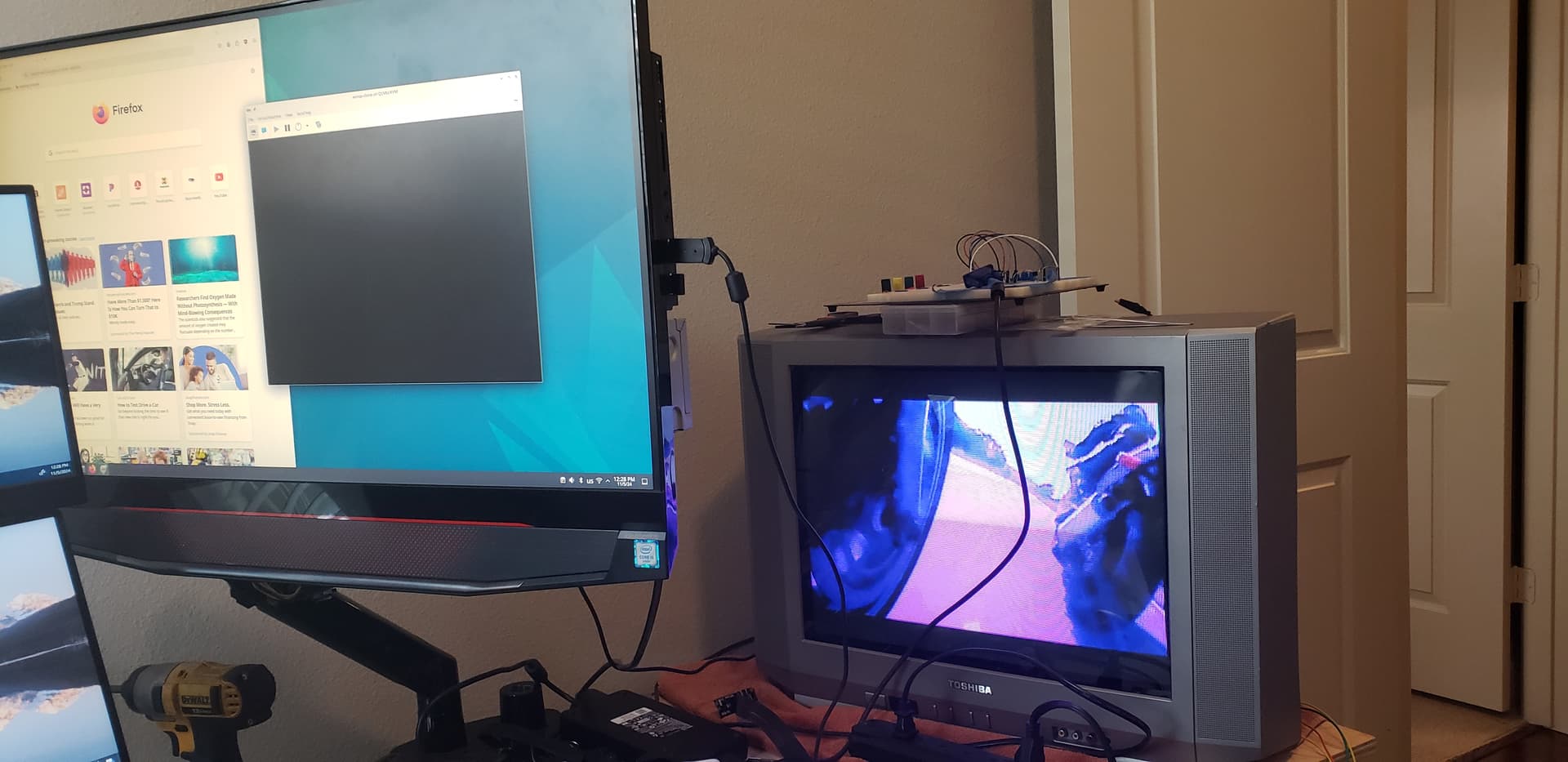
On and off over the last year or so I’ve been playing with different options to get some PC games going on an old CRT I was given. My current attempt is to pass an old 8600GT to a VM and use it’s S-VIDEO output.
Got IOMMU enabled, vfio_pci drivers bound, and everything works as expected. . . once per boot. When I reboot the host, I can successfully pass the GPU to a guest and get an output on the TV. After I reboot the guest, I get an error 10 in device manager (XP VM) until I reboot the host.
I believe I’ve narrowed it down to a problem with (I don’t hardly understand this part at all) the GPU not being reset to a usable state after being initialized by the guest. I came to that conclusion with the following testing:
GTX 970 on the same machine continues to function across multiple guest reboots.
If the 8600GT is passed to a W10 VM, but neven initialized due to error 43, it can then be successfully passed to my XP VM (once) without a reboot of the host.
For consistency I’m using the same revision of the Q35 chipset (7.2) on all VMs.
Next Steps
I’m working on figuring out if I can reset the card manually somehow. I’m starting with the vendor-reset module on github, but MAN I do not understand all of this yet lol
Conclusion
If anyone has experienced similar behavior, I’d be very interested to hear if you were able to do anything about it.
A cool picture of the fruits of my efforts thus far:
Are you doing a reset (and possibly a remove/rescan) of the PCIe device on the host machine in between these runs?
echo 1 | sudo tee /sys/bus/pci/devices/0000\:${device}/reset echo 1 | sudo tee /sys/bus/pci/devices/0000\:${device}/remove echo 1 | sudo tee /sys/bus/pci/devices/0000\:${parent-device}/rescan (not sure if the device disappears on remove so the host device as ${parent-device} needs to be the target of rescan)
I hadn’t done that, though that looks like exactly what I was trying to do.
With the reset and remove commands, the GPU was no longer visible to lspci. With the rescan the GPU is present in lspci again, but there isn’t any change in behavior when passed to a VM.
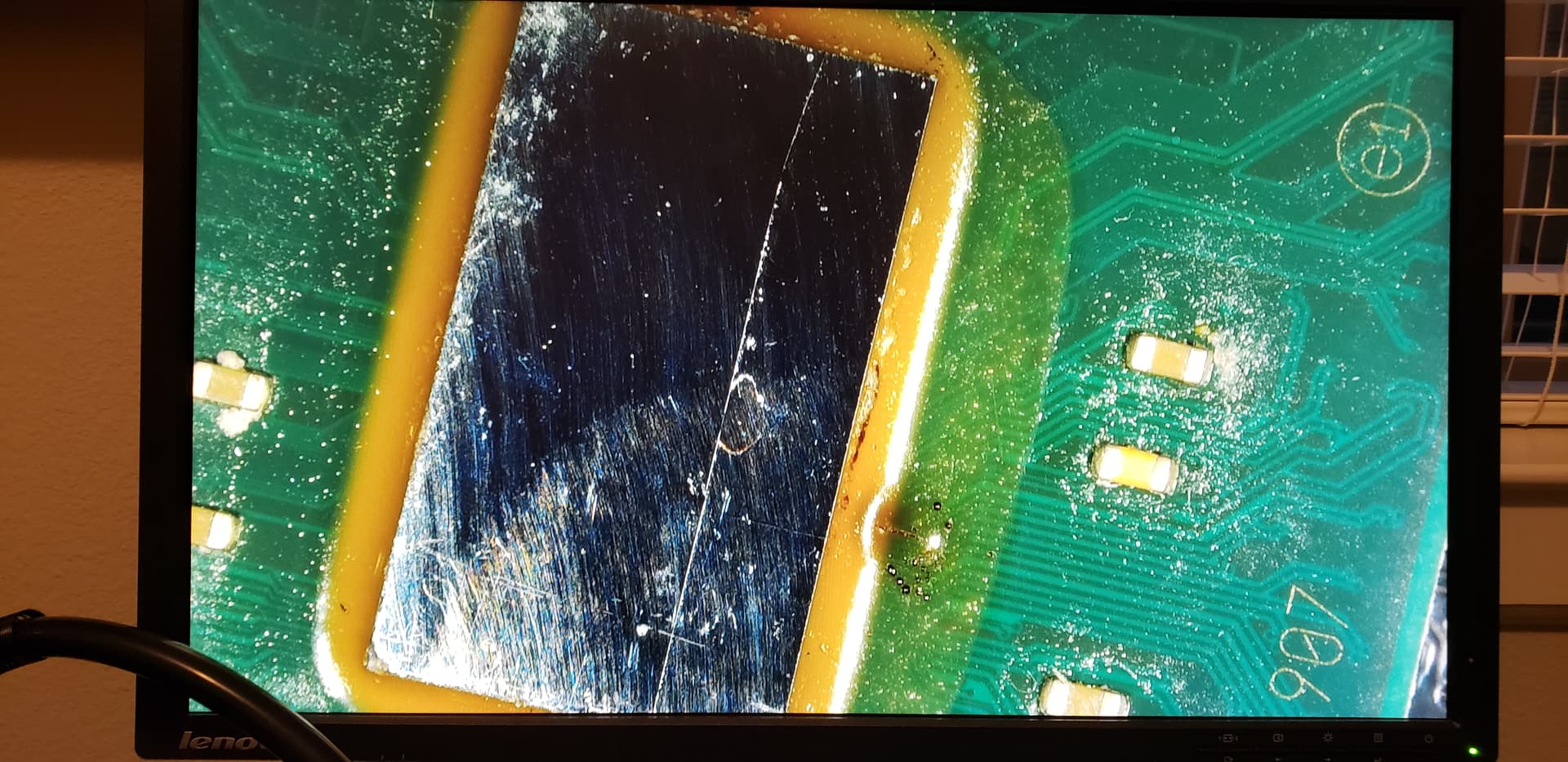
I don’t think I’ll be able to do any more troubleshooting, though. I thought “what if I reseat the gpu between remove and rescan”. . . so the card & the rest of the computer are dead I knew that was a bad idea, but sometimes the invasive thought win
You definitely crossed some power/signal/ground lines wiggling a PCIe card, so I hope you can rescue some of your components. Is there a spare PSU you can test first, then a spare MB?
It was an old Y910-27ish, it’s a weird AIO that Lenovo made for about a year. replacement motherboards are out there for ~$200, but between that and the processor it looks like I could get an entire working system with equivalent performance for the same cost as those components.
Straight up? I’ve had this computer for a long time and I’m sad as hell that I killed it. I appreciate that
Not yet, this was my backup/experiment/modding computer.
I did decide to pick up a thermal camera to check if it’s something easy to replace that shorted. I don’t have much hope, but I’ve gotten lucky on repairs before.
 I knew that was a bad idea, but sometimes the invasive thought win