Was that disk used in a Mac or Hackintosh?
In any case, it seems to have the correct bootloader files on it.
My BIOS’s ‘Boot Sequence’ section looks as follows:
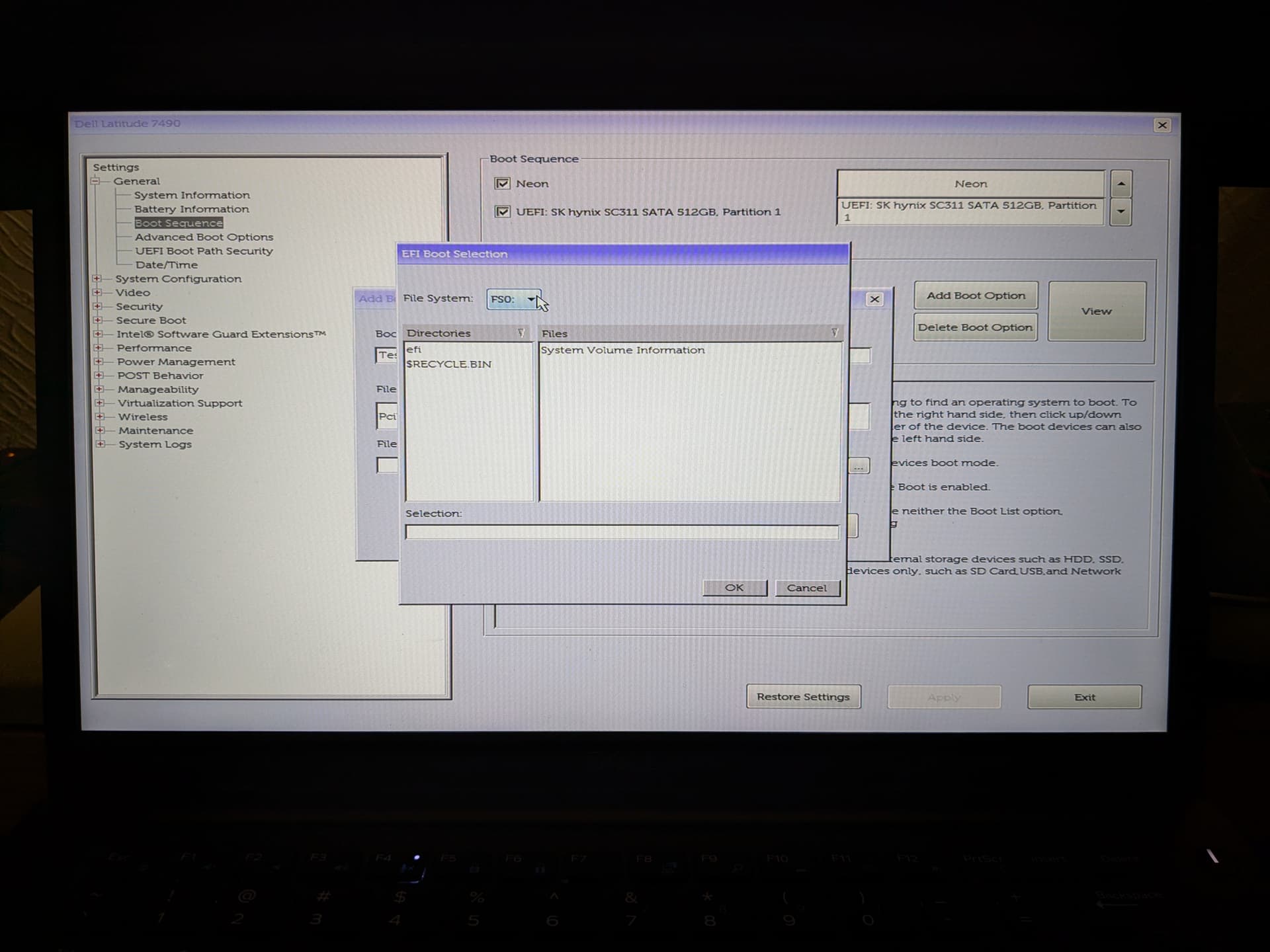
If yours looks similar, you can click a button to define a new boot entry, browse to the required EFI file (try /EFI/BOOT/BOOTX64.EFI), save, and try to boot that way. If the drive isn’t visible in that section either, you can try to redo the EFI partition:
sudo -i
mount -r /dev/nvme0n1p1 /mnt
( cd /mnt; zip -9Xr /tmp/nvme_efi.zip . )
umount /mnt
blkdiscard -f /dev/nvme0n1p1
mkdosfs -F 32 /dev/nvme0n1p1
mount -o rw,noatime,shortname=winnt,tz=UTC,utf8 /dev/nvme0n1p1 /mnt
unzip /tmp/nvme_efi.zip -d /mnt
umount /mnt