AI Disclosure:
I did ask AI to help with some of the setup scripts and will most likely ask it for some help with the set-up, but I’m going to try to avoid that.
Hello y’all
Never participated in something like this and idk if the what telling you all ,I am going to do counts as something for devember but I will see
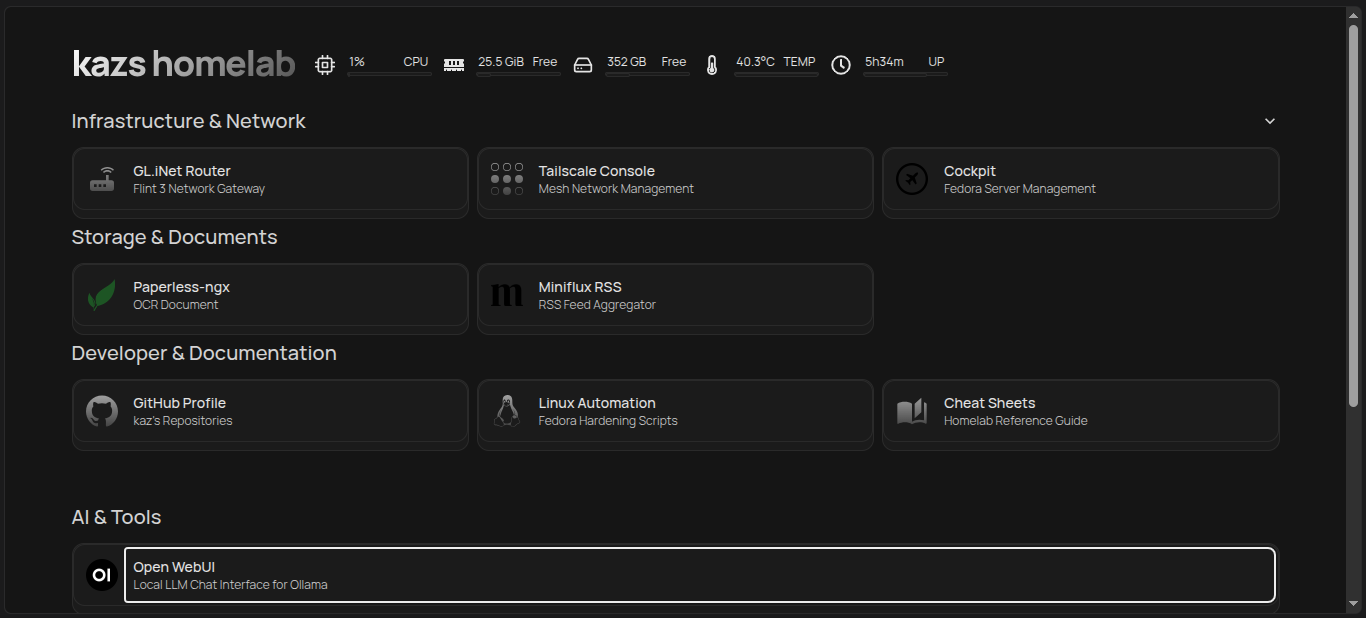
I am basically setting up my entire home lab, hopefully throughout the entire of Devember. Got a twist to challenge myself. I’m not gonna be using proxmox like most usually would I’m going to do bare metal with rocky Linux + KVM + podman and maybe cockpit depending on how I feel about it.
I have bought most of the hardware needed now it’s just the cumpute node is so the main peace of the whole thing, which I have the money for but can’t seem to mind on the computer and I keep hesitating to click buy .
Physical Topology Diagram
================================================================================
                              [ LIVING ROOM ]
================================================================================

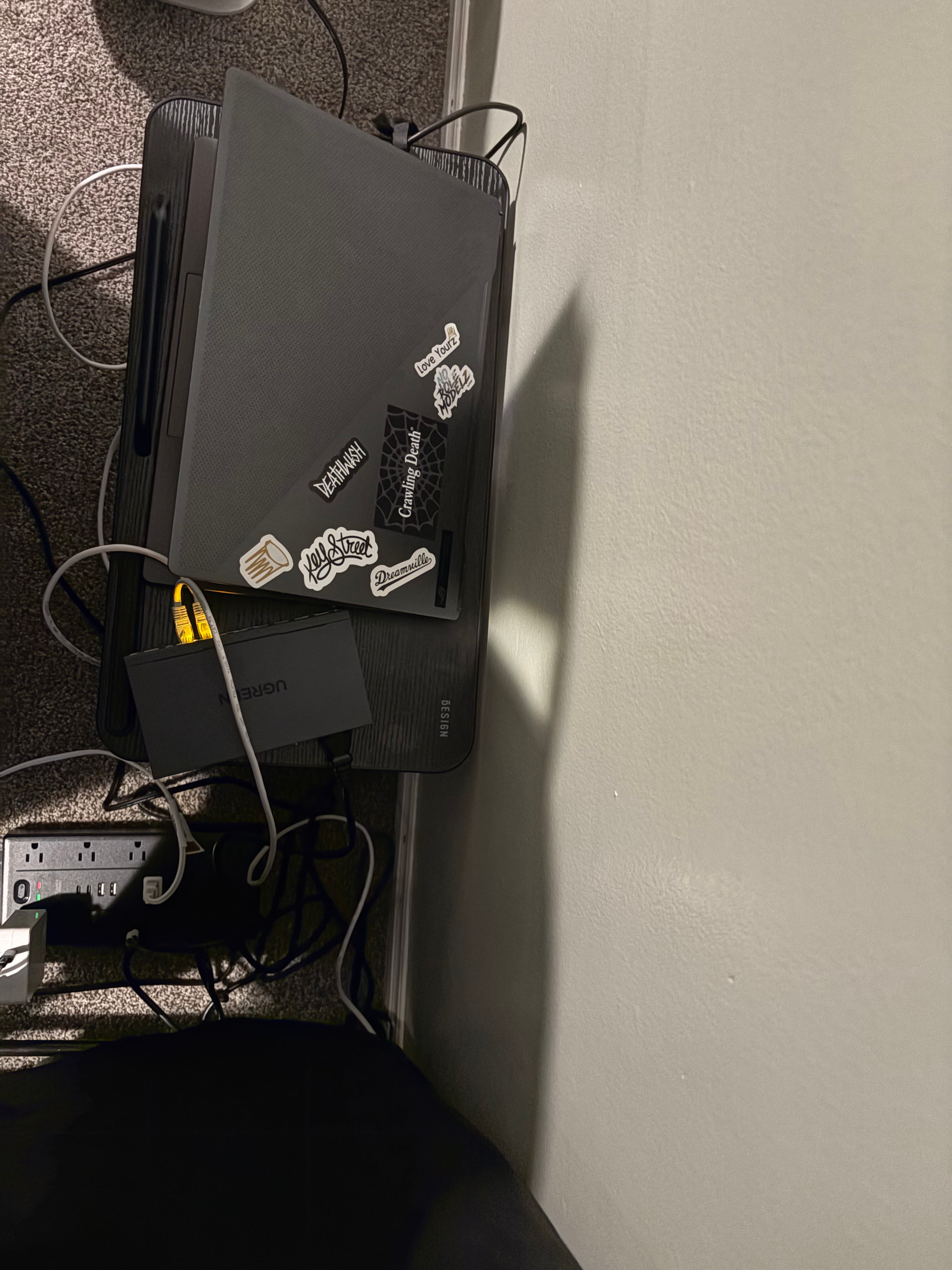
      [ GL.iNet Flint 3 Router ]
                 |
                 | (Ethernet Cable)
                 |
      [ TP-Link Powerline Adapter 1 ]
                 |
                 V
    ~ ~ ~ [ Home Electrical Wiring ] ~ ~ ~

================================================================================
                                [ BASEMENT ]
================================================================================

    ~ ~ ~ [ Home Electrical Wiring ] ~ ~ ~
                 |
                 V
      [ TP-Link Powerline Adapter 2 ]
                 |
                 | (Ethernet Cable)
                 |
      [ UGREEN 10-Port Switch ]
                 |
                 | (Ethernet Cable)
                 |
                 V
      [ HP ProDesk 600 G6 Microtower ]
         (Core i7-10700, 32GB RAM, 1TB NVMe)
         Role: Bare-Metal Host / Web & VM Traffic
| Service / Layer | Format | Estimated RAM Usage |
|---|---|---|
| Rocky Linux 10 Host OS | Bare Metal Base | ~1.2 GB |
| Cockpit (Management Dashboard) | System Service | ~150 MB |
| KVM / Libvirt Hypervisor Layer | Kernel / System Daemon | ~200 MB |
| Gitea (Private Git) | Podman Container | ~150 MB |
| Syncthing | Podman Container | ~200 MB |
| Apache SpamAssassin | Podman Container | ~300 MB |
| Caddy (Reverse Proxy) | Podman Container | ~100 MB |
| Kopia (Backup Server) | Podman Container | ~200 MB |
| Chaos Mesh | K3s VM / Containerized | ~1.0 GB |
| Total Baseline Load | ~3.50 GB per node |
will take recommendations for anything.
note: still need to buy a compute node which will happen soon