So this machine will boot fine with the mem it has before I connected the gpus. If I say pull out one of the minisas connectors it will boot as well because (I think) it fails to establish inifinity fabric/xgmi.
You want the brand/module of the RAM or perhaps are you pointing at maybe this thing needs more RAM modules (I have 2x 64gb ecc modules in there atm, one per CPU)
Open question is how much RAM is needed for things to function as intended. Note that I expect errors at this stage because these are the MI250x modules on the supermicro server.
As for sequencing (did 14/15 come before it) I’m getting the code from the BMC page and didnt see anything else yet. Also boot time avi capture isn’t triggering when I set it up.
I waited I think about 30 mins, until I saw the cooling system’s temps starting to climb above 65c, I felt it was time to shut it down.
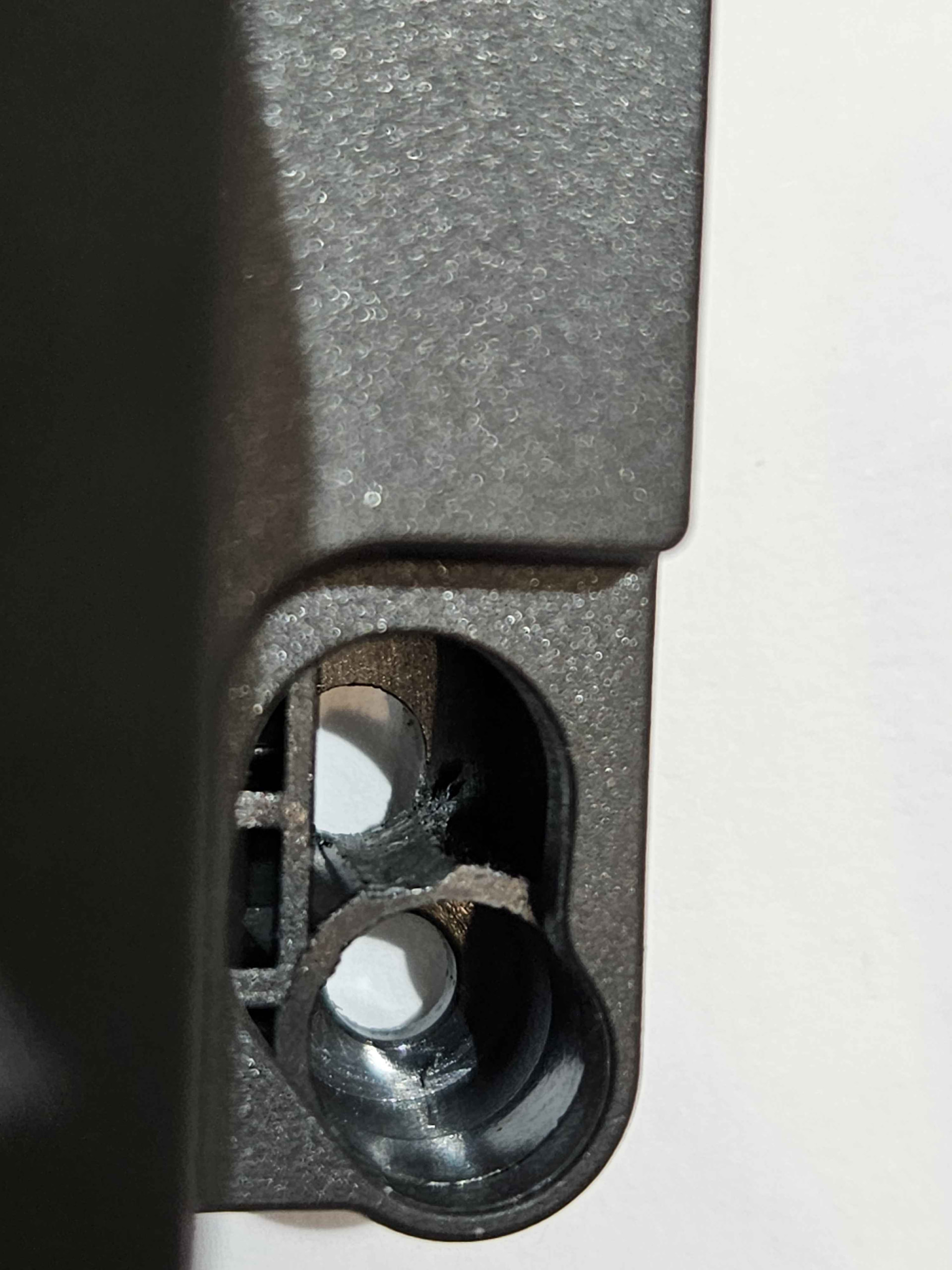
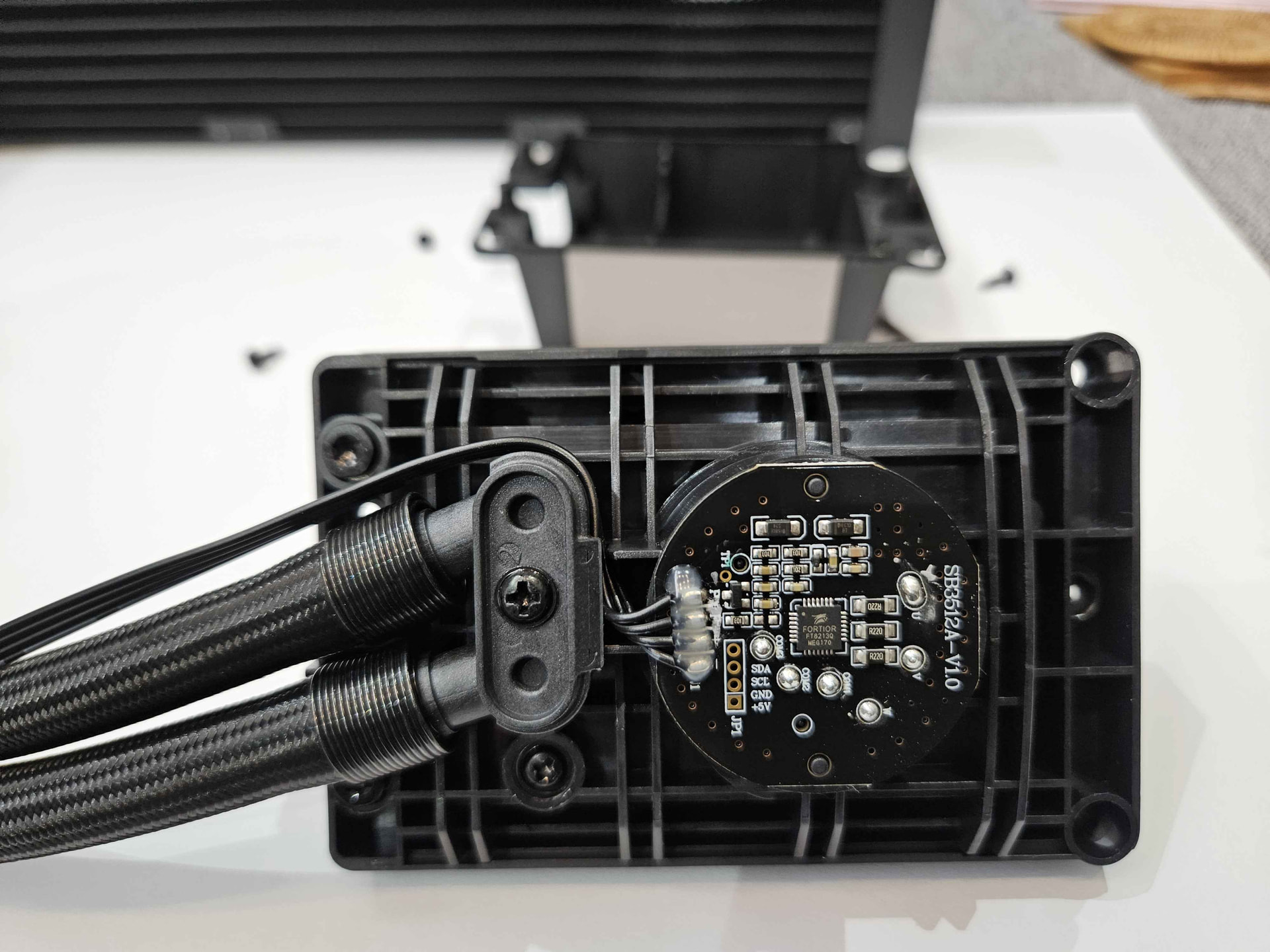
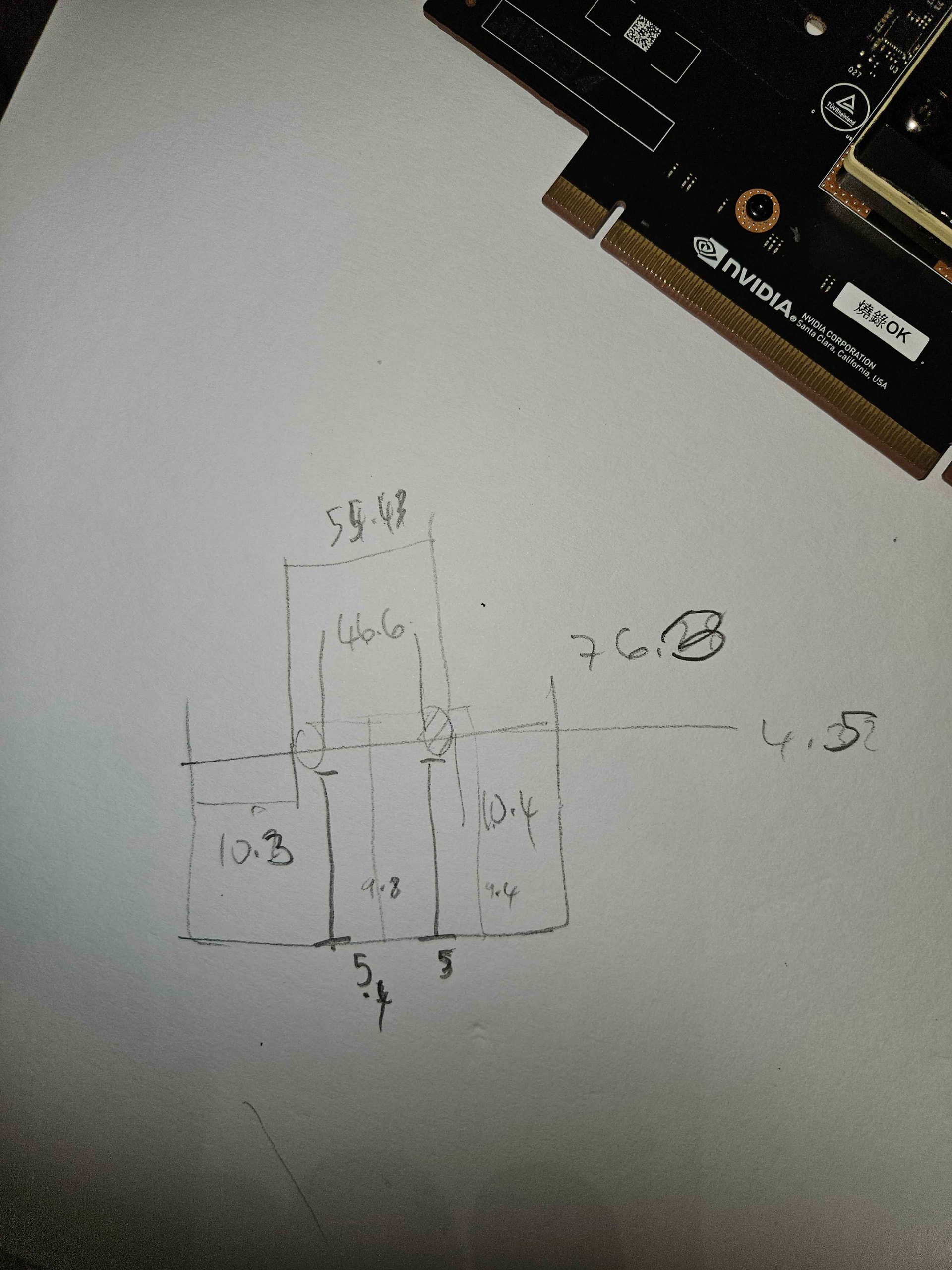
Uses M3.5 bolts, but you dont need them as it already has them. Three of the holes align! You just need to drill the last one taking it from 76 to 56 - Take the springs out and it will fit perfectly over the cooler. Add good thermal paste for handling 600W.
One data point from our hardware testing: on an original Supermicro four-GPU MI250 platform, the system works normally with all four MI250 OAMs installed. However, if we physically remove any one module from the original four-module board, none of the remaining three GPUs enumerate—not merely the removed device.
Right, they don’t seem to start up without all 4 being connected. Same is true for the same board but with mi250x gpus, but I also have this (I think corrupt) eeprom issue.
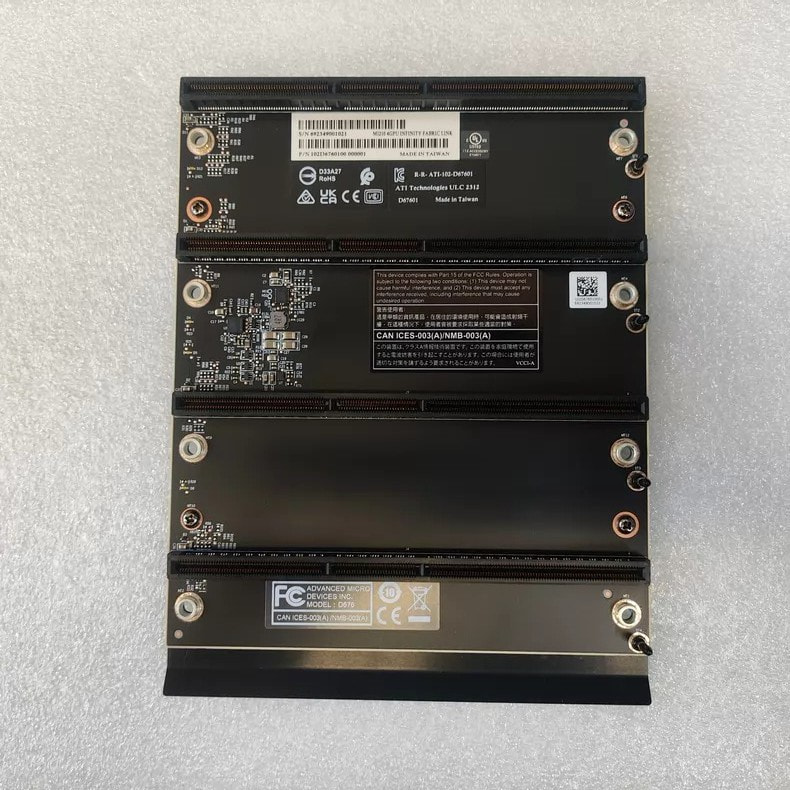
I am guessing that it has something to do with the infinity bridging between the GPUs. The MI210 GPUs that I run will not load on the system with the bridge connected if the bridge is not fully populated.
So I’d imagine something in the vbios is detecting the fabric links and trying to enumerate the other cards.
@Patrick_M on your experience with these, because it’s a similar gpu:
I believe I saw an episode where Wendell discussed MI210s being locked to fp16, is this the case? Admittedly I haven’t perused the ISA much yet, that’s probably something I should find the time for.
Yeah, that is what I have on my 4x MI210 cards. FYI, the bridge is cheaper to buy new, about $600, than they are to buy on ebay for some reason. My hypothesis is that the MI210 GPUs have this same basic bridge built into the OAM base board and that the boot fails because the mesh nodes that make up the infinity bridge network are not reporting. If AMD alredy did the work for the OAM it make sense that the PCIE card version would just be a repackaged version of that work to use the top card edge. Now if my hypothesis is correct, there may be a similar setting in the MI250 that enables it to operate without the bridge, or they have it hard coded to require the bridge and they only made the single and double modifications out of necessity to the MI210 cards. Supposedly there is a 2 node bridge avalaible for the the MI210 cards as well but I haven’t actually seen it.
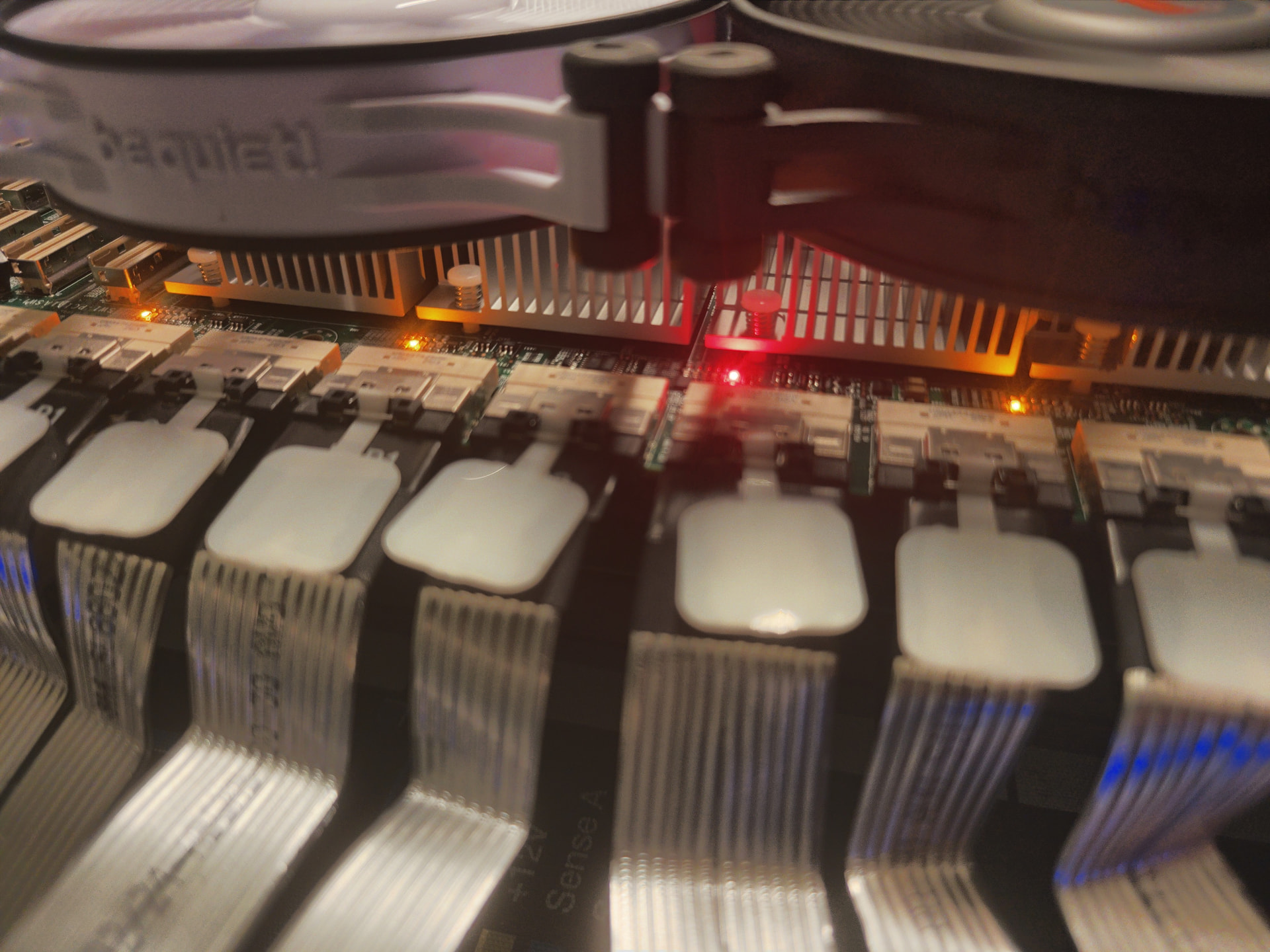
I have a 10 slimsas to PCIe gen4.0 plx switch. I connected 8 slimsas cables coming out of 2 MI250x GPUs from the SM UBB. But my server motherboard still doesn’t detect anything with lspci or dmesg. Plx switch works fine. It shows up on my system. But there are no detected GPUs. For 4x MI250x, I need two plx switches. I only have one. So, I tried connecting the remaining two MI250x with slimsas to PCI-E adapters. Supermicro baseboard shows some green light activity with 2x and 4x GPUs, but my motherboard still doesn’t detect them.
Also, we got confirmation in Discord that non-HPE MI250x works fine on SM UBB (4 of them together). So, I think HPE MI250X GPUs need that proper working firmware from those non-HPE MI250x to show up in lspci.
Hi all, I’m new here I’ve been following this thread closely for a while now, and I’d like to add a few observations and a possible experiment that might help move things forward.
The key point might be that the MI250 has two GCDs with internal IF links already present—essentially like two MI210s with a bridge installed. However, the MI250 also routes some SerDes lanes to the OAM connector for cross-module xGMI. When used standalone, those lanes are left floating—similar to a 4-way bridge with only two MI210s installed.
One possible experiment is to cross-connect GCD1’s SerDes 1–3 to GCD2’s SerDes 4–6 on a custom board, similar to two MI210s with a 2-way bridge. This would give the PSP a physical link partner for WAFL link bring-up during BL2, instead of leaving those lanes completely unconnected.




 I’ve been following this thread closely for a while now, and I’d like to add a few observations and a possible experiment that might help move things forward.