@zlynx provided a (the ?) solution to the problem. I’ll elaborate a little on it.
The root cause of the problem appears to be an evolution in how Samba works by default between TrueNAS-12.0-U2.1 and TrueNAS-12.0-U4. It’s one more thing to be aware of when updating your NAS. Specifically, now TrueNAS does not allow files stored in a dataset to be executed through Samba. If you need to be able to run programs stored on your NAS, this needs to be enabled explicitly.
To do that, login to the TrueNAS GUI (as this is the only legitimate way to change TrueNAS settings). Expand the “Sharing” category, select “Windows Shares (SMB)”, find the share you need to execute files from and edit its settings. You should see the basic user interface :
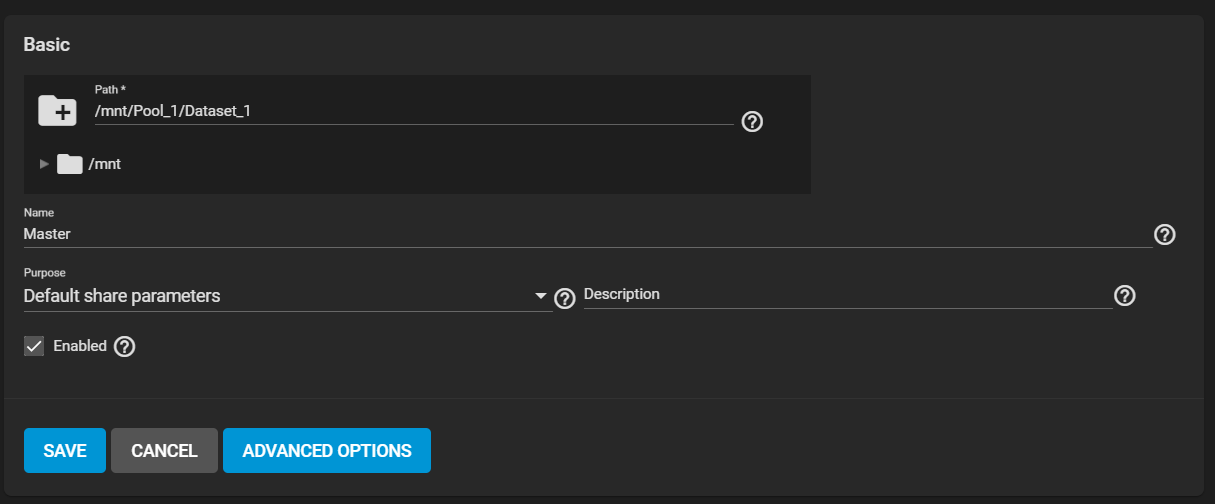
Click on “Advanced Options” to expose additional controls. You’re looking for a field titled “Auxiliary Parameters”.
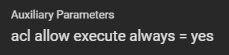
In that field, enter the line :
acl allow execute always = yes
It should look like that :
Save the share settings. You’re done, problem solved.