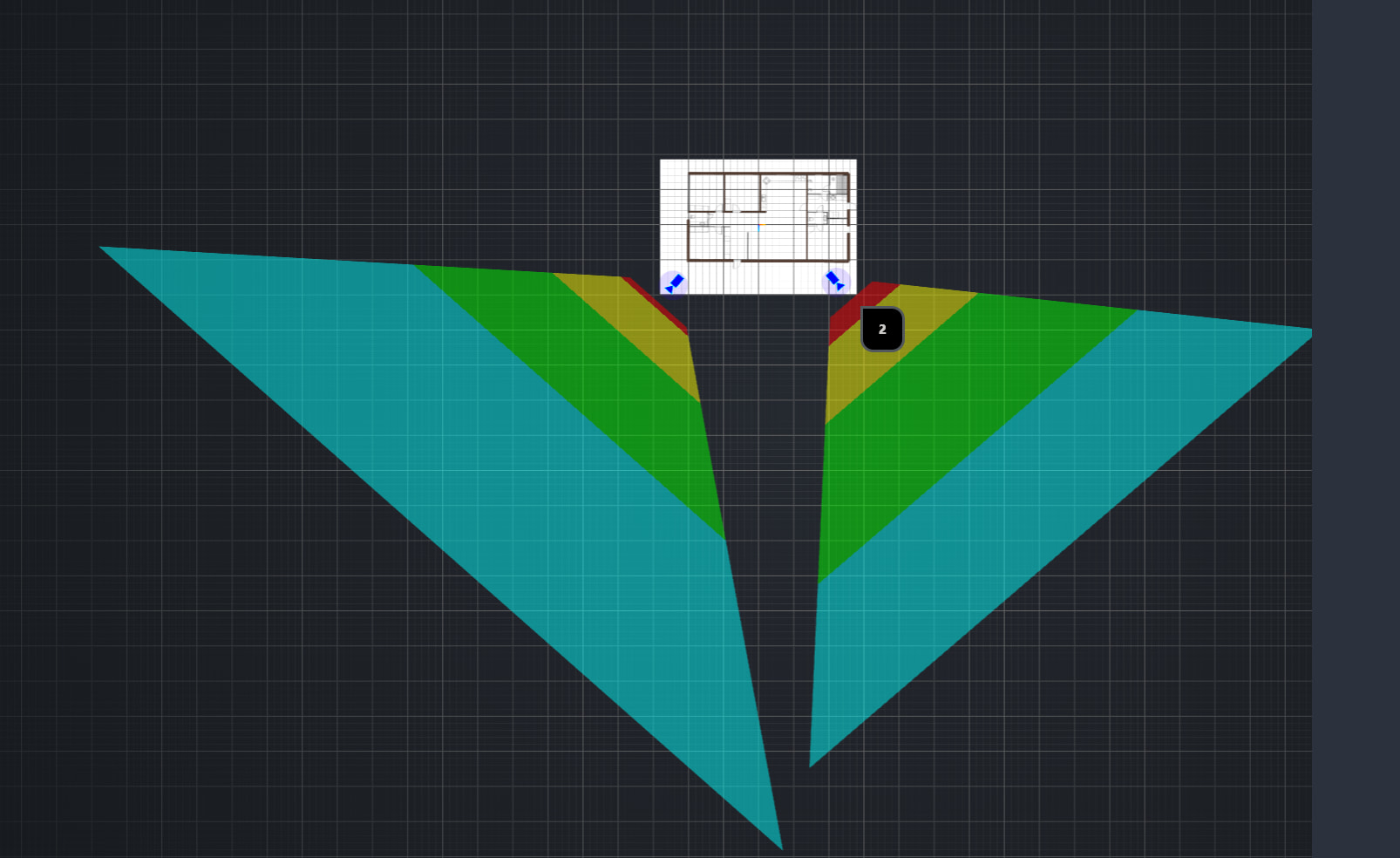
The 2nd number position indicates the sensor resolution, 6=6MP and 8=8MP.
So you selected the correct, still you probably want to read on before deciding to buy it.
Dahua has a naming convention for all it’s products, I’ve included my copy if you want to look something up.
You camera details are on page 2 and 3, but not all pages have the focal length listed, try is page 7 or 13.
As to address your question:
I want be sure you know about Dahuas epic trackrecord in security.
A epic saga of epic exploits and epic impact.
As Dahua security incidents have been some of the biggest and easy exploits, only bested bynHikVision in number of hacked devices.
And it wasn’t just industry leading number of exploit, most of the vulnerable code only needing low skill attack vectors.
I know the hole… I mean whole industry has a plain disregard for security.
But Dahua and Hikvision make the rest rest of the industry look better.
As you already wanted to setup vlans at your home, just copy best practice block all except for video and NTP.
Moving on to my last yapping, Dahua has a major software problem.
But this time it’s the IP camera’s their web GUI and general service tools.
Dadua IP cams firmware is mainly developed for industrial use and configurable is so so mant way a dark hallway look bright on screen, and many other option bands can only dream about.
This can make the cams also quite a challenge sometimes… every install actually because it’s really easy to make the video unwatchable, but trying to get some overexpose tuned and you have to tweak 3 or 4 setting.
I checkt your intended cameras user manual, It has 202 pages of instruction for setting to set.
Also seem to remember unconfigured Dahua IP cams have no DHCP enabled and you have to guess the static one.
Or you need to use the Dahua setup tool which can be a pain get, as Dahua actively hunts sites hosting a copy because they don’t like it they get to less service contract income.
You’ll can probably guess what Dahua want before you can use it.
Luckily I know a IP cam security form you can get it, they have also a S*load of supporting documentation, explanations which focal lengt is the best fov, and so much more almost all stuff is for Dahua and hikvision.
I’ll put the link in new message, as I want to explain whatever if necessary.
Oh almost the login screen with the most stupid feature ever.
The web GUI will ask a very bad question, It wants you to install a browser plugin from the cam it’s memory.
Because for some reason they are to spiteful to use hrml5 for video steaming.
The one solace you only need to do this once (hopefully), as the only reason you to log in.
Is to configure and enable video out to Frigget, and forget to remove the video file.
So uhh, that might sound like a lot, but after install you never have to touche it again.
If you can manage the security on your home network, it’s more annoyance then dealbeakes maybe.
Oh and I think Reolik is a good alternative, if you know the right model. Oh and so far they have had only small security incidents and way better software.
As for the cloud connectivity same story as the Dahua, trust no camera vendor on a non secure vlan.
And for the best camera as in properly vetted software, no backdoors installed en very good sensors go to Ubiquiti security fir you have to plug in a cable and Ubiquiti mange app pairs it.
But you’ll pay quite some more as it’s know to kost.