I’ve experimented a lot with not-desk workstations over the years, but none of my previous builds were practical enough to actually use on a daily basis. The biggest problem was always somewhere between being too convoluted to get into (manually arranging multiple pieces) or just straight up not being comfortable or ergonomic because the peripheral locations weren’t adjustable enough.
Fast forward to two months ago and I’ve herniated four (!) discs in my lower back. As nice as my home office is, I often find myself sore after several hours sitting or standing. The only reliable solution for me is to lay flat on the floor, and after a while the discomfort goes away. Rather than just accept losing out on the billable time I spend in corpse pose, I revisited my earlier experiments for using a computer horizontally. After a few days of experimentation, the useability of the final result is really surprising.
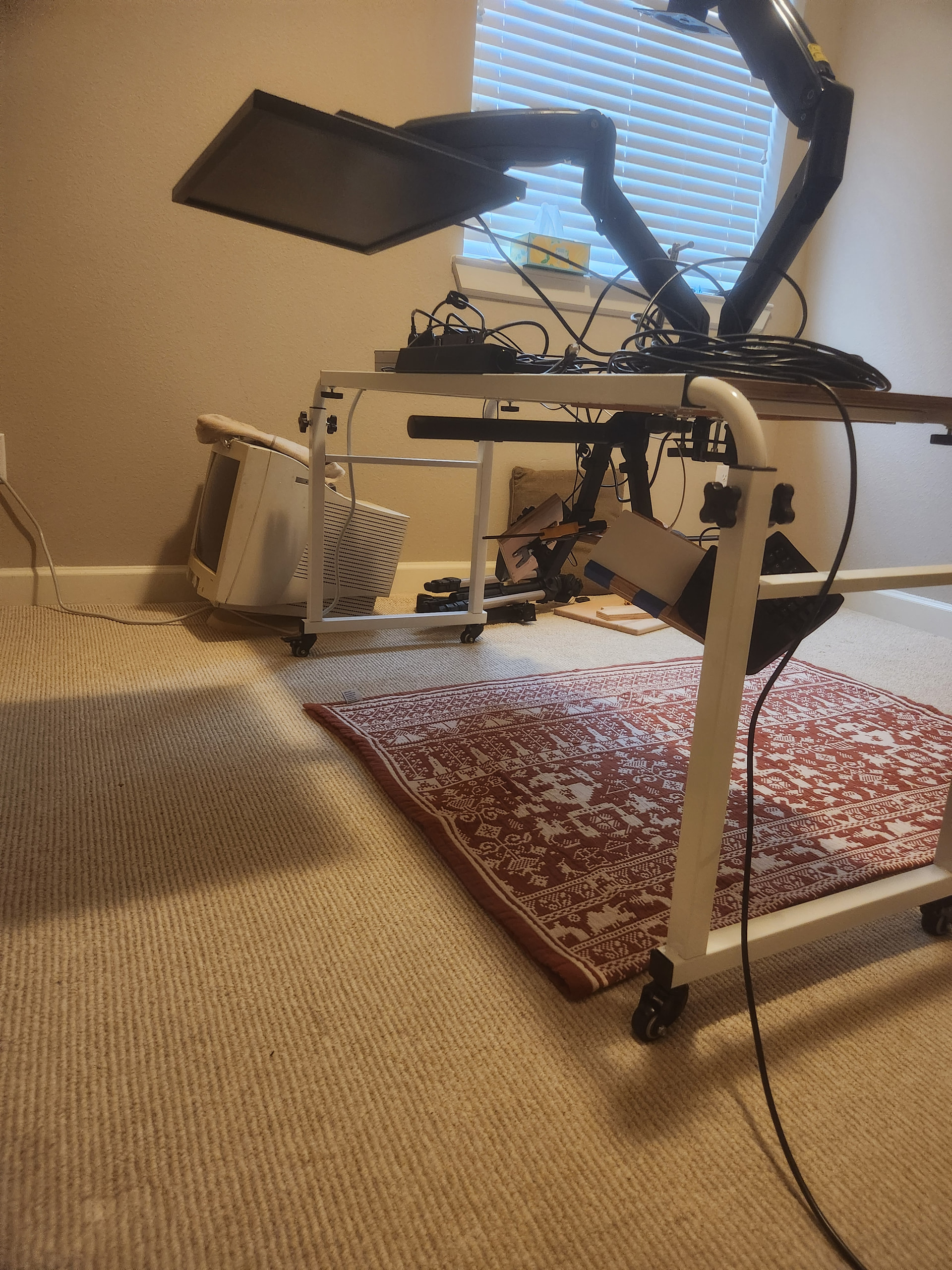
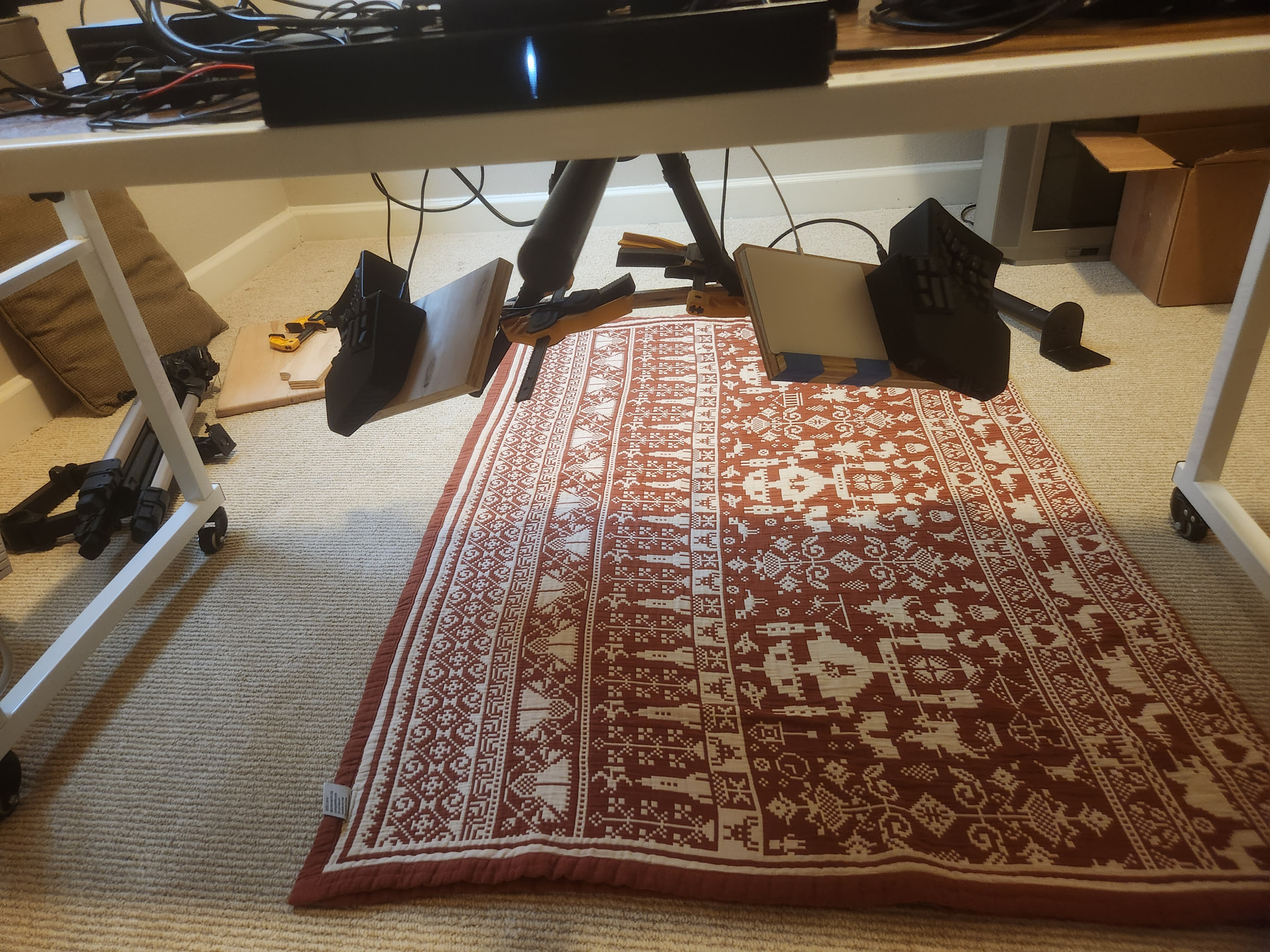
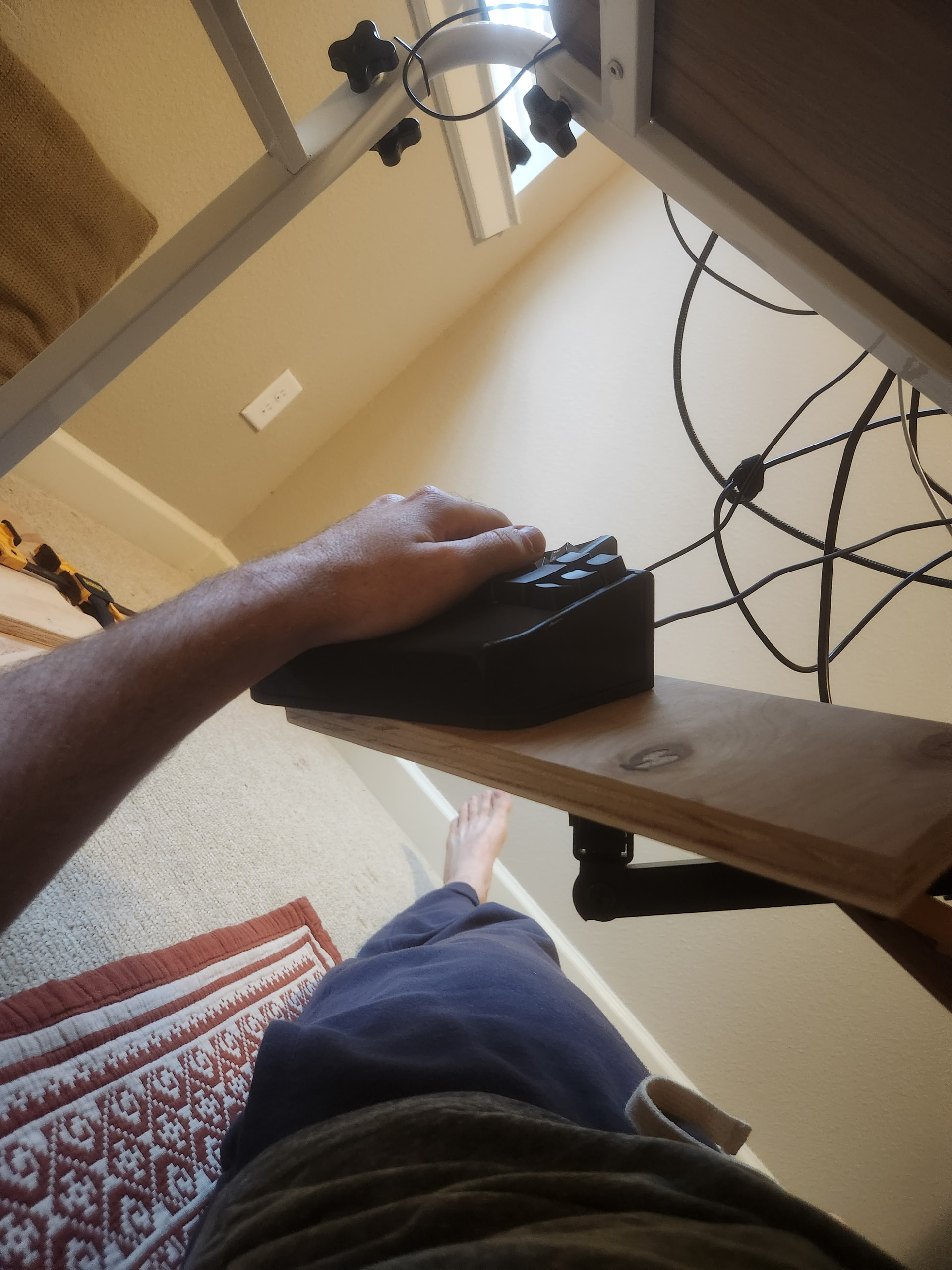

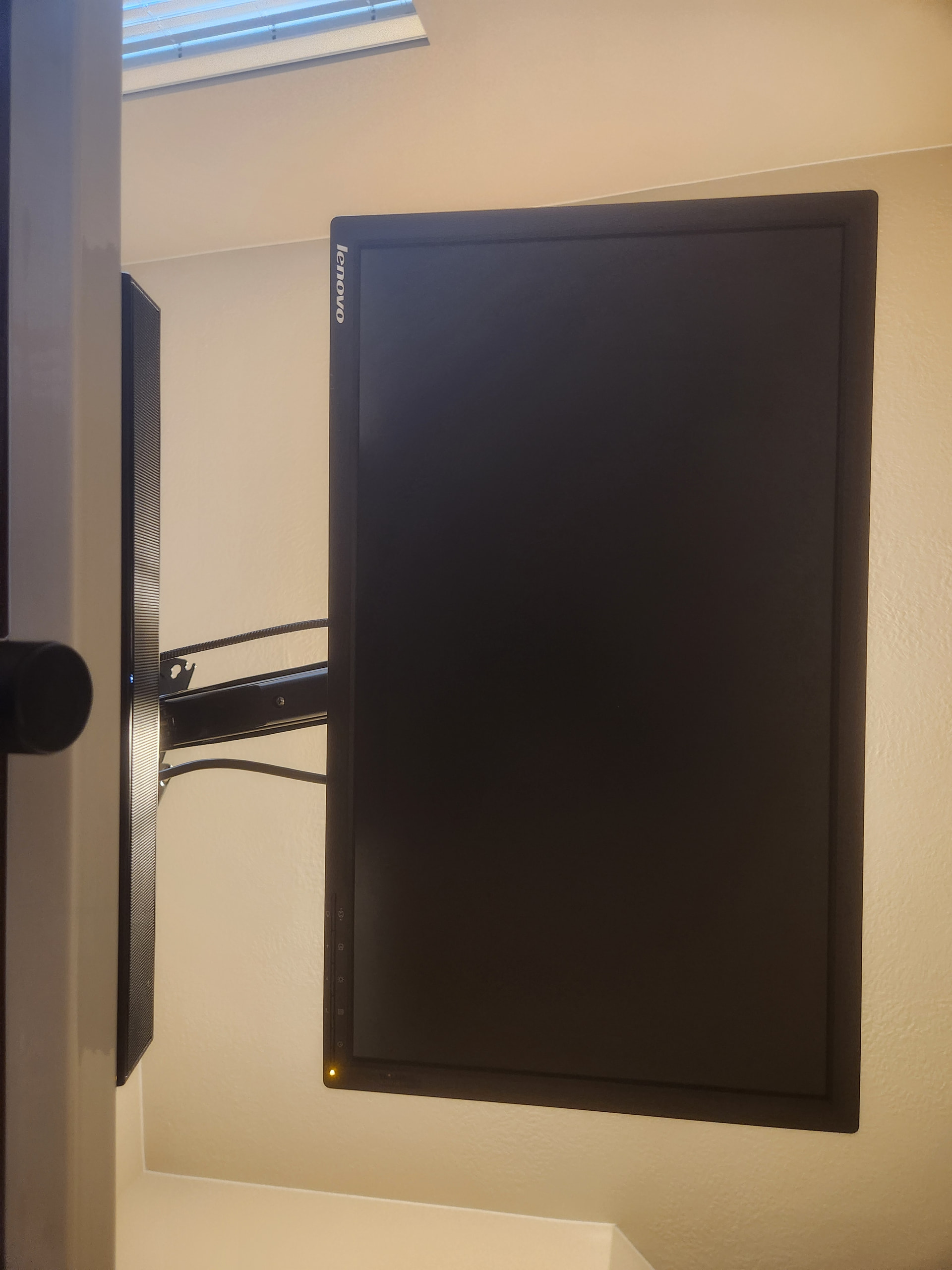
A few key points that I’m especially happy about:
The keyboard mounts with a single bolt, such that it can be easily rotated by hand as I shift throughout a session, but still stays firmly in place during use.
The “keyboard tray” is a cheap, rigid VIVO dual monitor arm, tightened down and clamped in place. It’s rigid enough that the only movement during use is from the desk itself, not the tray.
‘Sitting down’ at the desk is as simple as laying down and sliding the entire desk over my head via it’s casters. Realistically, only having one thing to get into place is just about the best case scenario.
The desk itself is really cool, it’s adjustable enough that you can slide it over any standard size bed, so in 20 years when I can’t get out of bed anymore I’m already set.
These were all parts that I already had on hand, so I don’t have any kind of BOM cost, but not counting the monitor or peripherals. . . maybe a few hundred bucks?
It’s been great to be able to lay down for a few hours a day and not have to stop whatever I’m working on at the time. After I test it for a little longer, I’m thinking about writing something more thorough up about it’s construction as an option for anyone that would benefit from being able to comfortably use a computer completely horizontal.