
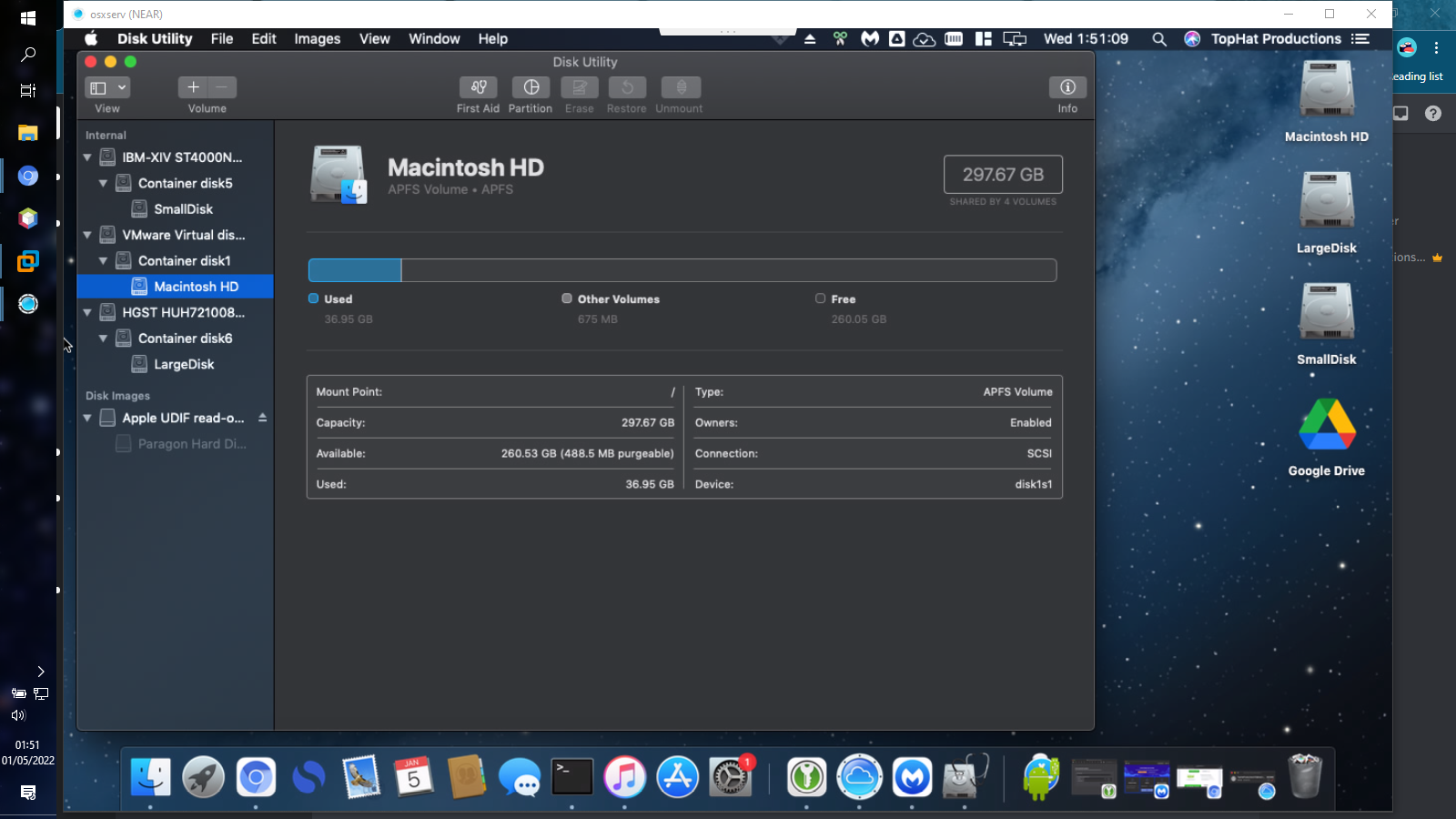
I decided to give Paragon’s software (Paragon Hard Disk Manager for Mac | Paragon Software) a trial tonight. First, had it initialise the HDDs, GPT. Then, created HFS+ volumes (since Paragon’s software couldn’t make APFS volumes). Then, had Disk Utility convert the HFS+ volumes to APFS volumes. Now the raw disks appear to work! Coming back tomorrow to start installing PleX…

Considering virtual audio devices for both Linux and macOS, since the GPU’s audio device didn’t work well with PCI Passthrough. Still need to install DaVinci Resolve to macOS and move the previous PleX Media Library to macOS. Then, focusing on xBrowserSync and NGINX Revers Proxy Manager. YouPHPTube will undergo a final validation/testing phase after this. If the MariaDB issue can’t be resolved, I’ll just rely on LBRY and other existing alternatives and shift focus to YaCy Grid as the final Docker container instance. Still need to setup Windows 10 Enterprise VM (Titan Xp) for daily use. Also still troubleshooting the Titan V issue…
I’ve decided to merge the Win10 and Remote Dev VMs. I’ve worked in this environment before, and it hasn’t been an issue for me in the past. Saves time and resources in my case. Also, the macOS VM appears to be nearly ready for prime time…
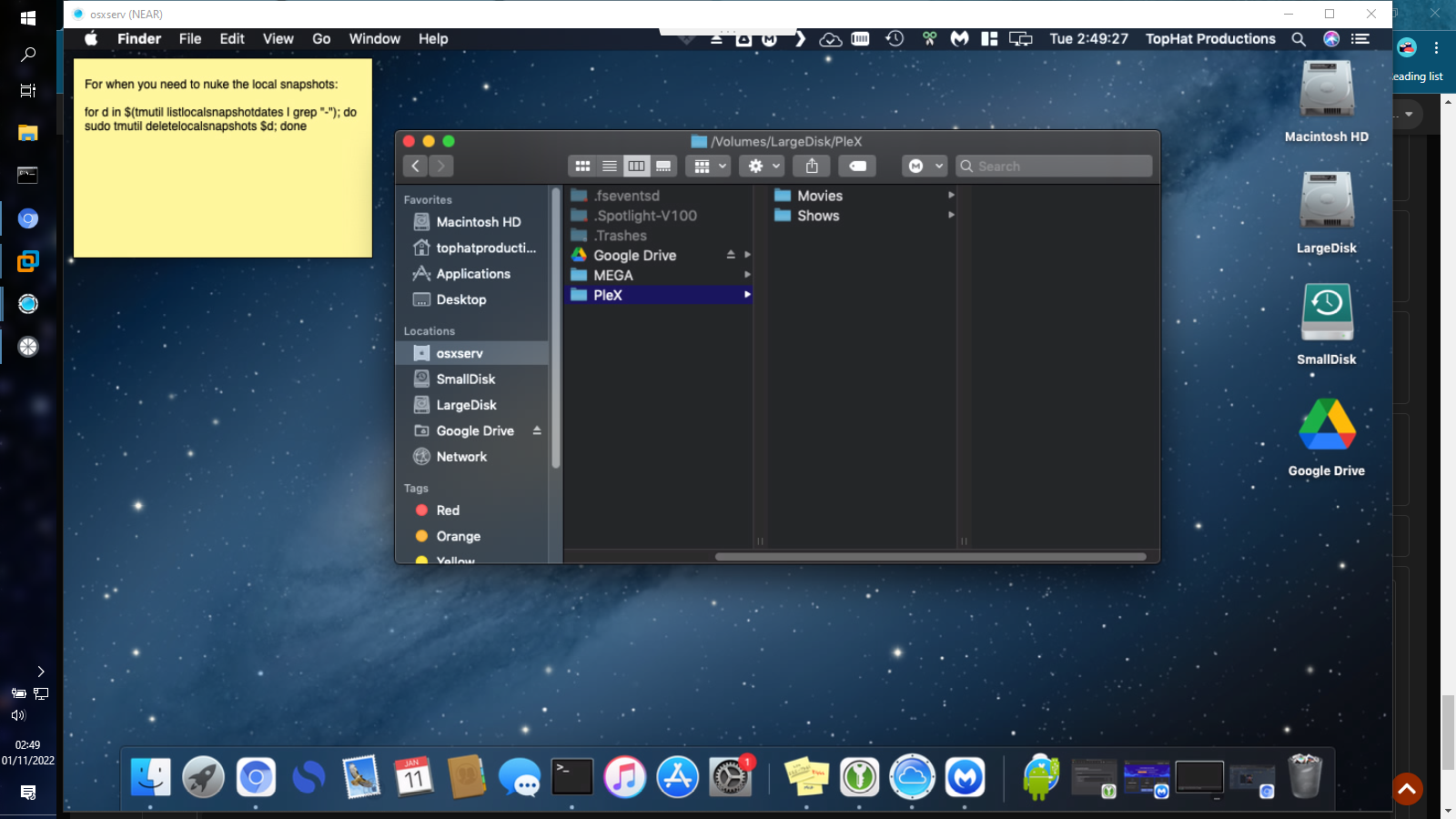
Getting ready to test Windows 10 Enterprise VM with this enabled:
Finished initial setup for xBrowserSync last night. Now looking to attack the last container - YaCy…
*YouPHPTube is being delayed until the rest of the server project is finished, to avoid unnecessary delays.
Welp, here are the major changes for the project thus far:
- YouPHPTube is probably getting jettisoned, in favour of using LBRY instead
- YaCy Grid is going to be a long-term experiment, and has to be built from source
- xBrowserSync is officially part of the project now - and it’s got more on the way!
- PleX has Movie and Music streaming, but doesn’t have external LDAP integration
- added Trakt.tv plugin (scrobbler) for additional functionality
- Would like to add eBooks management to Nextcloud, but may need a new container instead
- Azure Active Directory was added, to enable possible MFA in the future
- The majority of the server project is complete - looking into 24/7 testing soon…
Why couldn’t drive cloning be easy 
The task list has been updated:
Okay, you guys may get a laugh from this. I was remoted into the Windows 10 Enterprise VM (equipped with a Titan Xp). I installed 3DMark, thinking I was gonna do some benchmark runs today. Instead, the entire ESXi host rebooted. All of the VMs went offline, and I’m waiting to see if the server comes back from this in one piece. Hoping this also doesn’t rule out just gaming in general. If the power draw from the Titan Xp is too much, I may have to consider other options…
Hmm…
What I’ve managed to get done thus far:
- install a 2nd PCIe SSD
- install a USB adapter card
- plug in a 2nd PSU
- buy 128GB of RAM
- decommission Threadripper
Off to a rough week. Still looking for a good PCIe enclosure…
Just purchased a Magma EB7-X8G2-RAS-F (7-slot PCIe 2.0 expansion enclosure), with what appears to be a two x8 ports on its expansion interface. I will most likely need to acquire the following next:
- x16 interface card
- x16 host adapter
- x16 PCIe cable
This is going to be a long one…
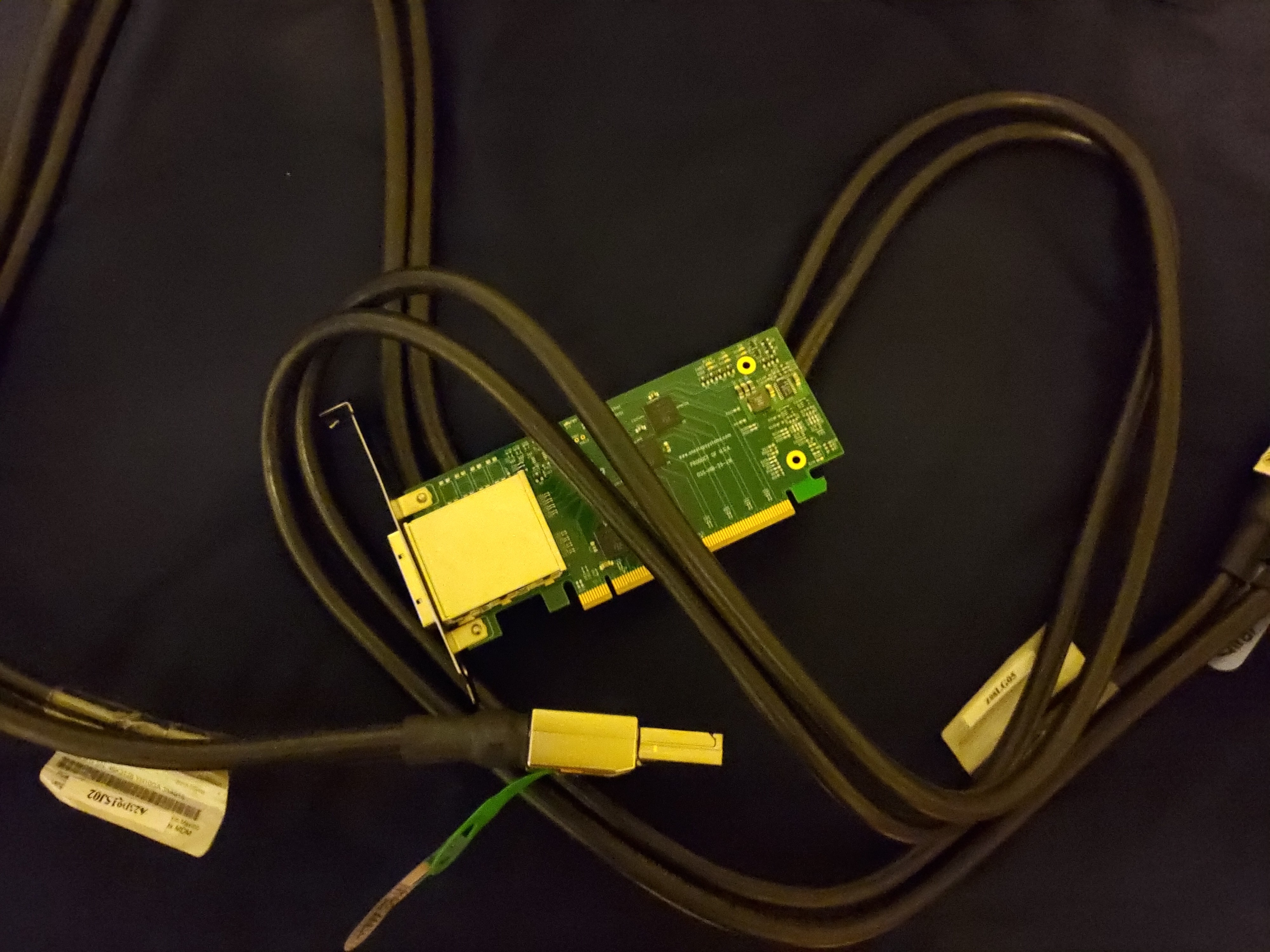
The PCIe x16 Host adapter and PCIe x16 cable arrived today! Pictures in a few…
EDIT: There’s 128GB more RAM on the way as well. And guess what’s going in the enclosure?..


It’s finally starting to warm up where I’m at. But that also means I can’t run F@H anymore, due to thermal reasons😞Until next Autumn, the folding will be paused.
Okay, things have changed. From what I’ve learned recently, the enclosure I have is only officially compatible with an x8 Interface card. The hardware for x16 is way more expensive, and I don’t know if I wanna buy it, only to find out the enclosure itself was only wired for x8. So, I’ve decided to go x8 for the time being. Here’s what I have so far:
-
Magma EB7-X8G2-RAS-F
-
Magma PEHIFX8G2
-
Molex iPass 74546-0801
-
OSS-PCIe-HIB25-x8
Other parts, that will work with an x16 enclosure:
-
Molex iPass 46K3726
-
OSS-PCIe-HIB25-x16
Still need to find the P/N’s for the PSU cables, since the Titan V uses 8-pin and 6-pin power connectors iirc…