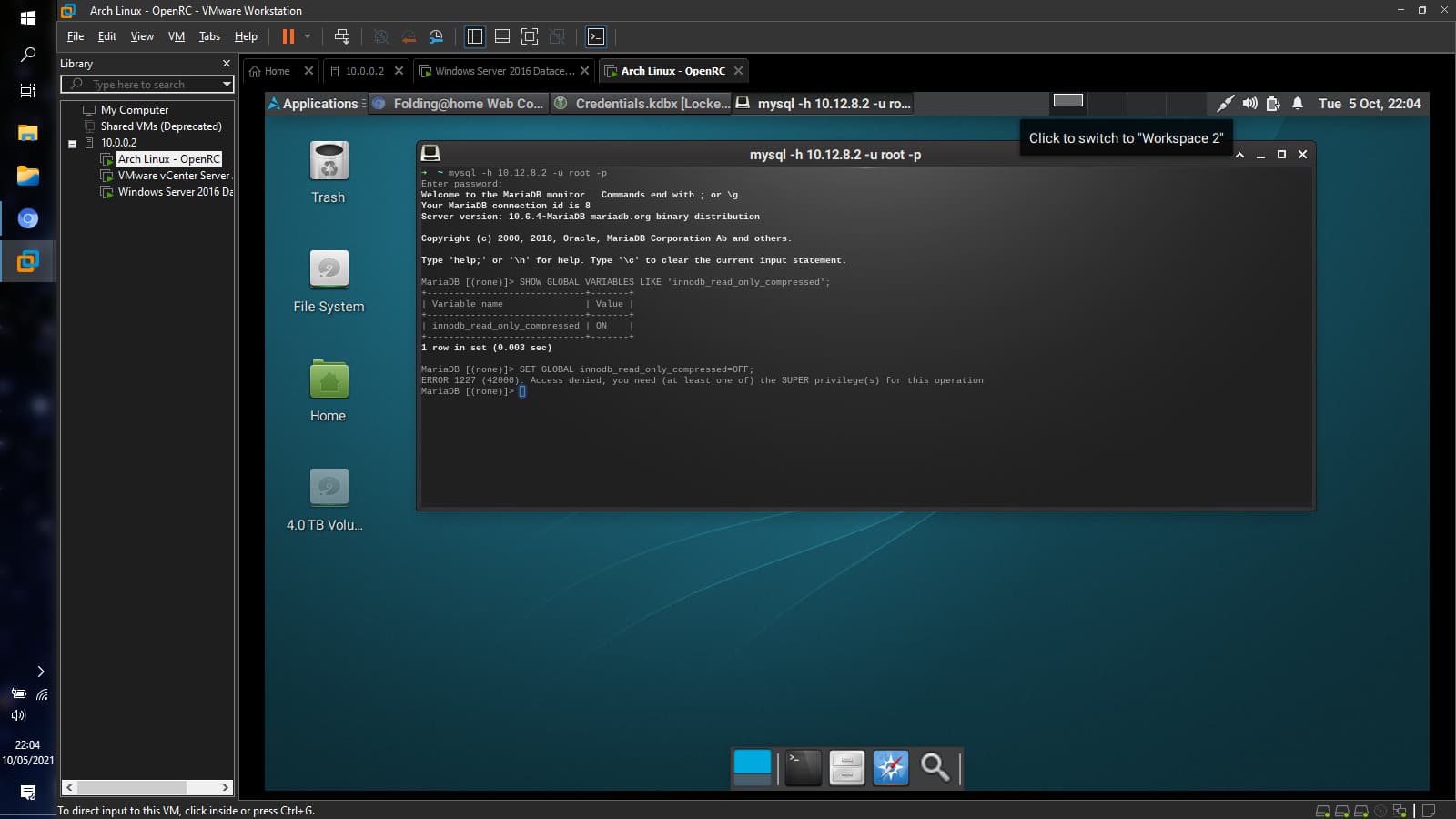
The real test begins now:
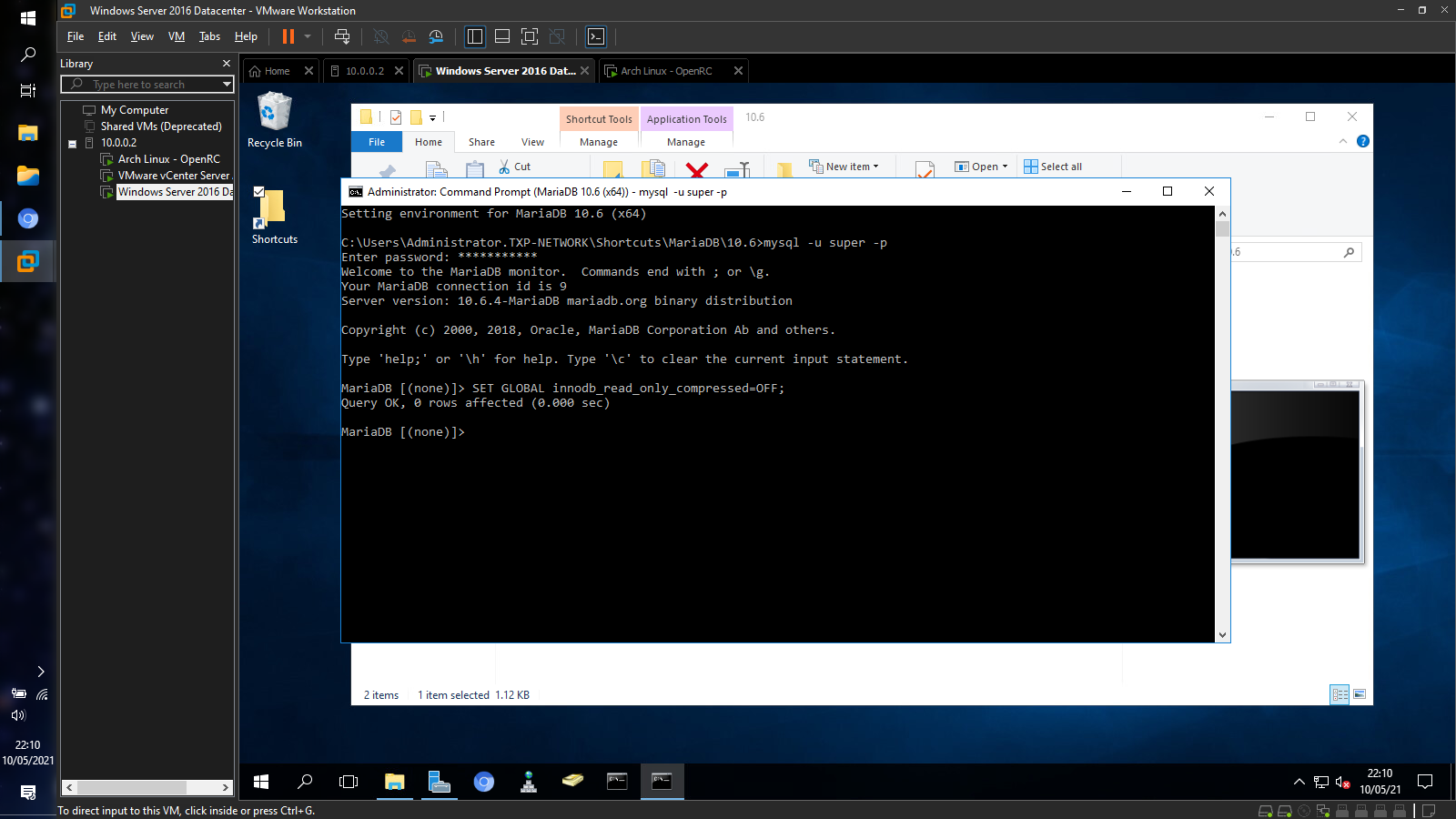

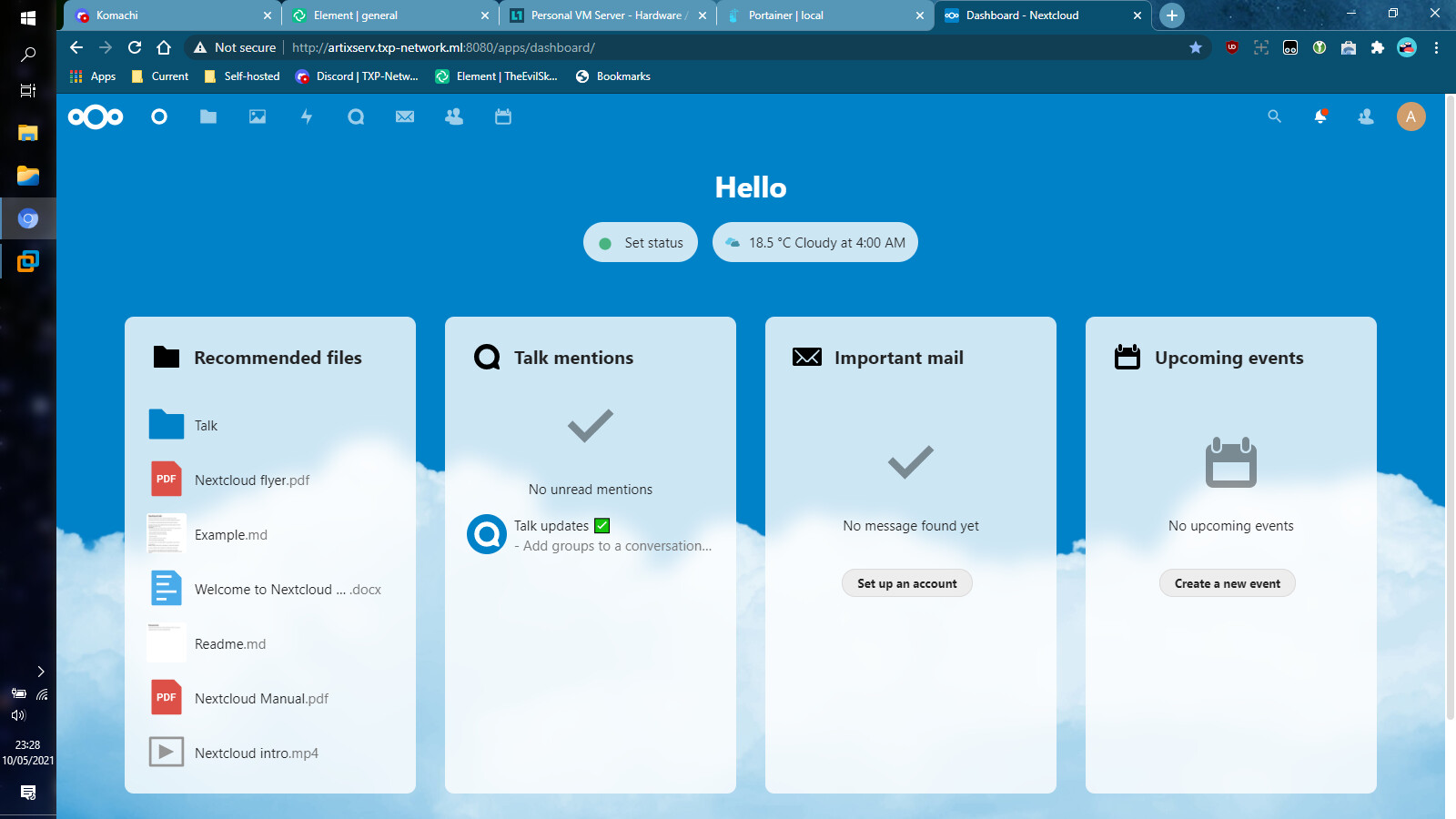
Need to try spinning up Nextcloud, to see if that error still shows up after this…
The real test begins now:
Need to try spinning up Nextcloud, to see if that error still shows up after this…
On a side note, Portainer made me pacman -Syu tonight. Couldn’t access it until I caved and did the system upgrade. Was worried that something may break.
If you setup your ESXi and vCenter with just IP addresses initially, and added domain names after-the-fact, this may be of interest to you:
For setting that, and redoing your server’s certs.
It has been a long month since the last update, and a lot has changed. Here’s what has been completed thus far:
activated EaseUS Todo Backup Server for easier backups of Windows Server 2016
created AD integration/query users for Nextcloud, ejabberd, and FreePBX
initiated AD integration config for ejabberd
updated, broke, and revived the Artix VM
kicked F@H from the Artix VM, to re-add it as a container later on
initial planning for the move to ZFS (the entire Artix VM)
purchase the MikroTik RB4011iGS+RM
initiated Samba setup for the Artix VM
And now I’m preparing to move ejabberd to a Docker container. Gonna have to change the OP once the dust settles. Still more to announce, once things get under way…
Just received a MikroTik RB4011iGS+RM in the mail, purchased a MikroTik CCR2004-1G-12S+2XS, and put in an offer for a MikroTik Audience RBD25GR-5HPac, to act as the wireless gateway to my serverside network. Also purchased 50x 12-24 rack screws+cage nuts and 50x 10-32 rack screws+cage nuts. That should be able to mount most of my upcoming equipment…
Just joined the Artix OpenRC VM to the Windows Server AD, with Samba. We’re one step closer to getting the Artix VM ready for production use.
Now I need an automated way to assign the following to existing AD objects, and new ones on-the-fly:
These RFC 2307 attributes are going to be required for single identity across the setup in the future if I go with Samba. With this, I will be able to enhance the user experience further…
U wot m8?
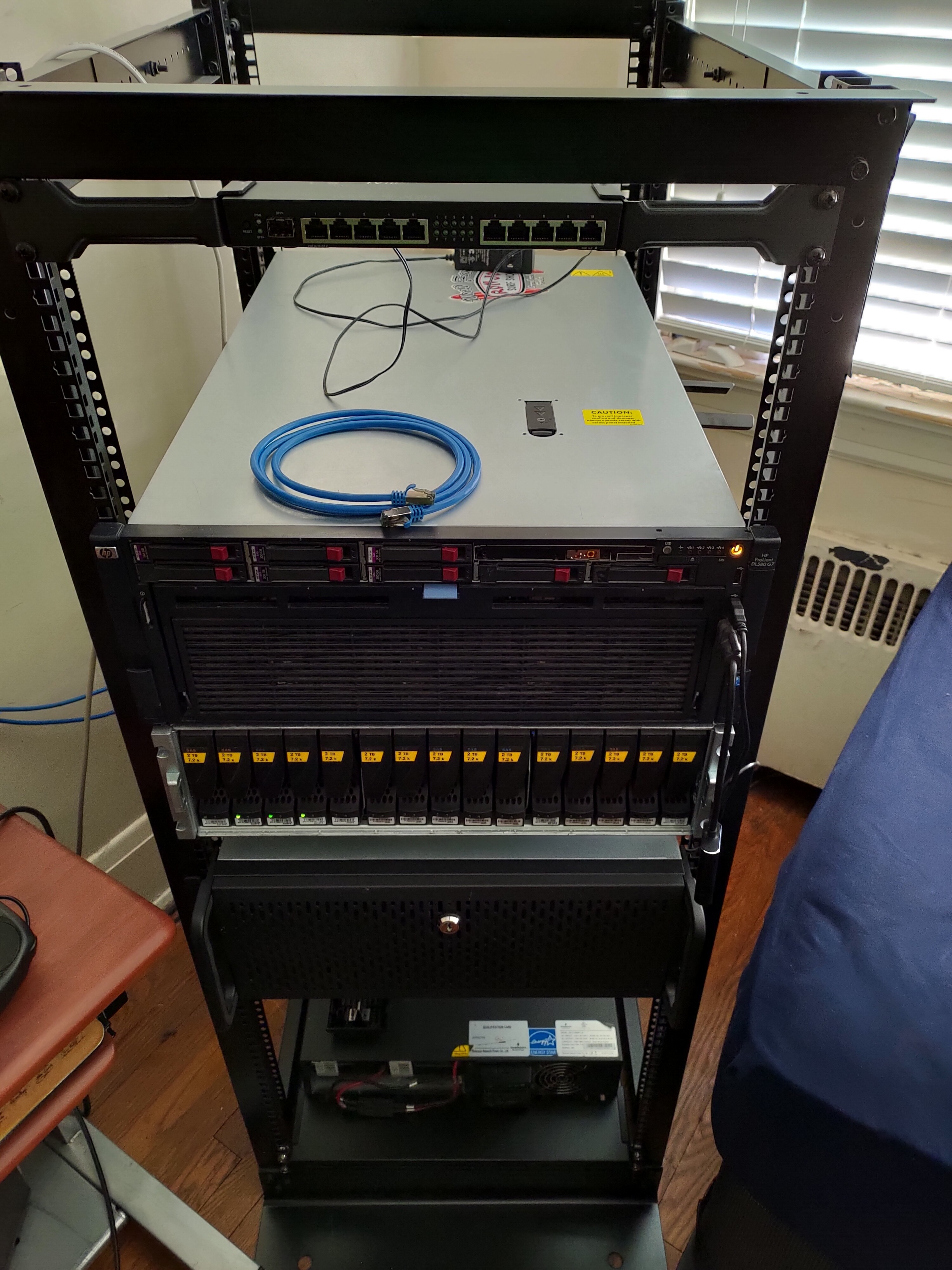
Simple picture with no context. I guess that’s a good enough update. At least your cable management is top notch. Can’t have a rats’ nest of cables if you got no cables.

Can’t wait to see the update on your rack.

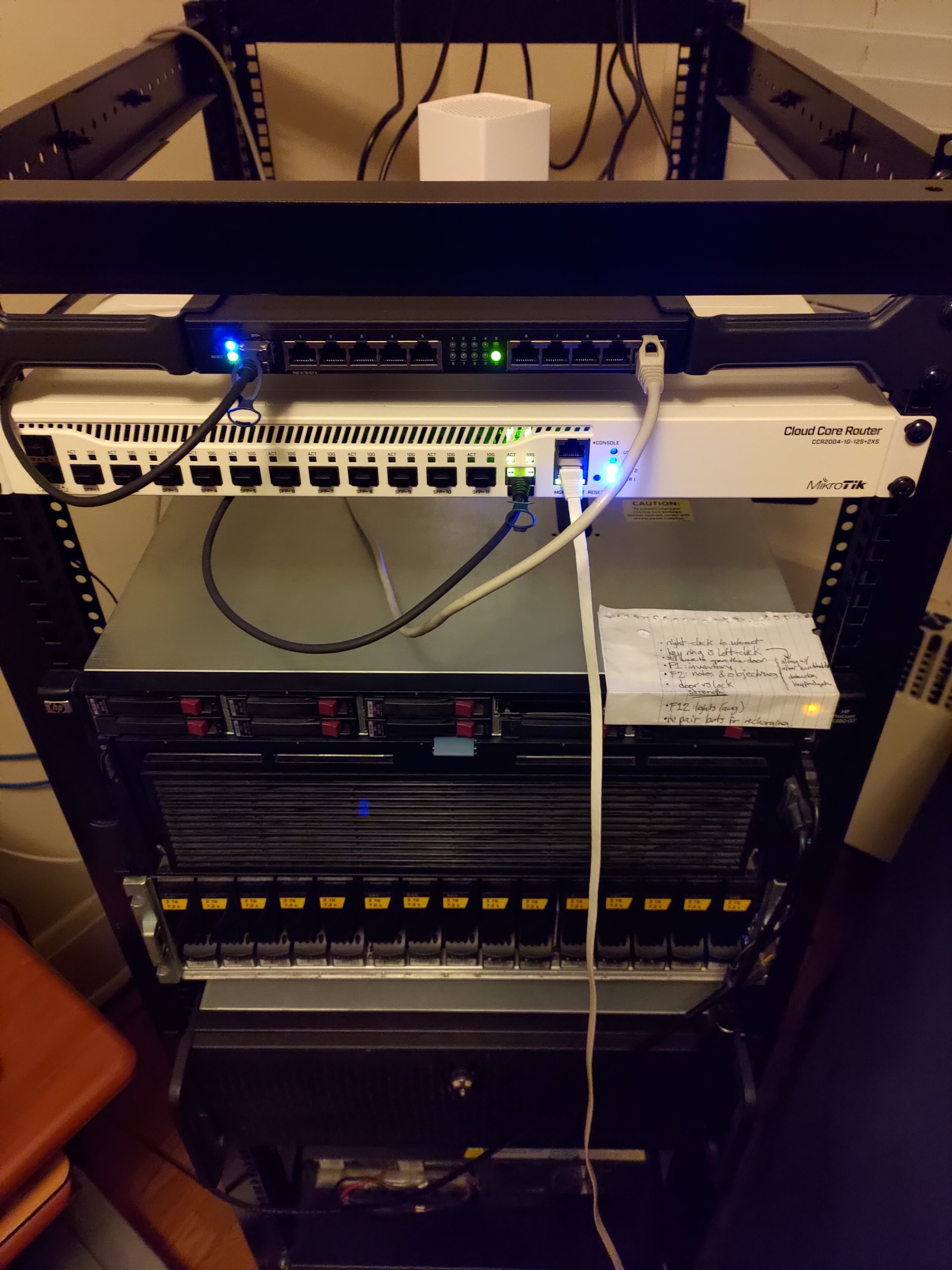
The item, that is two spots down from the DL580 G7, is a new addition. It has a Threadripper 1920X in it, and will have ESXi installed to it sometime this weekend if I have my way. The router sitting at the top of the rack is another new addition that happened today. I’ve got two more pieces of networking equipment on the way, that will go directly underneath that router.
On the cable management part, I’m routing all of my cables through the rear of the rack. I’ll be grabbing 1-2 PDUs and come cable management arms in the beginning of 2022.
I got AD/LDAP integration working in Nextcloud, and got NGINX Reverse Proxy Manager working (had to use built-in DB). HTTPS and Asterisk coming next…
More networking equipment added to the rack last night. Waiting for one more piece to arrive. Then, Verizon needs to get my service activated next month.
The disk shelf is now connected to the PDU as well. PDU now handles Networking and Storage. Only items directly connected to the UPS are servers. Titan Xp will go in the DL580 G7 once the rest of the VMs are ready for 24/7. Also, Threadripper + Titan V:
Installing ESXi 6.7 on the Threadripper is proving to be a hitch. Getting nothing but black screen whenever I attempt it. Will have to try again once I’m home…
The new node has ESXi 6.7u3 installed. Connecting to vCenter tomorrow, when time permits. Had to swap out the SolarFlare 9021-r7 4a for a SolarFlare SFN5322F that I had sitting in the spare parts inventory. The previous NIC kept getting the server either stuck at POST code 92 (PCI init, iirc) or at SolarFlare Boot Manager screen (with no way to skip to OS). After enabling PCI passthrough on the Titan V and the swapped NIC, the new host had an issue rebooting on its own. Had to hit the Reset switch in order to get back into ESXi. Will have to look out for that if I ever add any new devices. But, adding new devices requires me to be in the same room as the server, so not that problematic. This is the first 24/7 ESXi host that I’ll run.