Post / Show off your Ai Rig - Whatchya got in there?

Yep… That’s AMD for ya…

That’s the biggest frustration with vLLM and all that stuff, you really need to make a custom kernel for some of this older hardware. Some generous folks have pointed Opus at the problem for a week or so and that resulted in some really nice results.

vLLM also doesn’t really work with a lot of the more fun quants, because they’re not hardware compatible with some of the older hardware.

My setup.

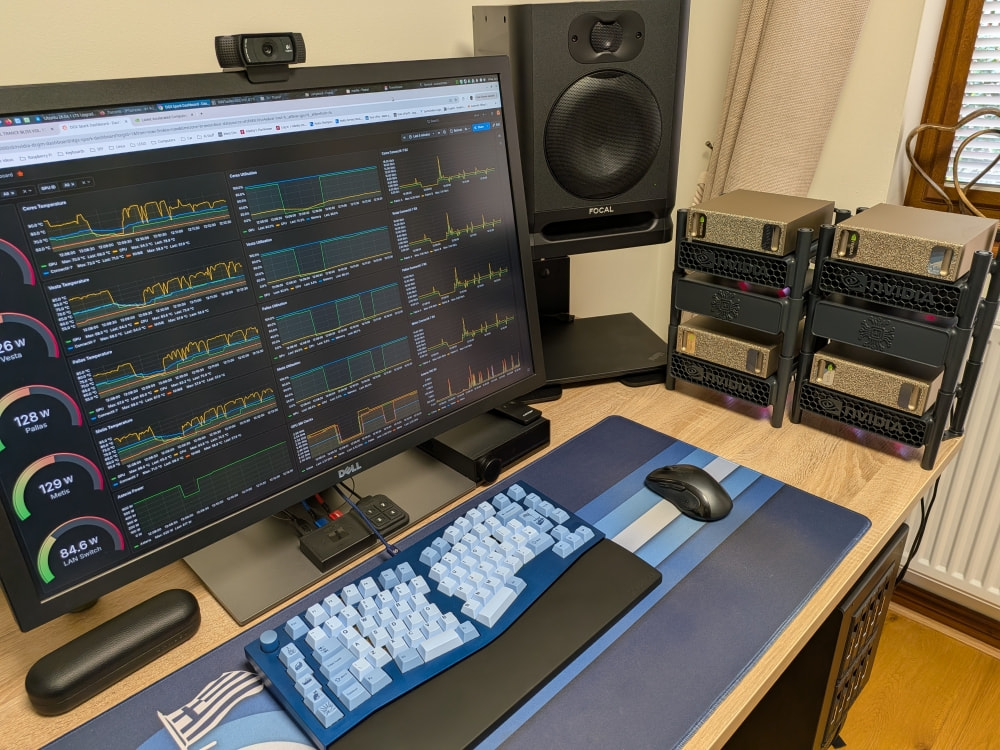
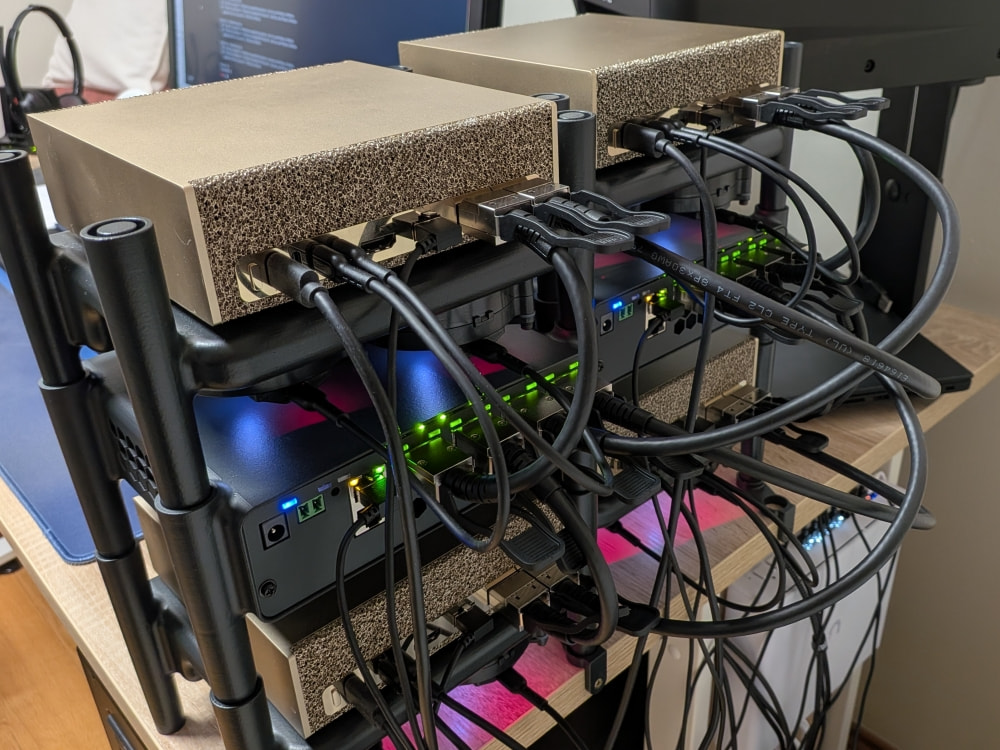
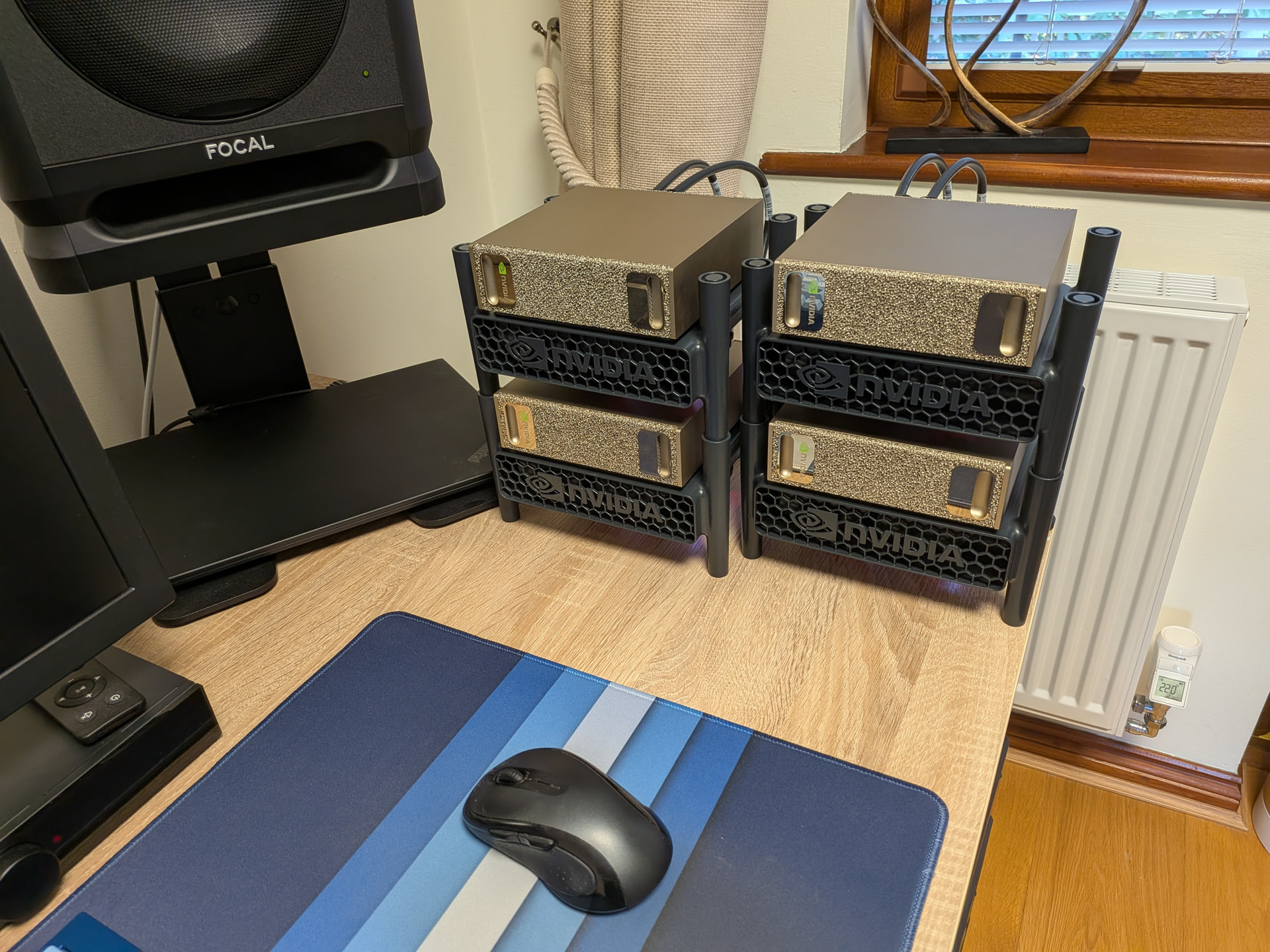
4xDGX Sparks running as 2+2 while sorting out the switches.

Can’t wait to fire up DeepSeek v4.1 Flash on these in the near future.

3 Likes

I love those mini racks you made for them. 3d printed?

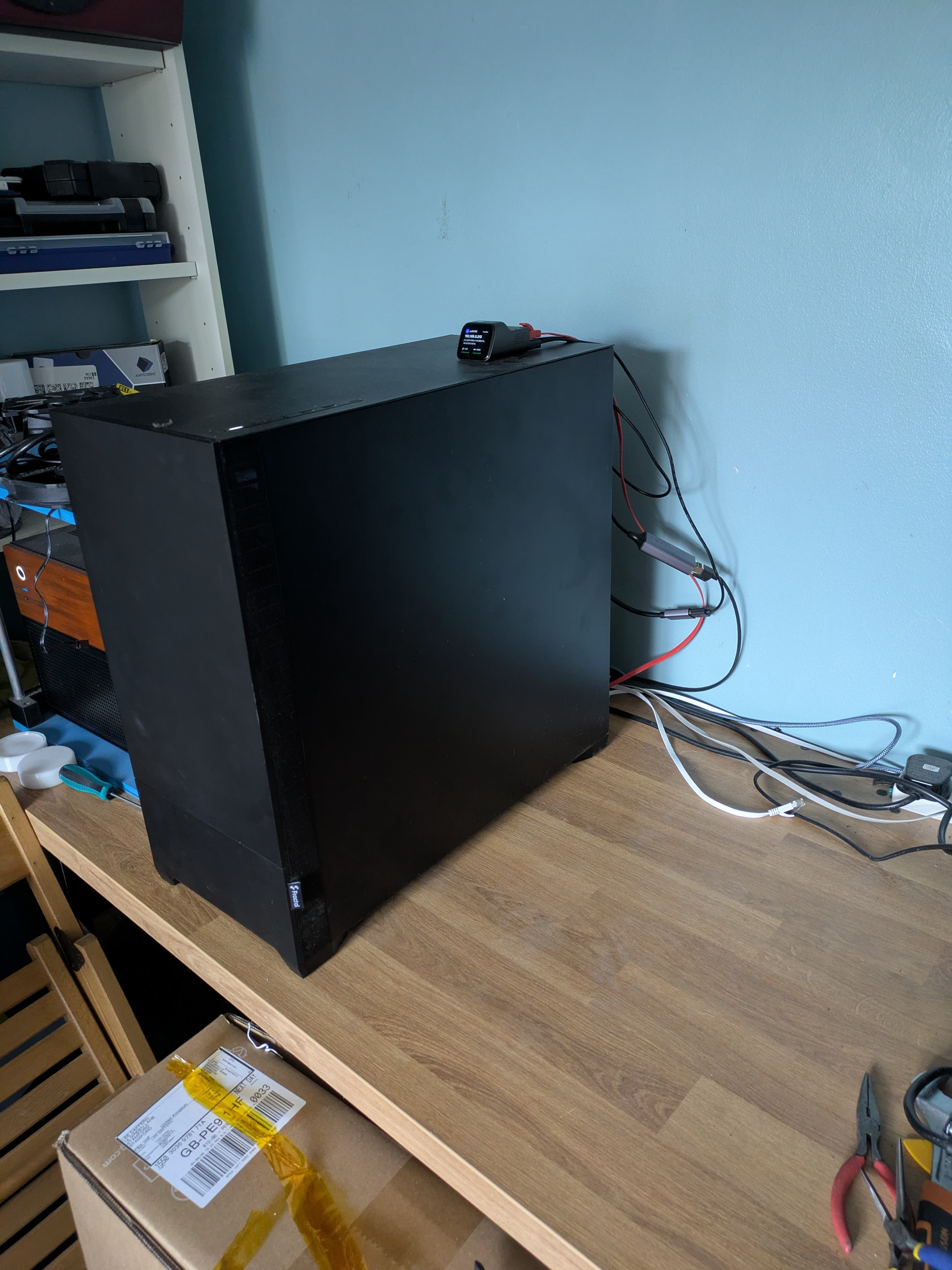
Nothing special here…excuse the cabling - this is kind of my workbench, so I determined that excessive cable management isn’t practical. Therefore I’ve done no cable management.

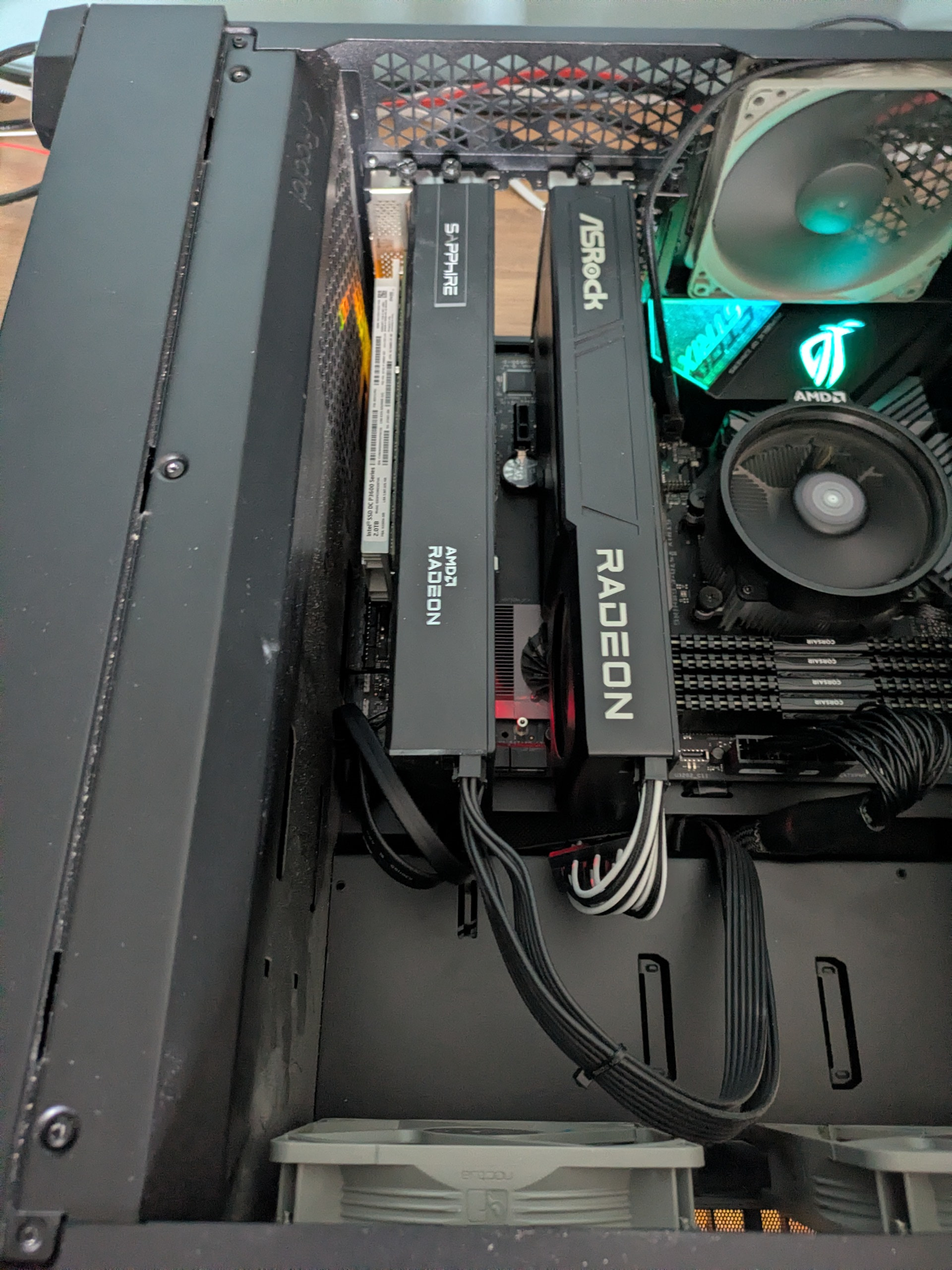
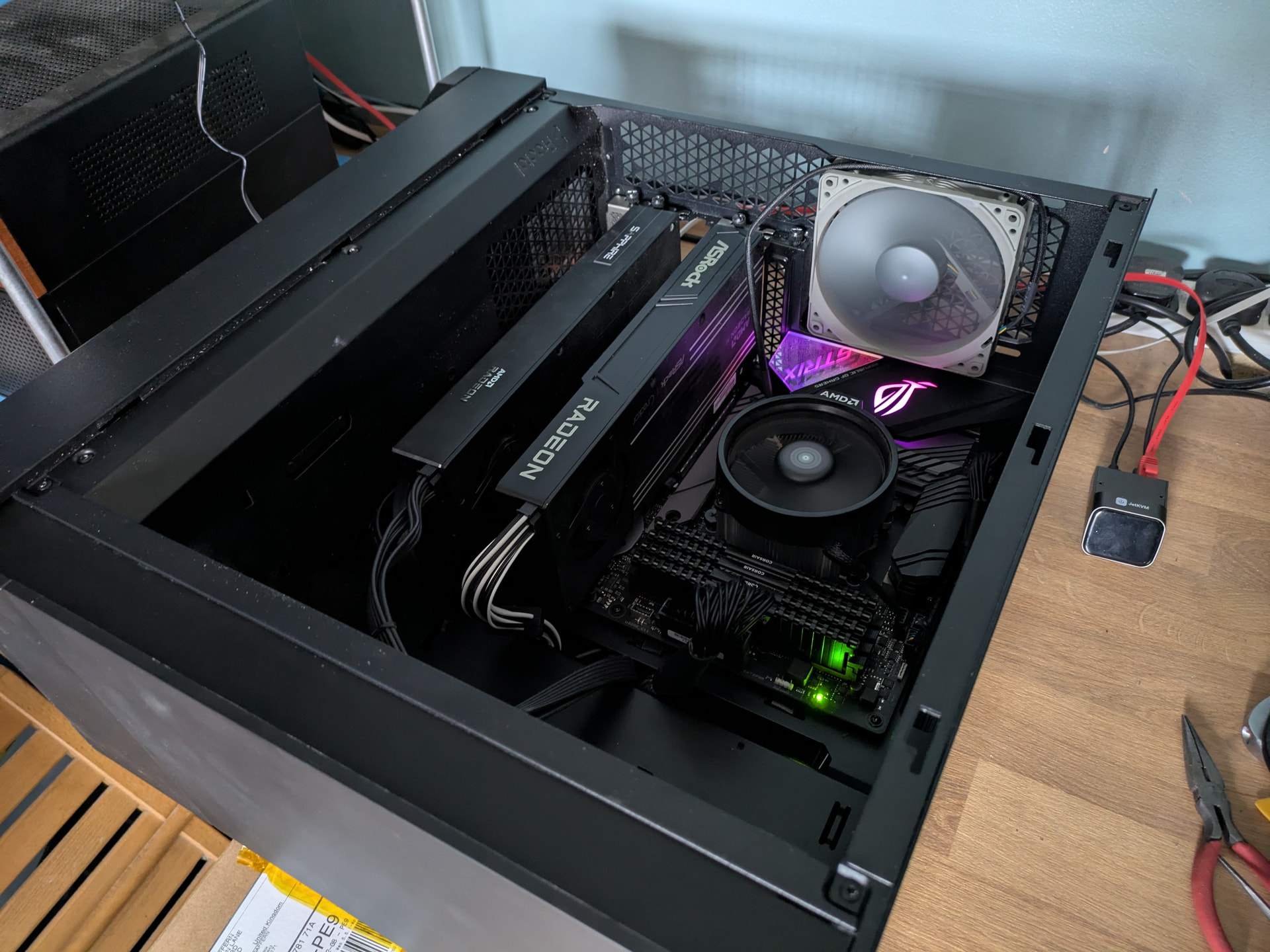
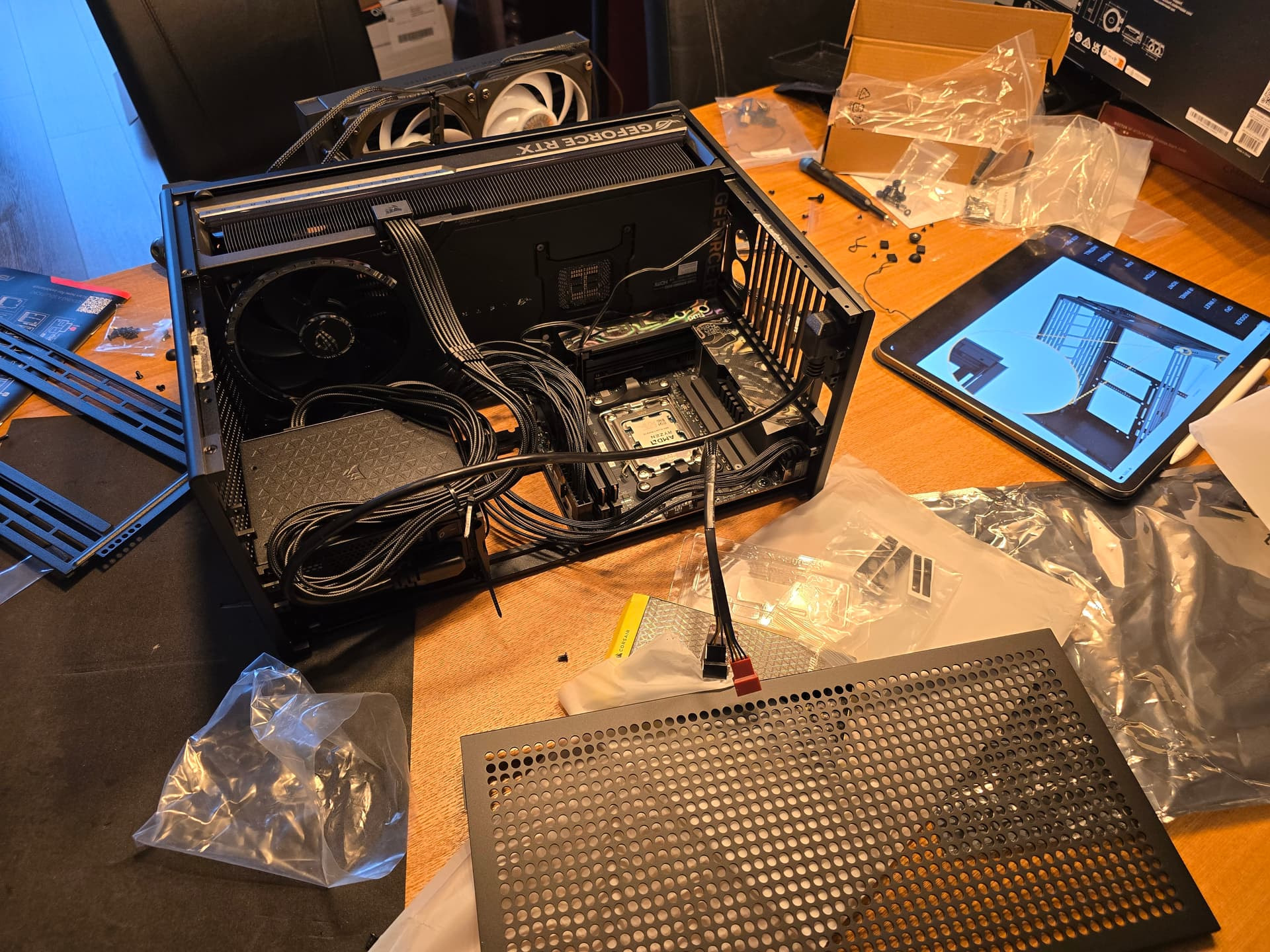
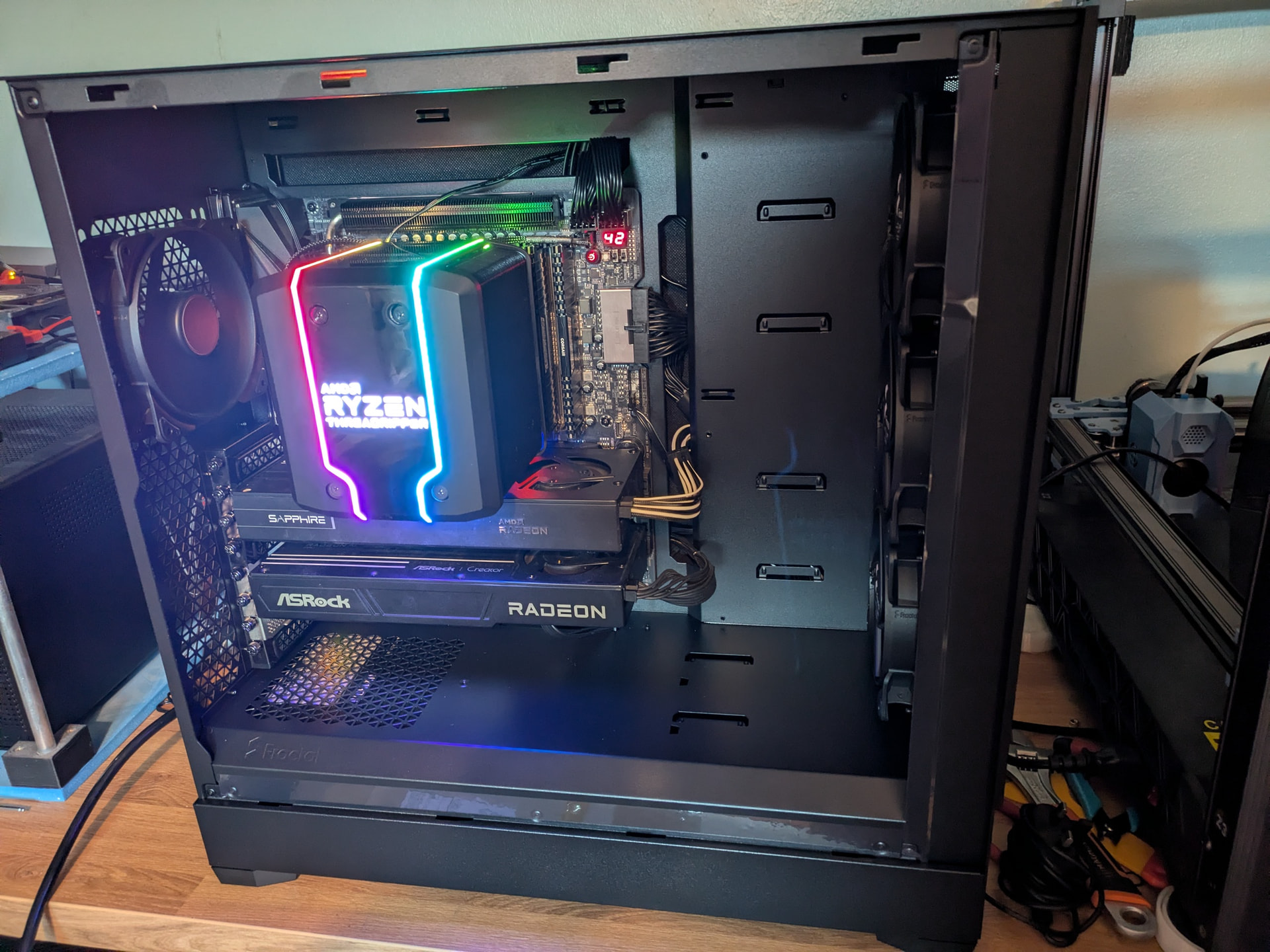
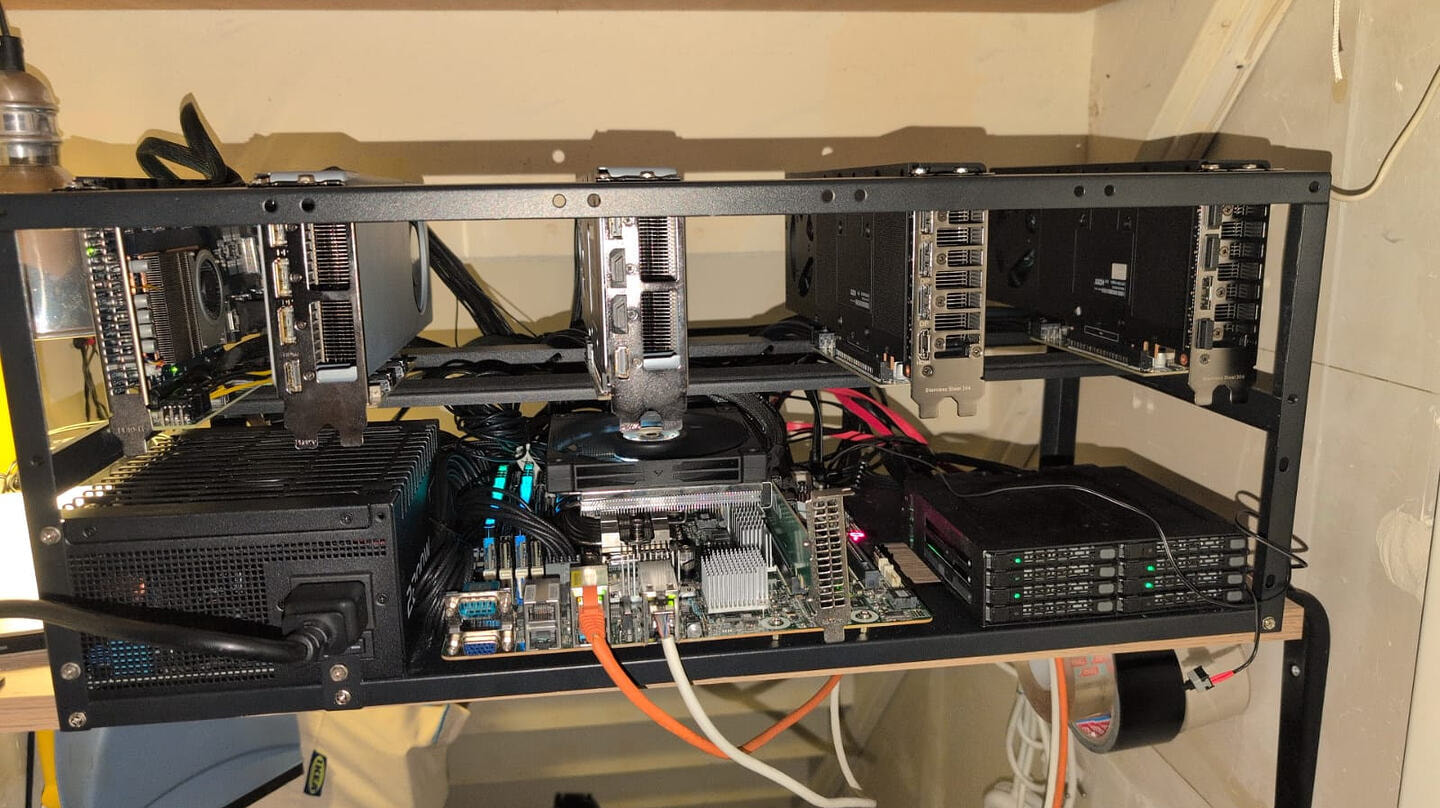
Nothing particularly special - a pair of R9700s in PCIE 4.0 x8/x8, 5700X, 128GB DDR4, all bought before prices went to the moon.

In fact, the only vaguely interesting part about it is the Intel PCIE SSD in the second pic, a handy 2TB MLC SSD I picked up a few years back. Currently using it for model storage/vLLM cache; it’s not exactly designed for the job, because it’s better in write-intensive environments (it’ll do 2GB/s all day long, but also tops out at 2TB/s reads).

As for the AI setup…I’ve got Open-WebUI fronting a vllm-radiance instance running Qwen 3.8 27B FP8. Roughly 3200t/s prefill, 80t/s general generation, 120t/s code gen.

I really dislike vLLM, particularly the slow model launch and lack of live model reloading, but at this point vllm-radiance is so much faster than llama.cpp that it’s not even a choice. The R4D optimisations, added to adaptive MTP and the fact that MTP doesn’t cripple the prefill performance the way it does on llama.cpp…there’s no competition. I just wish it had better features out of the box.

4 Likes

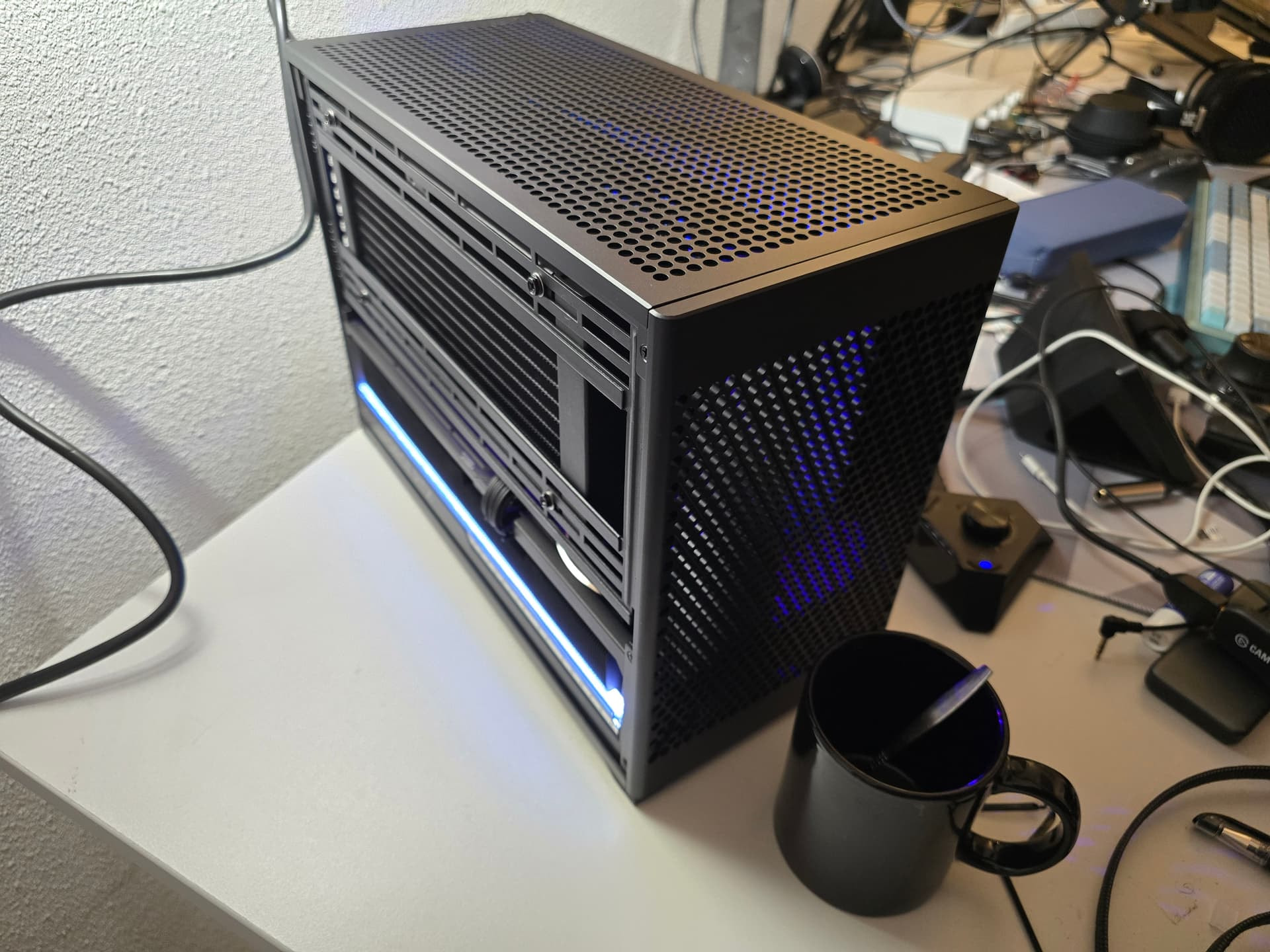
I still have the same computer i built last year in a Mitx case. (a 5090 for 2700 euro and 128gb of ddr5 for 500 euro)

It is annoying that i can’t do anything while running models on it.

It runs vllm with qwen3.8 27b about 80-100 t/s


2 Likes

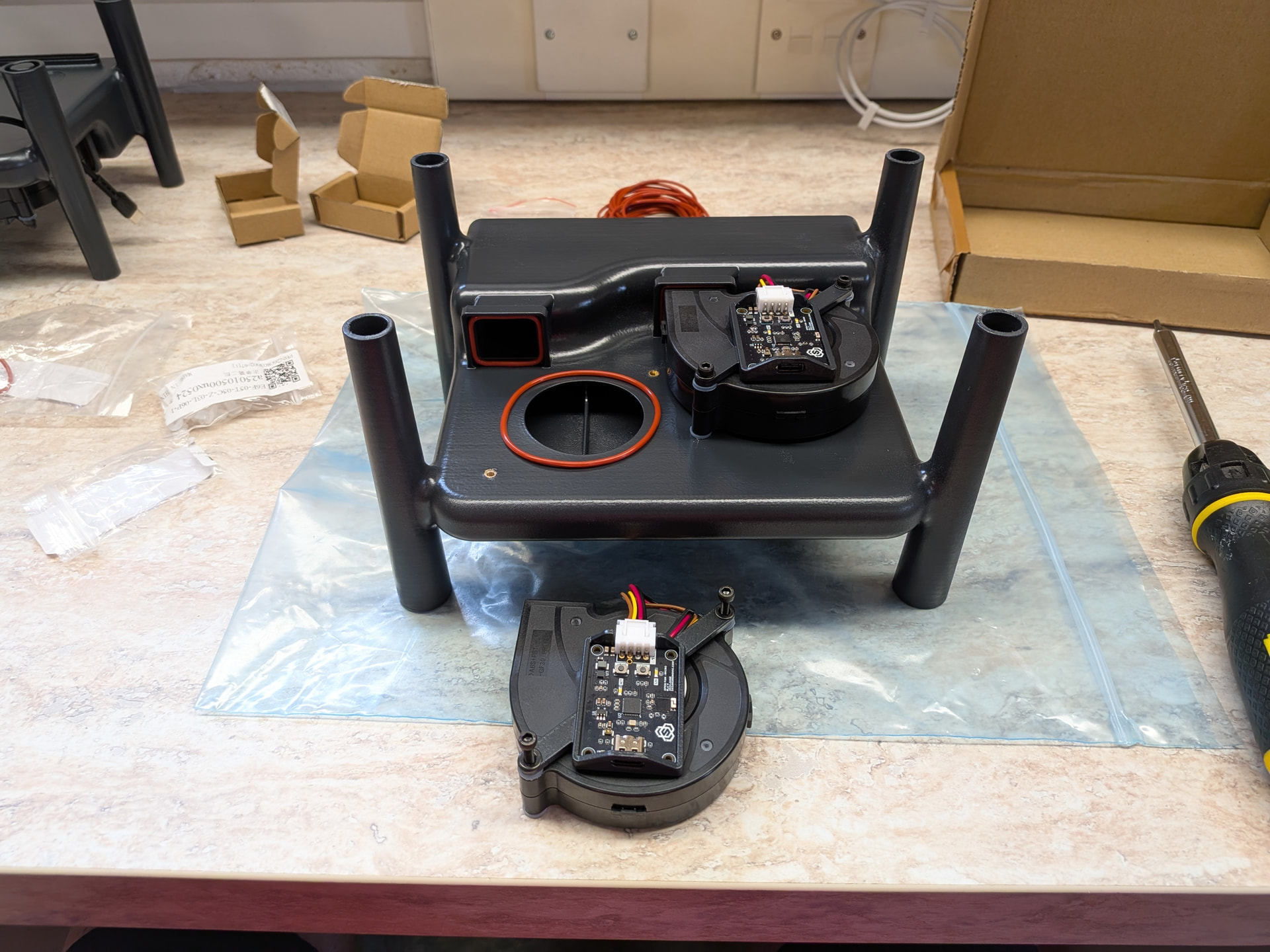
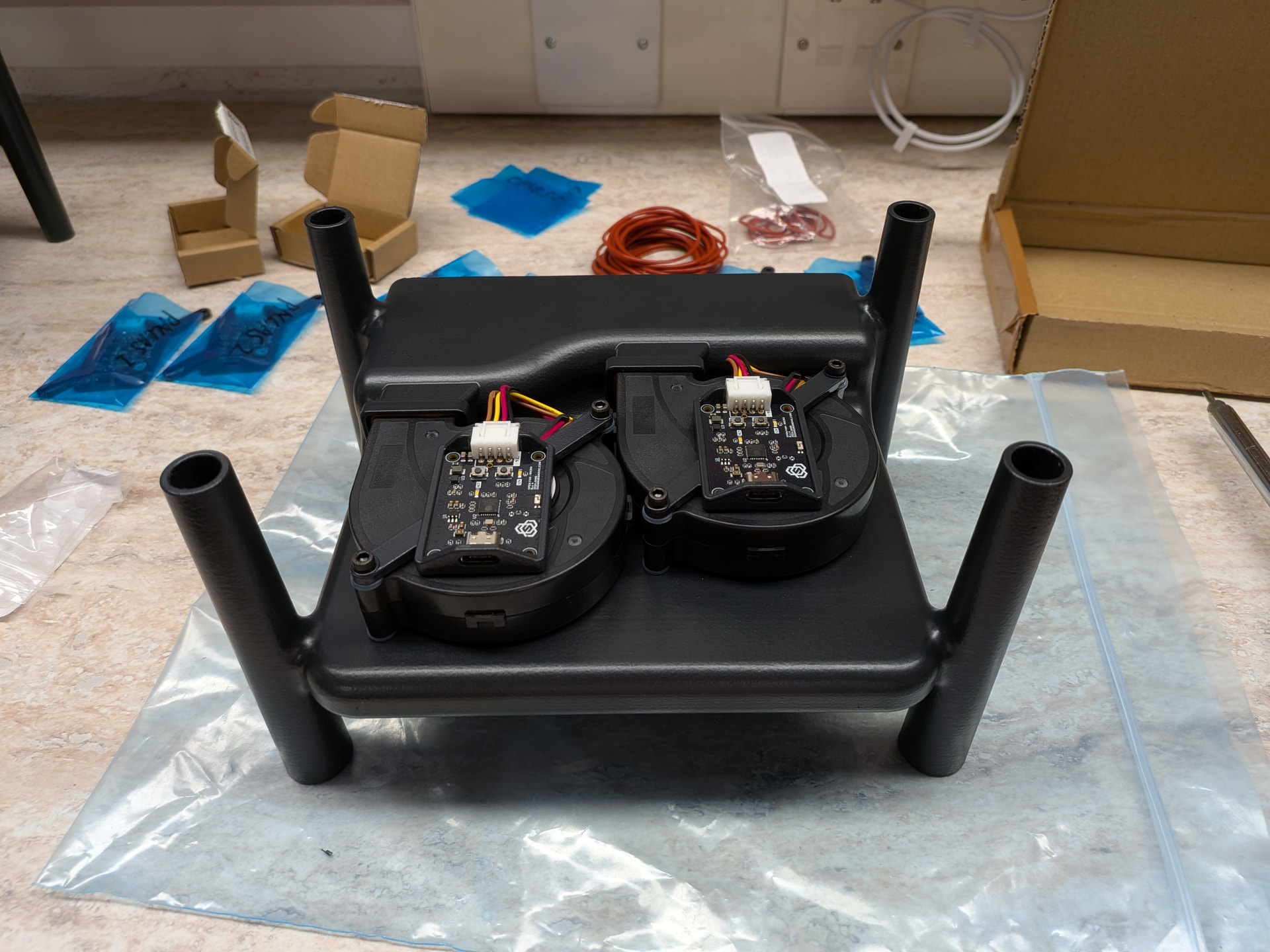
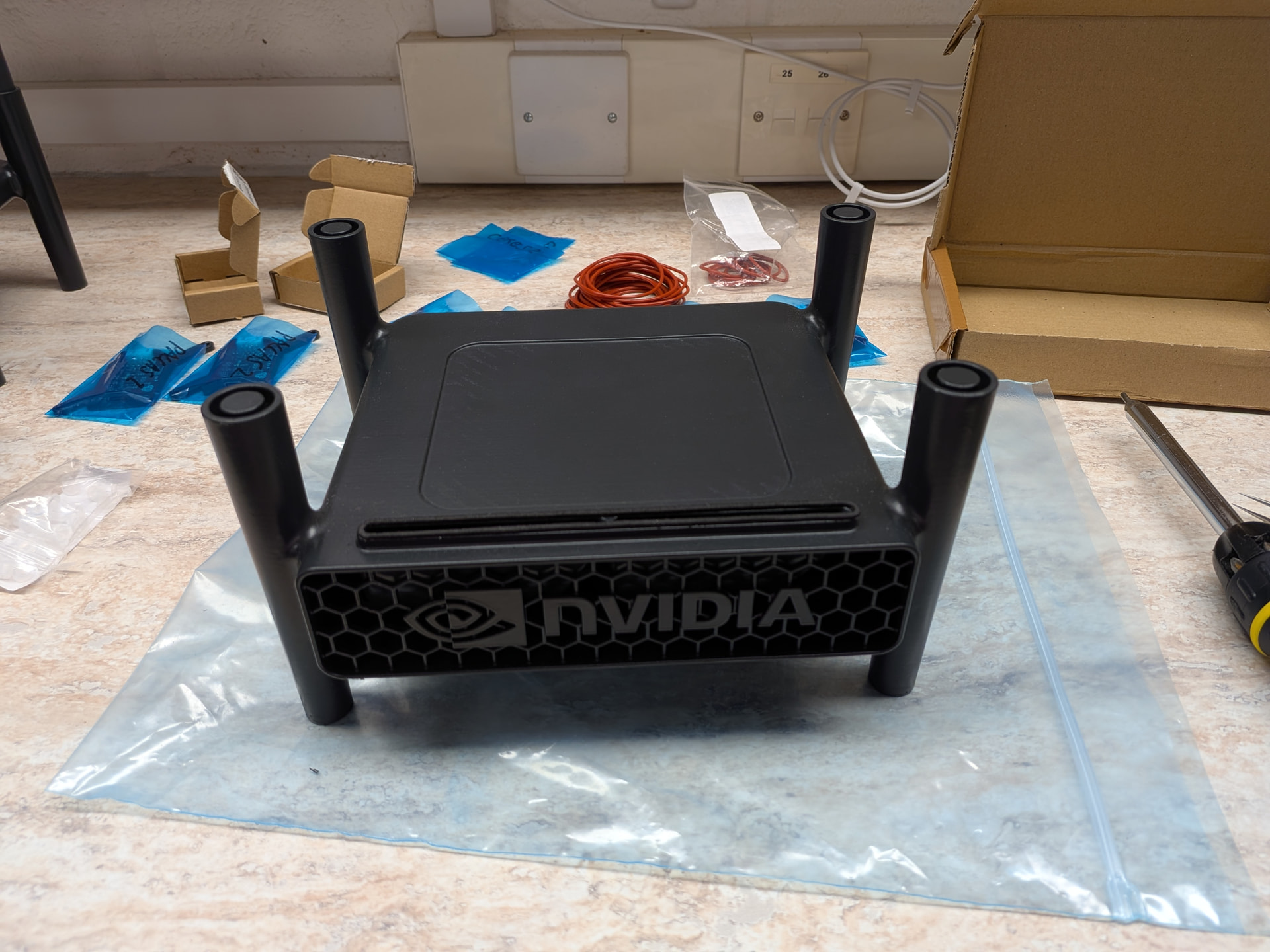
Yeah they are 3d printed and designed to also add a bit of extra cooling by forcing air into the narrow slot at the bottom of the units.

6 Likes

I have been considering sharing this for a little while, this thread coming up on the Summary email was the final push I needed. I built this server up from parts I have been collecting from around Covid-times, from a combination of chance finds and eBay/AliExpress surprise deals.

Host: Briareus (as in, one of the many-handed ones) - or occasionally “the Megaserver”
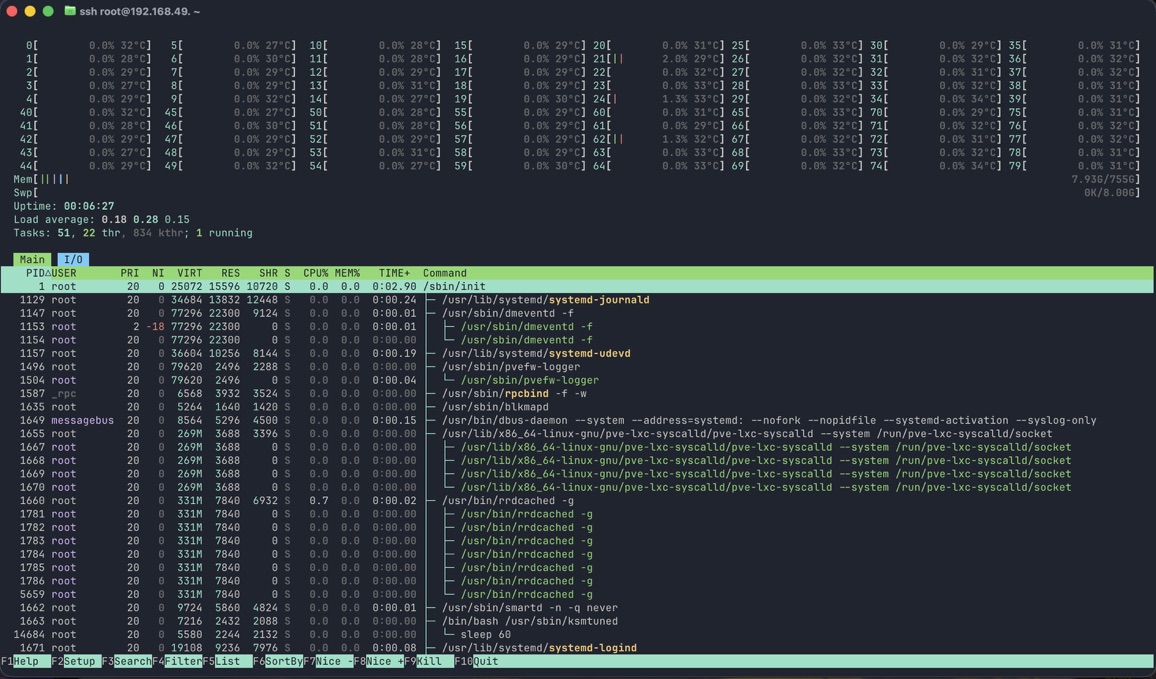
CPU: Dual Xeon Gold 6230, for a total of 80 threads.
RAM: 768GB DDR4 REG-ECC
GPU: Radeon VII, but occasionally also a spare RX5700 for funsies
Mobo: SuperMicro X11DPi
Storage: Yes
Case: Something Something $20 “open air test bench” from the big river store. I will get it a proper chassis one day… maybe…

System runs Proxmox, with a spread of several containers and VMs for testing various … things…
Main use is Turnstone, but I also point plain ol’ Hermes at the models via LiteLLM as well. I have 3 active Turnstone workers next to the master.

Models - A few…

CPU via Llama.cpp:
Qwen3.6-35B-A3B
Qwen3-Coder-30B-A3B-Instruct
Qwen2.5-VL-7B-Instruct
Qwen3-Reranker-4B
Mistral-7B-Instruct-v0.3

GPU via Llama.cpp, using Vulkan backend:
Gemma-4 26B-A4B-it UD-Q4-K-XL

GPU nets me about 65t/sec on Gemma

CPU nets me about 5 -10t/sec on Qwen3.6-35B-A3B
Or if I feel like being silly, it will do about 2t/sec on the larger Deepseek or GLM models :smiley:

This build currently sucks down about 150w at idle and up around 400w under load. I managed to drop the CPU consumption with some kerne, power tuning and c-state automations, so I suspect a lot of that are the big blowy fans and the GPU.

What does it do? Make a lot of noise mostly. I only power it up for some random testing right now, as soon as I have time to spare I have a few ideas for projects that I have been building up with Hermes. The idea is mostly to give it a project scope and test cases for when the code is done, then let it loose for a weekend and see what comes out the other end.

Next steps for me is a proper chassis, and some watercooling. I have some Bykski CPU blocks on order and a 40mm 360 rad in storage.

edit: Added some more context, I was in a hurry when I hit save earlier…
2 Likes

So…minor upgrade here…

Threadripper 3960x, the idea being to un-bottleneck the GPUs. Going from x8/x8 has made a massive difference to inference performance - token generation hasn’t changed at all, but prefill on Swift 27B has gone from ~3200t/s to ~4800t/s with empty context, and stays above 3400t/s even at 64k context. With the 90-120t/s TG, that’s approaching Qwen 3.6 35B performance on llama.cpp.

2 Likes

FFS.

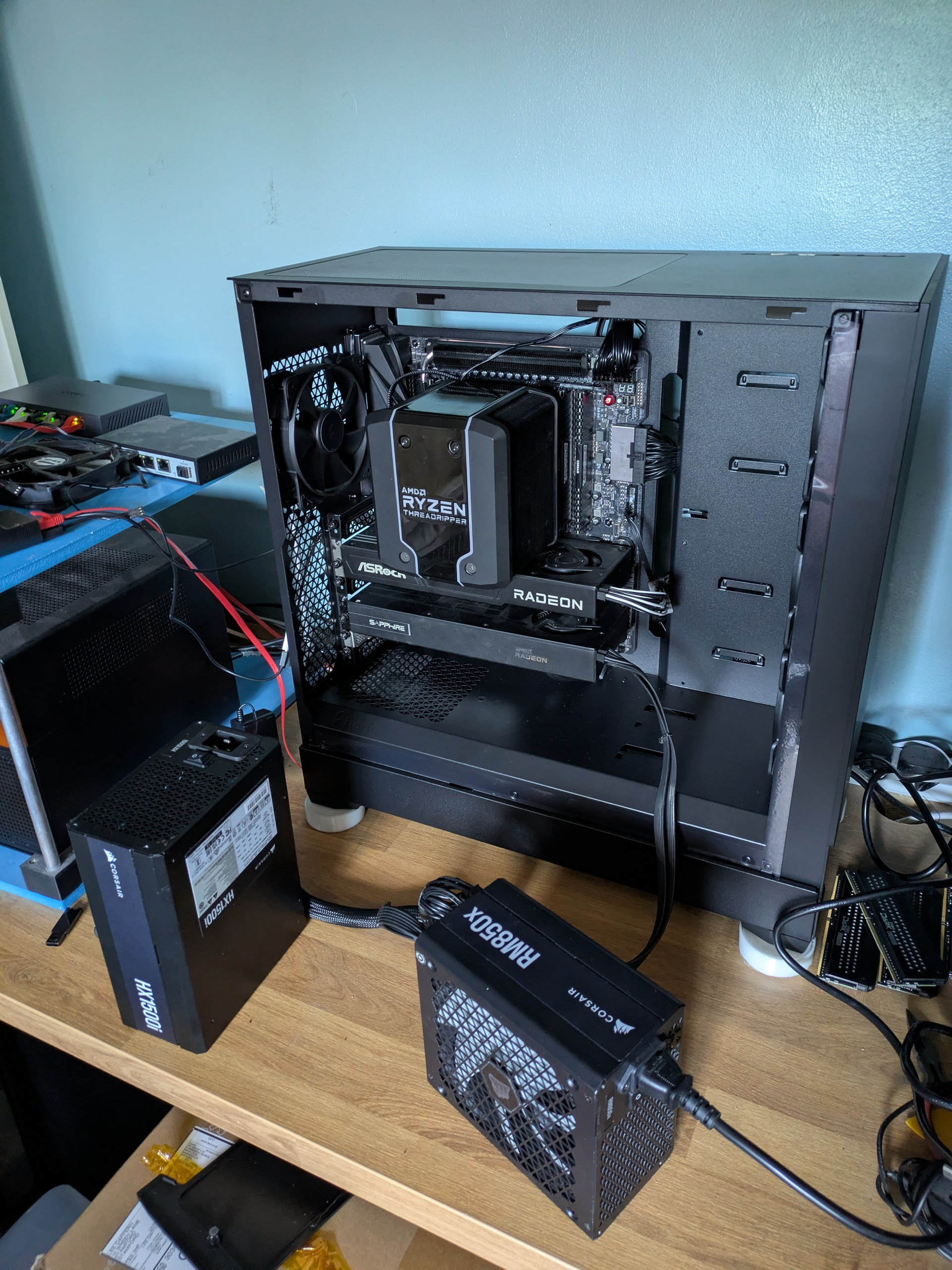
The HX1500i blew up, so…RM1000x in the case, and RM850x hanging around outside to power one of the GPUs (scavenged from a couple of other machines I’ve got lying around).

Currently thinking about making my own enclosure for the machine, set up such that the GPUs each have their own airflow. That seems like a lovely solution, except for the fact that I’ve only just bought that sodding Pop XL.

I guess I could transplant the NAS/media server in there, which would also give me the option of using one of the ATX boards to give it a serious CPU and RAM upgrade (3400g → 5700X), meaning that I can move my PG and MySQL servers off the AI machine.

Holding off for now, in case the guy I bought the Threadripper from manages to find the invoice for the HX1500i (ten year warranty).

1 Like

Crazy, I had a HX1000 die and I replaced it with a RM850 I had as a spare…

I hope you can get it warrantied, parts are becoming unobtainium faster by the day.

Yeah, it was really weird - the machine kept crashing when the load got over ~900W, then ~850W, then ~800W, then…it died completely.

Never seen that happen with a power supply before, they tend to just go BANG and let out the magic smoke rather than degrading. For me, at least.

1 Like

Deepseek v4.1 Flash is alive and kicking. The setup to do it is now looking like this:

4x DGX Spark

2x MikroTik CRS504 100Gbit switches powered be PoE in custom enclosures.

Yes, I still need to do a bit more cable management. :wink:

2 Likes

Legit, exactly what happened to my hx1000.

… is for the weak.

Your desk is way to clean to trust any work is getting done there, SIR.

  • Ahem, I just get punchy when I jealous :grinning_face_with_smiling_eyes:

I must confess, I did remove the notepad with scribbles that lives to the left of the keyboard. :smiley:

1 Like

I’ll throw my system here for your amusement:

-A 2200 Watt asus workstation psu (bought it simply because it had 4 VHPWR slots)

-AM4 X570 D4U 2L-2T/BCM motherboard

-5950X 16C/32T

-128GB of DDR4

-A passive pcie to mcio card hooked up to a PLX88096 Aliexpress special

-Quad R700’s via sff-8654 8i to mcio cables to a mcio adapter

-2 4TB samsung pcie 4.0 nvme’s

-8-bay but only 6 slots filled with 2TB samsung 870 evo drives in raid-z1

-P2P working inside the VM (with a few minor caveats see P2P enablement on prosumer AM4 with Quad AMD R9700's....on a proxmox VM with a PLX switch )

currently serving an mxfp4 optimised version of qwen flash-next on vLLM with 1M total context cache and a C8 of 300 tk/s and a C1 at 80 tk/s

2 Likes