Before I comment, you may find these resources useful:
and
especially:
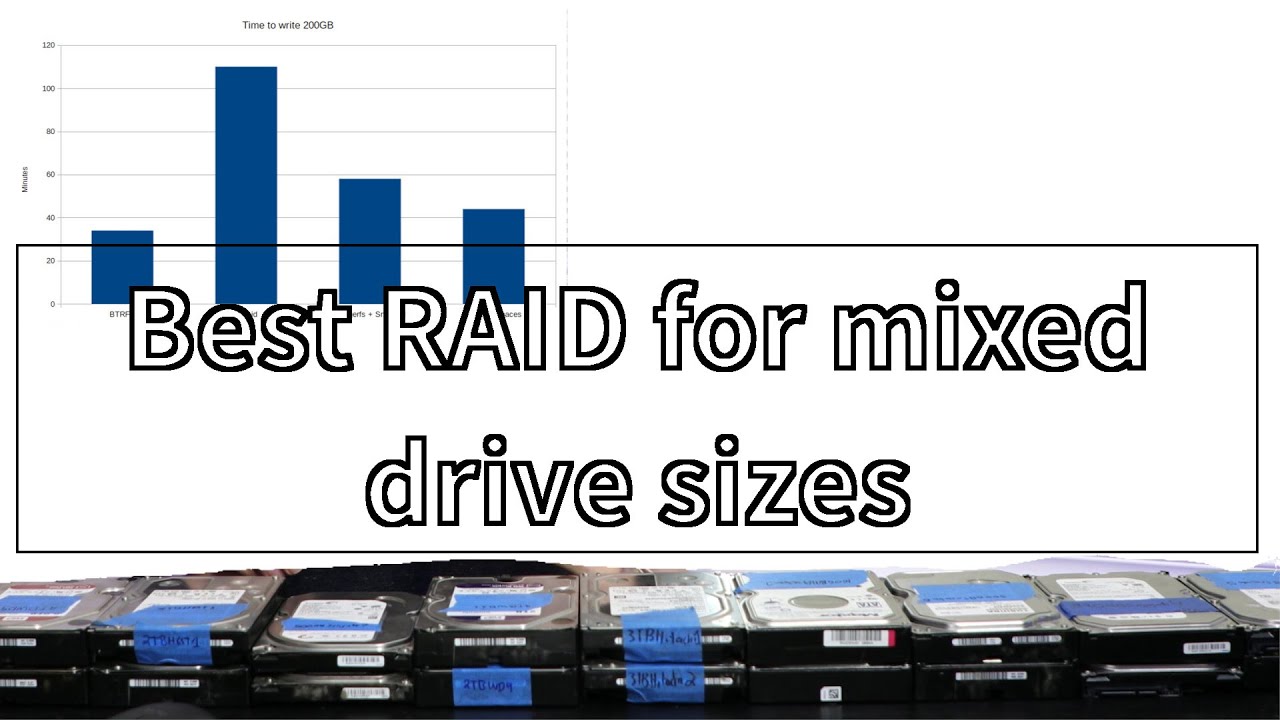
Assuming this will be a “working” nas, rather than a backup box.
Here’s what I would do:
Get 4 drives and fill all bays. Set the whole thing up in btrfs raid 1 for data and with metadata raid c3 ( raid1c3)
This gives you 3 copies of the metadata (to help catch & repair bitrot) and duplication of all data blocks.
cron a scrub 1x per week, or since scrub is a per-device process rotate which drive is scrubbed
https://btrfs.readthedocs.io/en/latest/btrfs-scrub.html#description
BTRFS raid does not require all drives to be the same size, it refers to how many copies exist. And yes you can use raid1 with more than 2 drives - handy chart here: mkfs.btrfs(8) — BTRFS documentation
With btrfs raid10 is superfluous.
You can then upgrade drives as you go
BTRFS will also let you combine the drives under a single mountpoint without an actual raid. However, if a file falls across a 1gb boundary in going from 1 drive to the next that file could be lost in case of failure. MergerFS gives greater safety and flexibility in this case.
If instead this nas was your “backup drive” then you might be better served with mergerfs and snapraid.
Hope this helps