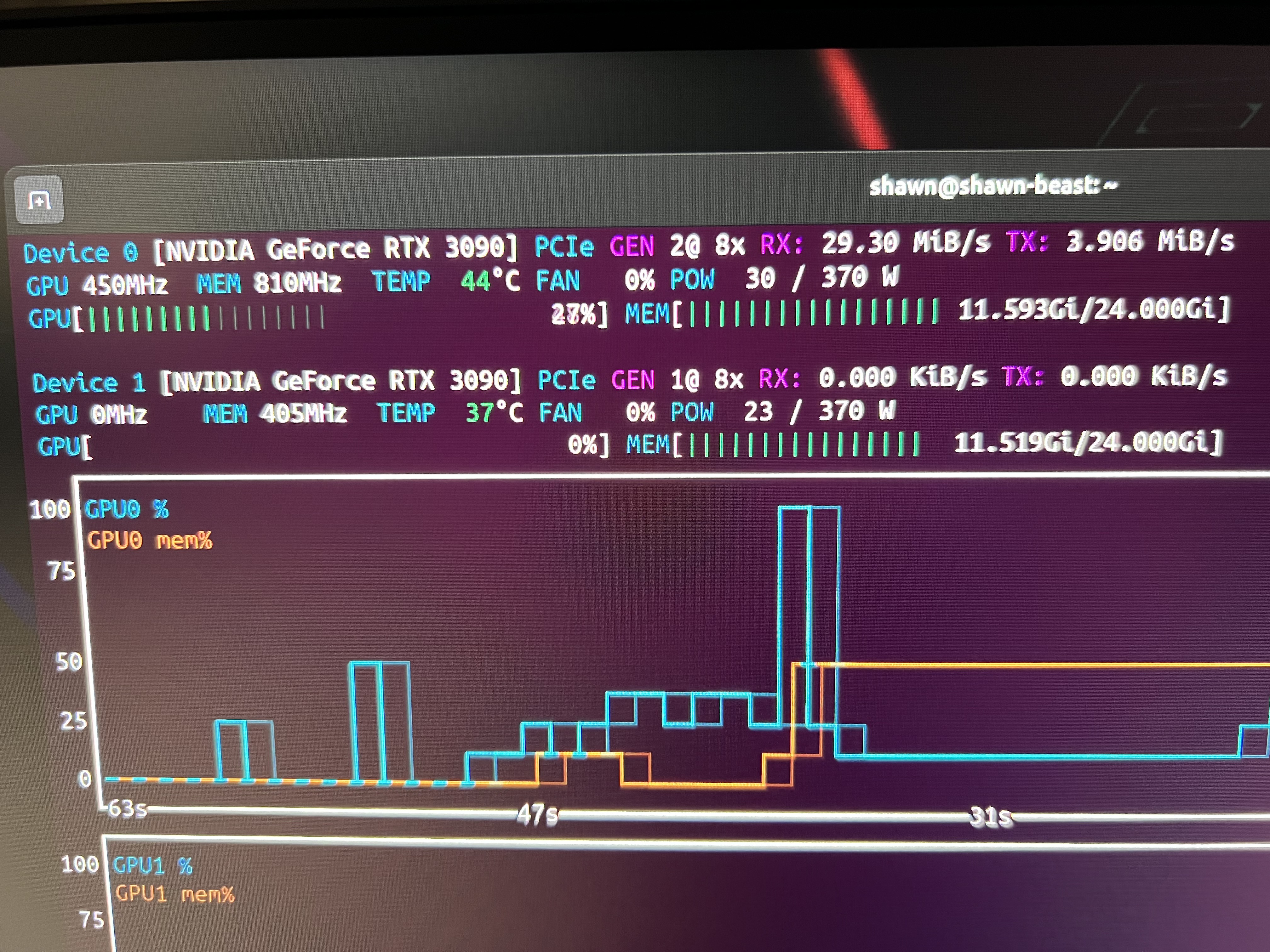
I am soon to receive a large sum of money and am planning a workstation build. I’ve tried doing this with Intel LGA 1700 but just ran into a lot of problems due to pcie limitations.
I currently have 2 RTX 3090s and am planning on using 4 in this build.
PC Build Components
Case
Lian Li Dynamic EVO XL (It has easy install of 2 PSU and good cooling)
I echo the question about the choice of 3090.
Is this going to purely be a workstation?
Or are you trying to build something that pulls both workstation duty and gaming duty? If so, do note that you will take a hit on gaming performance and still spend $10k+. Your CPU wasn’t designed for gaming. But if you know that and you’re okay with it, go for it. Do what works for you.
If it was me… I would build in a dual system case and run a mini-ITX system for the AI. then run a standard ATX system for my gaming fun… or vice versa. Not sure how much of a load your ML/AI aspirations will be.
i building a lot of similar workstations these days and most if them using epyc 9754 (becuz id very chaep now) . you should look into that as well. wendell published a great video last month for the same setup.
3090s do look a good deal at the moment - you can get two of them plus an NVLink bridge for the price of a 4090 when buying in second hand in the UK. If you just want the GPU memory to run the larger LLMs locally, they make a good choice.
I already have 2 3090s and an Nvlink bridge. From what I’ve read, you can only Nvlink 2 gpus on this chipset. However, I am going to add 2 more do I have 96gb of nvram. AI should be fast on this machine.
I have a gaming machine with a 4080 super. This one will be for AI/ML and video rendering. I already had the 3090s in a godlike z790 but the board is out for repair as I accidentally screwed up the cpu socket by hitting it with the cooler
Is this a question? If so you would have a total of 96Gb of vram but the two pairs of 3090s connected by nvlink would have a unified memory of 48Gb. And I believe the 3090 still has peer-to-peer support enabled so then the two pairs would communicate over pcie instead of going through the cpu.
Yes, you can get them pretty cheap in singles but I am now going to use Turbo (server) versions that are only 2 slot cards. This way I can fit all 4. I’m just going to build a different machine with the 2 I already have.
Ollama, vllm and other tools (even LM Studio) are Nvlink agnostic as far as I can tell. They use p2p. I have used 2 different cards as a test. A 4070 to and a 3090 that I could fit in my z790. It worked.
I got the second 3090 and was able to get it working pretty well but I started having power issues with a 1600 watt power supply with everything else I had going on.