I need help updating the bios on my dumb laptop.
What I’ve tried, multiple times:
- usb drive (FAT32, USB2) with the .bin file on it’s root.
- usb drive with the folder structure HP asks for (:/HP/BIOS/New/Firmware.bin, or :/HP/DEVFW/Firmware.bin)
- placing the firmware in EFI on the boot drive and repeating above.
- installing windows 10 (had pop_os previously) and running hp’s bloatware that claims it’ll do it
- upgrading to windows 11 23H2 and doing the same
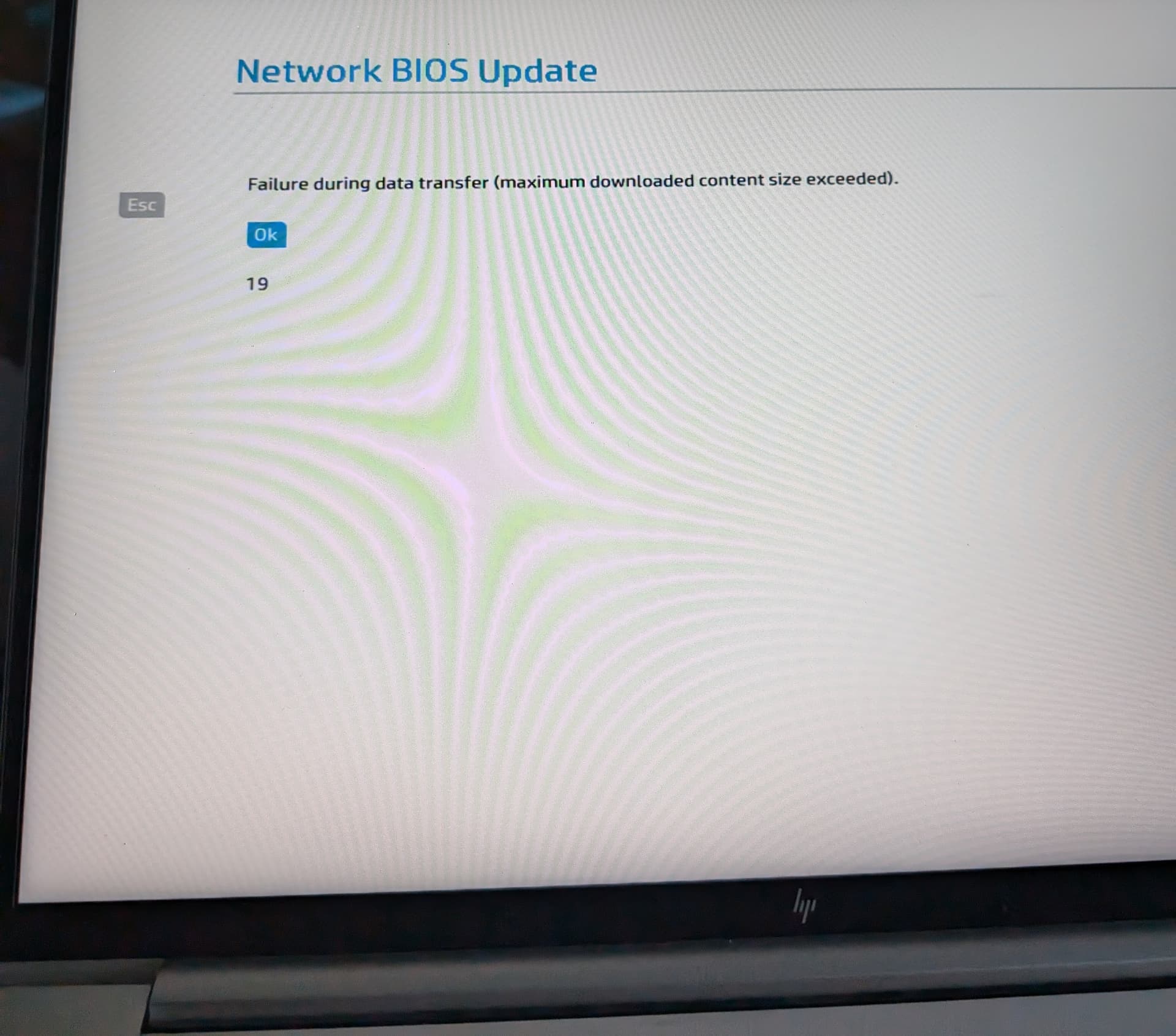
- running the network update from the bios leading to an error message (Failure during data transfer (maximum downloaded content size exceeded).)
I have 01.02.01 on it from 2022, the latest I have downloaded is 01.09.03 from May 2024.
HP’s bloatware doesn’t launch anymore after I hit check warranty status (I doubt I have any time left)
Only the last attempt gave an error?
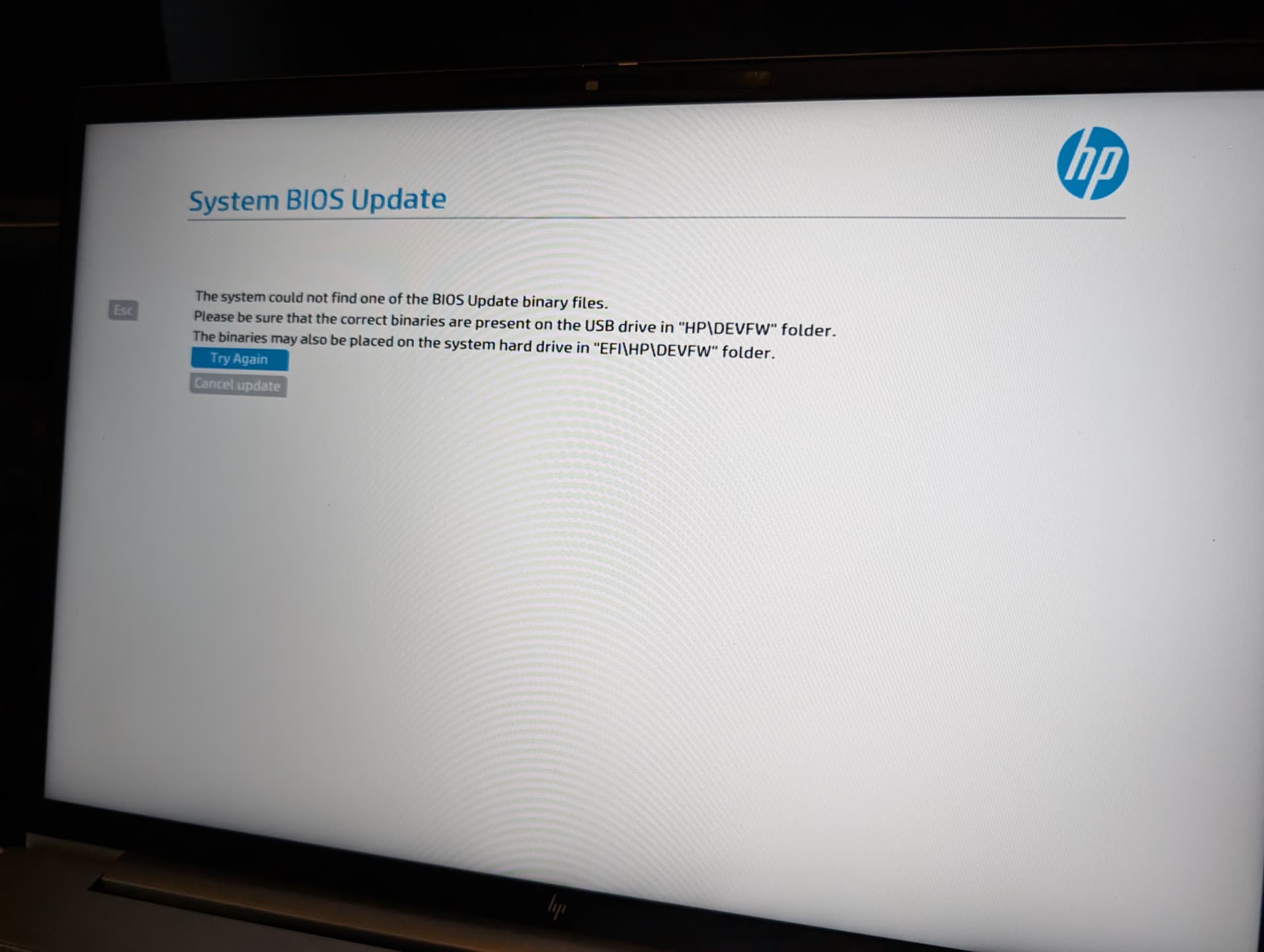
Every attempt from a local file resulted in this screen
The network upgrade resulted in this screen
If you have linux install or boot media , try using fwupd. Hp supoprts it and it should automates all neccessary step, hence removing user error from equation.
If that fails double check paths for case sensitivity issue and if binary file name matches the original distribution form, sometimes it matters.
I dont think FAT32 has granular permissions, so those should not matter here.
Last step would clean format of usb drive and starting from scratch just in case.
If even that fails, maybe there is something deeply wrong with that unit. Check memory and do tress test just in case?
I tried fwupd on a fresh install of ubuntu 22.04 lts. It said command not found yet it was installed.
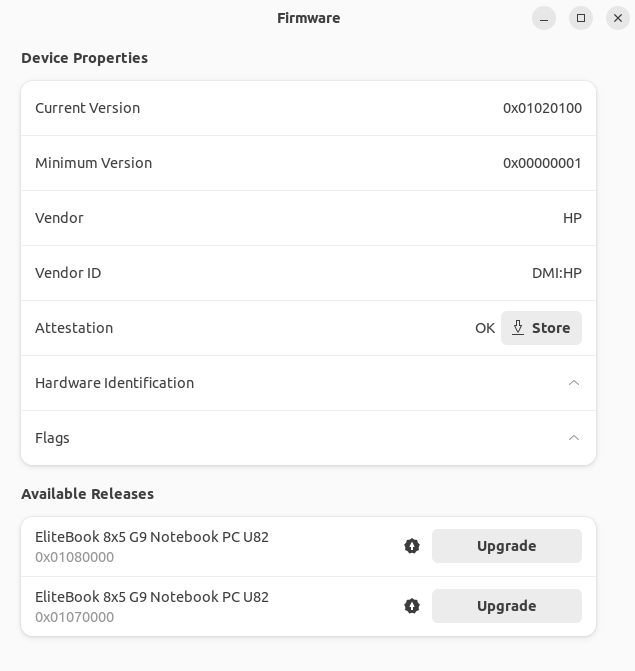
i tried gnome-firmware and it displayed this
Clicking upgrade on either of those buttons downloads something then prompts for a reboot that never comes. so after manually rebooting, i see fwupt-efi version 1.4 print in the top left of the screen. then it reboots again and goes back into ubuntu, this happened multiple times. the app gnome-firmware never stated it got installed.
I’ll format my fat32 drive on my other machine and put the files on there and write back in a bit
No luck on formatting the drive 
Hello Mark,
I have found a fix to this issue. The key is to do bios updates incrementally in order to update to the latest version. Here are the increments that I did:
01.03.01 sp143268
01.06.00 sp148061
01.09.03 sp152940
01.12.00 sp156775
The forum will not let me post links, I think it is because I am a new user. But the BIOS updates are available directly from HP through their FTP server. Find any SoftPaq from HP’s FTP website, and then replace the last few bits with the correct spXXXXXX numbers and add .exe at the end to download it.
I was able to successfully update to 01.12.00 Rev A using this method on my EliteBook 845 G9.
Hope this helps!
Rohan
1 Like
Thanks for the message, I remember I had to use a USB C to A adapter and use one of the USB C ports with a thumb drive to update it. The same thumb drive via the A ports didn’t work. I need to do that again sometime this month. I don’t remember if I went incrementally or not though.
That is a very strange issue. I did try to use the USB for some of my earlier attempts and the laptop was able to recognize it, it just wouldn’t update due to being too far apart. For the incremental updates I did, I was able to just use the HP bios tool. It just placed the correct files in the EFI partition and did it automatically for me.
I was hoping the BIOS update would help with some issues I am having with the AMD graphics drivers. Any chance you also had trouble with them with your machine?