If true, we wouldn’t have to have our drives physically destroyed into pulp, but for most common folks, yes, it’s sufficient.
1 Like
NIST SP 800-88 covers physical destruction of media. Not sure what you are trying to convey by sending the link. I was just pointing out Secure Erase will never equate to physical destruction of media.
1 Like
Then you didn’t read the publication.
Firmware-level data destruction commands that sanitize storage media completely. The original ATA SECURITY ERASE UNIT command was added to the ATA specification in 2001 at the request of the Center for Magnetic Recording Research (CMRR); it runs entirely inside the drive controller, completing approximately eight times faster than DoD 5220.22-M block erasure. Modern equivalents include ATA Sanitize, NVMe Format with secure erase option, NVMe Sanitize, and TCG Opal Cryptographic Erase via DEK rotation. The dominant standards framework is NIST SP 800-88 Revision 1 with three sanitization tiers: Clear, Purge, and Destroy. Properly executed Secure Erase makes data unrecoverable by any current technology.
Again not sure what you are trying to prove. That data wipes are as secure as physical media destruction from 2001 specification? Not the case. Physical media destruction is in the NIST standard for a reason, and in those cases, they must be minimum double signature witnessed at time of destruction for DoD and Federal critical data.
1 Like
But this digresses from the original, thread. A single wipe and over write of ssd space is more than sufficient for the user’s use case.
1 Like
Block headers remain. While the information in the blocks is gone, the metadata will list file size, name of file, type of file, etc.
‘Secure Erase is equivalent to Physical Destruction’ - the NIST attribution at the behest of the Center for Magnetic Recording Research.

Yet, DoD and Federal requires physical destruction of the media regardless of a secure wipe of any media containing secret or above information. Believe what you will.
1 Like
Beurocracy ≠ Reasonable
Physical Destruction rules pre-exist technological invention methods like Secure Erase.
1 Signature to implement Physical Destruction 3 signatures to change Physical Destruction requirements.
Secure Erase as equivalent to Physical Destruction was added by NIST with SC’s in mind. You choose the standard you want to use. Secure Erase targets Corporations and individuals who have a need for secure data destruction that is unrecoverable, like your health information, your tax information, your drivers license information, your insurance information, etc.
Individuals can Secure Erase their hardware pron collection when they spot the FBI surveillance van outside. (You can save another laptop.)
It doesn’t cover copy machine manufacturers, where every document you copy is retained.
(What would happen if the copy machine hard drive was in raid array to another on/off site networked storage device…somebody would have a database of your copies. Secure Erase is meaningless here.)
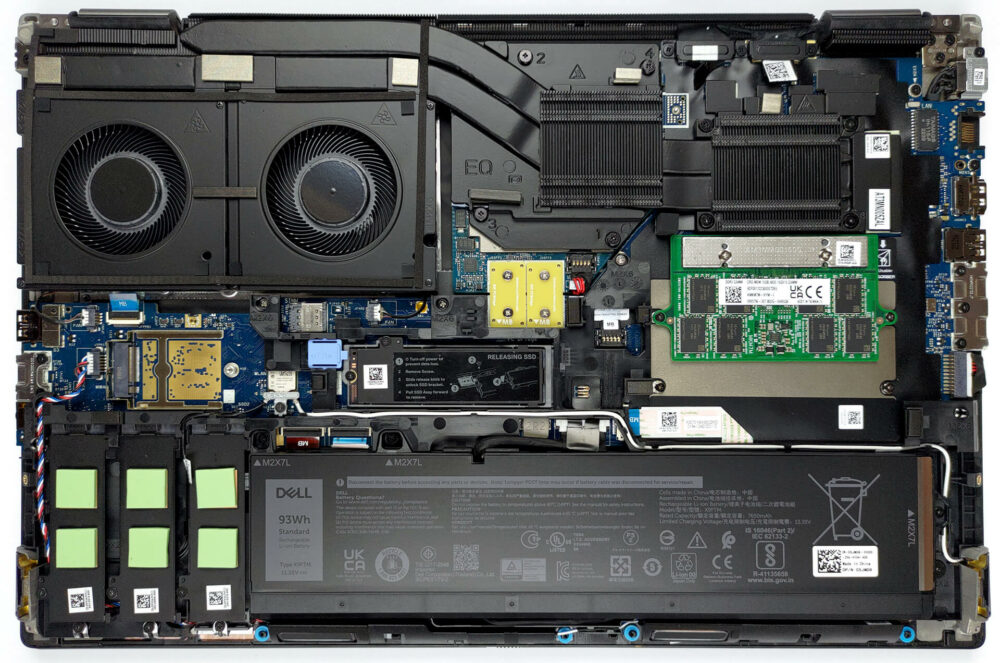
Normally I’d just suggest removing the drive and killing it with fire to ensure proper destruction of data but with the cost of drives these days I would suggest removing the drive and using it as a secondary drive to another machine you currently have or as an external drive for your needs. As for the pc the drive came out of it, sell it as is with no drive and the next owner will have to deal with sourcing a new drive and os!
My $0.02 for what it’s worth!
1 Like
That a piece of proprietary consumer level SSD firmware correctly implements secure erase is quite an assumption if you’ve experienced years of firmware bugs in storage layers 
I’d sell it driverless and reuse the drive.
1 Like
The point about the buyer needing an OS already installed is worth taking seriously, since most people buying a used PC won’t want to source and install Windows themselves. Leaving it in evaluation mode seems like a reasonable middle ground, though I’d be upfront in the listing so the buyer knows what they’re getting. I’m also curious whether removing the device from the Microsoft account is enough, or whether the license needs to be explicitly unlinked before the machine changes hands. Better to sort that out beforehand than have the next owner run into activation trouble.
1 Like
That’s probably a very good point. In the past, I never thought about that because I stopped using Windows so long ago that online accounts weren’t a thing, and in work I’m on the Service Desk, and have access to Intune to manage the licenses. Today, anyone who doesn’t know better (i.e. almost all users) will be using an online account, and will need to think about managing the Windows license when they sell/give away their computer.
1 Like