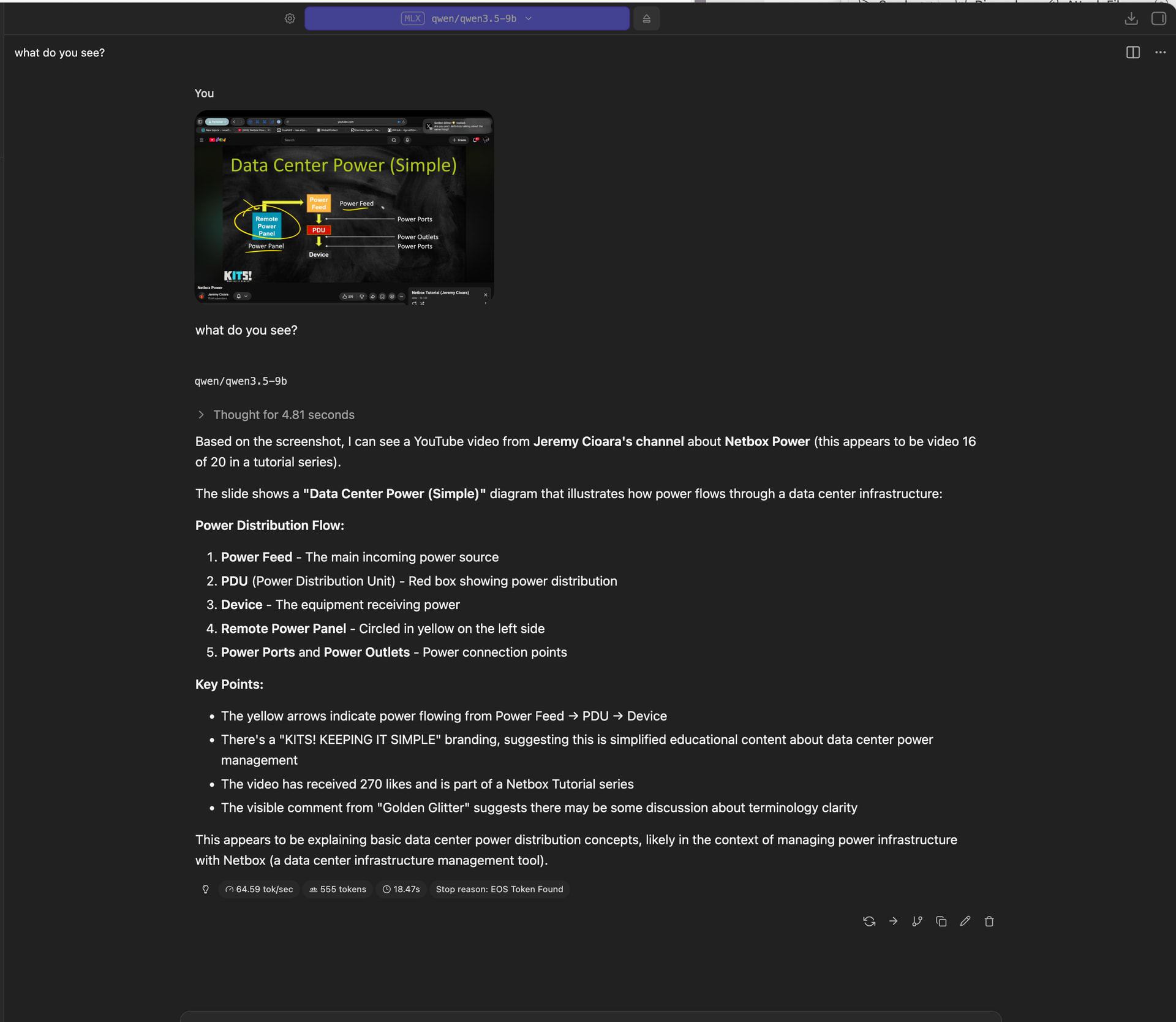
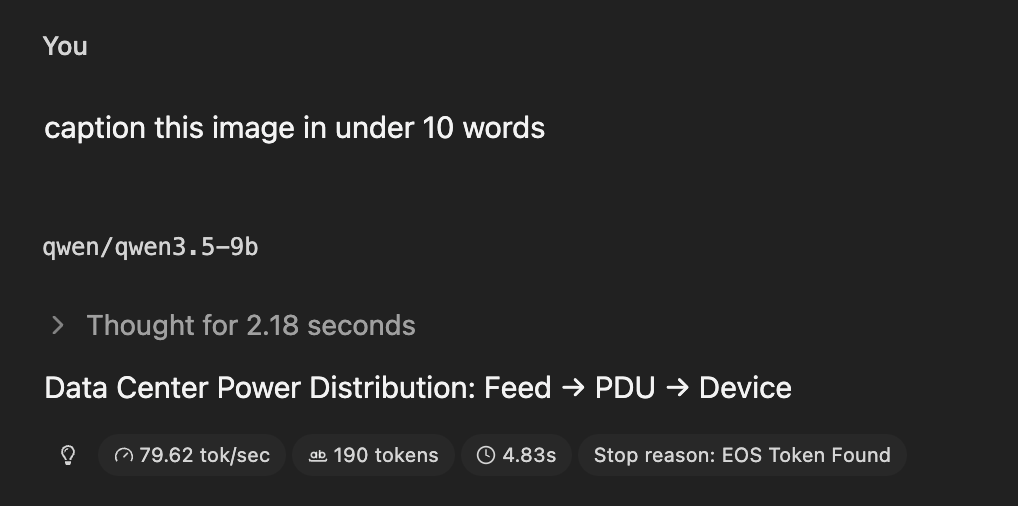
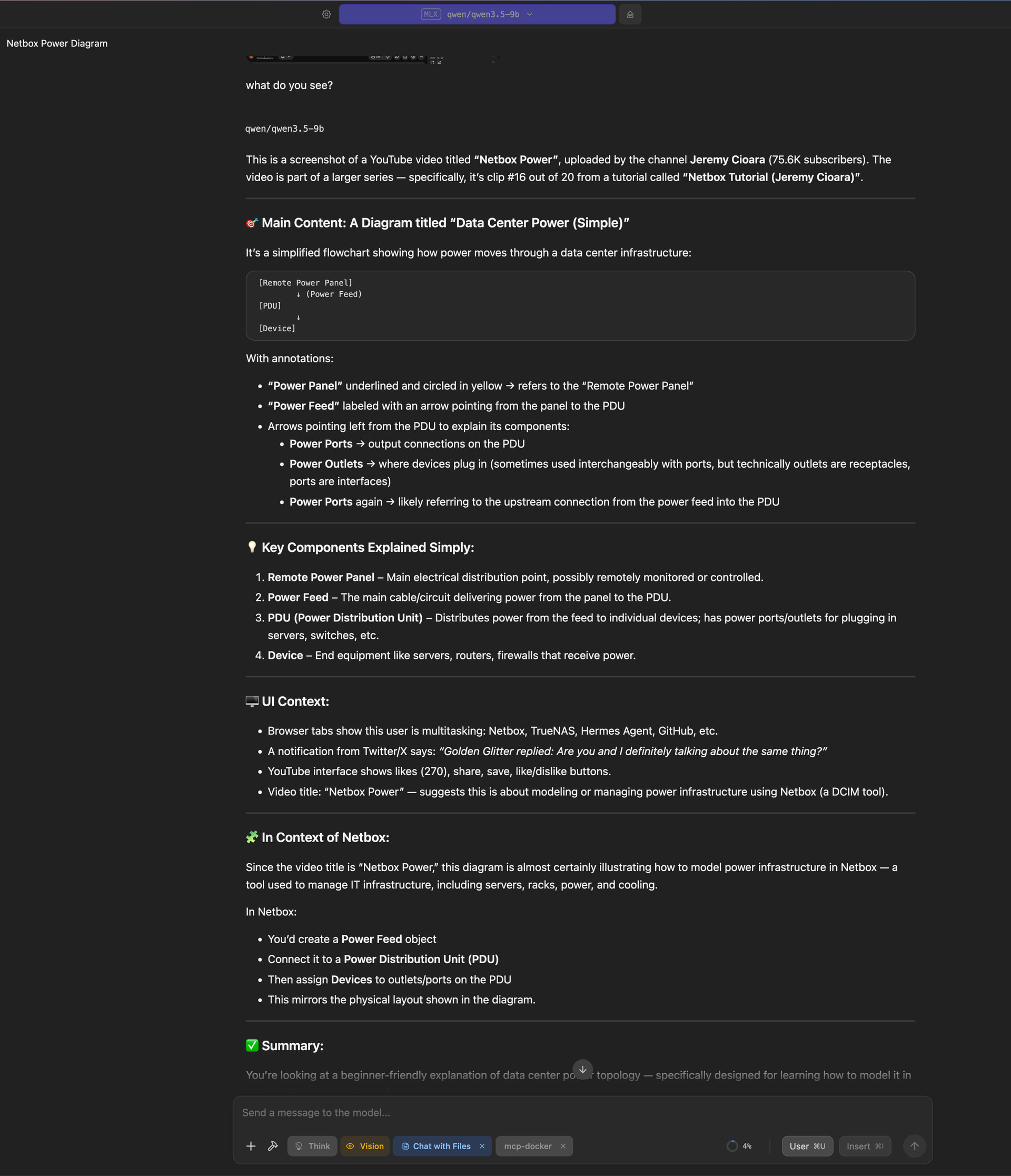
As you know, much of the power of LLMs comes from adapting them to new tasks. Full finetuning is a bit much for me and requires a lot of training data, but for several years now AI companies have tried to build LLMs that excel at one-shot-prompting, few-shot-prompting and of course zero-shot-prompting. One-shot prompting means you give the LLM one example of task plus correct answer before asking it to solve a similar task. Few-shot prompting means you give several examples of task plus correct answer. This doesn’t require additional training and can be done with very little data.
But when I tried that with a finetuning of Qwen-3.5 9B, the results were horrible. I wasn’t able to make Qwen describe an input image in a style that was useful to me by just describing it in the prompt (it kept ignoring my instructions), so I just gave it between 3 and 17 example images together with the captions I expect and then asked it to produce a description for the final image. The result was always worse than with no examples at all. I also tried it with Gemma4 12B and that is even worse - it always just copypasted one of the example captions.
Is what I’m trying even supposed to work? When I read about it, few-shot-prompting was applied to pure language tasks, but I want to apply it to vision-language tasks.
If few-shot-prompting is no solution, I’m of course glad to hear tips for how to force Qwen or Gemma to adhere to my instructions strictly. One example: Qwen often outputs “Attached media:” or “” or stuff like that in its description. I tell it to “Describe the image. Do not repeat the prompt or parts of the prompt, output ONLY the description. Do not output XML/HTML tags, metadata or other extraneous clutter”, but it does it anyway.
What you are showing is zero-shot capability (you’ve given zero examples of what output you want, so the LLM has to go by what it already knows). Zero-shot works reasonably well, I just couldn’t get it to describe the image in the style that I want.
But few-shot-prompting can in principle be used for more than just changes in style. One limitation I noticed with the 9B model where few-shot-prompting might help (haven’t tested yet): I gave it screenshots from a Go board (the strategic board game) and asked it to give me bounding boxes around all the stones on the board. It gave me bounding boxes around some of the stones, but not all of them. With few-shot-prompting, I could give the LLM maybe 10 screenshots of Go boards with corresponding lists of bounding boxes and then ask it to do the same thing for the 11th screenshot as well, hoping that that improves the performance.
I’m looking for people who’ve done something like that successfully. Or who maybe have tested it in many different ways and failed and who can tell me that Qwen just isn’t good at that.
Here are two Wikipedia articles describing few-shot-prompting: /wiki/Prompt_engineering#Multi-shot and /wiki/Prompt_engineering#In-context_learning
I ran Qwen-3.5 9B on different hardware and also ran different Qwen variants (2B, 27B), but I’m not yet perfectly happy with any of them.
here is one example for few-shot prompting. much harder than what i’m looking for. i tried it on ChatGPT 6 Luna with thinking enabled and it didn’t produce something funny:
here are examples of some funny movie descriptions that reduce the entire movie to one aspect and then use a distorted or exaggerated description of that aspect:

captain america the first avenger: Man gets steroids and a frisbee to fight off Nazis.
star wars the empire strikes back: Orphan farm boy kisses sister while dead beat dad tries to get him to join the family business.
LotR the fellowship of the ring: A group spends nine hours returning some jewelry.
forrest gump: Drug addicted girl takes advantage of mentally challenged boy for three decades.
avengers infinity war: A man ends world hunger with his rock collection.
james cameron’s titanic: Man saves woman from drowning. Woman doesn’t return favor.
the matrix: An office worker does drugs to learn Kung Fu.
the sound of music: A nun bangs her boss, renounces her faith, and flees the country.
disney’s robin hood: A fox, a bear, and a badger have some serious disagreements with the way a wolf and a lion choose to govern the land.
alien: Woman saves cat from an intruder on her spaceship.
the shawshank redemption: Man crawls through a sewer to get to Mexico.

in the same way as these examples, describe “the godfather”
Minimal prompts might be good for parlor tricks or testing out a new model, but I don’t find that very useful. I try to avoid any direct prompts. I always have and AGENT.md for all the general rules (the project language, the linter spec to use for that language, use minimal comments, use good function names over comments, seriously don’t put down excess useless non-obvious comments everywhere!)
Then I create a plan directory with like 01-initial.md and tell it Read AGENT.md for project base rules, execute plan/01-initial and I check in that plan with the result.
Sometimes I copy/paste the summary into the git log along with cost/token usage reported by opencode or claude whatever I’m using.
A good detailed spec helps you track what you asked for; lets you see if the machine failed clear requirements or if you actually forgot to really clarify the requirements.
Good catch. I reran it. The “short movie description” prompt is 285 tokens. The 17 images I wrote about first are 496 tokens in total. My limit was 12288.
Might be worth taking a look at DSPy: Program, don't prompt, your LLMs that, after you make a dataset, will auto optimize the prompt to make it work well for your task. This is probably where I’d start. You probably want MIPRO V2 Cheatsheet - DSPy
In addition, it could be useful to spend some time looking at structured outputs/JSON Schema, which forces the LLM to only output tokens that match your specs. Usually JSON but you can get crazy and make it work for specific programming languages too like GitHub - mlc-ai/xgrammar: Fast, Flexible and Portable Structured Generation · GitHub. It need to be supported by your inference software though, and shouldn’t be your first choice since you’re kind of fighting against the LLM if your instructions aren’t almost perfect.