I’m in need of some hacker, or a Home Automation Exorcist (aka @wendell ) I’m way over my head for this one. I gathered a bunch of info that might be useful but I don’t know what to do with it. Any experienced guiding would be highly appreciated. I already got the GPT runaround that makes you go in circles with potentially harmful consequences. I’d rather hear from a fleshbag that knows his stuff than a sicophantic chatbot.
The story
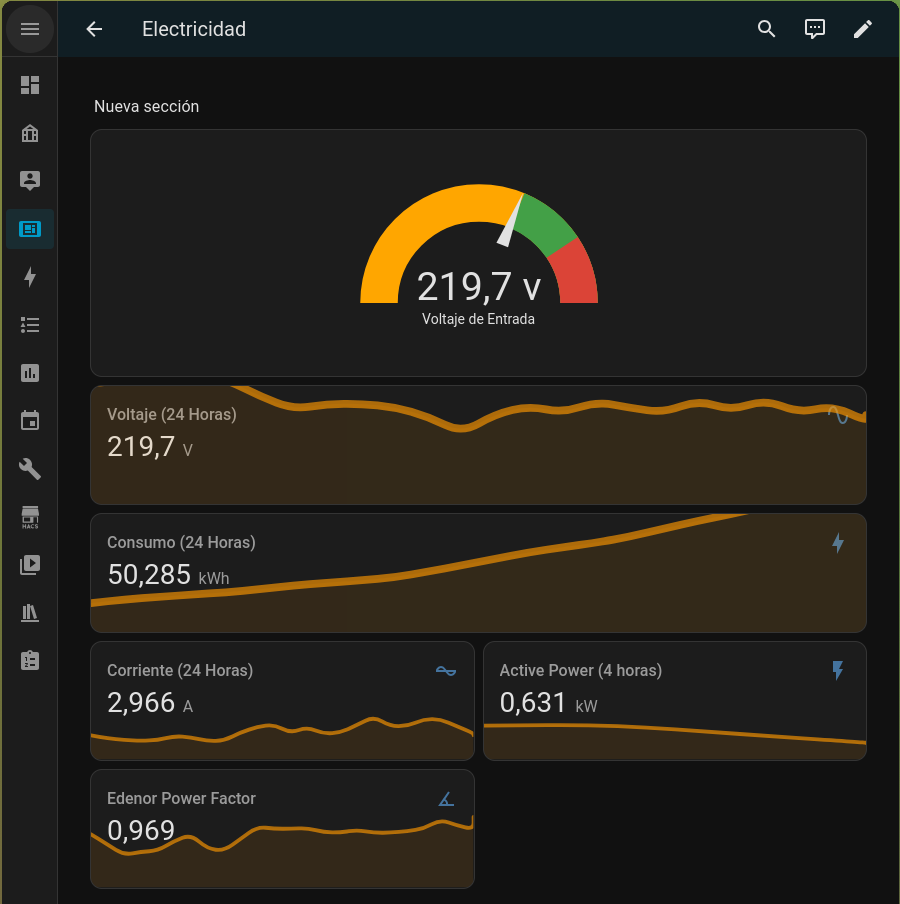
I’ve had several appliances die to brownouts so a few years ago I installed a simple power meter on my electrical panel. If I notice something’s funky, I can cut power to the whole house and monitor it until I see an appropiate voltage again. Of course this was never ideal, since I had to manually rush to the breaker to cut power.
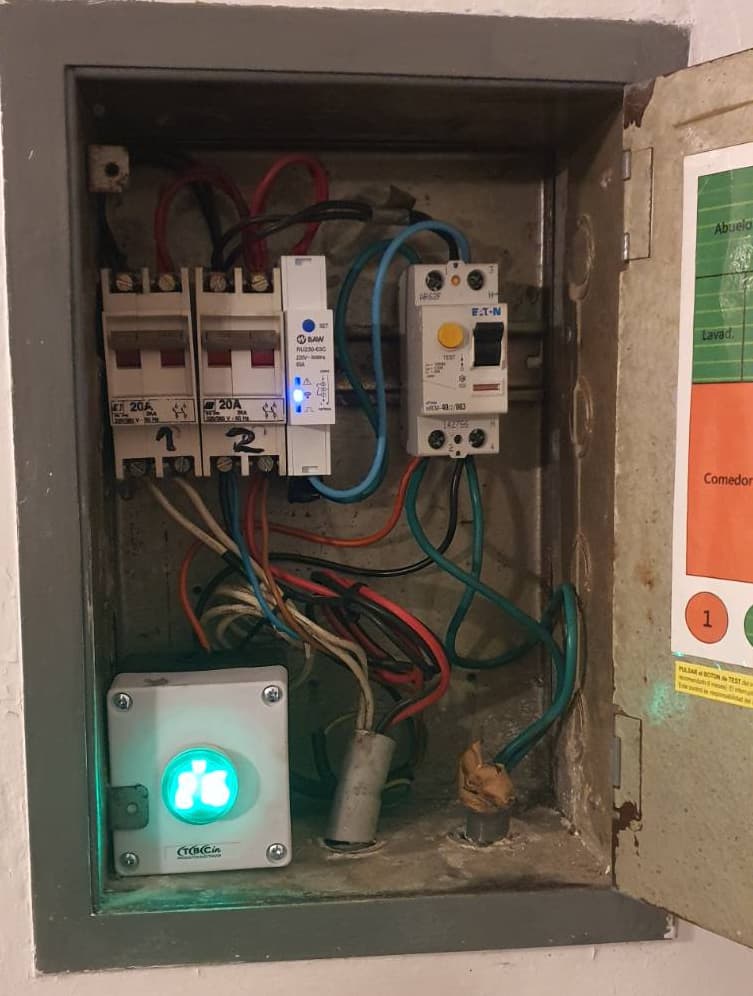
This morning my old mains voltage readout died, kept resetting. Since now I’m full into home automation, I decided to get a “smart” power meter. I went to my local electrician store, asked around and got This (docs are in spanish sadly).
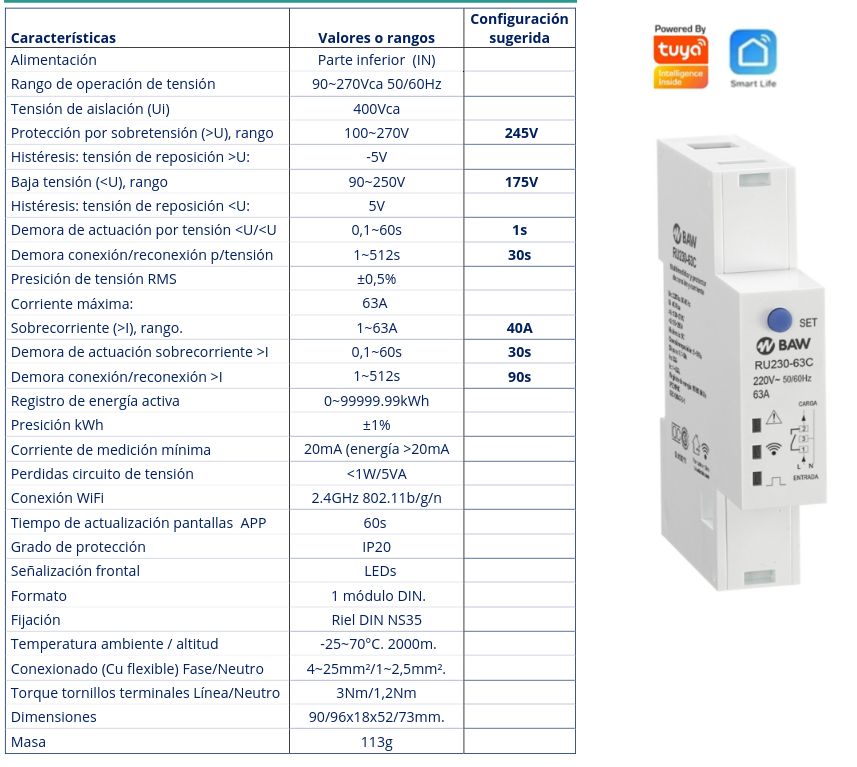
TL;DR, it’s a pretty nifty DIN-Rail device that not only gives voltage reading, it also gives a bunch of extra stats (power usage, power factor, frequency, etc).
So before calling in the electrician for the installation, I decided to wire it to a normal plug so I could go through the proccess of pairing and integrating it with my HomeAssistant.
The Struggle
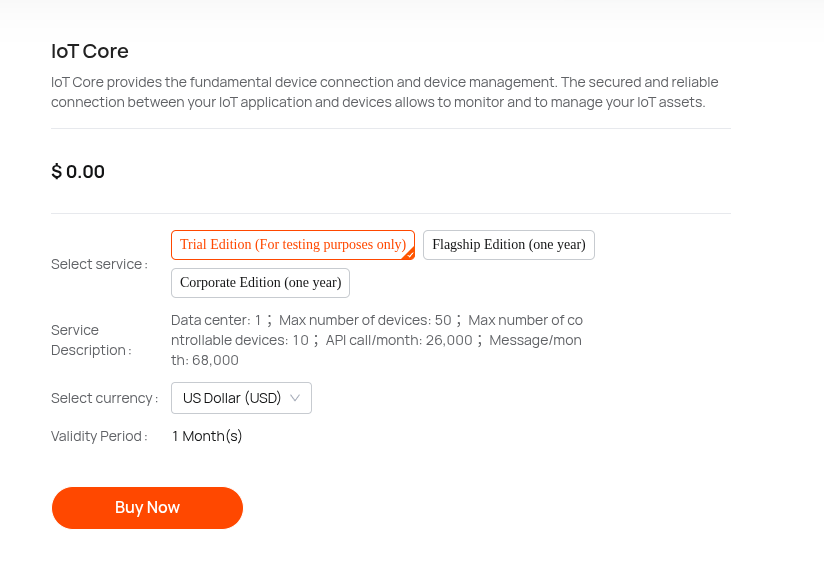
The problem is, It only works fully on a god awful SmartLife app. I installed the official Tuya integration on HAOS and realised all the stats were “0” and could only controll the main breaker switch. I Jumped through several hoops, setting up a Tuya Developer Platform account so I could use LocalTuya (which was way more interesting being local-first)
After all that, I go to the setup page and I get one step closer to frustration, this is not reading anything! (while the stupid app was reporting everything correctly)
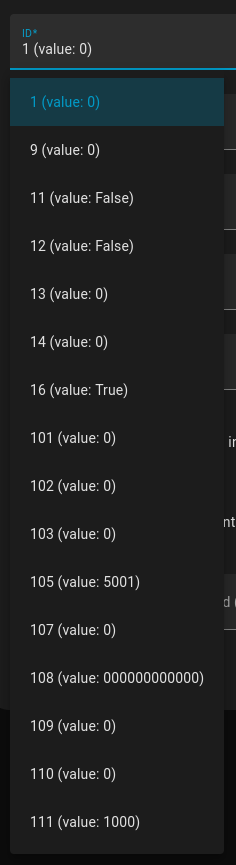
So here’s the thing: after looking through the debug section of the Tuya Dev portal, I noticed that the voltage readout (and most of other stats) were in a funky format (e.g. AAAAAAAAAAAD6AAAAAi+). I gave in and decided to use the word calculator (chatGPT) to see if it could make anything of it, and lo and behold it gave a proper answer.
Apparently, this random gibberish 15 byte string represents:
Hex: 00 00 00 00 00 00 00 00 03 e8 00 00 00 08 be
Int: [0, 0, 0, 0, 0, 0, 0, 0, 3, 232, 0, 0, 0, 8, 190]
where 03 e8 (hex) becomes = 1000 (decimal) and the last part 08 be becomes 2238, which lo and behold gives me what was at the time 223,8v (my handheld multimeter read 223v so it’s probably right).
The Hope
Long story short, I got the debug info off the LocalTuya integration, and I can definetly see the missing data there, it’s just it’s not in a format I can readily use. Apparently the LocalTuya integration expects numbered “DP” entities, whereas this thing is reporting them as named “DP” entities
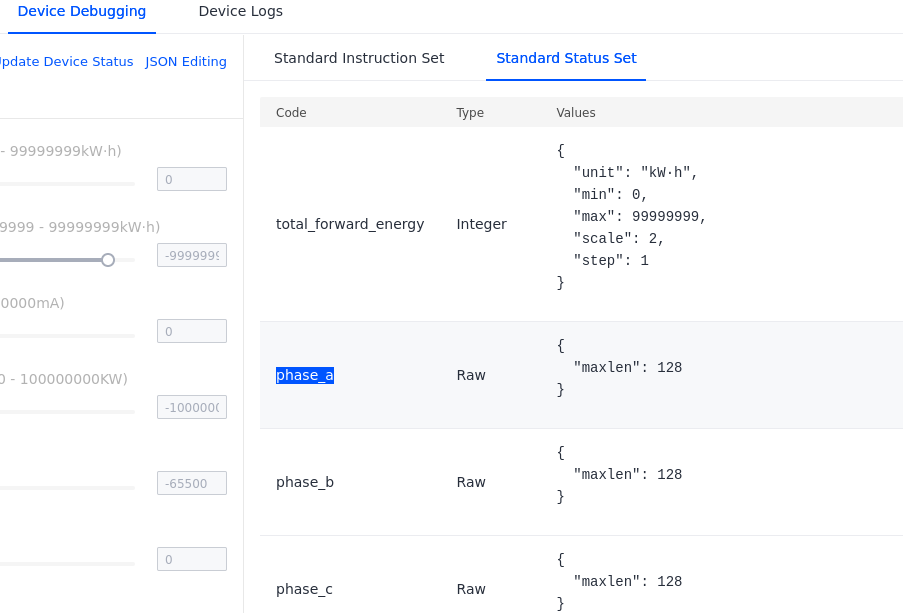
Here’s a partial dump of LocalTuya’s debug json. Partial because I left some stuff that seem probably would dox myself 
        "model": "Smart meter IVAP",
        "device_id": "XXXXXXXXXXXXXXXXX",
        "dps_strings": [
          "1 (value: 0)",
          "9 (value: 0)",
          "11 (value: False)",
          "12 (value: False)",
          "13 (value: 0)",
          "14 (value: 0)",
          "16 (value: True)",
          "101 (value: 0)",
          "102 (value: 0)",
          "103 (value: 0)",
          "105 (value: 5000)",
          "107 (value: 0)",
          "108 (value: 000000000000)",
          "109 (value: 0)",
          "110 (value: 0)",
          "111 (value: 1000)"
        ],
        "product_key": "i55reuttymjocx0j"
      }
    },
    "no_cloud": false,
    "region": "us",
    "updated_at": "1756161417995",
    "user_id": "az1...VQM",
    "username": "hass-int",
    "cloud_devices": {
      "eb94b20ca78e84d603rq4m": {
        "active_time": 1756141838,
        "biz_type": 18,
        "category": "dlq",
        "create_time": 1756141838,
        "icon": "smart/icon/ay1560212249260P1Twc/88226ba9911edd0677efe1727ef66adc.jpg",
        "id": "eb94b20ca78e84d603rq4m",
        "ip": "186.13.152.251",
        "lat": "0",
        "local_key": ")<L...W{M",
        "lon": "0",
        "model": "IVAP",
        "name": "Smart meter IVAP",
        "online": true,
        "owner_id": "262114164",
        "product_id": "i55reuttymjocx0j",
        "product_name": "Smart meter IVAP",
        "status": [
          {
            "code": "total_forward_energy",
            "value": 0
          },
          {
            "code": "phase_a",
            "value": "AAAAAAAAAAAD6AAAAAjh"
          },
          {
            "code": "phase_b",
            "value": ""
          },
          {
            "code": "phase_c",
            "value": ""
          },
          {
            "code": "fault",
            "value": 0
          },
          {
            "code": "switch_prepayment",
            "value": false
          },
          {
            "code": "clear_energy",
            "value": false
          },
          {
            "code": "balance_energy",
            "value": 0
          },
          {
            "code": "charge_energy",
            "value": 0
          },
          {
            "code": "leakage_current",
            "value": 0
          },
          {
            "code": "switch",
            "value": true
          },
          {
            "code": "alarm_set_1",
            "value": "AAAAAAAAAAAAAABkAAEOAACqAAAAAAAKAAAAAAAA"
          },
          {
            "code": "alarm_set_2",
            "value": "AAUAZAAFAB4APAAAAAAAAAA="
          },
          {
            "code": "total_energy",
            "value": 0
          },
          {
            "code": "backward_energy",
            "value": 0
          },
          {
            "code": "total_power",
            "value": 0
          },
          {
            "code": "temp",
            "value": -65500
          },
          {
            "code": "frequency",
            "value": 5001
          },
          {
            "code": "times",
            "value": 1
          },
          {
            "code": "countdown",
            "value": 0
          },
          {
            "code": "breaker",
            "value": "000000000000"
          },
          {
            "code": "reactive_energy",
            "value": 0
          },
          {
            "code": "reactive_power",
            "value": 0
          },
          {
            "code": "factor",
            "value": 1000
          }
        ],
        "sub": false,
        "time_zone": "-03:00",
And here is probably something that could be useful to figure it out, as it comes out curl’d from the Tuya dev API
{
  "result": [
    {
      "code": "total_forward_energy",
      "value": 0
    },
    {
      "code": "phase_a",
      "value": "AAAAAAAAAAAD6AAAAAjf"
    },
    {
      "code": "phase_b",
      "value": ""
    },
    {
      "code": "phase_c",
      "value": ""
    },
    {
      "code": "fault",
      "value": 0
    },
    {
      "code": "switch_prepayment",
      "value": false
    },
    {
      "code": "clear_energy",
      "value": false
    },
    {
      "code": "balance_energy",
      "value": 0
    },
    {
      "code": "charge_energy",
      "value": 0
    },
    {
      "code": "leakage_current",
      "value": 0
    },
    {
      "code": "switch",
      "value": false
    },
    {
      "code": "alarm_set_1",
      "value": "AAAAAAAAAAAAAABkAAEOAACqAAAAAAAKAAAAAAAA"
    },
    {
      "code": "alarm_set_2",
      "value": "AAUAZAAFAB4APAAAAAAAAAA="
    },
    {
      "code": "total_energy",
      "value": 0
    },
    {
      "code": "backward_energy",
      "value": 0
    },
    {
      "code": "total_power",
      "value": 0
    },
    {
      "code": "temp",
      "value": -65500
    },
    {
      "code": "frequency",
      "value": 5000
    },
    {
      "code": "times",
      "value": 1
    },
    {
      "code": "countdown",
      "value": 0
    },
    {
      "code": "breaker",
      "value": "000000000000"
    },
    {
      "code": "reactive_energy",
      "value": 0
    },
    {
      "code": "reactive_power",
      "value": 0
    },
    {
      "code": "factor",
      "value": 1000
    }
  ],
  "success": true,
  "t": 1756156464107,
  "tid": "799adb4c81f811f0ad5f1a96caf0cb23"
}