Borrowing/expanding on an issue from a manufacturer forum posted by someone else a few years ago.
I have this mobo (GigaByte GA-F2A88XN-WIFI) paired with an AMD A4-4000 Dual-Core 3.2 GHz FM2 processor. I use this system as a backup appliance (scheduled to turn on once a month, NFS mount my main PC, Rsync, and then turn itself back off).
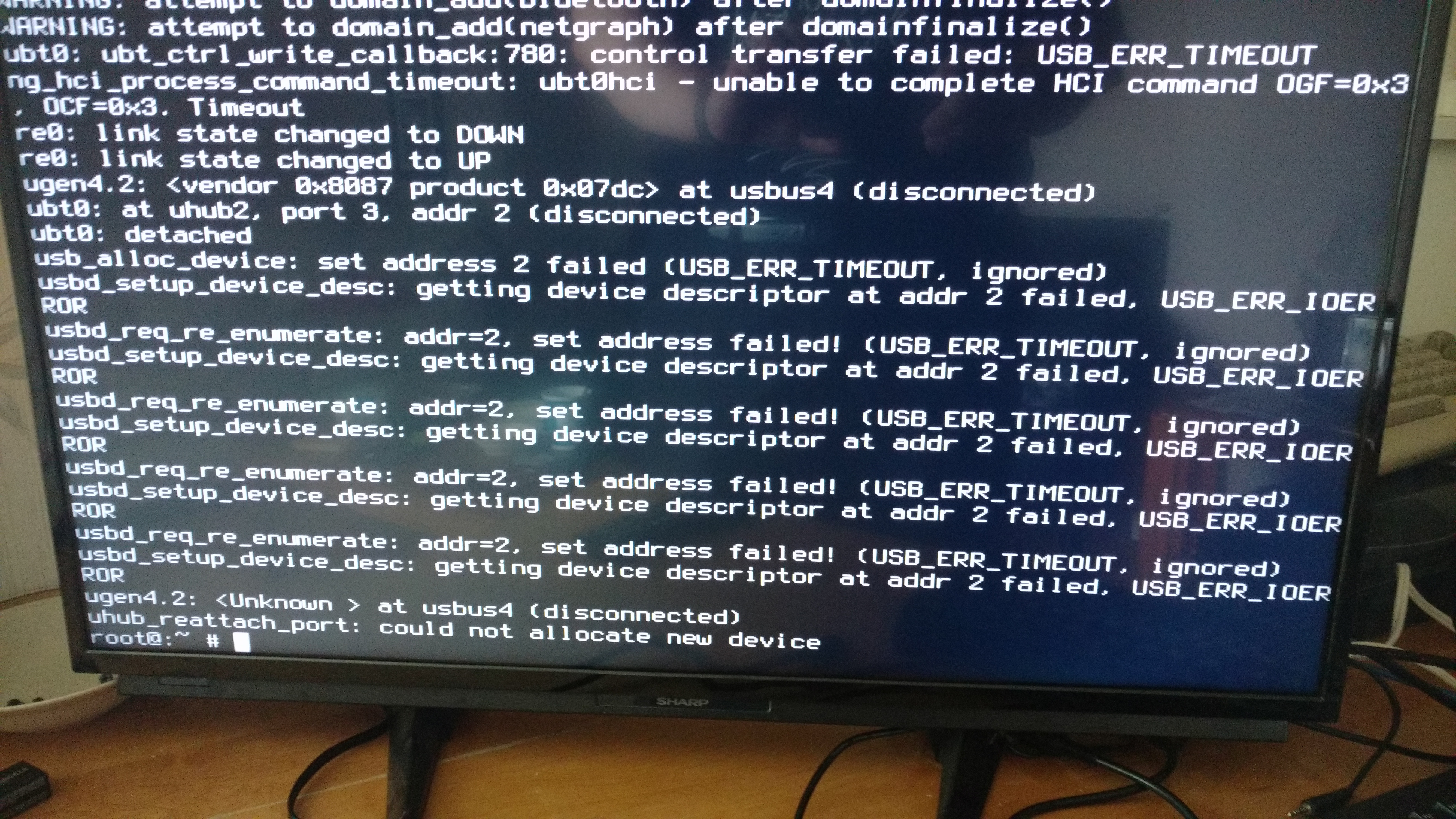
Problem is, if the system is on for any amount of time (eight hours or more), I lose control of it. Screen goes black, no attempted keyboard input resolves that, SSH is down.
Also, if the poweroff command is run within eight hours (but has been some time after being turned on), the shutdown process completes, but the power off signal does nothing. Since this is stored in my basement I don’t want to have to manually hold the power button to shut it off every month.
The link mentioned above suggests the problem is an underpowered PSU. I am using a CORSAIR VS400 PSU so I doubt that is the issue even in spite of the case being loaded with three WD Red 3TB NAS drives. I am open to other suggestions that could be the cause.
A few other HW pieces:
G.SKILL Ripjaws X Series 8GB (2 x 4GB) 240-Pin DDR3
It might not be that the PSU is under-powered as such, it might be it’s just coming to the end of its life. If you are able to try another PSU I would do that. If the problem remains I’d probably just count my losses and get a replacement mobo/CPU as cheaply as possible. Either way I think you’ll be swaping parts around to try and find the culprit. If it was just overheating I would expect the mobo to power the system down automaticly; I am sure that board defaults to that behaviour.
Good point, I will try a different PSU. Because it could have been part of a bad batch (the system was built six months ago, and the issue has been happening since day two - just finally getting beyond the research end on it).
Another possibility could be bad application of thermal paste since you mention heat. Although it seems like it is unrelated to load - more like a extended sleep it cannot get out of.
Might be worth booting it off a USB with a live distro (something different to your current OS) and let it be. I’ve had few weird quirks with power settings in the past that would only manifest on certain OS’s.
Okay, after several delays, I found a spare PSU. Does not have any SATA power connectors, but it has all the rest of the connectors at the good price of free (and I do have a molex to SATA Y connector - if this turns out I will just need a second).
I photo documented the process - I forgot how crammed the situation was due to the Corsair PSU.
To supply a different OS (yup, two tests at once), I chose FreeBSD and booted it live. Sadly I cannot ssh in to watch thermals (hardened enough to not allow root, and live means read-only filesystem - no changing the config or adding a dummy user), but I have set up scheduled pings against it with the following script from another host:
#!/bin/bash
while [ 1 -ne $? ]; do
	sleep 60
	date
	ping -q -c 4 $1
done
If past history continues, the script will stop around 10:00 tomorrow (it is 23:10 right now).
Update: Has been a full day now, still going strong. Will likely try a Debian live setup tomorrow morning. By the looks of it, I will be acquiring another molex Y adapter in the short run.
After a day and a half, system remained alert (even though FreeBSD was not showing off any power saving features) although USB did drop after some time. Did not really seem to affect the live image.
As it turns out, I found enough Molex to SATA adapters (although one is in poor shape and will need to replace after this test) to get all the drives online. For whatever reason I had to rebuild EFI as the BIOS was convinced to boot off one of the NAS drives instead. Currently watching the thermals (watch -d -n 5 sensors) locally and over ssh with the native Debian OS. I have not yet touched crontab, but there is plenty of time - 15 hours - before a backup job will attempt (which will/should turn the system off when done).
If the scenario survives to do that successfully, I will just replace the temporary Molex-SATA adapter and call it all a win.
Update: After over a day of running the scheduled backup sequence, that finally completed successfully, except for the system rebooted instead of powering off. But this may have to do with the small differences between poweroff (man page quoted) and shutdown…
When called with --force or when in runlevel 0 or 6, this tool invokes
the reboot(2) system call itself and directly reboots the system.
Otherwise this simply invokes the shutdown(8) tool with the
appropriate arguments.
…and how cron handles said command. Will try with shutdown although I am very optimistic with the result.