Couldn't resist grabbing a CMP 170HX, and now I'm in a sticky position

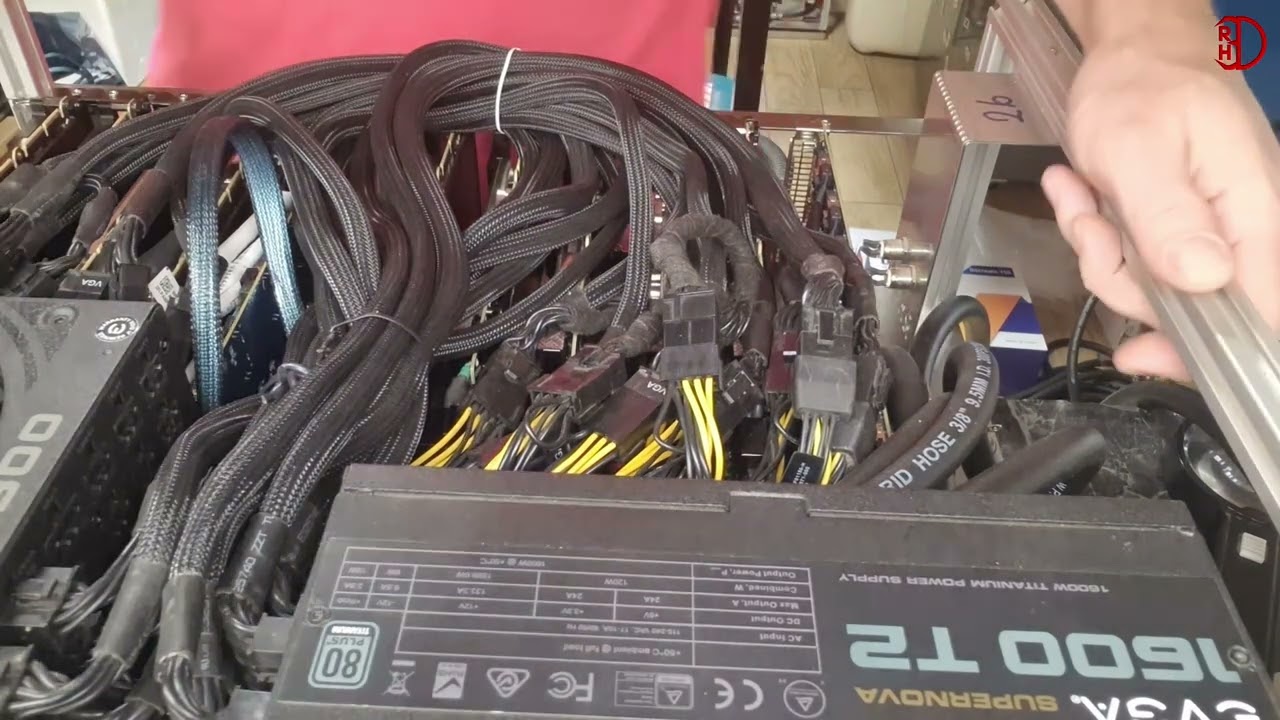
So…yeah, I paid more than it might be worth for a CMP 170HX. Printed a shroud, stuck a decent-ish 80mm fan on there (3000rpm, apparently optimised for static pressure), did the unlock dance for the full 64GB, and…

Damn. This thing’s actually pretty close to my pair of R9700s, under specific circumstances. Basically, it’s comparable on decode performance (almost identical, in fact), but the prefill lets it down - somewhere around 50% of the R9700s, in fact.

…until MTP gets involved on both setups. Suddenly, the prefill is only about 20% slower than the R9700s, and prefill remains pretty much identical both with Qwen 3.6 35B and 27B (Vulkan on the R9700s, CUDA on the 170HX).

Now, the R9700 cooling is vastly better - this thing hits its 85C limit and throttles within a couple of minutes, and performance drops accordingly. I don’t know how much of that is the janky fan-and-shroud cooling setup, how much is the fact that it’s most likely in dire need of a repaste, and how much is just the thermal limit of the hardware.

So…I’m obviously left with a bit of a quandary. I originally got it just to see if it would work, and kinda hoped I’d come up with some great use case for two AI servers at home - multiple agents etc - but I’m not sure I can, given my usual use case of mainly just coding.

So what do I do? It may well come down to selling one setup or the other…but which one? I could probably recoup £2k by selling the R9700s and living with the reduced prefill (and much increased load times, thanks to PCIE 2.0 x4), or £1.2k by selling the 170HX and just going back to the original setup.

What would you do?

EDIT: As an aside, running llama.cpp in CUDA isn’t the easy life I thought it was - I had all sorts of pain getting it working, from broken installers direct from Nvidia to the fact that llama.cpp binary releases don’t actually include CUDA at all!

1 Like

More testing, You can solder on the missing capacitors to help repair the pcie bus. 170th-Street/modifications/pcie-capacitor-mod.md at master · amoghmunikote/170th-Street · GitHub

Also can test the memory. Releases · GpuZelenograd/memtest_vulkan · GitHub

1 Like

Fancy meeting you here! :joy: I was considering a similar thing… cmp170hx with the unlocked memory… I’m wondering how it does with the nerfed pcie bus in multi-card configurations. That’s -very- tempting knowing that one of those cards is nearly on par with two 9700s, but can they scale higher? I wonder if anyone has tested that specifically.

4 Likes

Yeah, I’m not mucking around with soldering on the card - don’t want to destroy it. I won’t be getting another one, so there’s no real need.

Already done, using this:

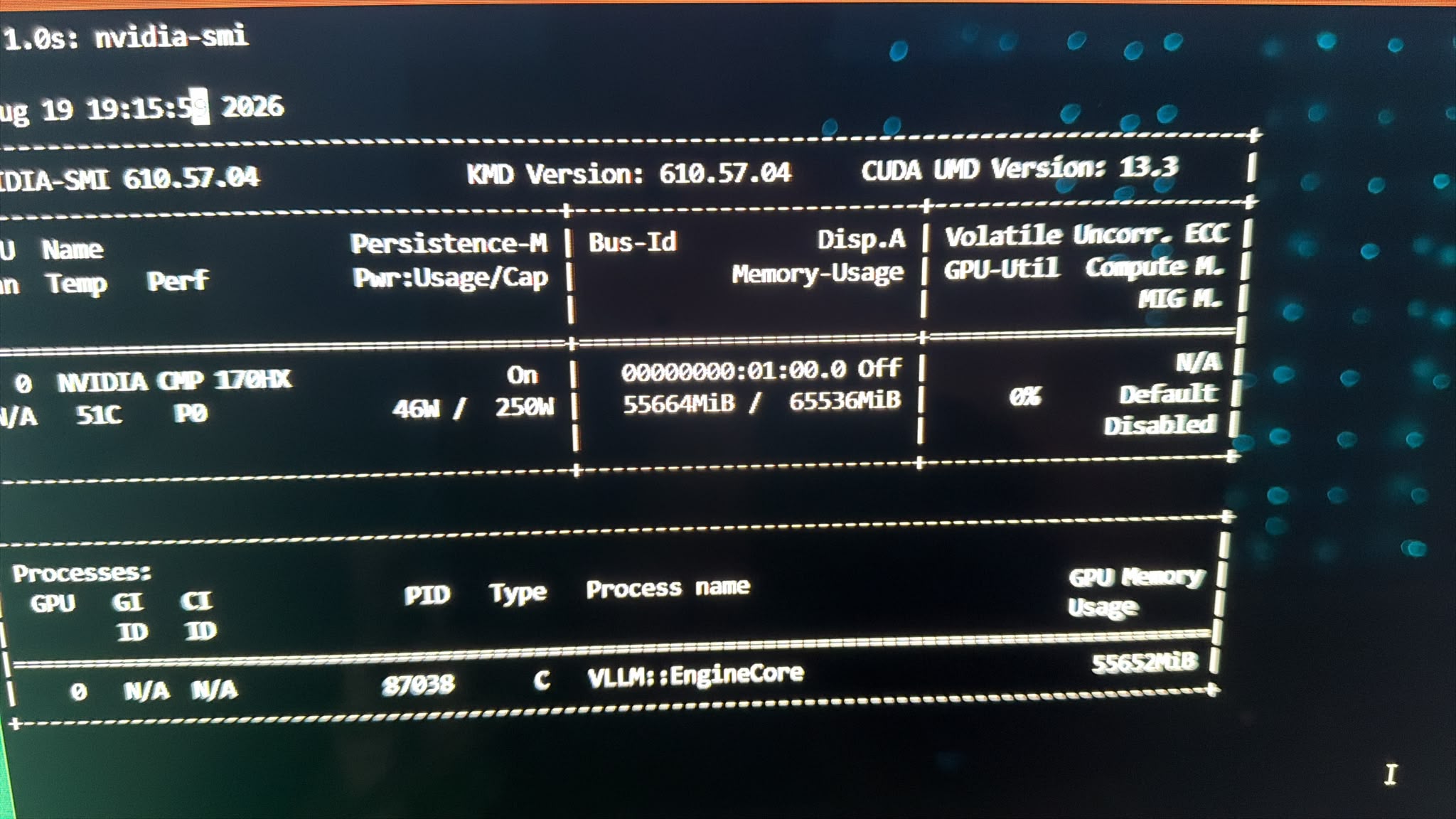
All 64GB accounted for and passed (it’s an 8GB card). Which, honestly, is a relief :wink:

I believe a few folk have. I don’t particularly want to go down that road myself, the main goal was to see how close I can get to the R9700s.

Honestly, I reckon that it’s probably a bit slower than a single R9700, but it keeps up with the pair because it’s not paying the dual card penalty and it’s a first-class citizen running under CUDA rather than Vulkan or ROCm.

Most frustrating is the CUDA core nerf - I’m pretty sure it’d blow the R9700s out of the water if a quarter of them weren’t locked out in hardware.

Get an electronics buddy (shorter guys are closer to the capacitors :stuck_out_tongue: so they are best at fixing them) and take it apart, add the caps, and then get a water cooling kit.

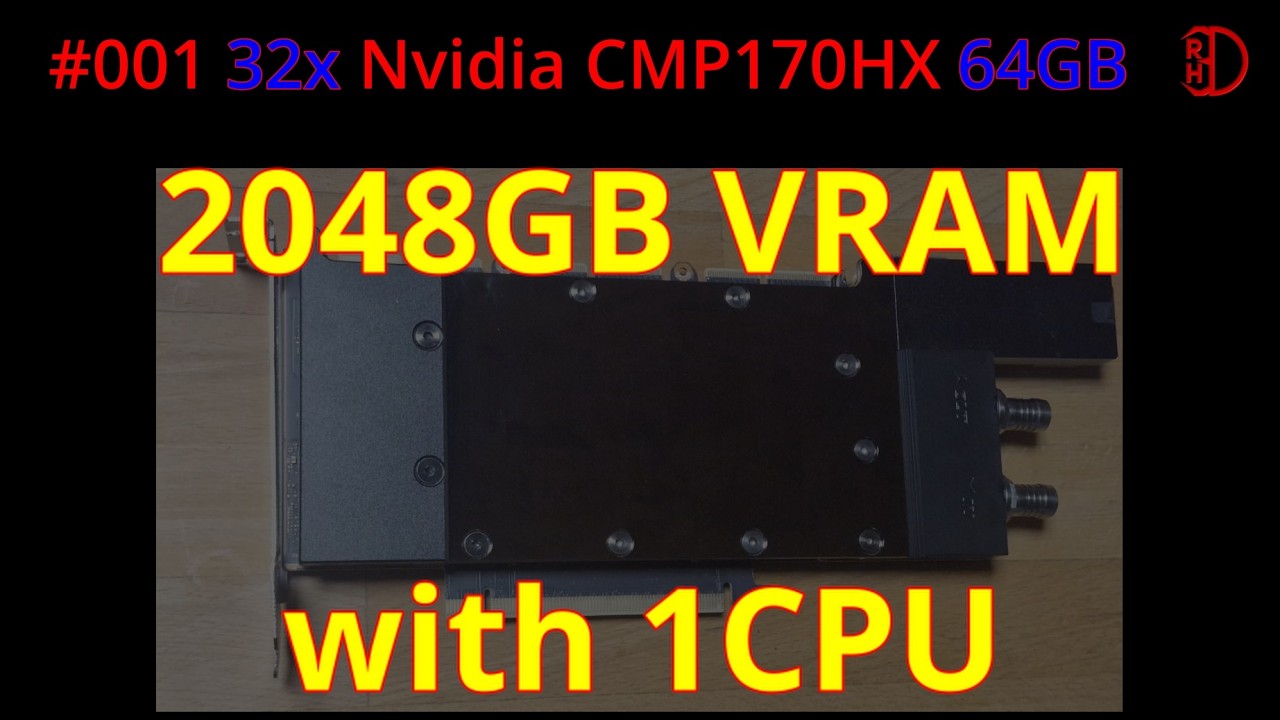
Then add some cheap plx switches and run 32 of them like this guy :smiley:

But don’t waste your time with llama.cpp or windows with datacenter cards, your temu/wish.com A100 has a different instruction set that’s really good at FP8/FP16 math but has no native instructions for FP4.

1 Like

It’s actually not much slower on llama.cpp than it is on vLLM with w8a8/w8a16.

The primary problem at the moment is cooling. After about 1m30s it topped out at 85C and throttled right down to 800MHz. Thanks to the monstrous coil whine, you can actually hear when it throttles.

I spent the afternoon stripping and re-pasting it (man, that was some caked-on thermal goop - rock solid, it just crumbled away), and that’s bought me another 20-25s before it throttles. I suspect the problem is the Arctic P8, it can only do 3000rpm. I’ve got a P8 Max (5000rpm) on the way tomorrow, I’ll see if that sorts it. If it does, then I’ll stick it all in a Fractal Pop Silent case and put it in the back room with the R9700s.

The VLLM angle is you can change the cuda kernels. Which specific ones are you running for attention? Triton? Flash Attention 2? Flash inference? All of them have difference performance and capabilities depending on your hardware.

Unfortunately unless u have really high static pressure fans and the right chassis to put them in, water is about the only path forward.

Honestly, I don’t know - at the moment, whatever the default is on the vllm/vllm-openai image. I mean, it hits around 92t/s decode (with MTP) on the Qwen 3.8 MTP model, which is pretty decent. Prefill is a bit of a mess, mind; apparently that can be optimised with the Cutlass kernels, but I evidently need to do a lot more reading before I go near that.

Yeah, water’s not an option. The Arctic P8 fans are pressure-optimised, but if the 5000rpm variant doesn’t do the job then…well, maybe I’ll make a 92mm shroud for something with more airflow. If that doesn’t work, then I’ll just ditch the card; life’s too short to muck around too much with it.

Hang on a sec…if I ignore vLLM for a moment, there’s always the crazy possibility of using llama.cpp RPC to run both machines together for some crazy 128GB shenanigans.

I mean, I’d never actually use it like that, but still…might be fun, once I’ve got the cooling sorted out.

Yes, more mad science. And with that in mind, a cheep x16 to dual x16 pcie4 bridge. Gigabyte G292-Z20 Riser Card 2x PCIe G4 x16 full-high full-length CRSG421 + Cage +Cable - Piospartslap

Okay, so…the 5000rpm fan did the job, just - it manages to hold it at 84/85C without throttling more than 50MHz. That translates to code generation with Qwen 3.8 27B INT8 at ~95-103t/s (MTP enabled), prefill in the 1500t/s range (still haven’t managed to get the fabled 3000t/s prefill that one guy managed, though).

That’s outperforming anything I can get from the R9700s on that model, whether through vLLM or llama.cpp. If I can get the prefill up to 3000t/s, then this plucky little card might actually be a viable replacement for the R9700 rig - I think I’d be willing to take a minor hit on performance if it means I can run the 27B instead of the 35B MoE.

Then again, I might also spend some time revisiting vLLM on the R9700s.

As an aside, Qwen 3.8 27B is an absolutely astonishing model if you can get it running at speed - I’ve been one-shotting a bunch of games for the last hour, and the worst that happened was one button that didn’t work (it fixed it and regenerated in the next turn).

The only annoyance right now is that the fan is loud, but it’s on an open bench at the moment. Will probably improve when I get it into a case and hidden away in the back room.

1 Like

The problem you are encountering is those P8 fans are “pressure-optimized” for basically a desktop PC case or desktop CPU radiator. On their website, the specs show 1.9 mmH2O which really doesn’t move the needle (no pun intended) for the densely packed cooling fins on heatsinks for data center gear.

On my H200s, I was using a 97x33 blower fan each per GPU and even then I could only keep it <80C at 525W or lower power level. The model I used was a Delta Electronics BFB1012EH-AF00 with 71.48 mmH2O (almost 40x more than an Arctic P8 PWM). There is a huge gap between what data center GPU heatsinks require and the sort of air pressure provided by typical case fans provide, even the industrial high-RPM varieties. I really don’t think a shroud will solve the problem.

Now, that fan is crazy loud and does not have PWM control to dial it back when not under load (and controlling the speed via voltage was not particularly effective.) You wouldn’t tolerate it long if it was in the same room as you. I did go with water cooling, using an external radiator, and that completely solved the cooling issue for me.

If you want to stick with air cooling, I think your best option is to find an alternative heat sink you can apply that has a larger and less dense fan stack (something more like a typical CPU cooler or consumer GPU cooler). Then a typical PC fan will be effective at moving air through it. It wouldn’t be a 2-slot GPU any longer, and you will probably need to figure out your own mounting system - but the problem with cooling the CMP 170HX is not its TDP, it is the heatsink design.

(I am not an expert at PC cooling, this is just based off my own experience running data center GPUs at home.)

To be fair, the one I’m using now (the P8 Max) is rated at 5.3mm H₂O. It actually seems like it might be a pretty reasonable solution. I may try the undervolt, which seems to dramatically improve the efficiency. I also think shoving it into a case with a defined airflow path might actually improve the situation, rather than relying on convection to take the heat away from the GPU casing (it gets too hot to touch).

Worth bearing in mind that you’re talking about 525W GPUs, though, whereas the CMP 170HX is a 250W part. I’ll probably experiment with bringing it down to 220-230W, see if that hurts performance much; I doubt it will, based on experience with my other machine. A 10% reduction in power limit usually results in a 2-5% reduction in performance, which I can definitely live with.

Well, interestingly enough, the Arctic P9 (58cfm, 6.17 mm H₂O) does the trick nicely - it can hold the GPU at 79C indefinitely under full load with the 80mm shroud and 92mm adapter (I couldn’t be bothered making a fresh one).

As an aside…that means that through this process, I actually downloaded more RAM and downloaded a physical bodge for a fan shroud. Awesome.

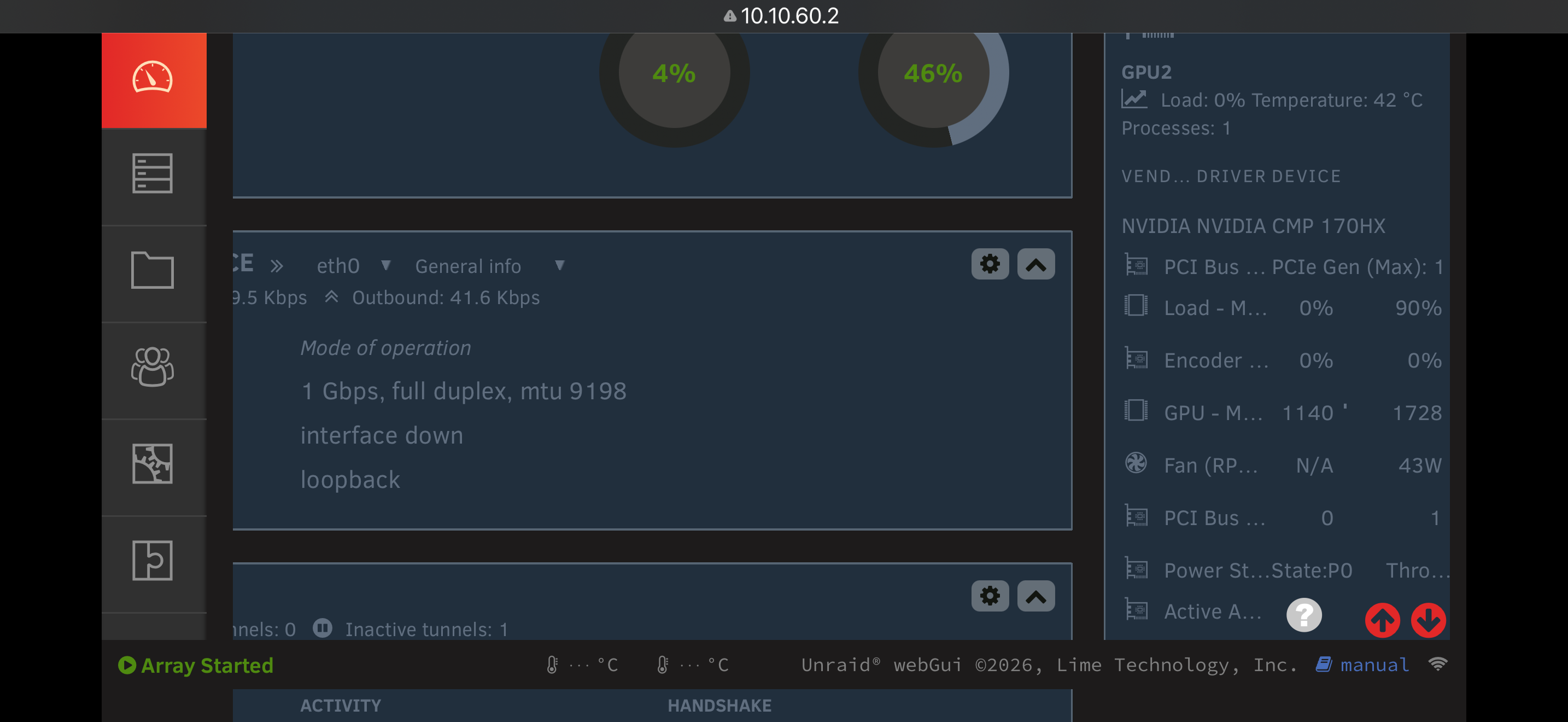
I have one and two are on the way mine ist soldered and is working as intendet I run qwen3.8-27b and could not be Happier :slight_smile: I let Codex made it unlock under Unraid.

Main goal is 2x for 128gb vram as llm and one for comfyui

NVIDIA CMP 170HX 64GB
PCIe Gen2 x16

Model:
philbert440/Qwen3.8-27B-W4A16-AWQ

Backend:
vLLM

Benchmark:
vllm bench serve
Random 1024 input / 1024 output
20 requests
Concurrency: 1
ignore-eos
seed: 42

RESULT

Output throughput: 85.65 tok/s
Mean TPOT: 11.02 ms/token
Median TPOT: 11.06 ms/token

Mean TTFT: 686.25 ms
Median TTFT: 643.18 ms
P99 TTFT: 1004.72 ms

Mean E2E: 11.96 s
Median E2E: 12.11 s

Speculative decoding:
Acceptance rate: 79.53 %
Acceptance length: 2.59

Successful requests: 20/20


NVIDIA CMP 170HX 64GB
PCIe 2.0 x16

Model:
Qwen3.8-27B W4A16 AWQ

Backend:
vLLM + speculative decoding

Workload:
Random 1024 input / 1024 output
ignore-eos
seed 42

Concurrency 1

Requests: 20/20
Output throughput: 85.65 tok/s
Median TTFT: 643 ms
Median TPOT: 11.06 ms
SpecDec acceptance: 79.53 %
Acceptance length: 2.59

Concurrency 4

Requests: 40/40
Output throughput: 188.80 tok/s
Median TTFT: 5.27 s
Median TPOT: 13.52 ms
SpecDec acceptance: 79.30 %
Acceptance length: 2.59


Concurrency 8 Benchmark

NVIDIA CMP 170HX 64GB
PCIe 2.0 x16

Model:
Qwen3.8-27B W4A16 AWQ
philbert440/Qwen3.8-27B-W4A16-AWQ

Backend:
vLLM + Speculative Decoding

Benchmark:
vllm bench serve

Workload:

  • Random 1024 input / 1024 output

  • 80 requests

  • Concurrency: 8

  • ignore-eos

  • Seed: 42

Results

Successful requests:       80 / 80
Failed requests:            0

Output throughput:        164.98 tok/s
Total token throughput:   329.95 tok/s
Request throughput:         0.16 req/s

Median TTFT:               31.56 s
Mean TTFT:                 29.40 s
P99 TTFT:                  39.01 s

Median TPOT:               16.64 ms/token
Mean TPOT:                 16.96 ms/token
P99 TPOT:                  25.91 ms/token

Median E2E latency:        49.50 s
Mean E2E latency:          46.75 s
P99 E2E latency:           61.98 s

Speculative decoding:
Acceptance rate:           78.40 %
Acceptance length:          2.57
Accepted tokens:          50,060

Scaling so far

Concurrency     Output throughput
C1                85.65 tok/s
C4               188.80 tok/s
C8               164.98 tok/s

C8 is clearly past the throughput sweet spot for this configuration.

Compared with C4, doubling concurrency from 4 to 8 actually reduces aggregate output throughput from 188.80 tok/s to 164.98 tok/s (-12.6%), while median TTFT increases from 5.27 s to 31.56 s.

Interestingly, speculative decoding remains very stable:

C1: 79.53 % acceptance / 2.59 length
C4: 79.30 % acceptance / 2.59 length
C8: 78.40 % acceptance / 2.57 length

So the C8 regression does not appear to come from speculative decoding falling apart. At least with this 1024/1024 workload, C4 currently looks like the maximum-throughput sweet spot, while C8 mainly adds latency.

Why would you need that much farm for comfyui?

High Res Video creation and i want to use the “non” compromise model and not the “we made run and it looks not like garbage but runs on 16gb VRAM model” :smiley: Minimax H3 goobles up to 50gb Vram under load

1 Like

Qwen3.8-Flash-Next on 2× NVIDIA CMP 170HX — llama.cpp GGUF vs. vLLM INT4 W4A16

I did a direct before/after benchmark of Qwen3.8-Flash-Next on my dual NVIDIA CMP 170HX setup.

The interesting result is not decode performance — which is basically unchanged — but prompt processing / prefill performance. Moving from the early llama.cpp GGUF implementation to the new Ampere-targeted vLLM W4A16 build improved long-context prefill by up to 10.3× at 262k context.

Hardware

  • 2× NVIDIA CMP 170HX

  • GPU architecture: GA100 / Ampere

  • 64 GiB VRAM per GPU

  • Total physical VRAM: 128 GiB

  • PCIe: Gen2 x8 per GPU

  • GPU P2P: working / OK

  • System RAM: 131 GB

  • NVMe cache/storage available

  • Linux


BEFORE — llama.cpp / GGUF

Model

unsloth/Qwen3.8-Flash-Next-GGUF

Quant:

UD-IQ4_XS

Model size:

93.7 GB, 3 GGUF shards

Hugging Face:

https://huggingface.co/unsloth/Qwen3.8-Flash-Next-GGUF/tree/main/UD-IQ4_XS

Backend:

llama.cpp / CUDA

Architecture name inside llama.cpp:

qwen4exp

Qwen3.8-Flash-Next support came from:

llama.cpp PR #27742 — “model: add Qwen3.8-Flash-Next (qwen4exp)”

Merged commit:

6c84c7d5d

llama.cpp:

https://github.com/ggml-org/llama.cpp

This GGUF is confirmed by the Unsloth repository as UD-IQ4_XS, 93.7 GB. The qwen4exp support was added to llama.cpp through PR #27742.


AFTER — vLLM / native INT4 W4A16

Model

VnimanieAI/Qwen3.8-Flash-Next-W4A16

Hugging Face:

https://huggingface.co/VnimanieAI/Qwen3.8-Flash-Next-W4A16

Quantization:

INT4 W4A16

More precisely:

  • compressed-tensors

  • INT4 weights

  • FP16/BF16 activations

  • symmetric

  • group size 128

  • Marlin kernels

  • Routed MoE experts: INT4

  • QSA attention projections: INT4

  • Shared experts: BF16

  • MTP head: BF16

  • PLE tables: BF16 / CPU offloaded

  • MoE router: BF16

  • QSA indexer: BF16

  • GDN / linear attention: BF16

The model authors specifically built this quantization for Ampere GPUs that cannot run the official FP8 checkpoint.

Backend:

vLLM qwen4_exp development build

Docker image used:

vllm/vllm-openai:qwen38-flash-next-x86_64-cu130

Configuration:

  • TP2

  • Expert Parallelism enabled

  • PLE CPU offload enabled

  • VLLM_PLE_CPU_OFFLOAD=1

  • MTP speculative decoding

  • MTP depth = 4

  • Full native 262,144 token context

  • torch.compile / Inductor disabled

  • decode-only CUDA graphs

Relevant launch options:

--tensor-parallel-size 2

--enable-expert-parallel

--max-model-len 262144

--speculative-config '{"method":"mtp","num_speculative_tokens":4}'

--compilation-config '{"mode":0,"cudagraph_mode":"FULL_DECODE_ONLY"}'

The repository explicitly recommends Expert Parallelism, PLE CPU offload, MTP4 and decode-only CUDA graphs for this model family.


Before vs. After — Prompt Processing / Prefill

These measurements were performed cache-free, and the token counts came from the actual API tokenizer rather than estimated text length.

Context llama.cpp UD-IQ4_XS vLLM W4A16 Improvement
8k 727 tok/s 2,476 tok/s 3.41×
16k 702 tok/s 2,536 tok/s 3.61×
32k 618 tok/s 2,545 tok/s 4.12×
65k 499 tok/s 2,510 tok/s 5.03×
98k 413 tok/s 2,475 tok/s 5.99×
131k 353 tok/s 2,443 tok/s 6.92×
196k 273 tok/s 2,336 tok/s 8.56×
262k 222 tok/s 2,295 tok/s 10.34×

The most striking result is the native 262k context:

222 tok/s → 2,295 tok/s

That is a 10.34× increase in prompt-processing throughput.

It also scales much better with context length.

The old llama.cpp run dropped from:

727 → 222 tok/s

between 8k and 262k, a reduction of roughly 69.5%.

The new vLLM W4A16 stack only drops from:

2,476 → 2,295 tok/s

over the same range, or roughly 7.3%.

Peak measured prefill was:

2,545 tok/s @ 32k

while full native 262k still manages:

2,295 tok/s


MTP4 Decode — 256 Output Tokens

llama.cpp / previous run

Run Decode
Run 1 90.6 tok/s
Run 2 132.2 tok/s
Run 3 108.5 tok/s
Average 110.4 tok/s

vLLM W4A16 / current run

Run Decode
Run 1 112.7 tok/s
Run 2 111.8 tok/s
Run 3 109.6 tok/s
Average 111.3 tok/s

Decode comparison

110.4 → 111.3 tok/s

Only about:

+0.8%

So decode performance is essentially unchanged.

That is actually useful information, because it makes the prefill result much more interesting: this does not look like a general 3–10× GPU performance change.

The huge improvement is specifically in the prompt-processing / long-context execution path.


Summary

Metric Before After
Model Unsloth GGUF UD-IQ4_XS VnimanieAI W4A16
Backend llama.cpp vLLM
Quantization UD-IQ4_XS GGUF INT4 W4A16 G128
Parallelism dual-GPU llama.cpp TP2 + EP
PLE normal GGUF execution CPU offload
Speculative decoding MTP MTP4
8k Prefill 727 tok/s 2,476 tok/s
32k Prefill 618 tok/s 2,545 tok/s
131k Prefill 353 tok/s 2,443 tok/s
262k Prefill 222 tok/s 2,295 tok/s
256-token Decode 110.4 tok/s avg. 111.3 tok/s avg.
262k Prefill Gain 10.34×

The current VnimanieAI INT4 W4A16 + vLLM TP2/EP + PLE-offload + MTP4 stack is therefore an easy winner on these two CMP 170HX cards.

Decode remains around 111 tok/s, but long-context prefill has gone from being the biggest weakness of the system to one of its strongest points.

A 2× CMP 170HX GA100 setup doing ~2,300 tok/s prompt processing at the full native 262k context while still decoding at ~111 tok/s is far better than I expected from these cards.

The complete cache-free benchmark sweep took:

9 minutes 23 seconds.

1 Like

Well, for what it’s worth, I was getting ~800t/s prefill on 27B with Q6 in llama.cpp with a single card, but with INT8 in vLLM I get well over 3000t/s.

Try a W8A8 model - these cards are much better with hardware INT8 calcs.

(new here)
Quite interesting topic. I got 3x a 170hx (should have gotten 4 at that time :smiley: for the price ) and been testing a bit with llama.cpp running Qwen-3.8-flash-next with UD-q6.
But with llama.cpp it seem to suffer from extreme degradation of performance when the context grows. It started at around a decent 40 t/s but while context grew it dropped to below 8 t/s…

Interested in trying vLLM as what I see here it might run a lot better. I am not able to find any w8a8 models tho.

1 Like