The only solution I can think of is virtualization.
Never seen hardware configurable to do what you are requesting.
Your hypervisor can then pass through only the drives you want to each VM.
The only solution I can think of is virtualization.
Never seen hardware configurable to do what you are requesting.
Your hypervisor can then pass through only the drives you want to each VM.
Since getting into the BIOS to do the disables requires console access, I’m not sure what motivates the demand for software disable here. A SATA power switch has same net effect and might cost less, depending on motherboard selection.
As it’s not something I need to do often, the even lower tech solution I use is unplugging SATA power. Data connections work here too but usually I’m OOSing hard drives and see no reason to take the extra power on hours.
Disabling the SATA port seems to work as well from what I’ve seen. I haven’t found a way to access the drives on disabled ports.
I know virtualization can achieve this, but I haven’t fully switched to VMs yet so I want the board to still have this option.
B650 Steel CBS has disables for every Promontory 21 SATA port, including the two that aren’t hooked up. Didn’t have luck finding NVMe disables or an ASM1061 disable.
I had a bit of a scare with this: apparently “Auto” means “don’t change current setting” so the drive was still missing after switching the setting back! “Enable” brought it back though.
Yeah.
Nemix RAM are good at manufacturing memory kits & other PC components for OEMs & SIs like Apple, HP, Dell, etc.
But, using their stuff in a DIY system is risky.
You mean if you switch from “Enable” to “Auto” it stays enabled, and if you switch from “Disable” to “Auto” it stays disabled? What would be the point of such an option then?
And sorry for causing you a scare. 
You mean there are more SATA ports in PROM21 options than there are ports present on the board? Does that mean there are options for 4 ports only 2 of which are present? Since the other 2 ports on the board use ASM1061?
Yep. 
Perhaps to allow the AGESA setting to be overridden by any MB manufacturer Storage settings? Would be much better to link them but maybe UEFI doesn’t allow that?
No worries 
You mean in the Storage menu where hot plug for SATA ports can be enabled (instead of in the CBS menu)? Because that’s where ASUS boards have both port and hot plug enable/disable options, so it’s definitely possible. And there’s no “Auto”.
That’s what I was used to, so I was a little confused by ASRock’s BIOS menus.
The B650 motherboard can support Zen 5 CPUs if the manufacturer releases a BIOS update for compatibility. ECC memory support depends on the specific board and CPU, as some Ryzen CPUs and motherboards unofficially support ECC for error correction, mainly with unbuffered ECC memory. Check your board’s manual or vendor documentation for precise details.
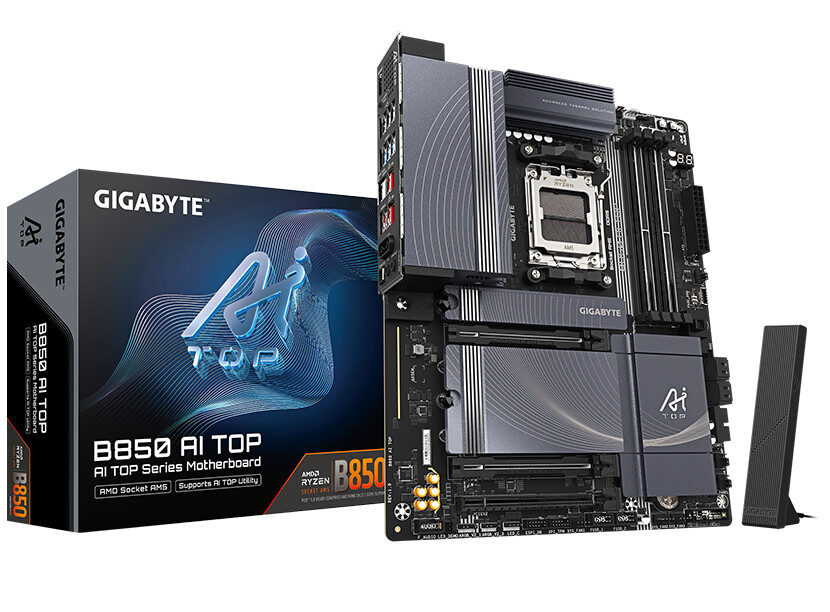
Just want to add the gigabyte ai top b850 is a new workstation motherboard that supports ECC
This topic was automatically closed 273 days after the last reply. New replies are no longer allowed.