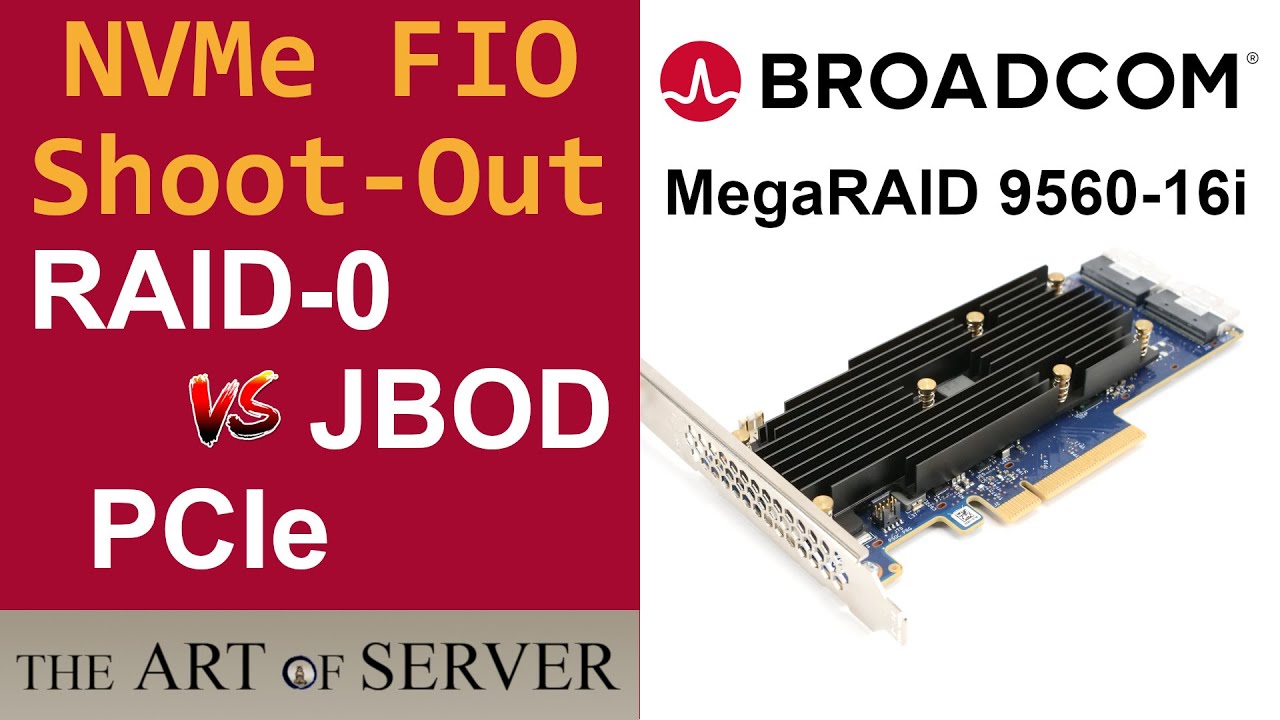
You do get SMART info through tri-mode HBAs, but only basic stuff. They pass through most of the useful metrics (temperature, etc) but nothing NVMe-specific. For that you’d need a transparent PCIe adapter, either through bifurcation or a switch.
Similarly, none of the tri-mode adapters will let you use the linux nvme tool to change LBA size either. (Which is mostly pointless unless you’re doing VROC, but then it’s an absolute must.)
Tested Samsung PM1733 and Micron 7450 SSDs, the Microns have an available tool even for end customers and it also cannot detect the 7450s connected to the 1200p-32i - but every other NVMe SSD in the system directly connected with the motherboard’s PCIe.
The only 1200p-32i setting I changed so far is the detection method for connected drives to “Directy Attached”, with the default setting it at first didn’t detect any SSDs.
Does anyone here have any experience with re-adapting OcuLINK to back to M.2 or what adapters may work for this?
I am trying to move the location of my M.2 stack on an SFF motherboard to another location for better cooling. There are 2 M.2 slots at PCIE4x and PCIE5x I am trying to shift but am only using PCIE4 drives so I don’t run into the cable issues.
For a while I was using these from ADT Link: K44SF but these seem to fail after about 3-6 months of usage for unknown reasons. I’ve been through about 4-5 of them and each one eventually fails at random. What is weird is testing them with a USB4/TB drive enclosure after they fail, they will still pickup a Samsung 970 EVO 1 TB but not my higher capacity 2TB and 4 TB Sabrent drives.
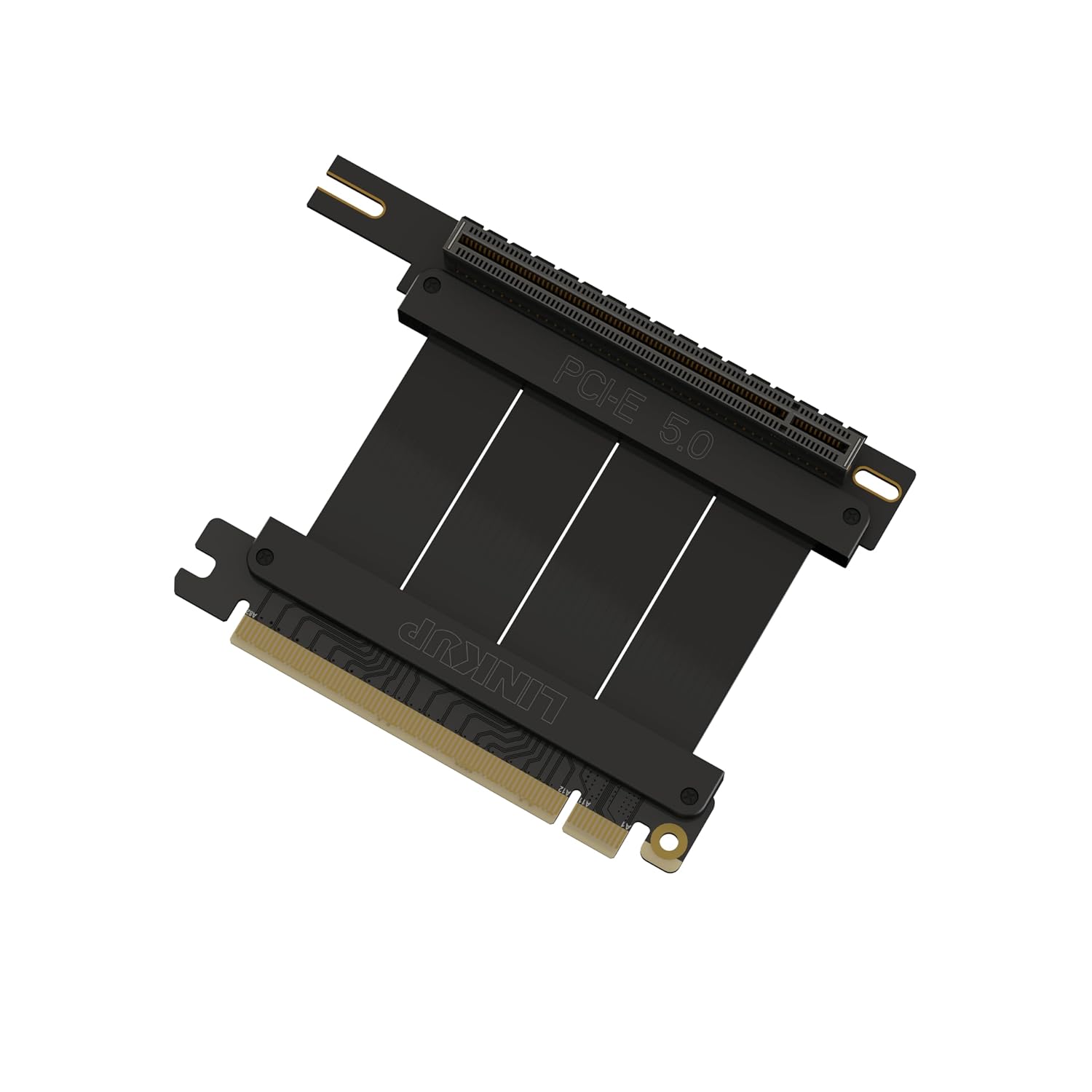
To get past this I bought two of the M.2 to Oculink with Redriver based on good things other’s had stated here M.2 to Oculink NVME Adapter PCIE4.0, although others have been using the same adapter with different outputs but I need the lower profile of the OcuLink cables to get them sandwhiched in the stack. I’ve also bought a few other passive M.2 to OcuLink adapters to test but without good confidence given the WHEA error reports I’ve seen in this same thread and others for passive variants. I also bought a 50cm cable from MicroSATA cables as well as a 25cm active cable from LINKUP, also from good feedback.
The area I haven’t been clear on is going back to M.2 from OcuLINK. The only adapter I seem to be able to find for this is one: Oculink to M.2 Adapter, but this whole setup has not seemed to work whatsoever. No detection on the motherboard or with my enclosure for my testing (X670E-I board by the way, so consumer and no in-built re-driver settings I am aware of).
Kind of running out of ideas to make this work at the moment. My next plan would be to use the output of both M.2 Redrivers and couple them from 4i OcuLink into an 8i OcuLink or 8i U.2 for which there exist some 8i OcuLink or 8i U.2 to M.2 adapter boards on MicroSATACables – these are clearly different as they appear to require power which seems like a positive.
You’re in uncharted territory and essentially playing the same game as many of us here: buying a bunch of stuff that sounds like should work but ends up failing for one reason or another.
You’re probably a victim of signal loss, redriver or not. The Evo 970 is PCIE3, whereas I’m guessing the others you’re trying are PCIE4? Down-negotiating in case of a bad link is not always a given. (In fact it’s usually not a thing, even when it should be.) The 970 tries PCIE3 and succeeds; the others try PCIE4, fail, and then just give up.
Redrivers are fine, but they can only do so much:
Going through so many connectors with PCIE4 speeds, especially when they’re probably of questionable quality even when new (and they degrade with every insertion) is probably not helping.
Try using PCIE3 drives if you can. There are cheap old-gen Optanes out there that are still fantastic. (905, 4800, etc.) They won’t win any benchmarks but they have extremely low latency so your T1Q1 reads (which is most of what you do on a desktop) are super fast, on par with the current fancy stuff from pretty much anyone. They don’t come in M.2 though, only 2.5". (The M.2 Optanes are trash; they were meant for consumers and have a tiny Optane cache coupled with big slow flash.)
Thanks for the information. I figured this was the likely case but was probing for anyone else that might have more experience than I have figured out so far.
Definitely understand the insertion loss, no expectations there. In fact I am certain I have more than typical insertion loss because of not only what I am trying to do but because the M.2’s are in a structure supported by daughter boards already.
I would try PCIE3 devices, its not about speed honestly but I already spent around $1k on the drives. I am hoping to spend my way out of this problem within a few $100 but seems like open water haha.
Strange thing with the ADT Link adapters is those actually seem to work fine for quite a while and well; I am not sure why the stop working and won’t even detect the PCIE4 drives after a while but it does the PCIE3.
With the adapters and cables currently “known” to be available your project sounds like a world of pain if you want to get PCIe Gen4 or Gen5 SSDs to reliably work, I could see Gen3 SSDs working without PCIe Bus Errors.
Would it be somehow possible to use U.2 2.5" NVMe SSDs in your SFF build? M.2 makes it more complicated since here adapters are less widespread (I wouldn’t recommend adapting M.2 to U.2 and then use additional cables and adapters, each connector and plug connection in series will make it harder).
You should/might be able to tell the motherboard bios to set the link speed for connected devices. Also, see if there are any updates for anything with firmware (motherboard, SSD, etc…). On some boards you can tinker with settings pertaining to how sensitive/ strong the signal is for PCIe.
Some other things to try & thoughts to ponder…:
-Drop everything into the PCIe x16 if you can.
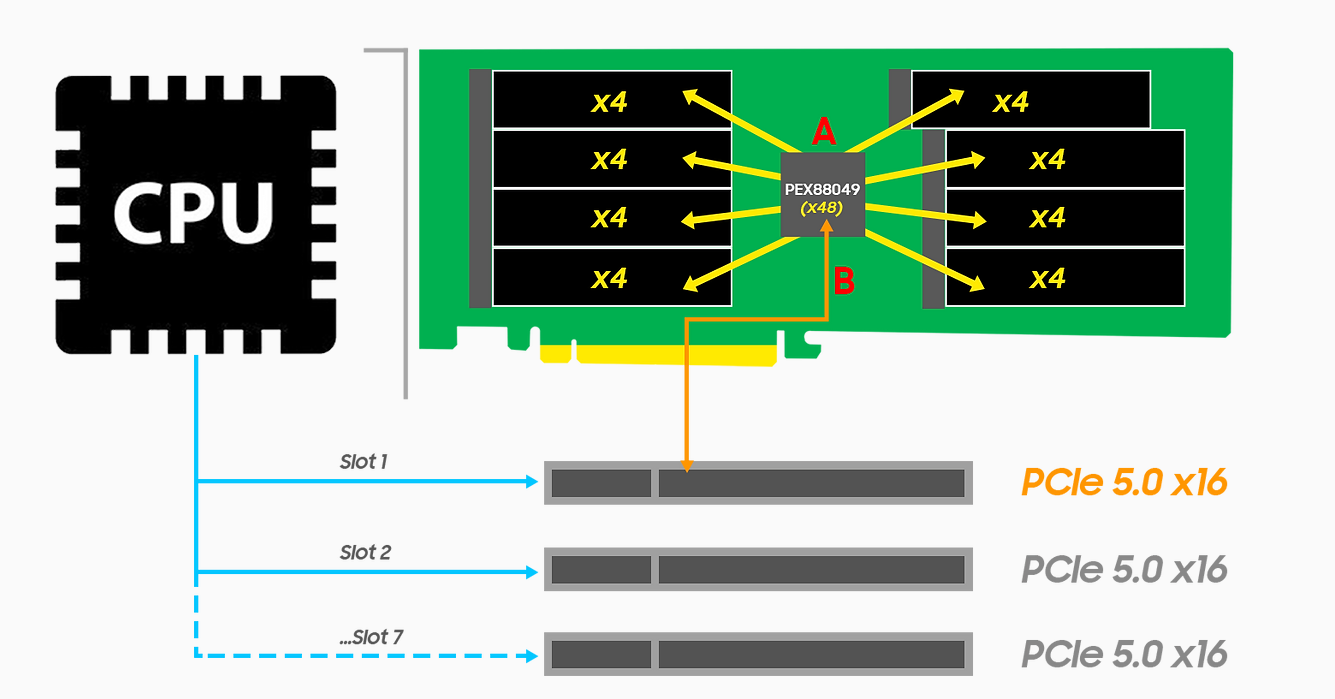
-Make use of a PCIe switch (are you after speed or capacity?).
-Run a fan on top of the SSD stack as is.
-Grab some M.2 to MCIO/SlimSAS adapters, some appropriate cables, and some MCIO/SlimSAS to M.2 or U.2 to m.2 adapters (be aware of @aBav.Normie-Pleb’s input - more connections == worse)
-Go with a different form-factor? (There are some server grade motherboards with consumer sockets (E.g. LGA1700/AM4/AM5) that will happily spit out MiniSAS etc…)
Cool, how’s it been running for you? I’ve spent the past few days caching up on this thread for an entry level file server build I’m specing out and, while I’d arrived at ASM1166 M.2s independently, their reliability concerns me. Absent any better data source, I went through United States Amazon reviews. ASMedia based HBAs have 8–15% one star ratings, mostly due to hardware failure, and drives were lost in ~7.5% of those. This includes PCIe implementations with larger heatsinks than fit on M.2.
So I’ve been thinking maybe I should test a HighPoint Rocket 720L and step up through an Adaptec HBA 1100-8i and Areca ARC-1330-8i if things don’t work. Adaptec and Areca’s sales structures suppress review information and older HighPoint RocketRAIDs are like 20% one star. Seems to be a lack of HighPoint 700 series data, though, and the worst HighPoint hardware failures I’ve found described are overtemperature shutdowns under normal workloads (possibly poor airflow rather than an adapter fault).
FWIW, I saw numerous complaints of failures after a few weeks to a few months. Nobody mentioned temperatures, airflow, cable geometry, or workload rates, though, so I think if you get those SSDs freed up steady state heatsink temperatures under the max transfer rate ASM1166s can sustain will be the best data (hopefully 1.7 GB/s with three drives each, though I’m guessing that’s optimistic).
Quite curious what results you get because it’d be really nice if this is a performant and reliable arrangement. Just a guess, but I have a feeling it might turn out to be a dedicated fan onto the card plus workload rate limit kind of situation instead.
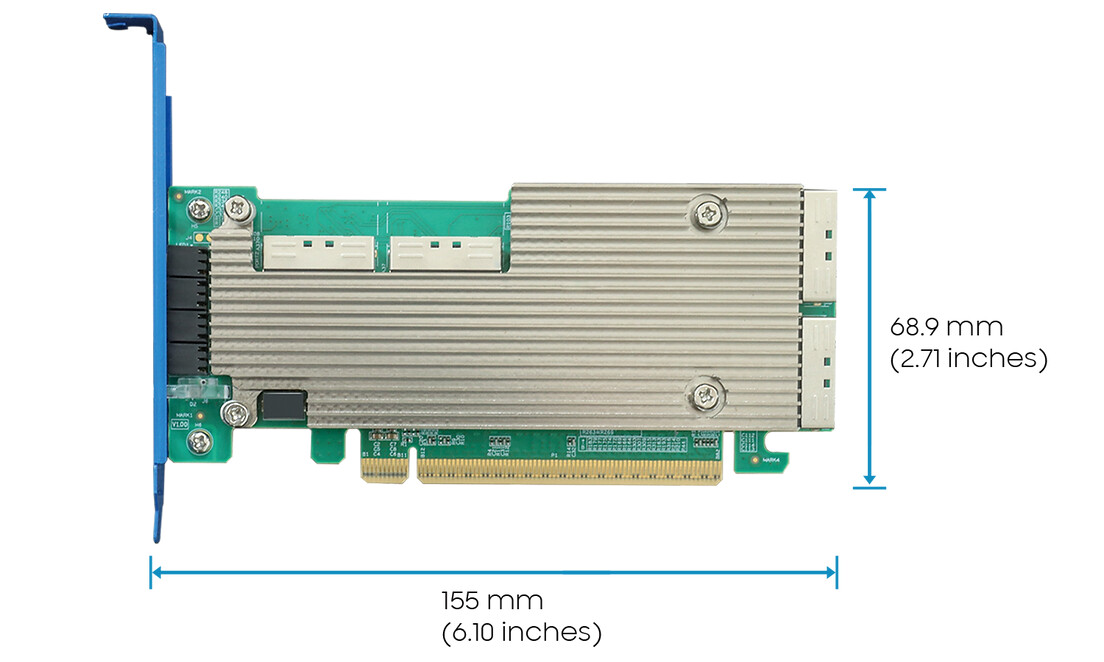
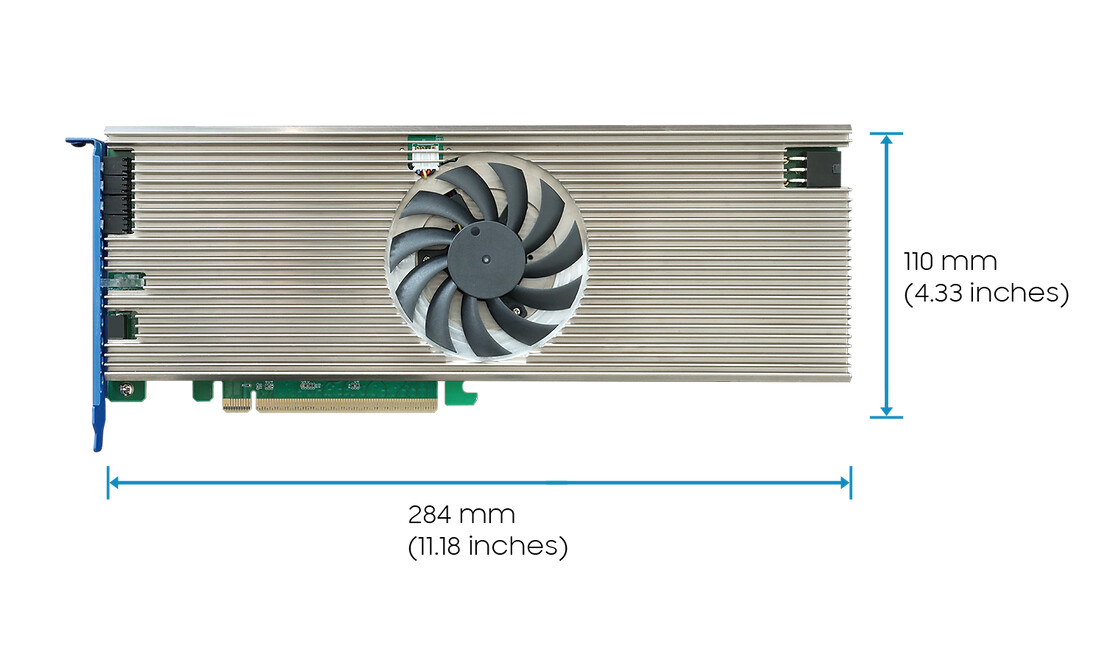
They seem like they’d be good in a physical PCIe × 16 slot that’s electrically PCIe 5.0 × 8 for 8 × PCIe 3.0 × 4 SSDs. The additional information hidden in the pop-ups further down the page mentions “can support as many as 32 NVMe devices via backplane connectivity via a single PCIe 5.0 x16 slot.” I hope there is a tool for direct connections like Adaptec…